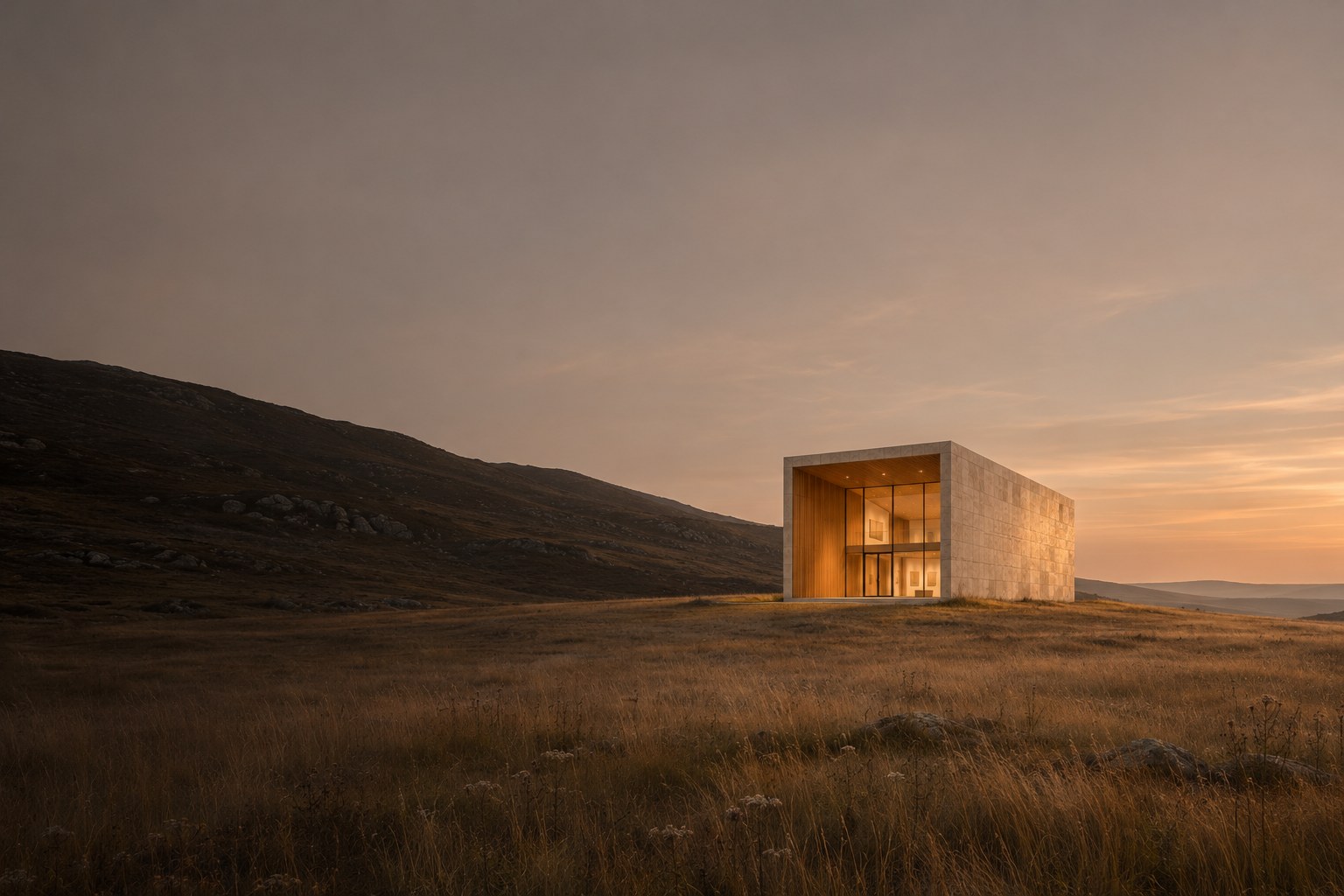

Photoreal rendering in SketchUp, Revit, Rhino, 3ds Max, Cinema 4D, Maya, Houdini, Nuke and Unreal on one subscription.
Solo and Premium are available here, with Collection by enquiry. Solo is a named licence linked to your Chaos sign-in. Premium adds a shared floating licence, a larger asset and material library, and five times the monthly Chaos AI credits. Solo and Premium include new versions released during your term.
Professional CAD Systems is an official Chaos distributor in NZ. Buy V-Ray from us and you get local advice on picking the right edition, one NZD invoice with GST handled properly, and NZ-hours support when a render won't behave.
What's new
V-Ray 7Update 5, November 2026The latest V-Ray 7 update
V-Ray 7, Update 5 brings AI deeper into V-Ray for SketchUp, Rhino and 3ds Max, with an in-app assistant, AI agent connections and AMD GPU rendering.
- SketchUp, Rhino and 3ds Max
AI Assistant
Get guidance inside V-Ray, match lighting to a reference image with Sky Match, find relevant Cosmos assets and get feedback on your renders with Render Critique.
- SketchUp and Rhino
Connect AI agents with MCP
Connect compatible AI assistants such as ChatGPT and Claude to V-Ray, Chaos Cosmos and Anima to inspect scenes, adjust supported settings, find and place assets and automate repetitive tasks.
- SketchUp, Rhino and 3ds Max
AI asset generation and image search
Upload a reference image to find visually similar Cosmos models and materials, or turn an image into a usable 3D model.
- SketchUp, Rhino and 3ds Max
AMD GPU rendering
V-Ray GPU now renders on compatible AMD graphics cards through the HIP platform.
One licence for all supported applications
 SketchUp
 3ds Max
 Cinema 4D
 Houdini
 Maya
 Revit
 Rhino
 Nuke
 Unreal
 Blender
Award-winning realism, down to the details
V-Ray's physically based lighting, materials and cameras have earned an Emmy and an Academy Award. It is what you reach for when the image has to hold up: client presentations, resource consent visuals, marketing renders.
 Interactive rendering
See changes as you make them.
 Production rendering
Take the final frame as far as you need.

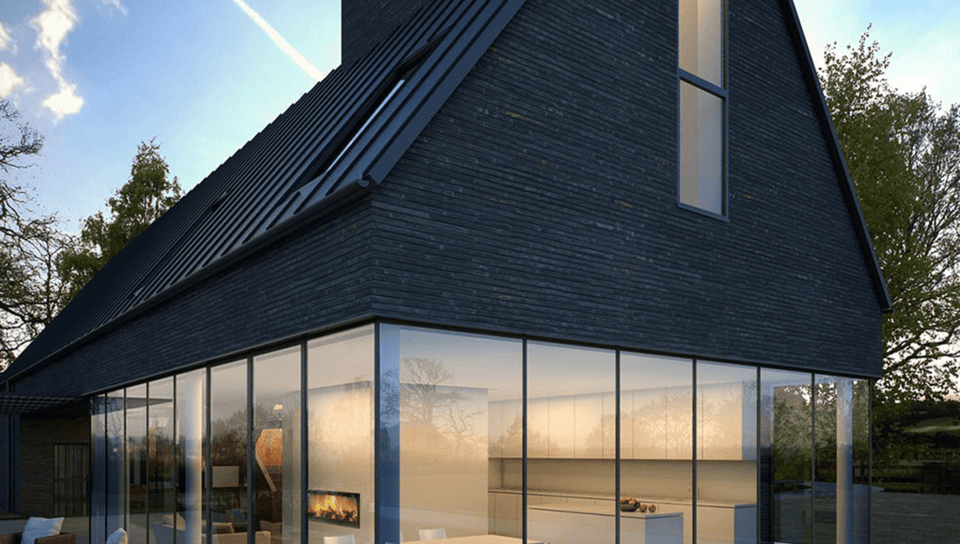
CPU, GPU and cloud rendering
Dense geometry, huge scenes, tight deadlines: V-Ray renders on CPU, GPU or both together, spreads jobs across machines, and can hand the whole render to Chaos Cloud while you keep working.
AI rendering tools
Veras ideation, AI-enhanced detail, upscaling and PBR material generation are built into the subscription and draw on your monthly Chaos credits: 100 on Solo, 500 on Premium.


One scene, every output
The same lighting setup scales from a hero still to walkthrough animations and 360° panoramas. Need real-time exploration or crowd animation? Ask us about the V-Ray Collection tier.
What V-Ray users say
V-Ray is fast and reliable and can handle anything you throw at it.
V-Ray is rock solid, no matter what you apply it to.
Plans and pricing
Choose your V-Ray edition
Students and teachers can view V-Ray education pricing. See education pricing . Buying for a team or renewing? Talk to us .
V-Ray FAQs
What is the difference between Solo and Premium?
Both are full V-Ray. Solo is a named licence; Premium adds a floating licence your team can share, a bigger asset and material library, and five times the monthly AI credits.
Which applications does it work with?
SketchUp, Revit, Rhino, 3ds Max, Cinema 4D, Maya, Houdini, Nuke, Unreal and Blender. One subscription covers all of them.
I use SketchUp Studio. Do I already have V-Ray?
Yes. SketchUp Studio includes V-Ray for SketchUp. If SketchUp is your only host app, Studio may cover you; a standalone V-Ray subscription is for rendering across other applications too. See SketchUp Studio, or talk to us and we will help you pick.
How long does it take to learn V-Ray?
The fundamentals come quickly: interactive rendering gives instant feedback while you learn, and every plan includes learning resources, including a six-part archviz deep-dive course. Most users produce presentable images within their first week.
Is there a free trial?
Yes. V-Ray has a 30-day free trial with full features, so you can test it on a real project before deciding.
Does the subscription renew automatically?
Yes, annually when paid by card. You can cancel any time before the renewal date from your account and keep rendering until the period ends.
V-Ray or Enscape, which one do I want?
Enscape is the real-time design companion, giving instant feedback while you model. V-Ray is the production renderer, with maximum realism and control for final images. Plenty of NZ practices run both. Talk to us and we will help you pick.
Can I use it on more than one computer?
Solo is a named licence: install anywhere and it follows your Chaos sign-in, one active session at a time. Premium can be a floating licence shared across the team, one user per seat at a time.
Is this V-Ray for SketchUp?
Yes. A V-Ray subscription includes V-Ray for SketchUp, along with every other supported host app. The old SketchUp-only licence is no longer sold; the universal subscription replaced it, and existing SketchUp-only subscriptions simply keep renewing.
Learning
Learn V-Ray
Help docs and courses
Official documentation and structured learning for every V-Ray host application.
Chaos forums
Ask questions and swap techniques with the worldwide V-Ray community.
Chaos blog
Artist interviews, feature deep dives and archviz workflow articles.
Go further with V-Ray
Extend V-Ray with scanned materials, or work with our team on a finished visualisation.