Use your USB dongle licences alongside online licences in the Chaos licensing system.
Overview
You can use seats linked to your Chaos account anywhere you can sign in over the internet. If a USB licence dongle is connected to your workstation or server, you can also use its available licences through the Chaos License Server.
The system may take a little time to detect a dongle after you plug it in. If it does not recognise the dongle, try disabling and re-enabling the dongle subsystem.
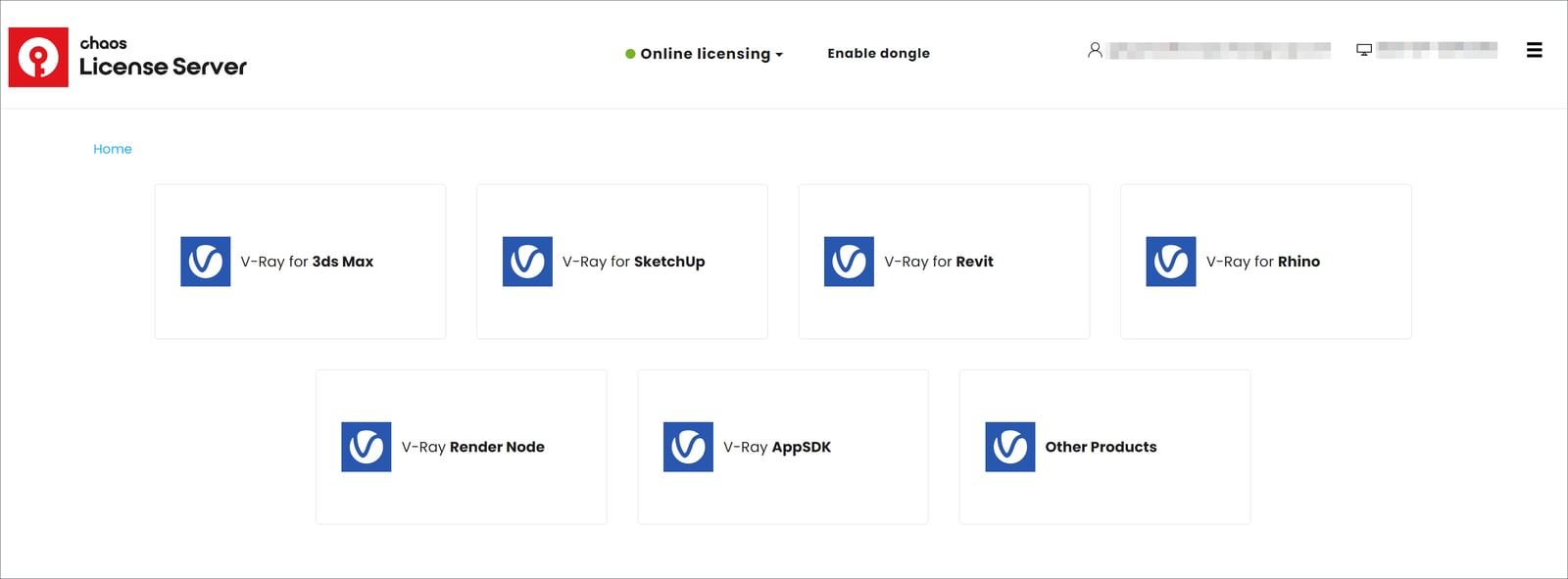
Updating the Chaos License Server
When you update from the previous licensing setup to the online system, you do not need to change your workstation or application settings. The online system replaces the existing dongle functionality without extra steps. You do not need to reconfigure your setup with the Change License Settings application. If you have purchased online licences, you can activate them in the new system straight away.

Enabling your dongle licences
Click Enable dongle to enable your USB dongle.

Once you enable your USB dongle, you can see its information.

If you need to upgrade your dongle, click Upgrade and follow the instructions on the Dongle Reprogramming page.
Troubleshooting your dongle licence
If your V-Ray licence dongle is not working, see the Troubleshooting page for common issues.