Chaos Licensing
Named Licenses
This page guides users who have opted for Chaos plans with a named license.
Last updated 20 January 2026
This page guides users who have opted for Chaos plans with a named license.
If you don’t own a Chaos license yet, you can browse our product catalog.
What are Named Licenses
Named licenses are dedicated personal licenses. They are ideal for individual users or team users who need full-time access to their Chaos products.
You can use your Chaos product with a named license on any device by logging in with your Chaos account.
You can manage your Chaos license and account from the My Chaos portal. See the My Chaos Portal Guide page for details.
Named licenses are also useful for teams where users need dedicated access to the software. In this case, each license must be assigned to the user who will use the product. See the License Management for Organization Admins page for details.
Previously Enscape Fixed, V-Ray Solo and Corona Solo were sold under a fixed seat license. Chaos is retiring the fixed-to-one-computer license type and replacing it with named user licensing.
This new model allows users to log in and access their Chaos products from any device. You can learn more about Chaos license types here.
Activating the License
Run the Chaos installer with all the default installation options.
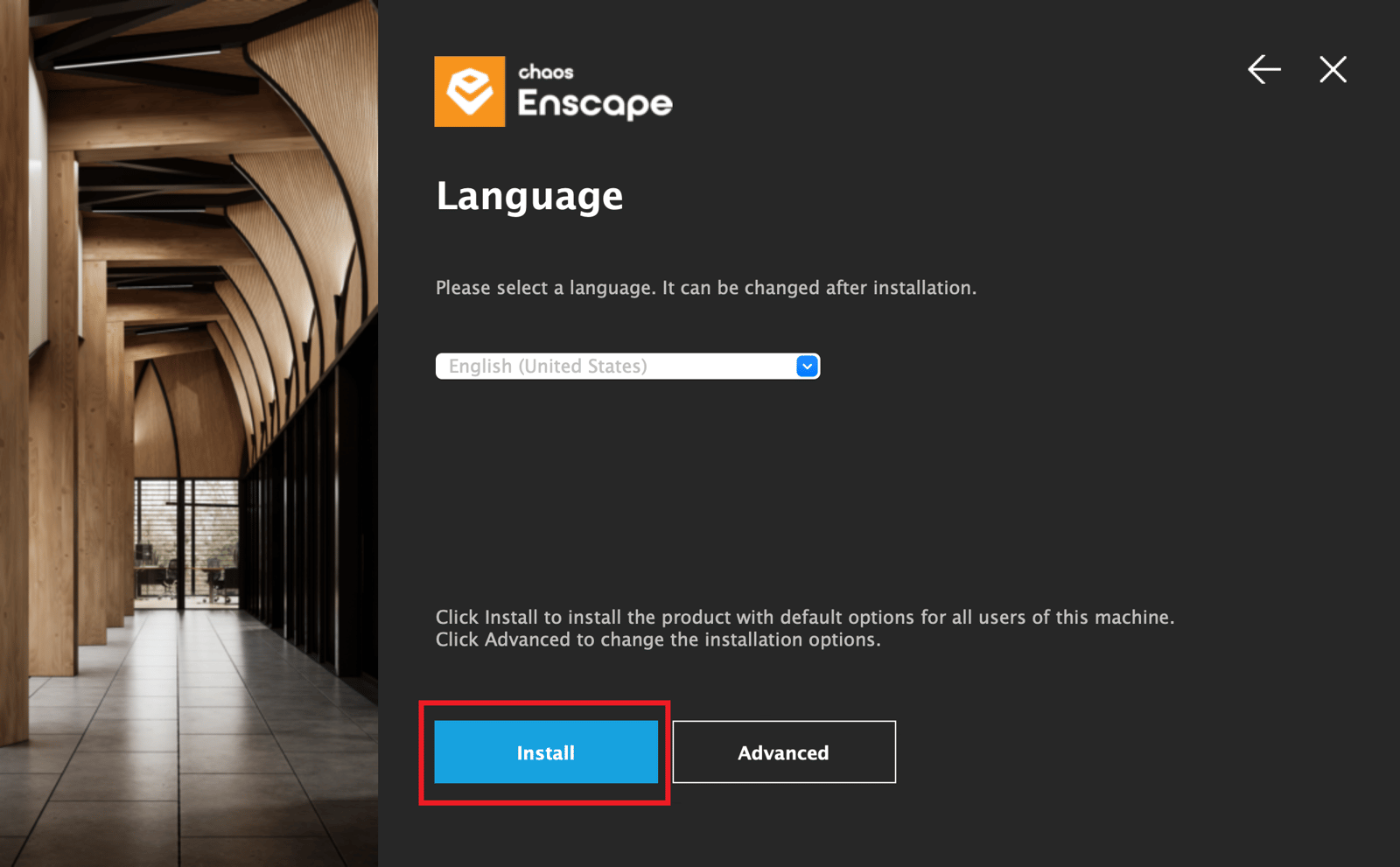
Install your Chaos product with the default installation options
Your Chaos product will ask you to log in when this is required to activate the product.
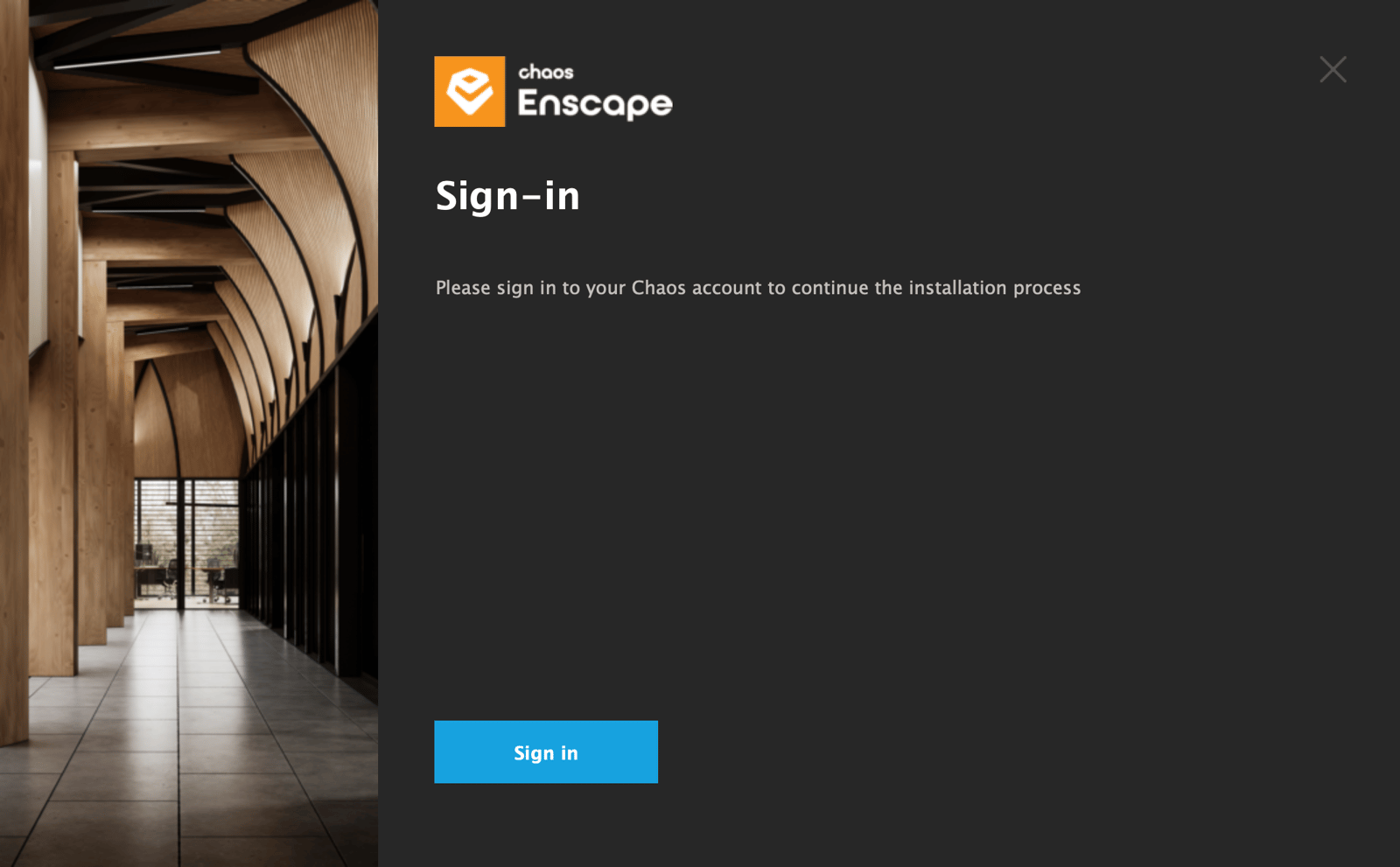
Example: Sign in at the end of installation
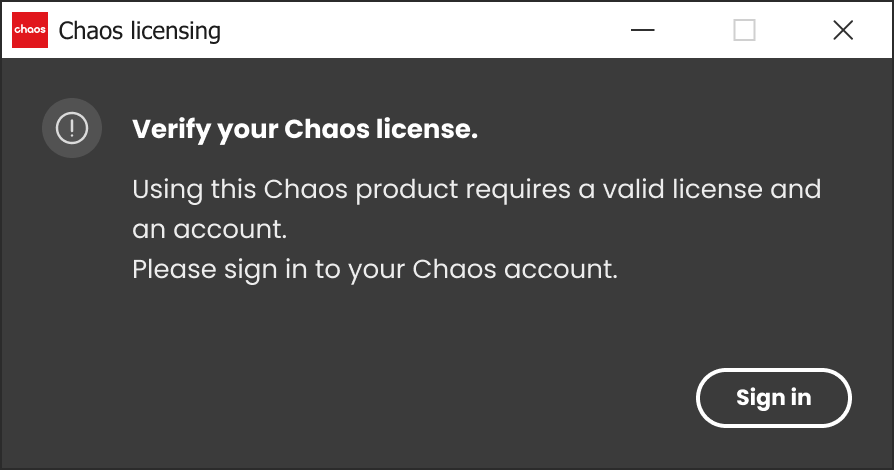
Example: Sign in required in the product
- Enter your Chaos credentials.

Chaos Single Sign-On Page
- You can close the login page after seeing the confirmation for a successful login.
- You can now start using your Chaos product.
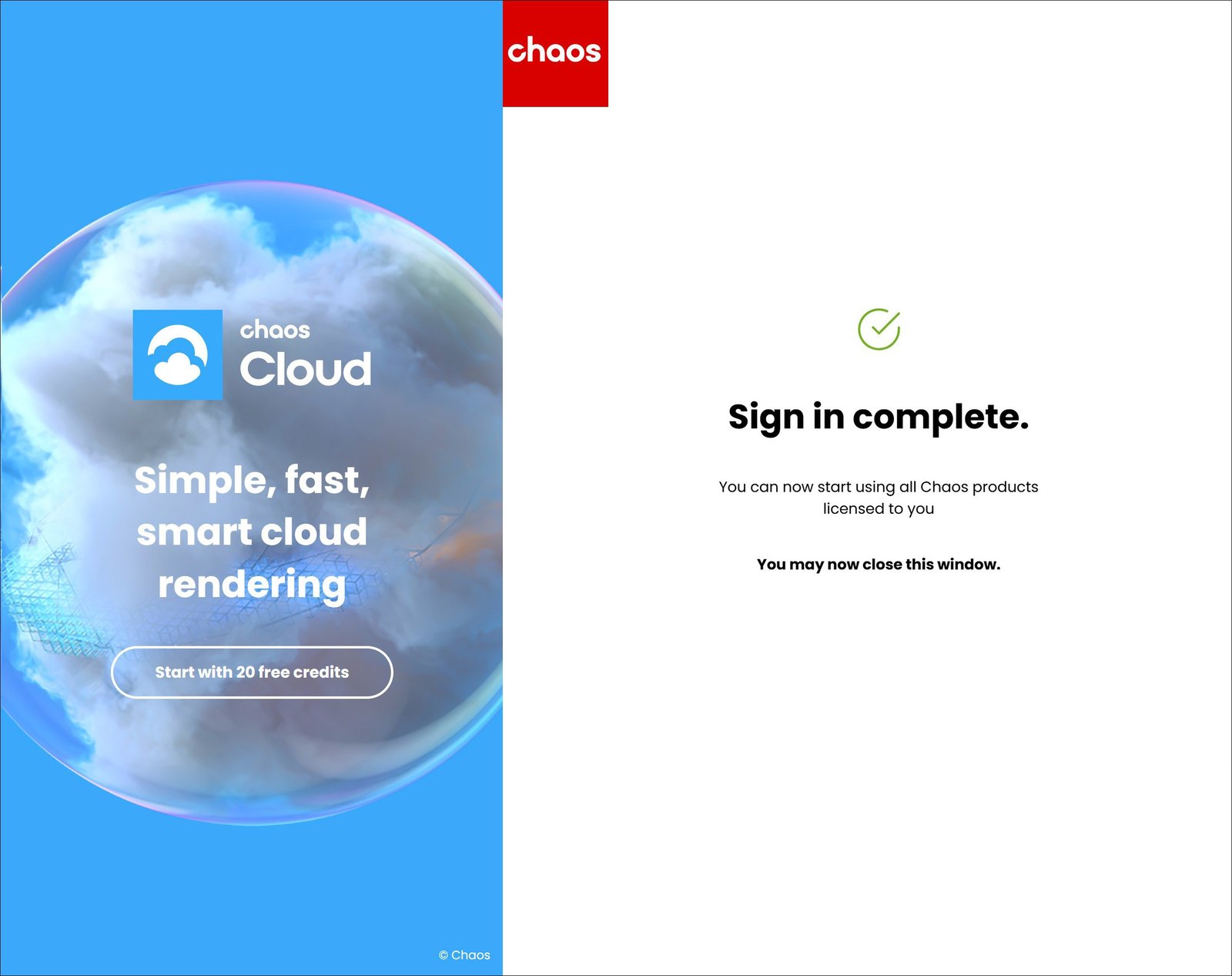
Sign in confirmation
Re-configuring your License
If you have upgraded your Chaos License plan, or if you misconfigured your license settings, here is how you can re-configure your Chaos license setup:
- One option is to use the change your Chaos product's license setup. See the Changing the Product License Setup page for mode details.
- Alternatively, you can re-install your current Chaos product. At the Licensing step of the installation, you can change your license settings according your Chaos License plan. See the Installing the Product for Network Floating Licensing page for details.
Notes
If you are using V-Ray version 7.0 or earlier, the activation of your license is part of the installation process. At the end of the installation you are prompted to sign in with your Chaos account in the web browser.