Corona for 3ds Max
Chaos Scatter Surface Color Map
This page provides information on the Chaos Scatter Surface Color Map, its settings and usage.
Last updated 9 January 2026
This page provides information on the Chaos Scatter Surface Color Map, its settings and usage.
Overview
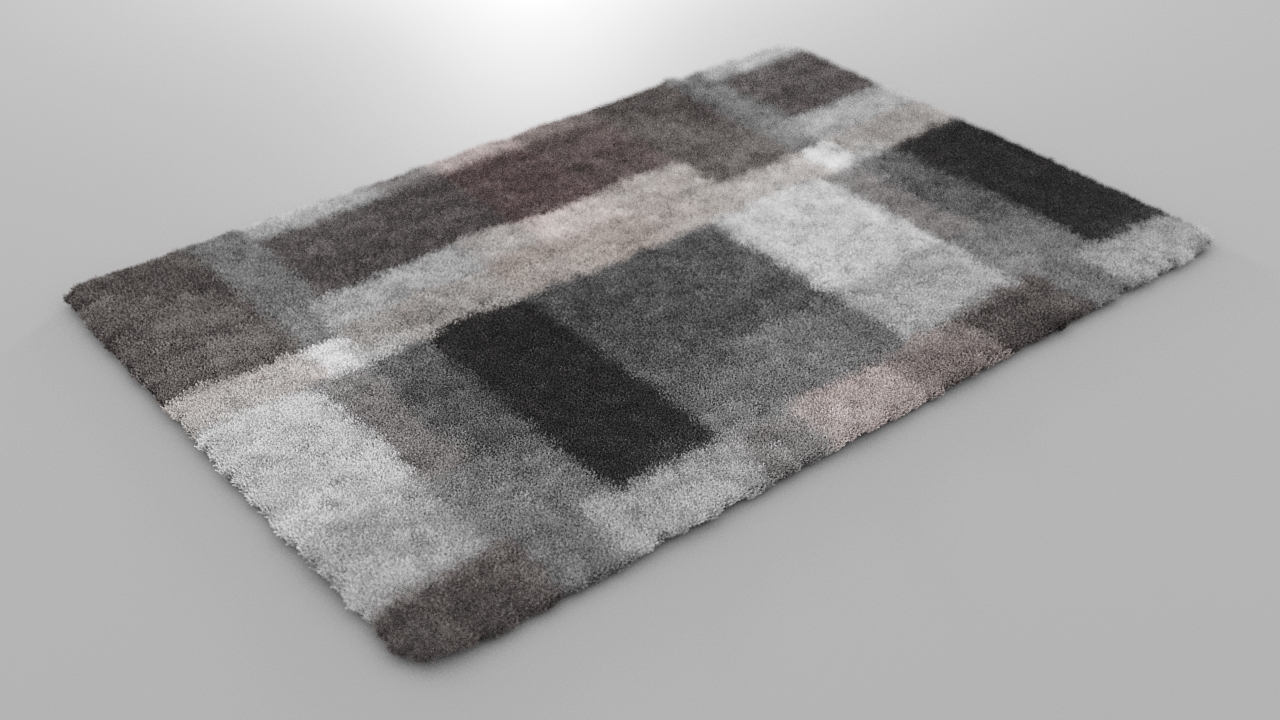
Sometimes you may want to color the scattered instances based on the texture of the underlying distribute-on object. A typical example of this is scattering strands on a carpet so that each strand gets the color of the underlying carpet surface. With Chaos Scatter this is perfectly possible thanks to the Surface Color Map.
This map will automatically take the diffuse color of the Chaos Scatter distribute-on object and will pass it to the instances which are scattered on it. The map itself takes only the distribute-on diffuse color, but it can be applied to any material property of the scattered instance (e.g. roughness, opacity, self-illumination, or any other).
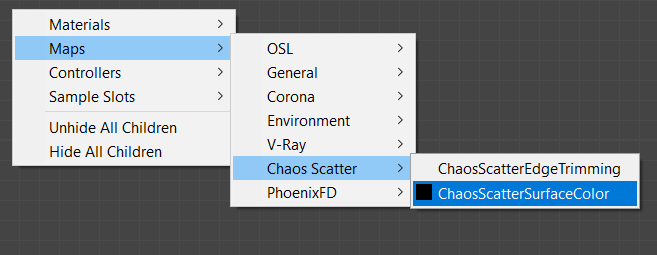
UI Path: || Node Material Editor ||> Right Click> Maps> Chaos Scatter> Chaos Scatter Surface Color
Chaos Scatter Surface Color Map Properties
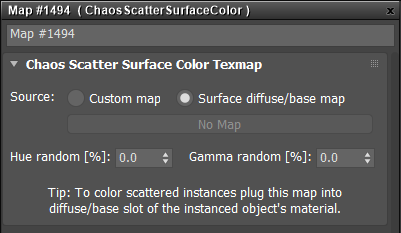
Custom Map – Allows loading a custom surface color map.
Surface Diffuse/Base Map – Gets the map from a diffuse/base material.
Hue Random – Controls randomization of the resulting color hue. The value specifies the maximal distance from the original hue ( in the range of 0-100%), where 0% disables randomization and 100% applies maximal hue randomization.
Gamma Random – Adds additional randomization of mid tones (gamma) to the result (in a range of 0-100%), where 0% disables randomization and 100% applies maximal reasonable gamma randomization.
Example
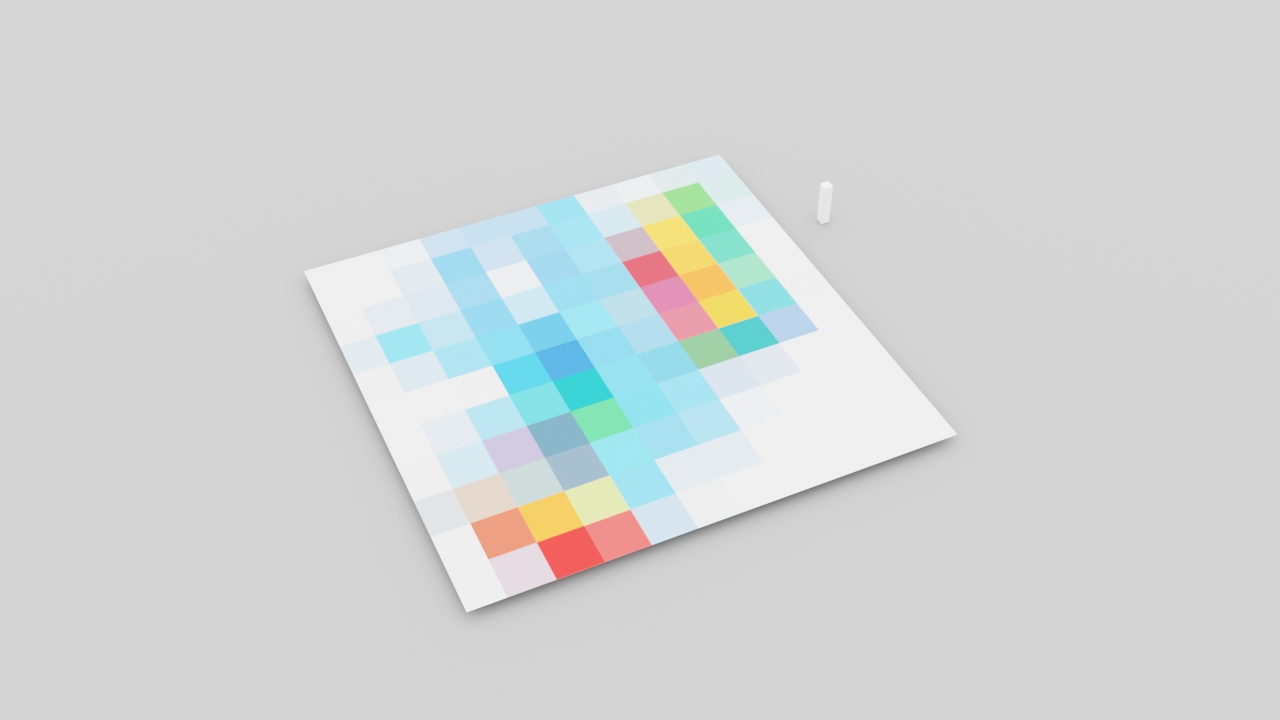
The objects we will be using are a plane with a colorful pattern (as the distribute-on object) and a box (as the scattered instance):
A Surface Color map is created in the material editor and plugged into the box object's base diffuse color slot:

The scattering is enabled and as a result, each scattered box is colored based on the underlying texture:
