Corona for Cinema 4D
Corona Edge Shader
This page provides information on the Corona Edge Shader, its settings, and usage.
Last updated 1 September 2026
This page provides information on the Corona Edge Shader, its settings, and usage.
Overview
Corona Edge Shader lets you have a gradient-like texture around the open edges (borders) of geometry.
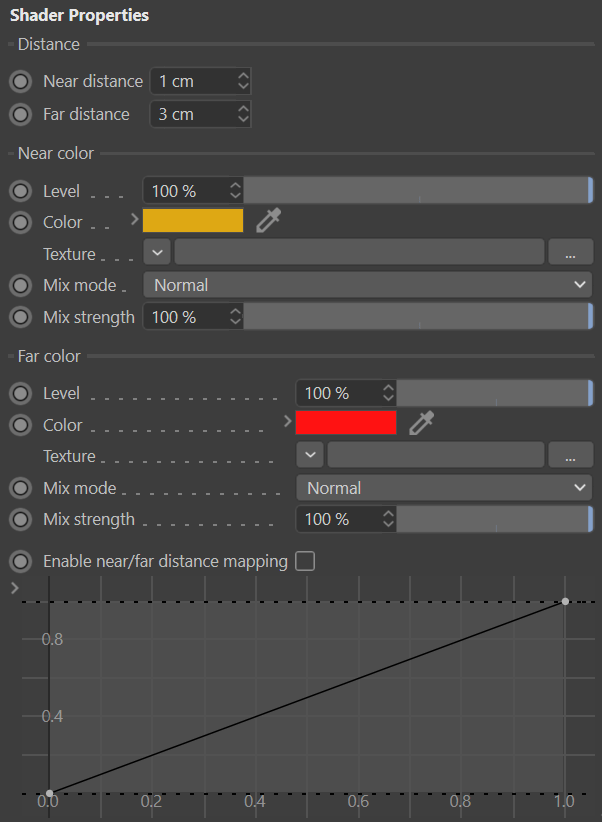
Distance
Near distance - Controls the width from the edge until the start of the gradient.
Far distance - Controls the width from the edge until the end of the gradient.





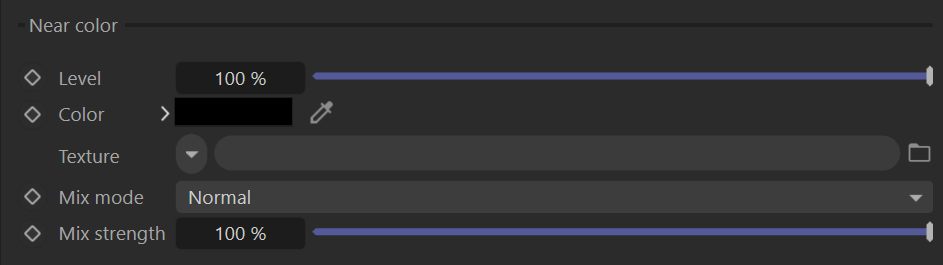
Near color
Level - Determines the edge's color strength.
Color - Controls the color spanning from the actual edge (border) until "Near distance".
Texture - Overrides the near color slot with the use of a shader.
Mix mode - Controls the blending mode between the color and the texture slot.
Mix strength - Determines the mixing strength of the color and the texture slots.
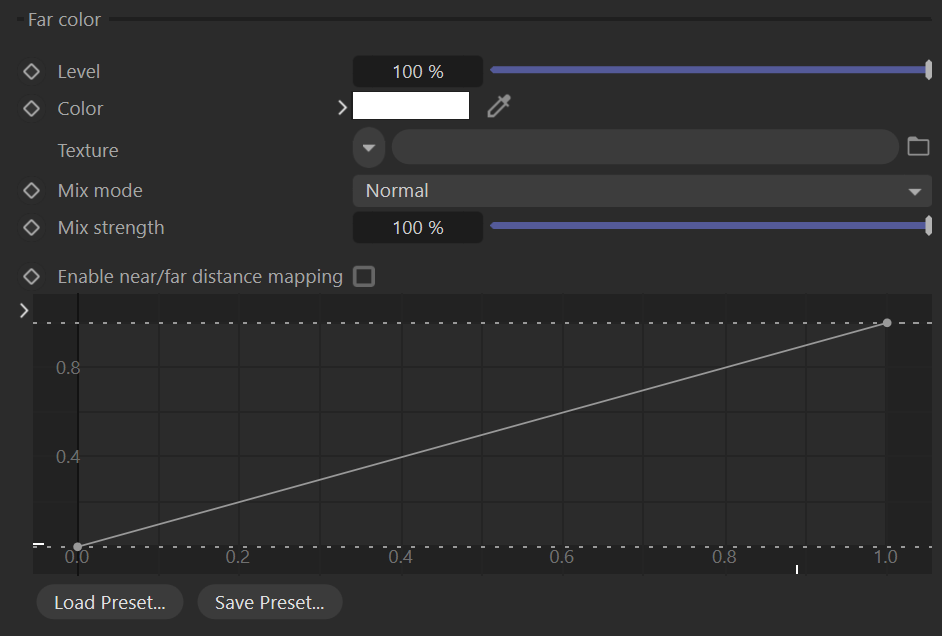
Far color
Level - Determines the edge's color strength.
Color - Controls the color spanning from the actual edge (border) until "Far distance".
Texture - Overrides the far color slot with the use of a shader.
Mix mode - Controls the blending mode between the color and the texture slot.
Mix strength - Determines the mixing strength of the color and the texture slots.
Enable near/far distance mapping - Controls the gradient interpolation between near and far distances.
Examples
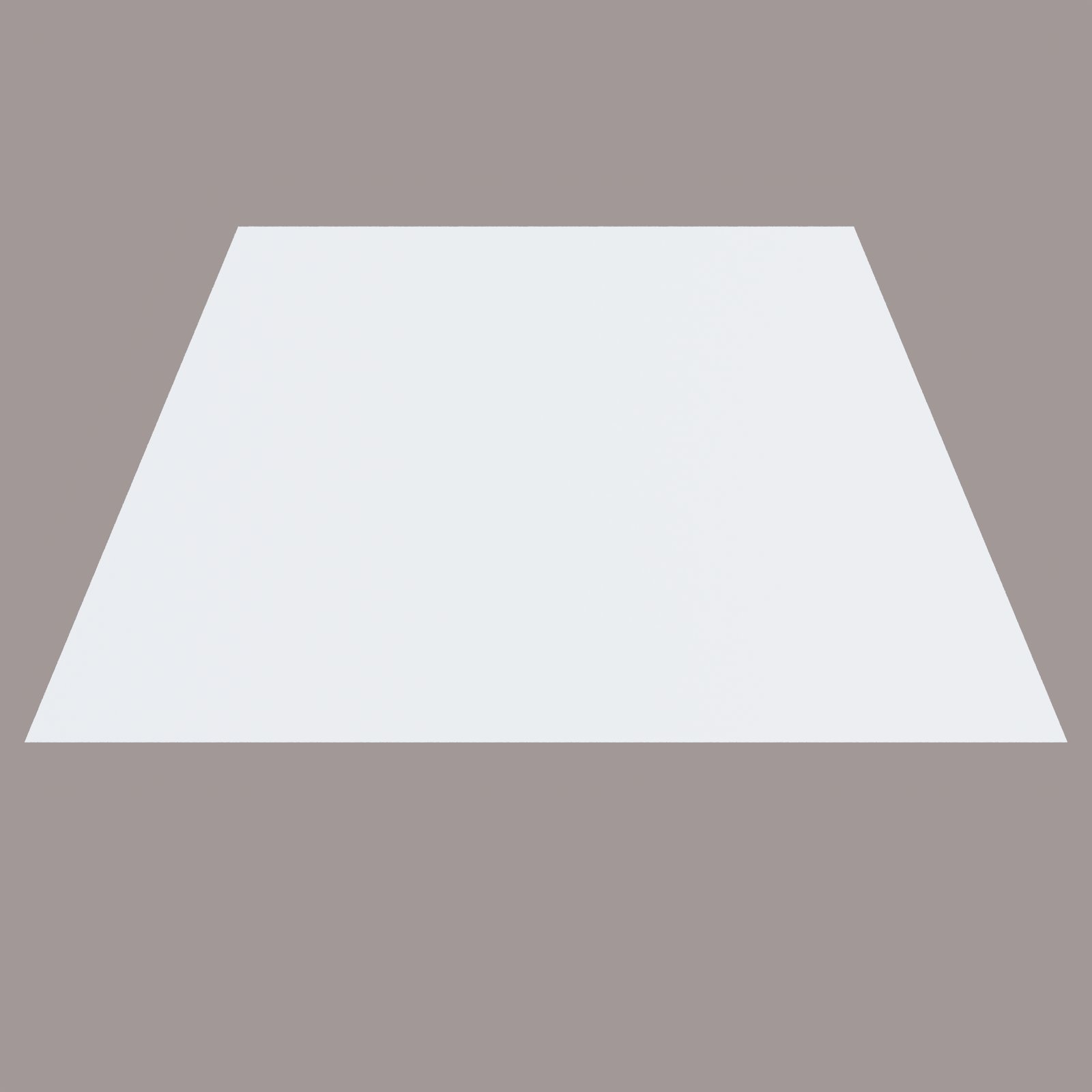
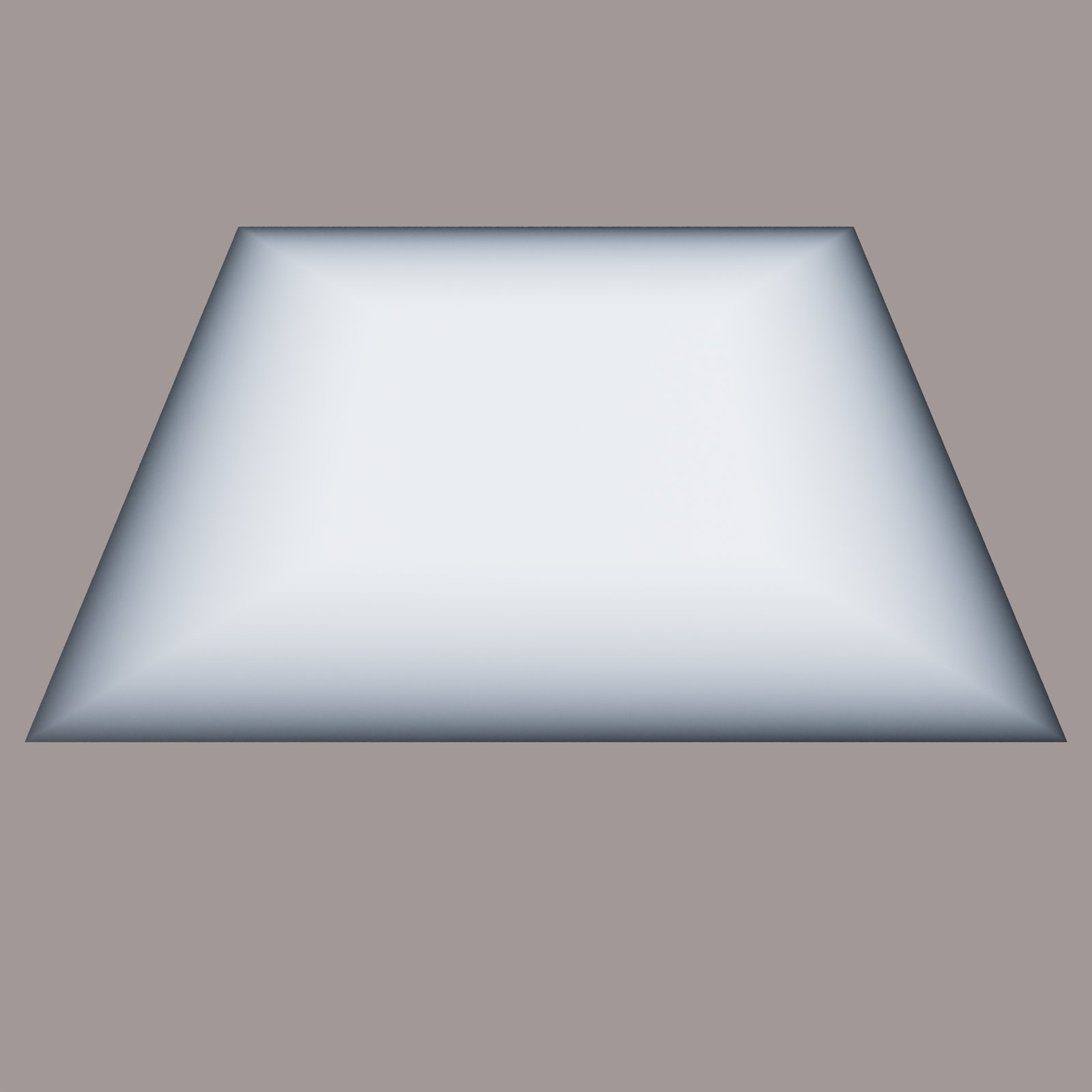
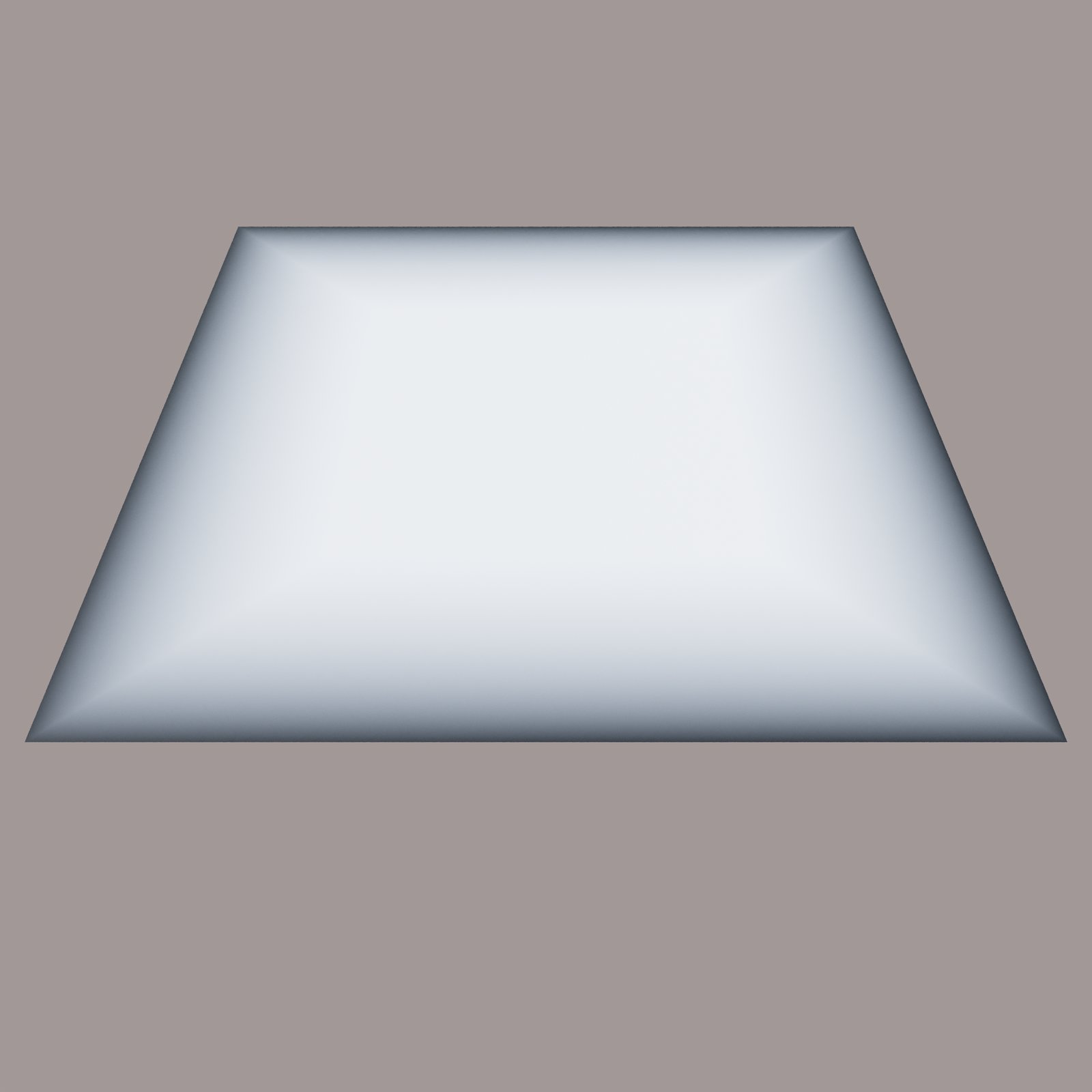
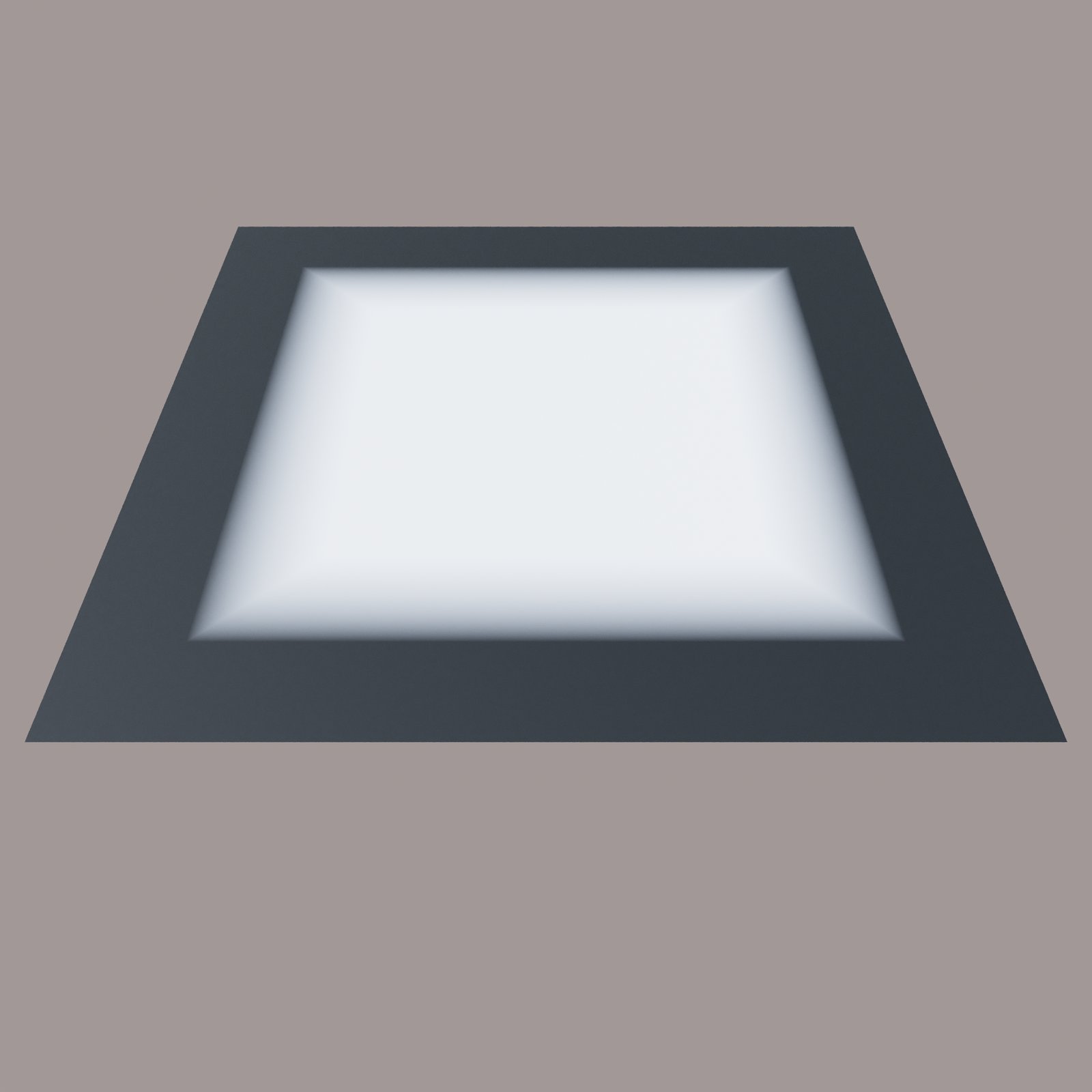
Corona Edge Shader used to adjust the opacity and colors of the edges of the map object: