Corona for Cinema 4D
Corona Normal Shader
This article explains the settings and values for the Corona Normal shader in Cinema 4D.
Last updated 1 September 2026
This article explains the settings and values for the Corona Normal shader in Cinema 4D.
Overview
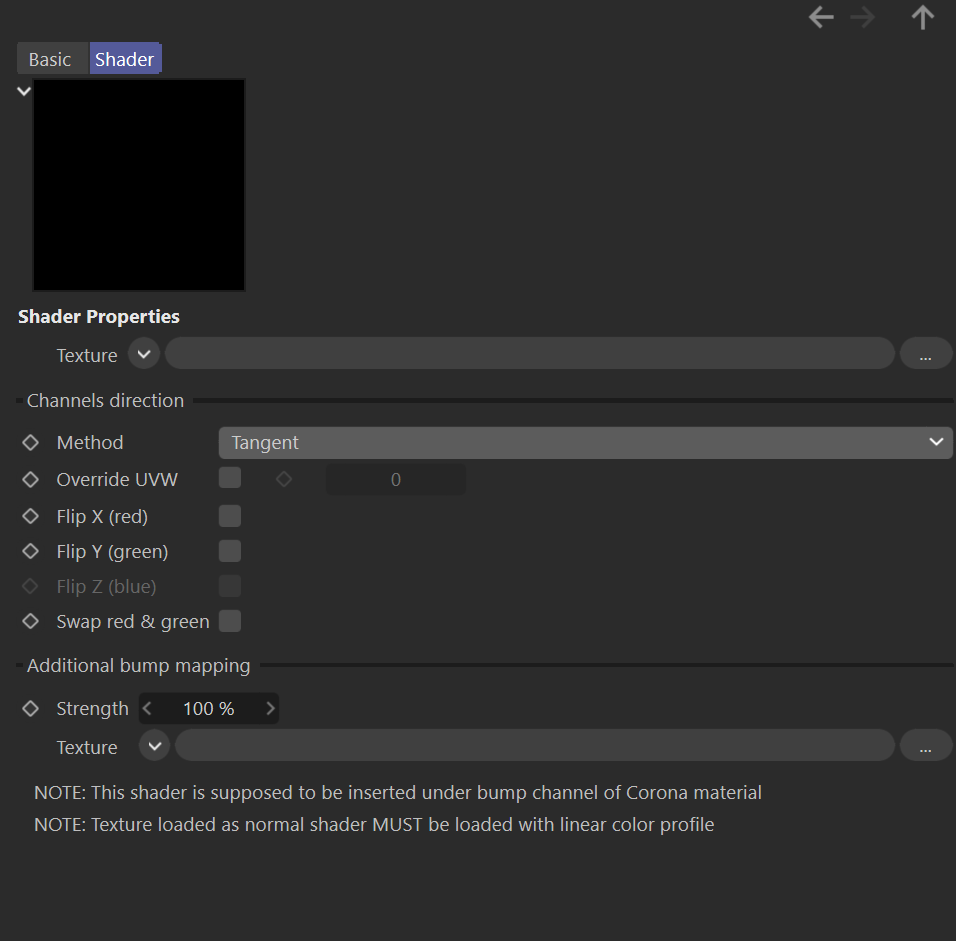
The Corona Normal is a shader that can be used to load Normal maps that can provide additional fine details to the material surface.
Channels direction
Texture – This slot defines the texture map or shader that will be used to calculate the Normal bump.
Method – These are the different methods to calculate the Normal bump.
Override UVW – This option allows you to use a different UVW channel for the Normal bump.
Flip X (red) – When enabled, this checkbox inverts the side for the X axis for the Normal bump.
Flip Y (green) – When enabled, this checkbox inverts the side for the Y axis for the Normal bump.
Flip Z (blue) – When enabled, this checkbox inverts the side for the Z axis for the Normal bump.
Swap red & green – When enabled, this checkbox swaps the X and Y axis for the Normal bump


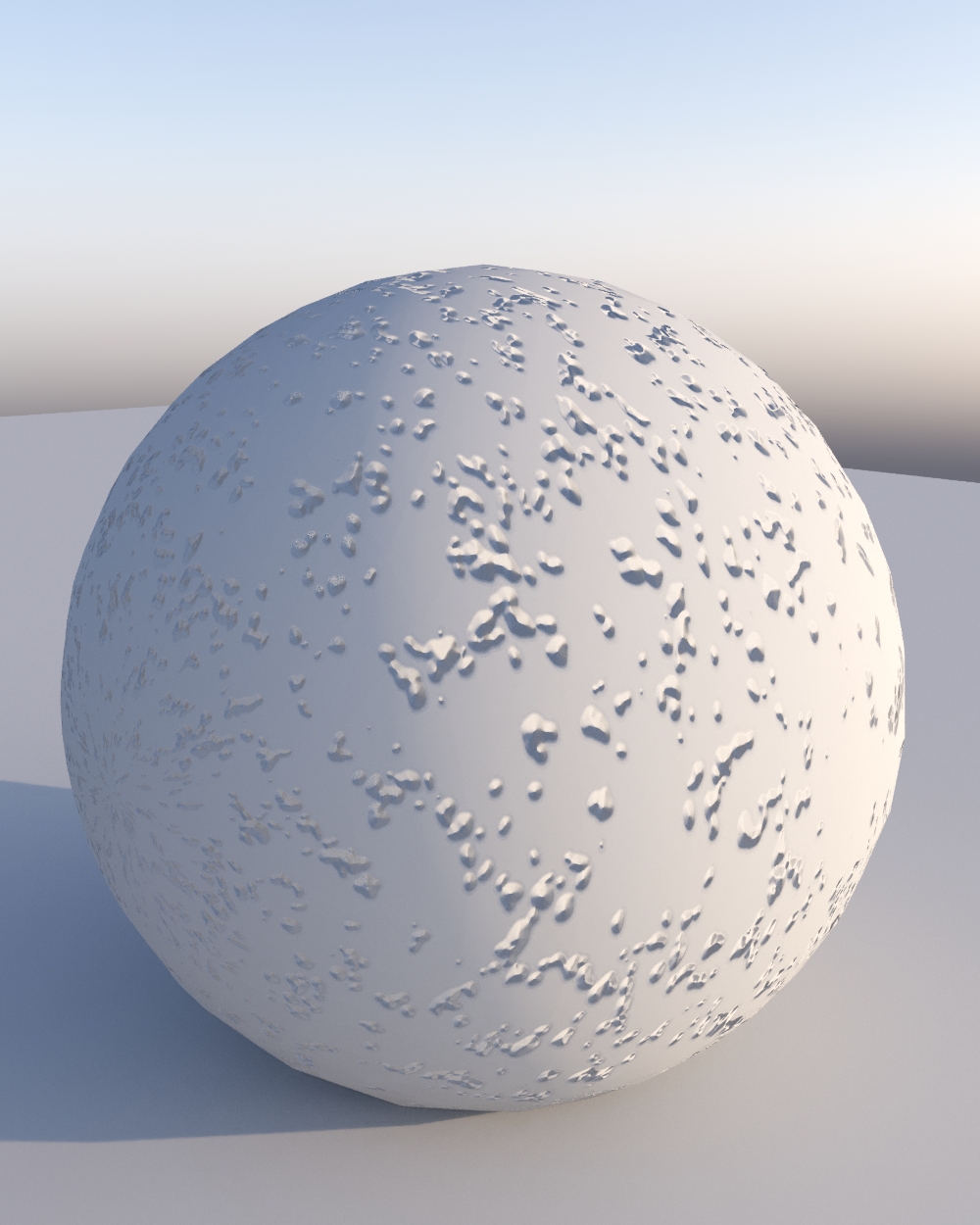
Additional bump mapping
Strength – This is the intensity (also considered as the visibility) for the additional bump texture.
Texture – This slot defines the texture map or shader that is used for the additional bump.
