Corona for Cinema 4D
Corona Tile Shader
This article explains the settings and values for the Corona Tile Shader in Cinema 4D.
Last updated 1 September 2026
This article explains the settings and values for the Corona Tile Shader in Cinema 4D.
Overview
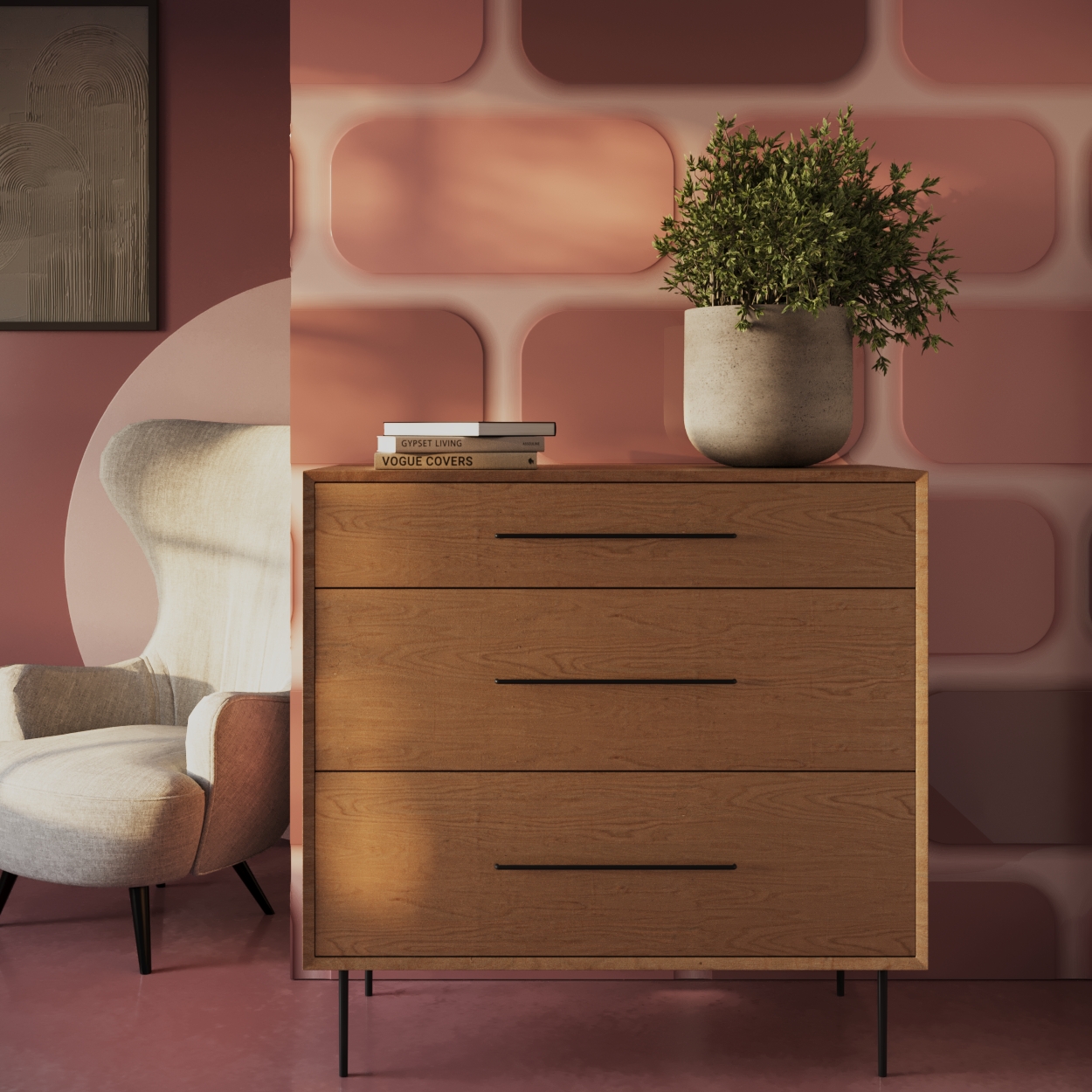
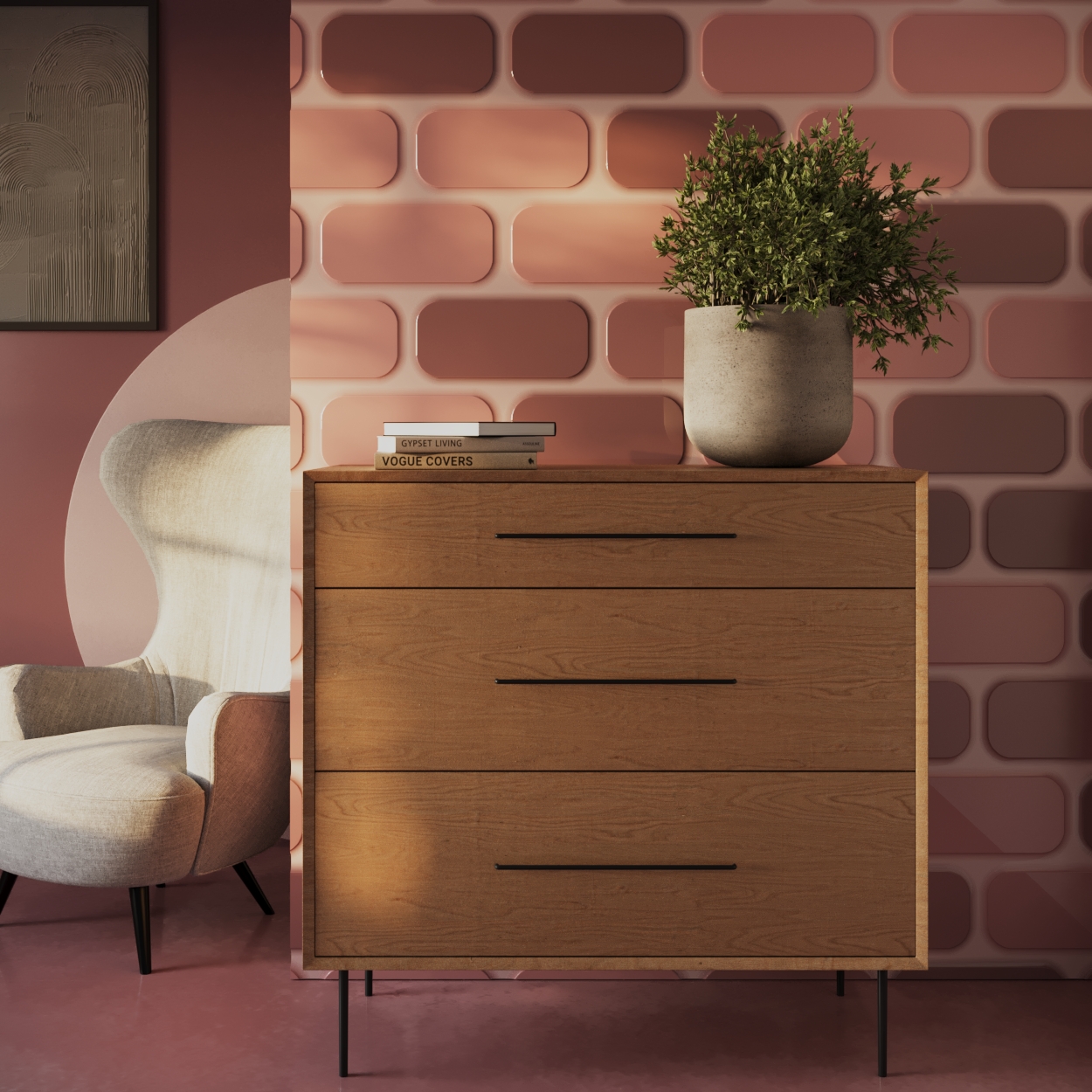
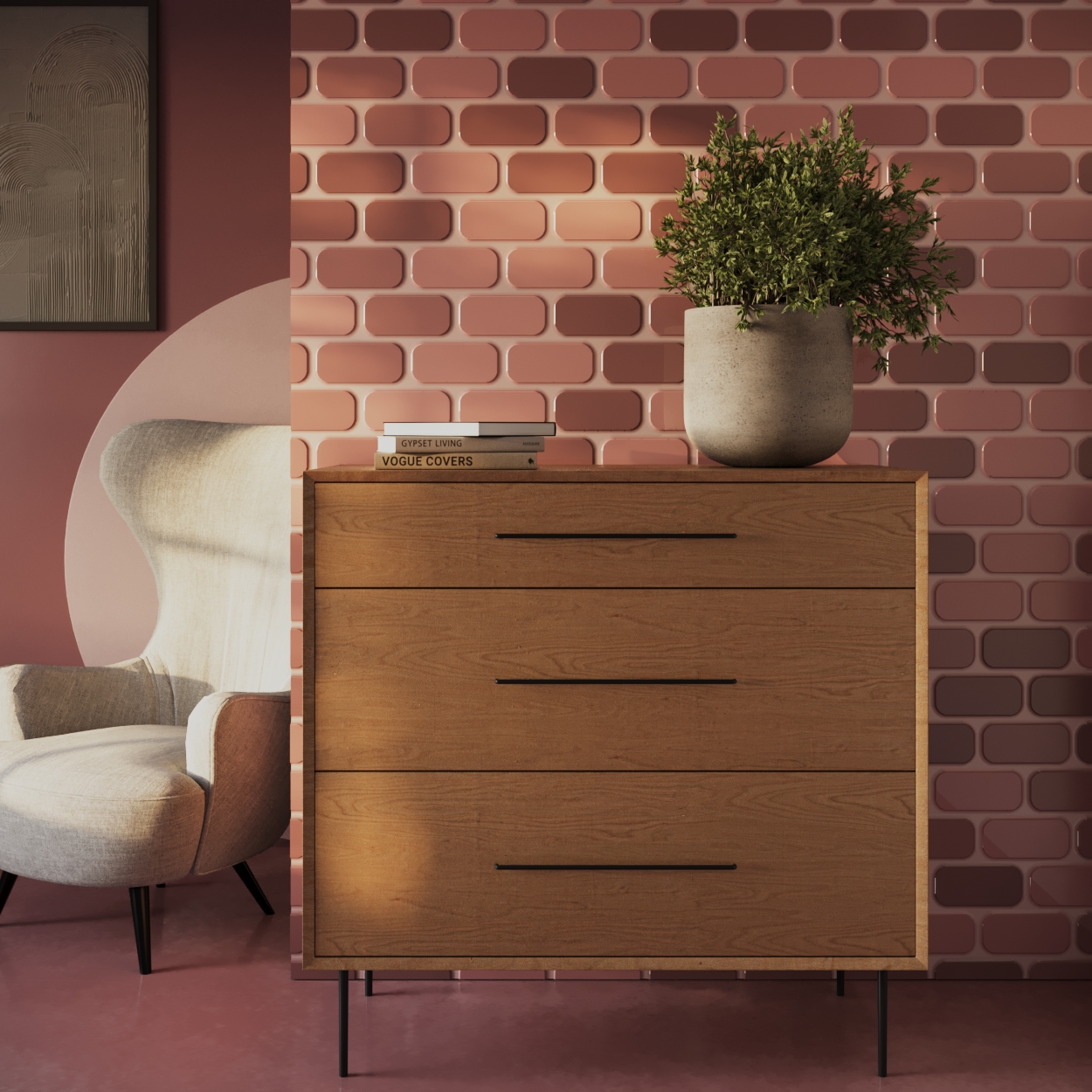
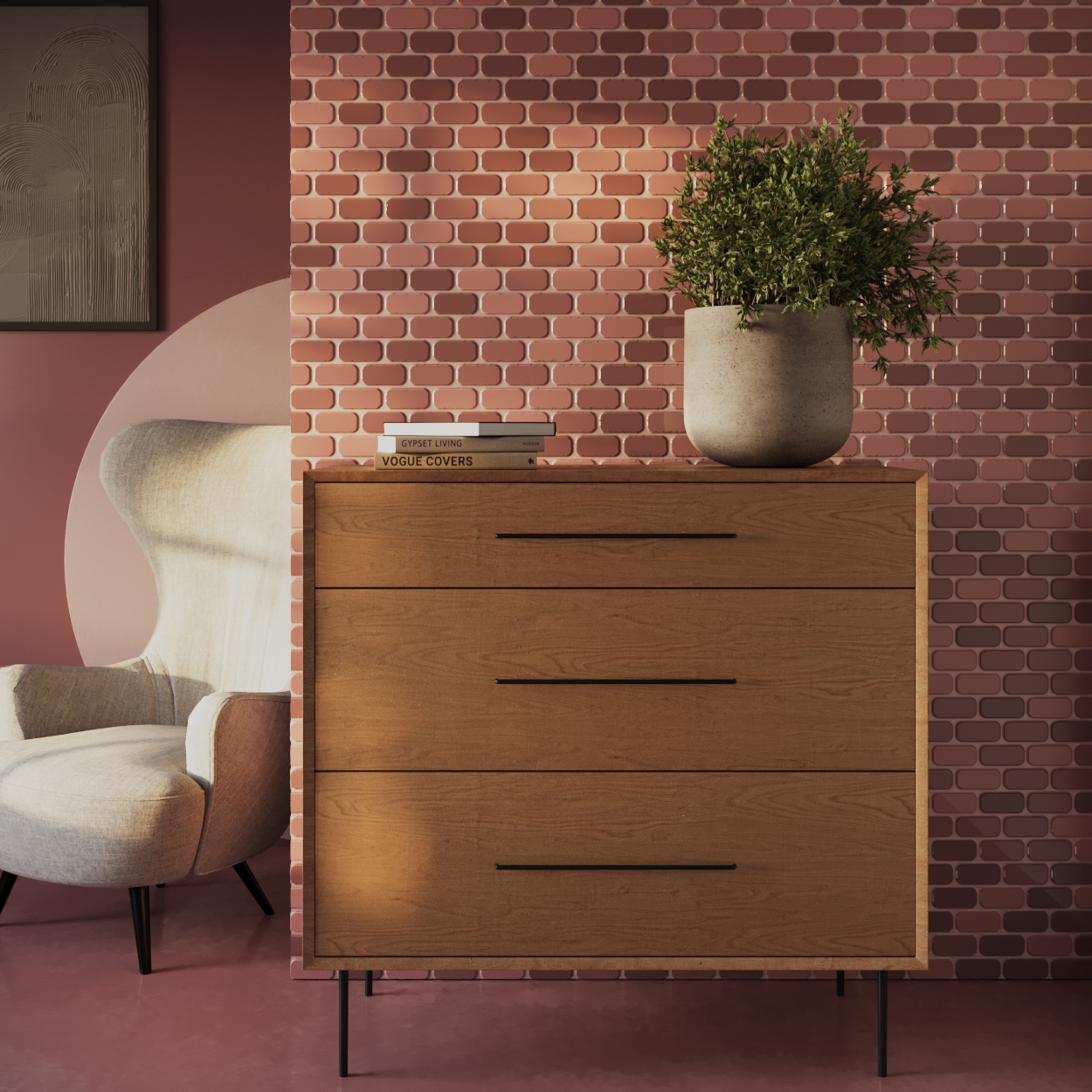
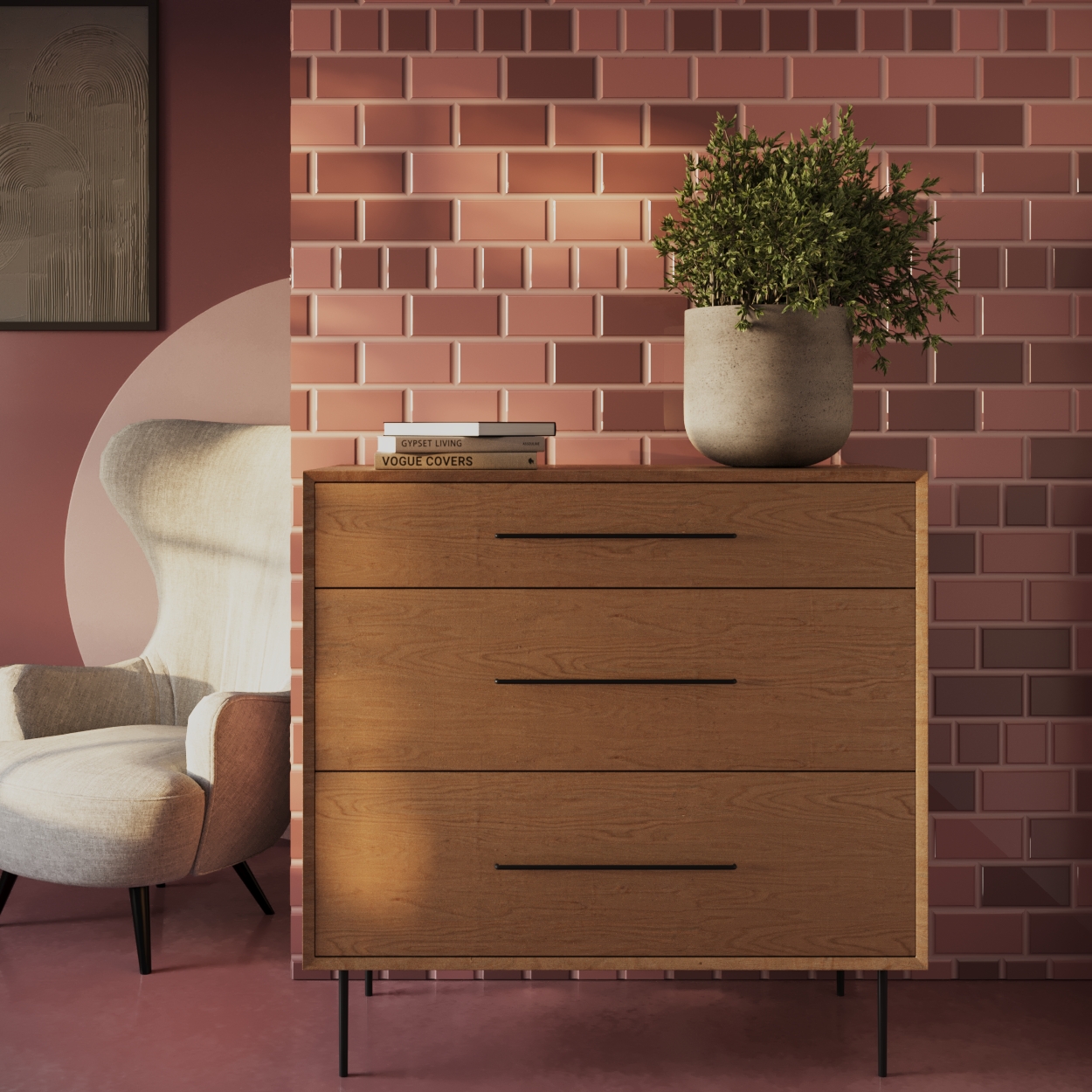
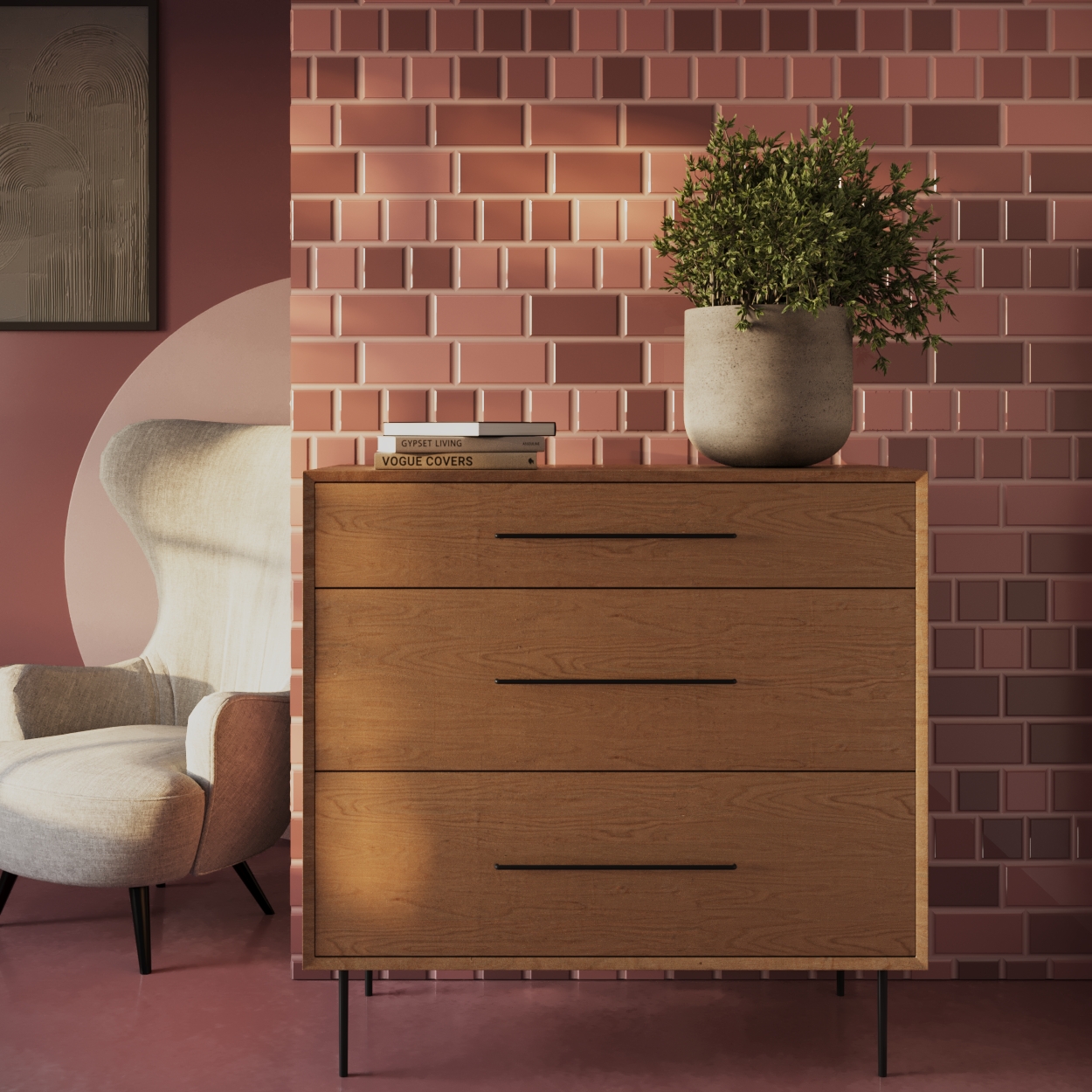
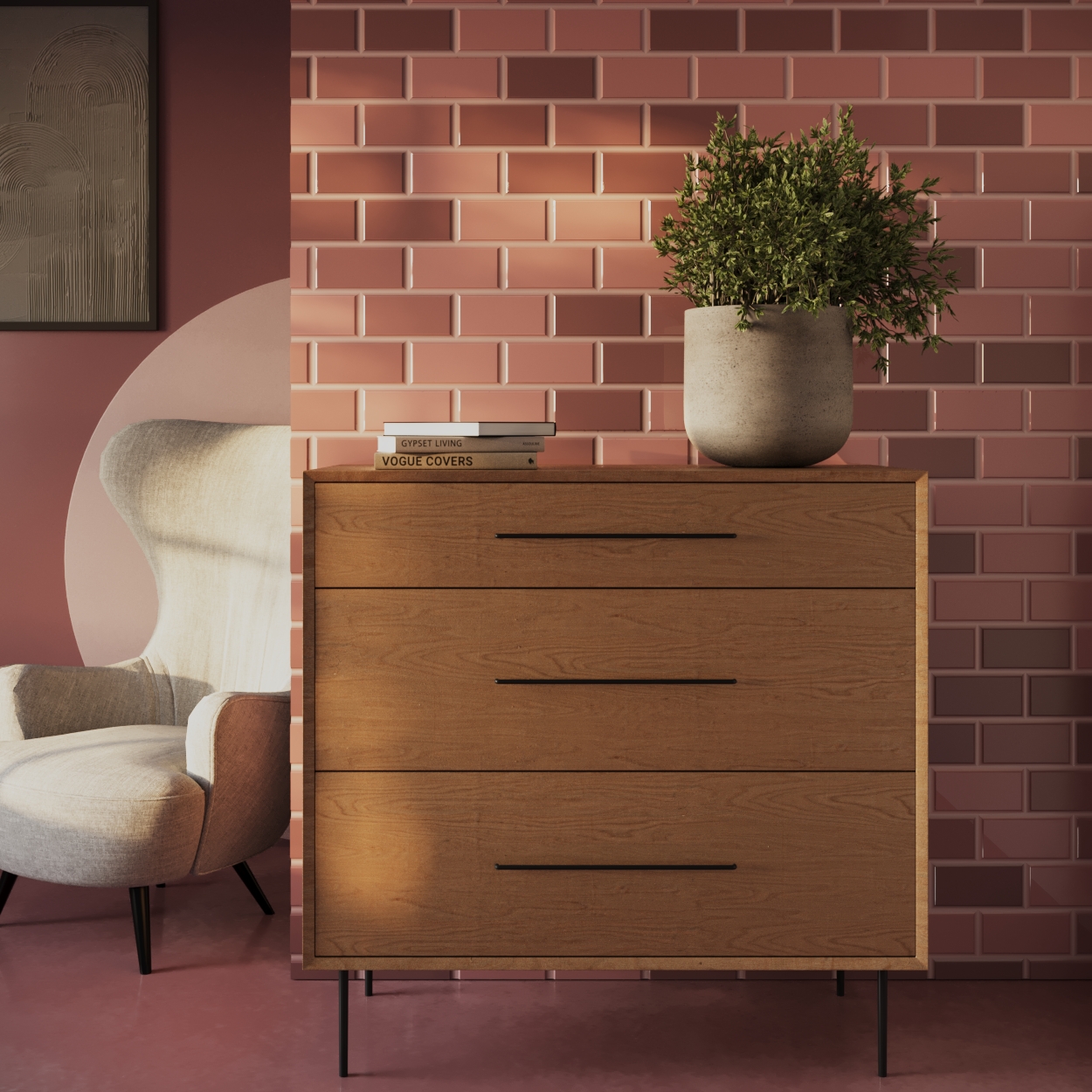
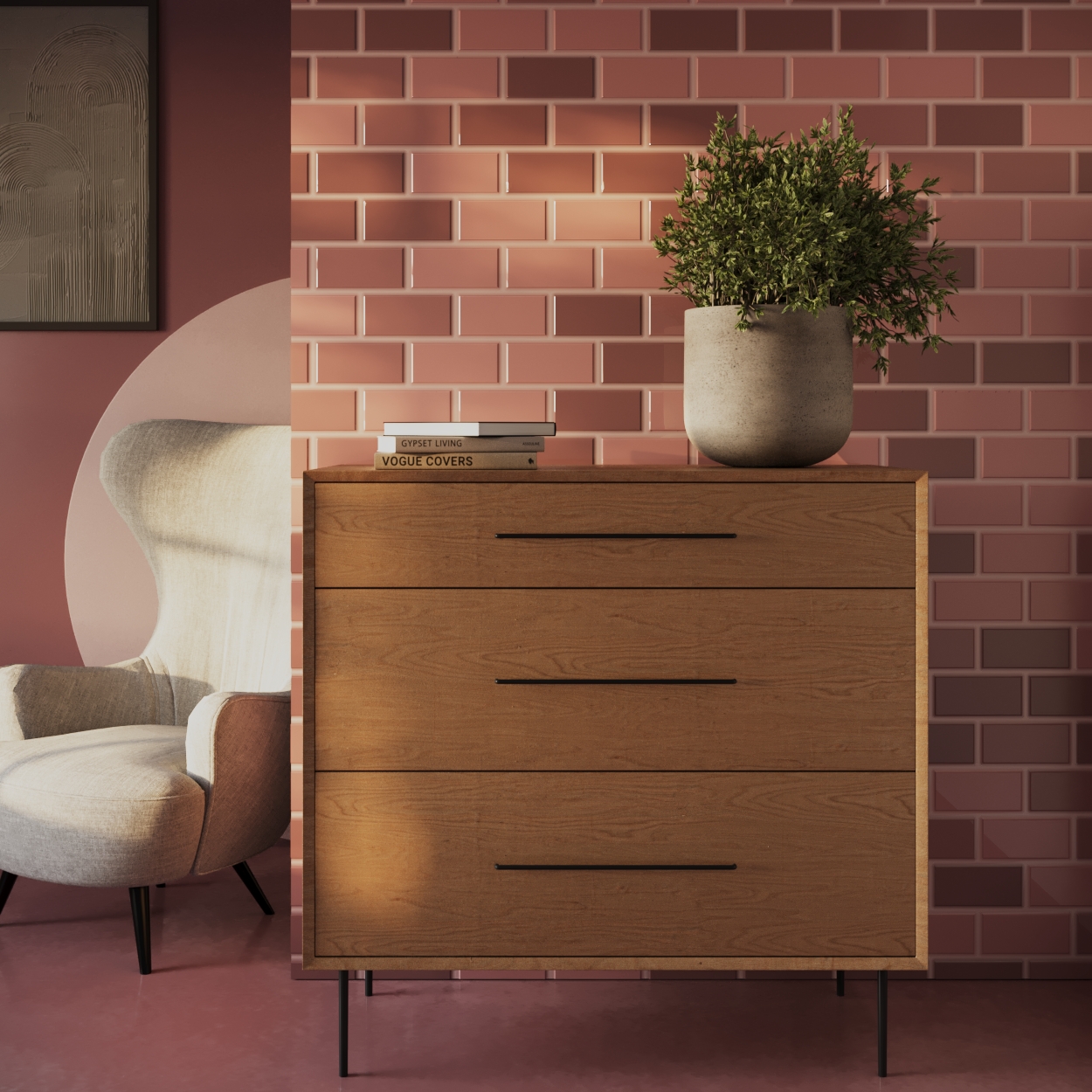
Corona Tile Shader allows you to create tiled surfaces based on various pattern presets or using an advanced custom pattern option, which lets you create your own, unique patterns.
Shader Properties
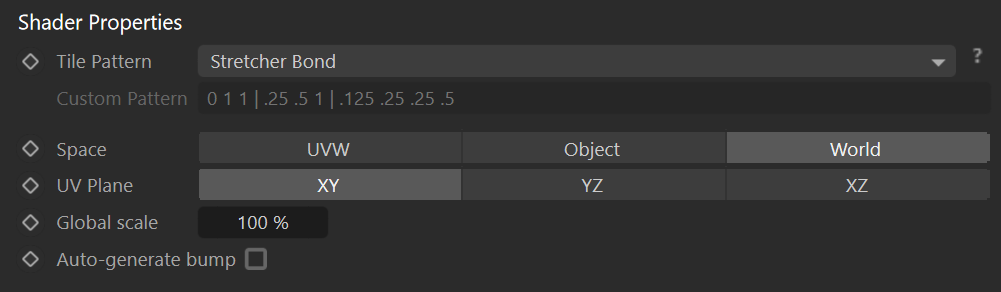
Tile Pattern – Selects one of the built-in tile pattern presets.
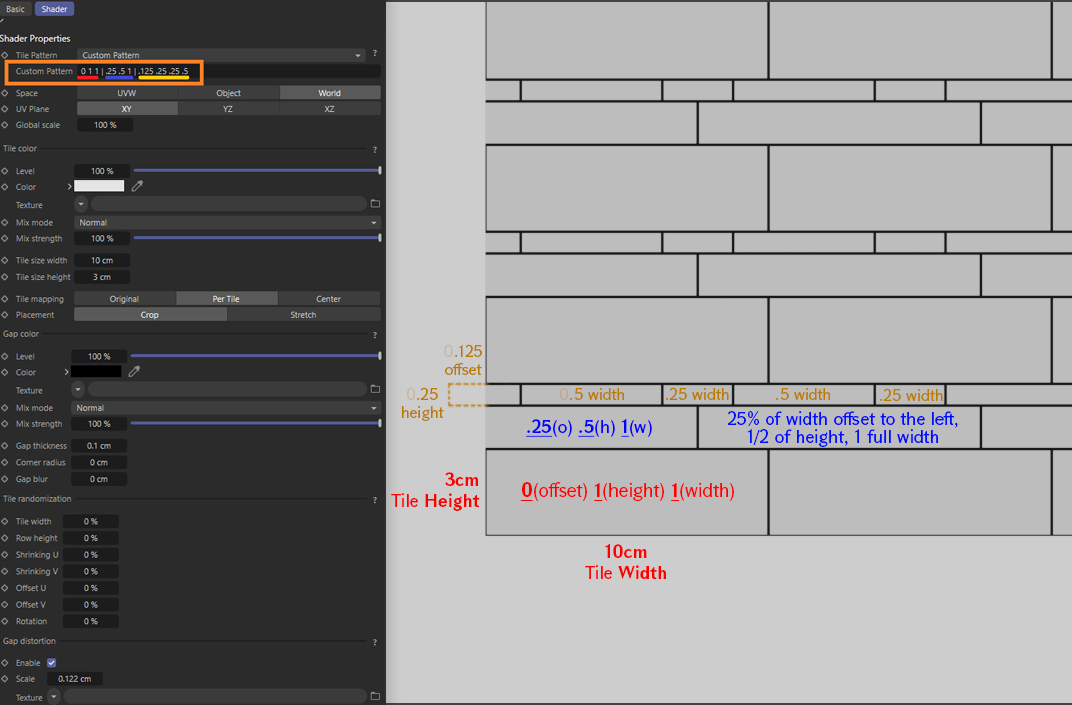
Custom Pattern – Specifies custom tile pattern in the format 'O H W|O H W' where 'O' is horizontal offset of a row, 'H' is height of a tile row, 'W' is the width of the tile, and the '|' is a separator between two rows.
Click here to see the Custom Pattern usage illustration
Space – Specifies the mapping coordinates.
UVW – Determines planar mapping based on the object UVW coordinates.
Object – Determines planar mapping based on the object local coordinates.
World – Determines planar mapping based on the world coordinates.
UV Plane – Controls the mapping coordinate system used for the Tile Map.
XY – Determines the tile is aligned with the X and Y axes of the 3D space.
YZ – Determines the tile is aligned with the Y and Z axes of the 3D space.
XZ – Determines the tile is aligned with the X and Z axes of the 3D space.
Global scale – Increases or decreases a tile size.
Auto-generate bump – When enabled, the bump is automatically generated from the tile and gap colors (textured or constant). When set to false, the tile map bump is evaluated from bump shader connected to the tile and gap texture slots.
Tile Color
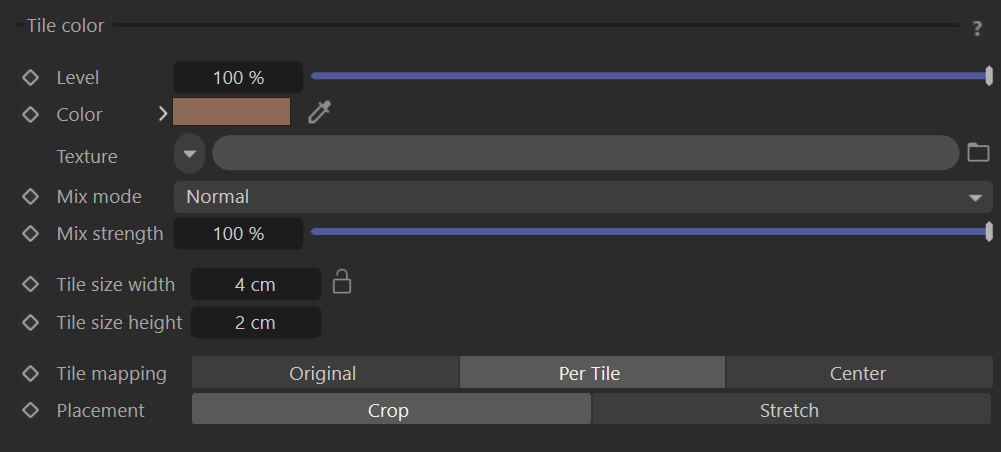
Level – Controls the intensity (also considered as the visibility) of the tile color.
Color – Specifies the tile color.
Texture – Defines the texture map or shader that replaces the defined color for the tile.
Mix mode – Controls the blending of the texture map or shader and the selected color for the tile.
Mix strength – Controls the intensity of the texture map or shader that is being used for the tile.
Tile size width – Width of one tile. It is in UV space in case of UV mapping mode, otherwise, it is in scene units.
Tile size height – Height of one tile. It is in UV space in case of UV mapping mode, otherwise it is in scene units.
Tile mapping – Specifies mapping of the tile color texture.
- Original – Uses UVW mapping of the input.
- Per tile – Texture is mapped to each tile individually and spans across the whole tile.
- Center – This mode returns always tile center for the whole tile. Produces constant color across tiles according to the input texture.
Placement – Specifies mapping of the tile color texture.
- Crop – Defines the texture to the tile by cropping any exceeding texture while preserving its aspect ratio. Preserves the scale of the texture between tiles with different sizes.
- Stretch – Stretches the texture to whole tile ignoring its aspect ratio.
Gap Color
Level – This is the intensity (also considered as the visibility) of the gap color.
Color – Defines the gap color.
Texture – Defines the texture map or shader that replaces the defined color for the gap.
Mix mode – Controls the blending of the texture map or shader and the selected color for the gap.
Mix strength – Controls the intensity of the texture map or shader that is being used for the gap.
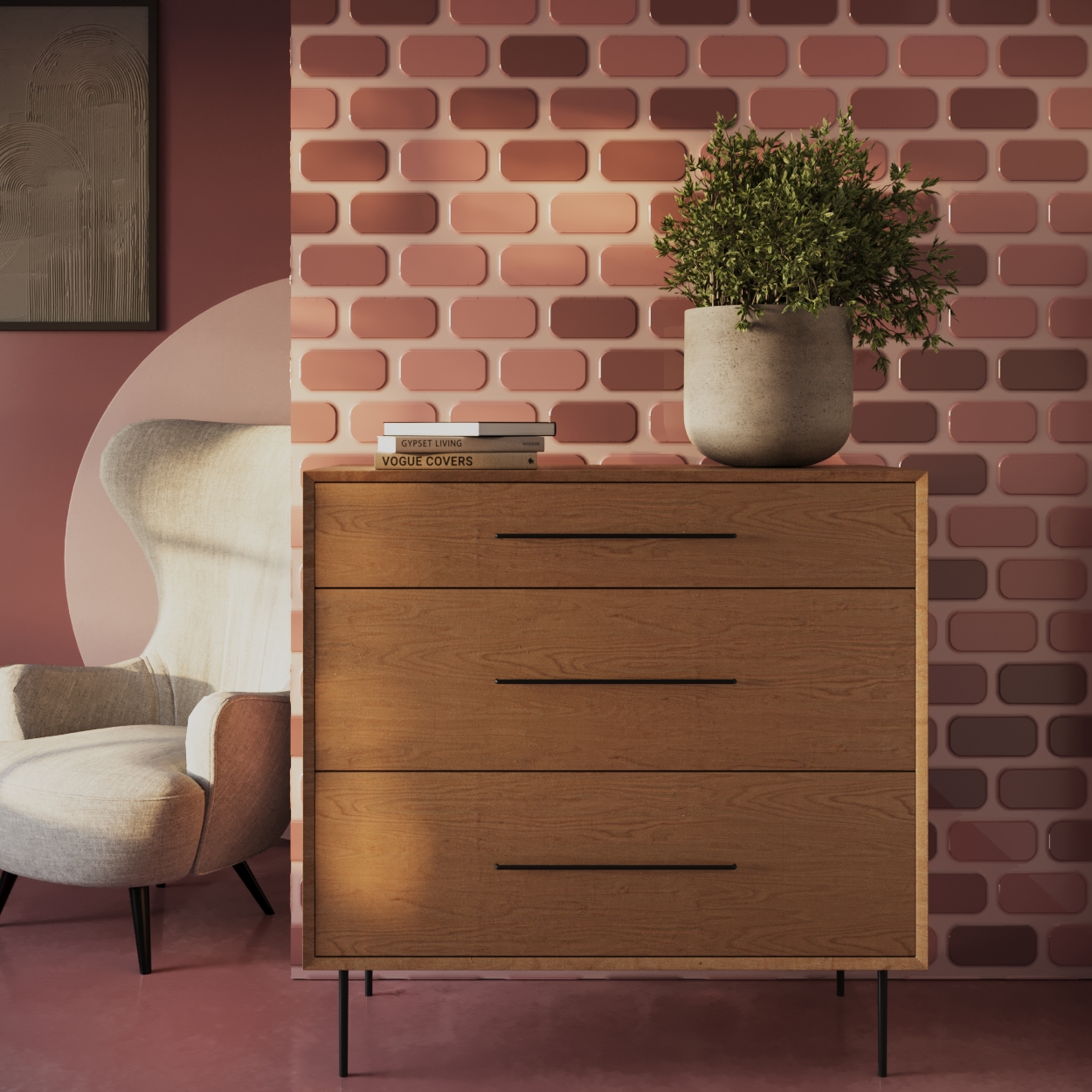
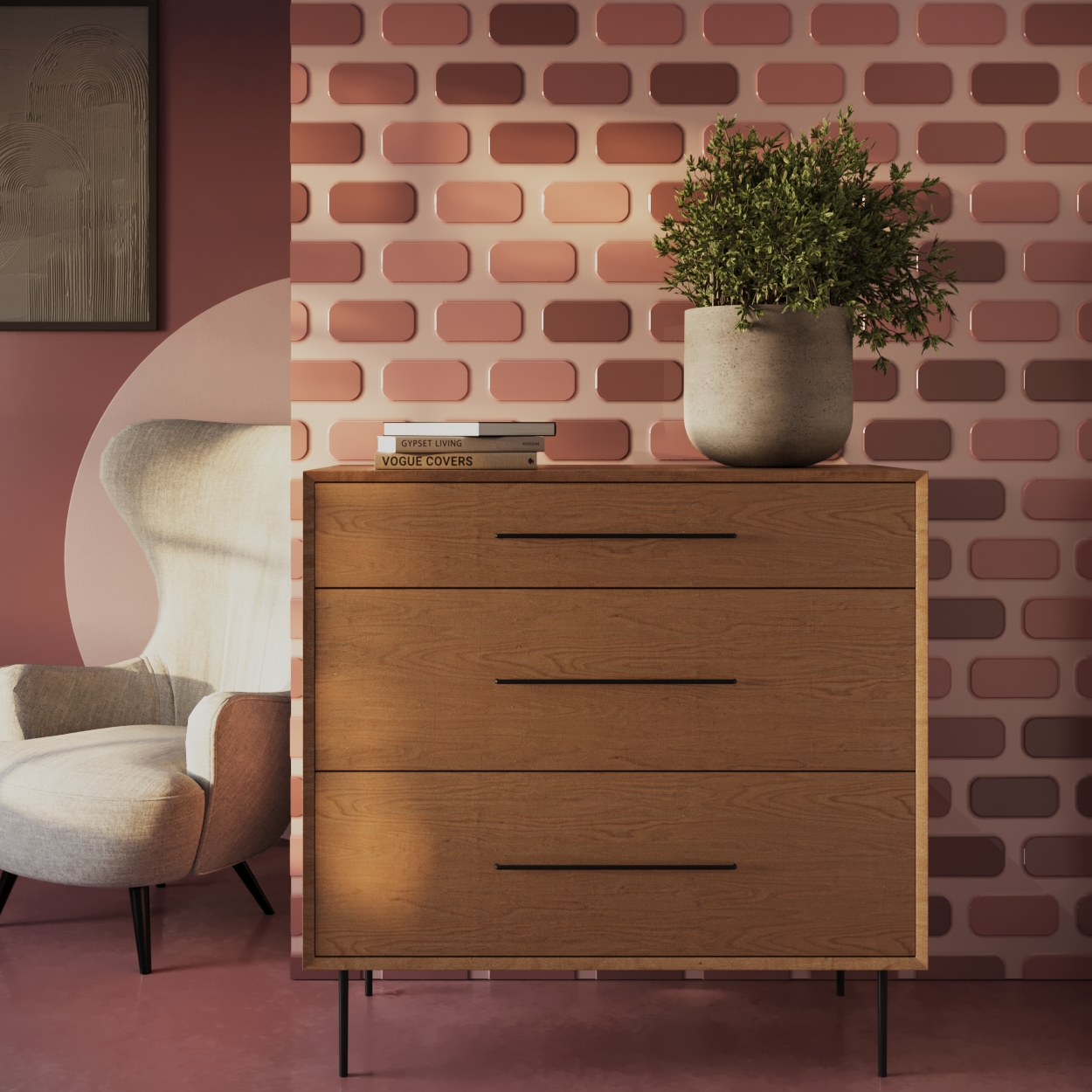
Gap thickness – Defines the size of the gap between two consecutive tiles.
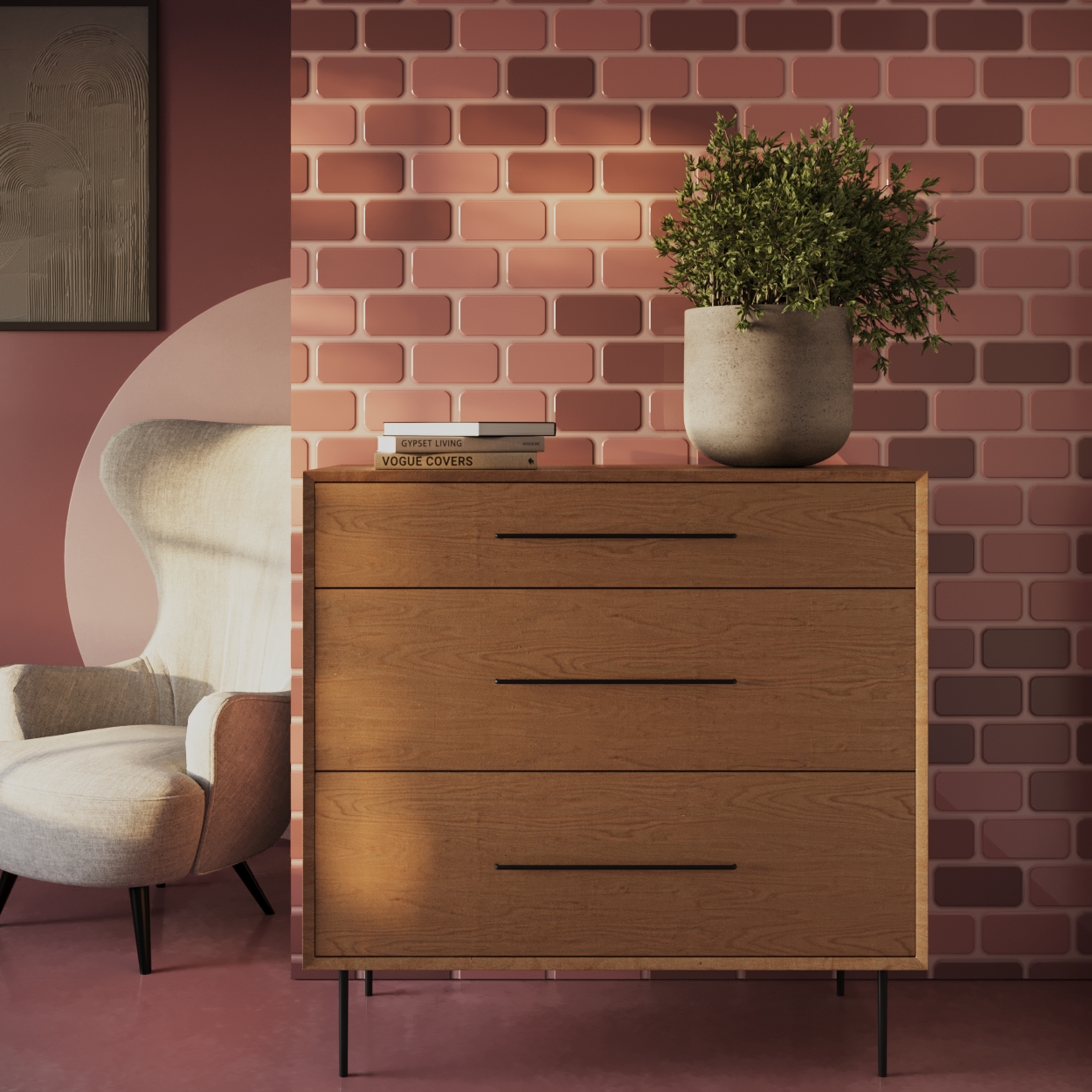
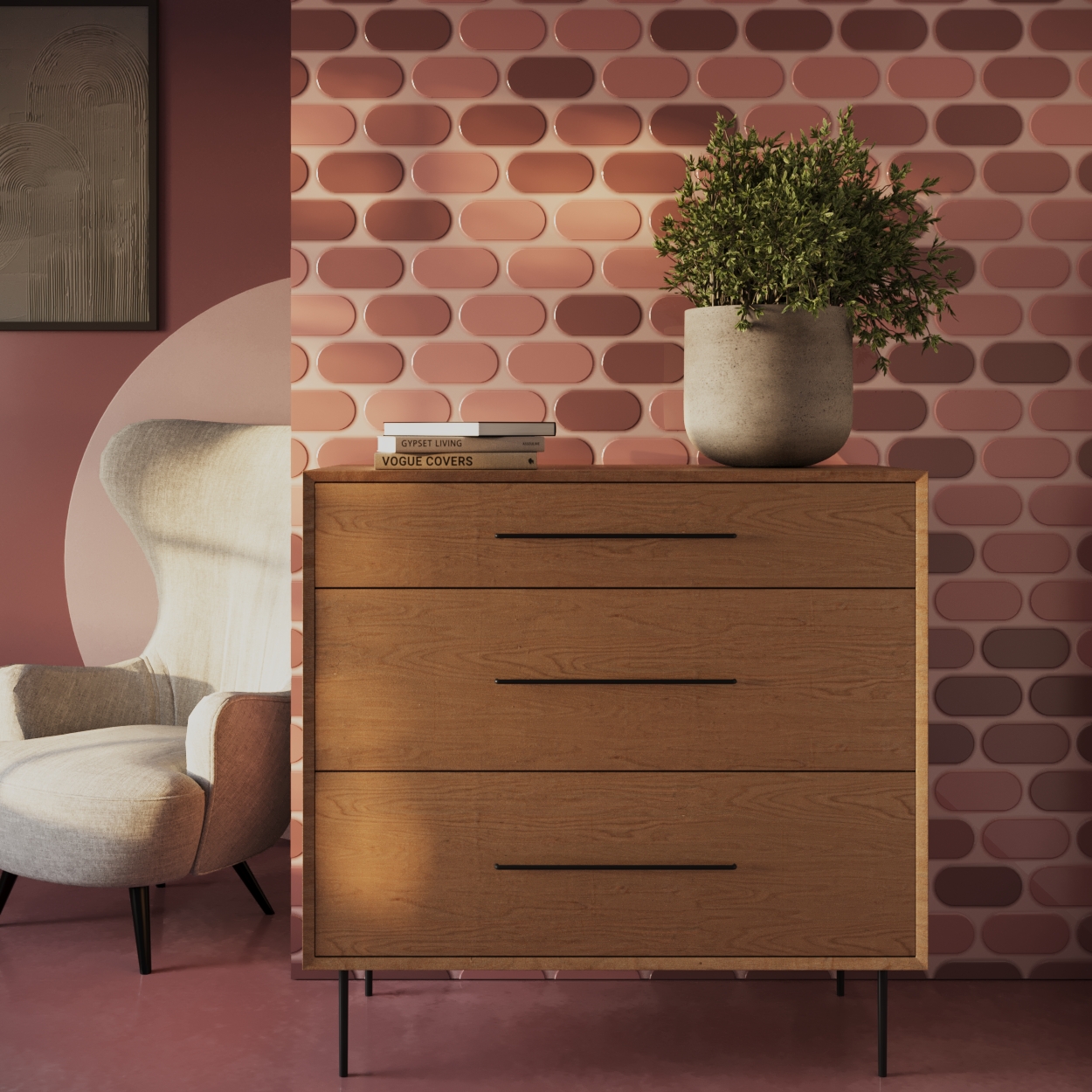
Corner radius – Specifies rounding radius of tile corners.
Gap blur – Adds blending between the gap and the tile. Blending has specified thickness and makes the gap thicker and the tile smaller.

Tile randomization
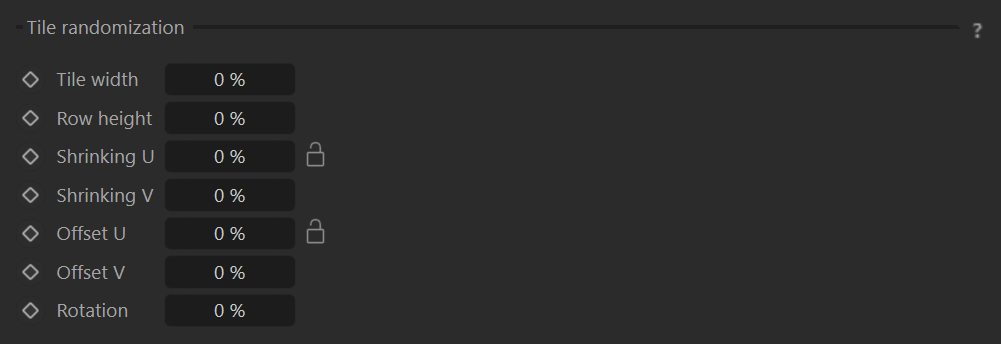
Tile width – Randomizers tile width of individual tiles in percent's. Value of 50% means tile will have random width in interval [50%, 150%] of tile width.
Row height – Randomizes tile row height in percent's. Value of 50% means rows will have random height in interval [50%, 150%] of tile height.
Shrinking U/V – Shrinks individual tiles in favor of gap thickness. Value is percent's of tile width/height, value of 10% means tile size will be in [90-100%] and gap will be enlarged about that amount.
Offset U/V – Offsets individual tiles inside of surrounding gap. Value is percent's of surrounding gap thickness, value of 10% means tile will be able to move about 10% of gap thickness in both directions.
Rotation – Randomly rotates individual tiles inside of surrounding gap. Value is in percent's and value of 100% means that two neighboring tiles can theoretically touch by their corners, but never overlap each other.
Gap distortion
Enable – Determines if gap distortion is engaged or not.
Scale – Specifies the maximum gap distortion. It is limited
Texture – Defines the texture map or shader that is used for the gap distortion.

Examples