Corona for Cinema 4D
Shaders
This page lists all available shaders in Chaos Corona for Cinema 4D.
Last updated 27 September 2025
This page lists all available shaders in Chaos Corona for Cinema 4D.

Corona AO Shader
This article explains the settings and values for the Corona AO shader. Overview The Corona Ambient Occlusion (Corona AO) is a shader that can be used to color the concave and convex areas of a surface. By default, when used as diffuse color, it will darken crevices and cavities of objects while also brightening flat and raised areas. The Corona AO
View

Corona Bitmap Shader
This article explains the settings and values for the Corona Bitmap shader in Cinema 4D. Overview Corona can load bitmap textures using two supported shaders: Corona Bitmap shader Cinema 4D native Bitmap shader Both of them produce almost identical results; however, there are some advantages of using the Corona Bitmap shader over the native Cinema
View

Corona Color Correct Shader
This article explains the settings and values for the Corona Color Correct shader in Cinema 4D. Overview The Corona Color Correct Shader provides some powerful options for modifying the colors of any texture map, such as brightness, saturation, contrast, hue, gamma, temperature, inverting colors, exposure, and more. This shader is commonly used
View

Corona Color Mix Shader
This article explains the settings and values for the Corona Color Mix shader in Cinema 4D. Overview The Corona Color Mix is a shader that can be used to mix a solid color and a texture map or shader. Shader properties Level – This is the intensity (also considered as the visibility) of the color. Color – This is the color that is mixed with
View

Corona Curvature Shader
This article explains the settings and values for the Corona Curvature shader in Cinema 4D. Overview The Corona Curvature Map is a new map added in Corona 8 that colors a mesh based on its convexity/concavity. It's useful in creating masks of the inward and outward curvy areas of a surface. Shader Properties Color spread – This parameter changes ho
View

Corona Data Shader
This article explains the settings and values for the Corona Data shader. Overview The Corona Data shader allows for the output of various data channels and is intended mainly for debugging purposes. This can also be used to create some interesting effects; for example, coloring objects based on their primitive ID, instance ID, material ID, or thei
View

Corona Distance Shader
This article explains the settings and values for the Corona Distance shader in Cinema 4D. Overview The Corona Distance shader lets you create “smart” materials that know how far away they are from objects in the scene. Use this to add waves around a coastline, wear-and-tear where objects meet, dirt and noise under window sills, and more. Distanc
View
Corona Edge Shader
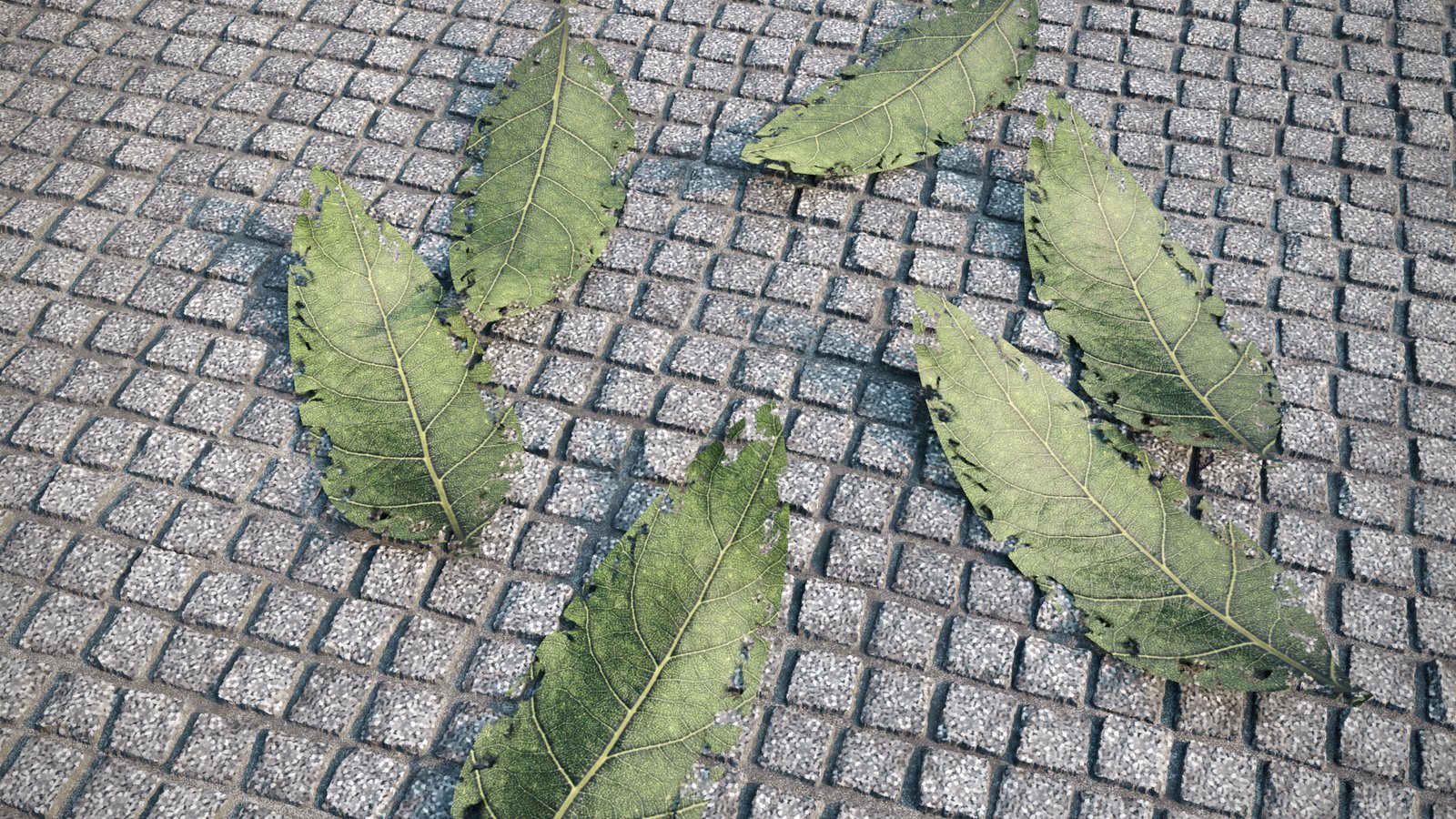
This page provides information on the Corona Edge Shader, its settings, and usage. Overview Corona Edge Shader lets you have a gradient-like texture around the open edges (borders) of geometry. Distance Near distance - Controls the width from the edge until the start of the gradient. Far distance - Controls the width from the edge until the end of
View
Corona Front Back Shader
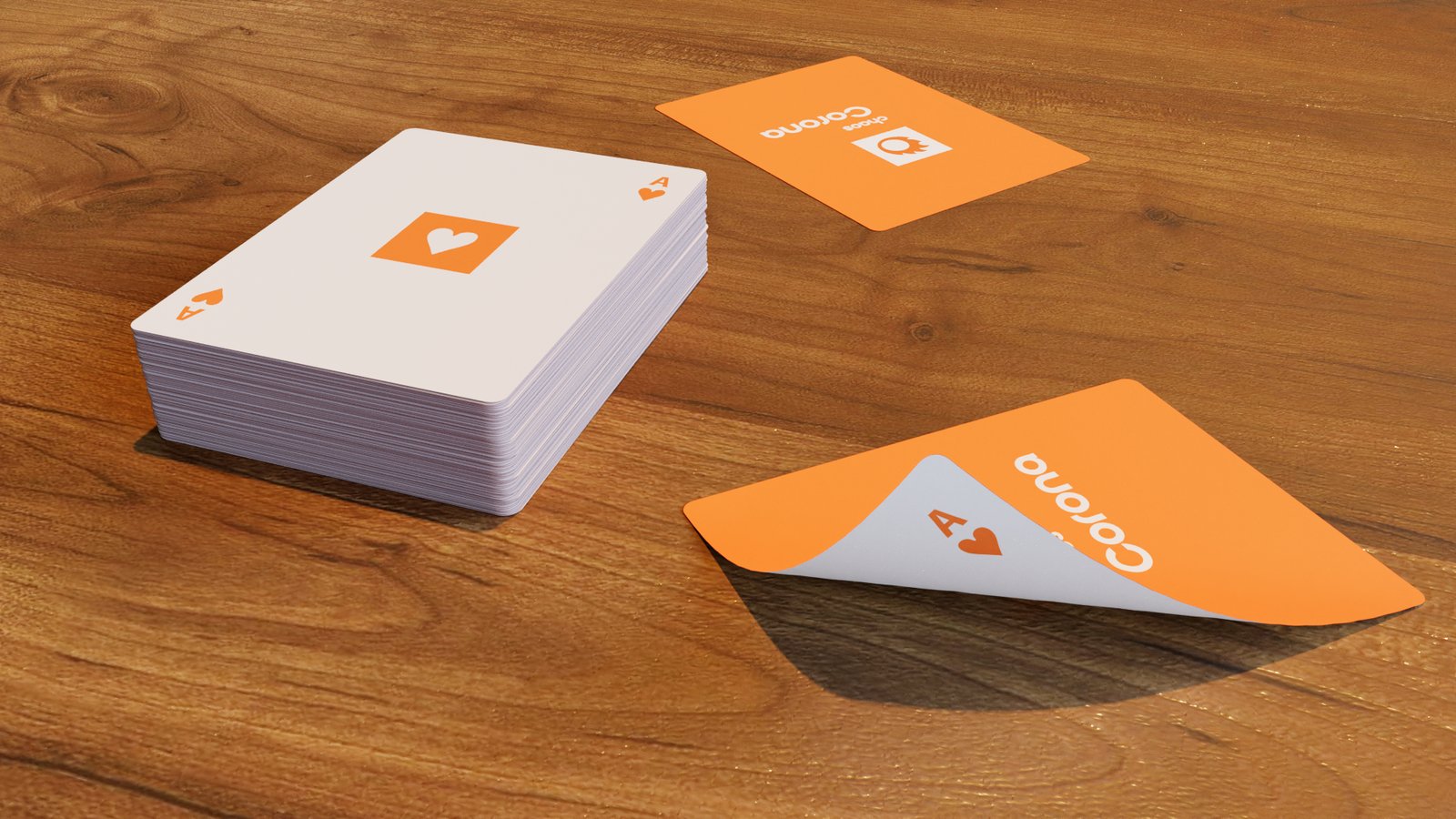
This page provides information on the Corona Front Back Shader, its settings, and usage. Overview Corona Front Back Shader is a simple shader that allows you to assign different colors/texture maps to a surface based on the orientation of the normal (front face / back face). This is useful, for example, for backface culling when used in the Opacit
View

Corona Mapping Randomizer Shader
This article explains the settings and values of the Corona Mapping Randomizer shader in Cinema 4D. Overview Textured objects often show obvious repetitions, which instantly gives away that the scene is computer-generated. You can use the Corona Mapping Randomizer shader to quickly randomize textures on multiple objects or object parts, making th
View

Corona Mixture Shader
This article explains the settings and values for the Corona Mixture shader in Cinema 4D. Overview The Corona Mixture shader allows for blending two input shaders (be it procedural shaders or texture images) and a "Mix strength" mask, using operations similar to blending modes commonly found in 2D compositing software. Mix parameters Mix operat
View

Corona Multi Shader
This article explains the settings and values for the Corona Multi Shader in Cinema 4D. Overview The Corona Multi Shader can be used to create a single material, which shows randomized textures (or solid colors) on each object (formally known as Instance), polygons, material IDs, or based on other modes. The random items are distributed among a
View

Corona Normal Shader
This article explains the settings and values for the Corona Normal shader in Cinema 4D. Overview The Corona Normal is a shader that can be used to load Normal maps that can provide additional fine details to the material surface. This shader is supposed to be inserted under the bump channel of Corona Material. Channels direction Texture – Th
View

Corona Ray Switch Shader
This article explains the settings and values for the Corona Ray Switch shader. Overview The Corona Ray Switch is a shader that allows you to assign different shaders or solid colors for different ray types (GI, reflection, refraction, direct visibility). Shader Properties Global illumination – Specifies the color or texture used for global ill
View

Corona Round Edges Shader
This article explains the settings and values for the Corona Round Edges shader in Cinema 4D. Overview The Corona Round Edges is a shader that produces a render-only smooth transitional edge between intersecting surfaces. It can also be defined as a form of chamfer or bevel that is most prevalent between adjoining angled faces. It's recommended
View

Corona Select Material
This article explains the settings and values for the Corona Select Material. Overview The Corona Select Material lets you plug multiple materials into a single material, and then choose which one of them to use in the actual rendering. To select a specific item, simply click the checkbox next to that item's name. See also: Corona Select Shader
View

Corona Sky Shader
This article explains the settings and values for the Corona Sky shader in Cinema 4D. Overview The Corona Sky shader is a procedural shader that can be used to illuminate your scene with a realistic skylight. By default, it is visible directly, in reflections and in refractions; it casts light onto the scene objects and bounces around, producing gl
View

Corona Tile Shader
This article explains the settings and values for the Corona Tile Shader in Cinema 4D. Overview Corona Tile Shader allows you to create tiled surfaces based on various pattern presets or using an advanced custom pattern option, which lets you create your own, unique patterns. Shader Properties Tile Pattern – Selects one of the built-in tile pattern
View

Corona Tonemap Control Shader
This article explains the settings and values for the Corona Tonemap Control shader. Overview The Corona Tonemap Control shader transforms the texture using the inverse of the current color mapping, effectively removing any postprocessing color mapping from it. This can be useful for displaying an emission / self-illumination texture that exactly
View

Corona Triplanar Shader
This article explains the settings and values for the Corona Triplanar shader in Cinema 4D. Overview The Corona Triplanar shader overcomes the limitations of conventional texturing, such as visible seams or stretching, without having to worry about the UVW mapping of your scene objects. The way it works is based on projecting textures along the o
View

Corona Wire Shader
This article explains the settings and values for the Corona Wire shader in Cinema 4D. Overview The Corona Wire shader can be used to visualize the edges and vertices of a 3D object. Its typical use is rendering the so-called "wires", where the whole scene is shown with visible edges. Shader Properties Base color – This parameter specifies the co
View
Chaos Scatter Edge Trimming Shader
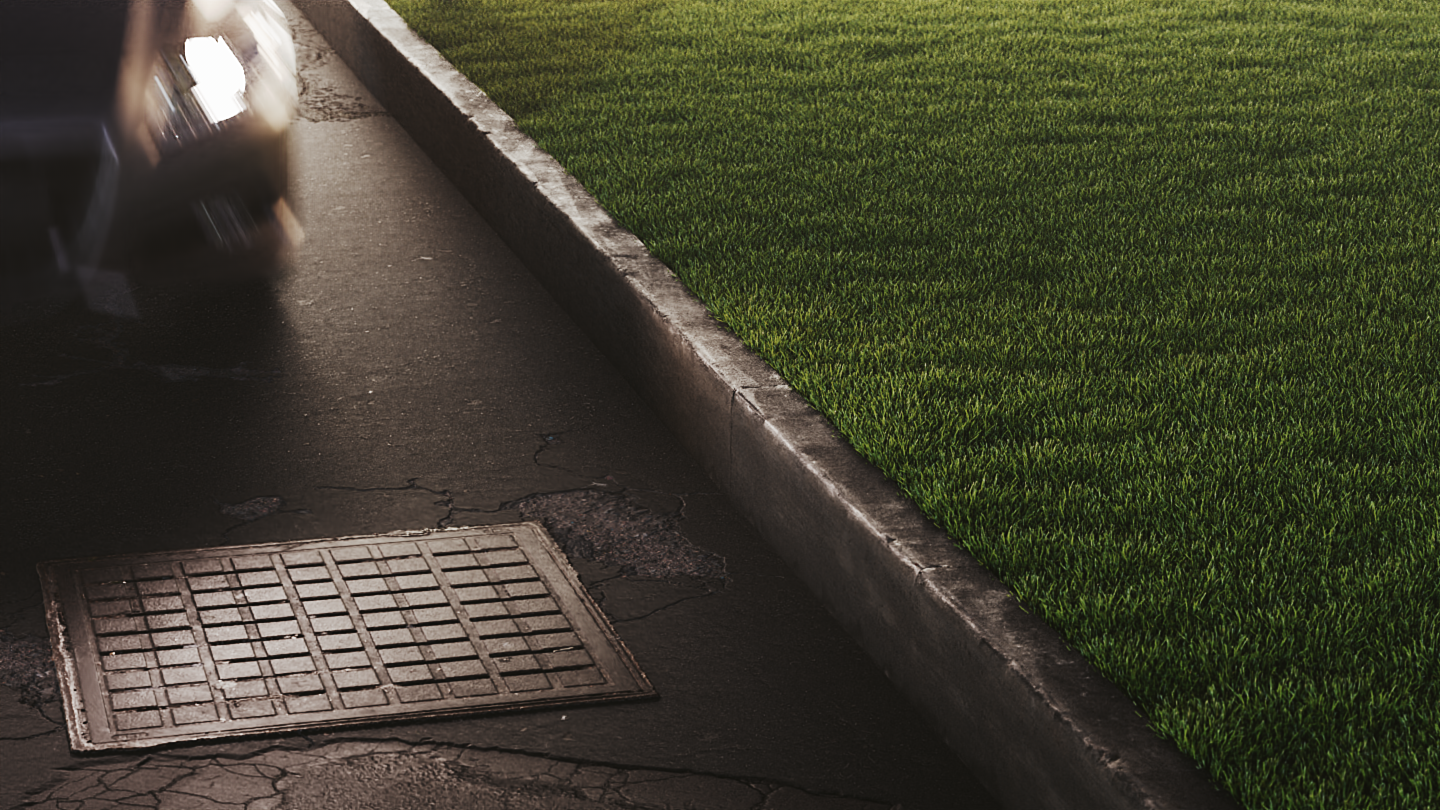
This article explains the settings and values for the Scatter Edge Trimming shader in Cinema 4D. Overview The Scatter Edge Trimming shader allows you to trim scattered instances consisting of multiple mesh elements so that they stay within the boundaries of the distribute-on objects or the include/exclude splines. In addition to making the scatteri
View

Chaos Scatter Surface Color Shader
This page provides information on the Chaos Scatter Surface Color Shader, its settings, and usage. Overview The Chaos Scatter Surface Color shader automatically takes the diffuse color of the Chaos Scatter distribute-on object and passes it to the instances scattered on it. To learn more, see: How to use Chaos Scatter with Corona for Cinema 4D The
View