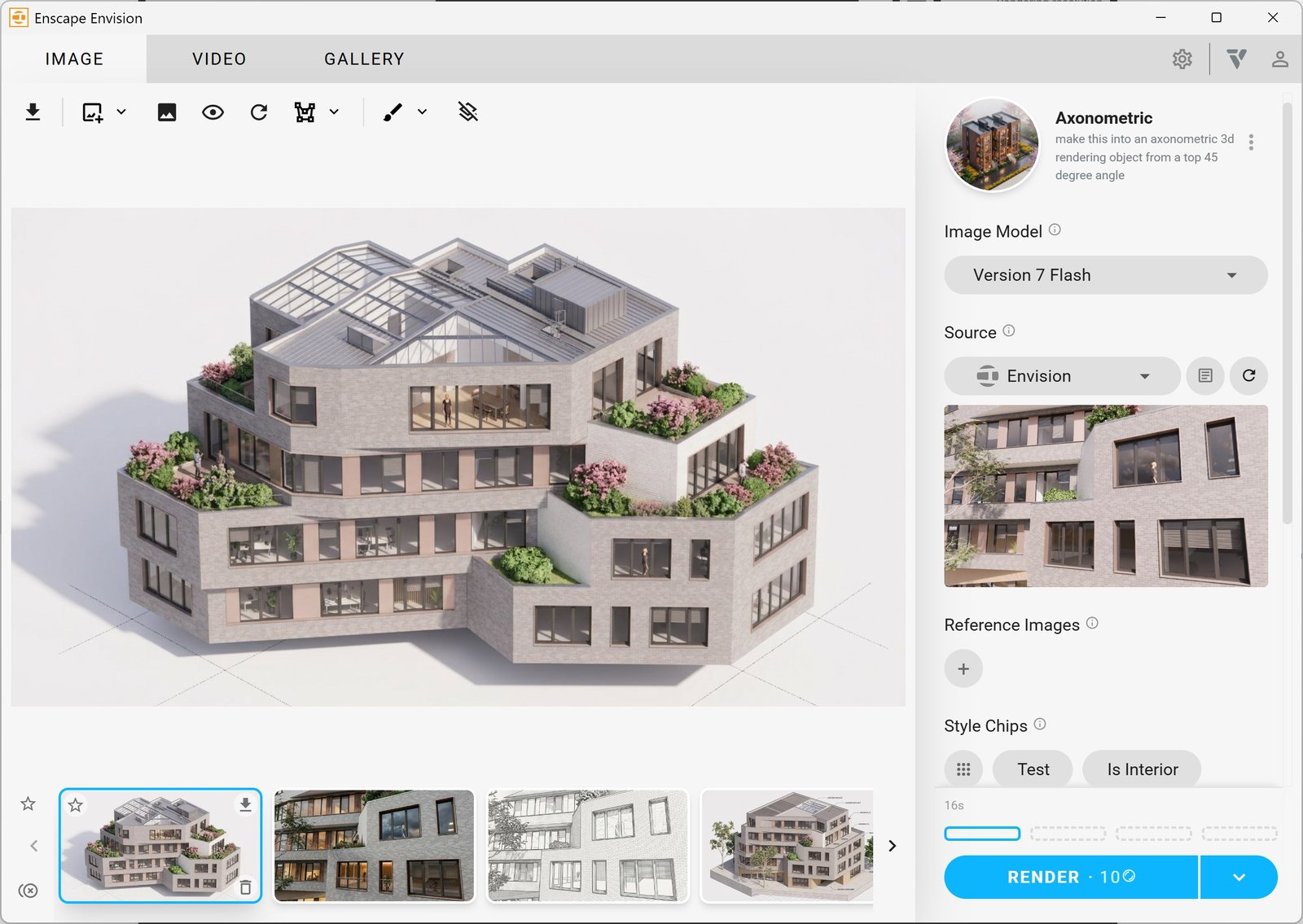
Use Chaos Veras in Enscape Envision to create and refine images with AI.
Overview
In Envision 1.7 and later, you can open Chaos Veras from the Envision toolbar. Use its AI tools to explore ideas and refine images without leaving Envision.
Chaos Veras uses AI to create renders based on your existing geometry.
- Test photorealistic, cinematic or artistic styles.
- Use text prompts to add context, vegetation or architectural variations.
- Create camera paths and transitions based on your AI-enhanced frames.
Open Veras
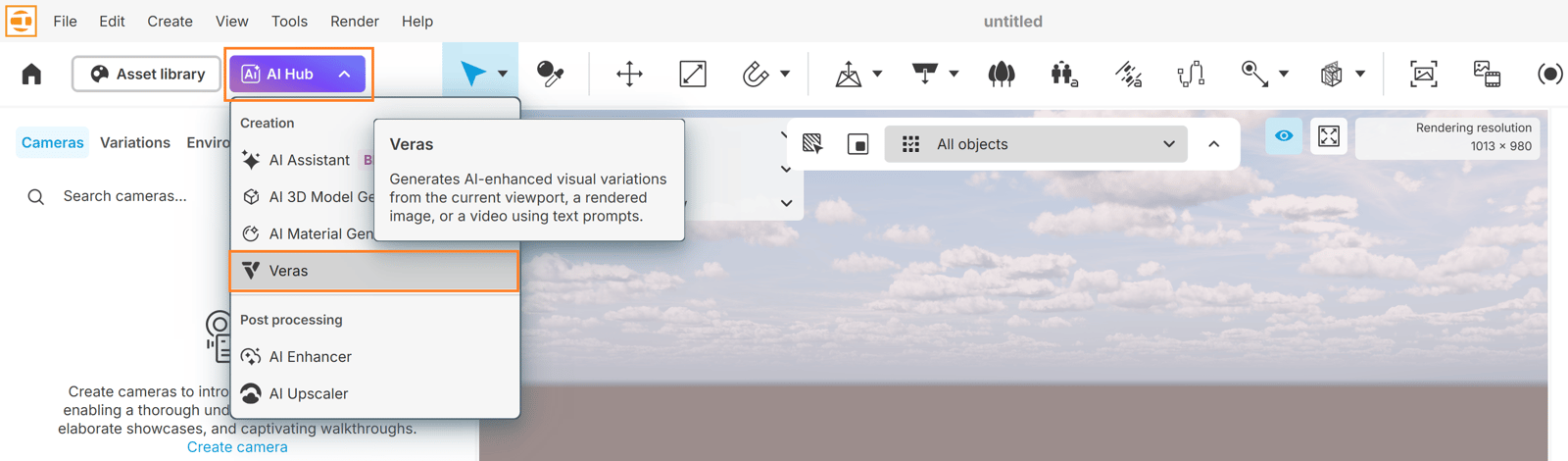
Click the AI Hub button in the toolbar and select Veras.
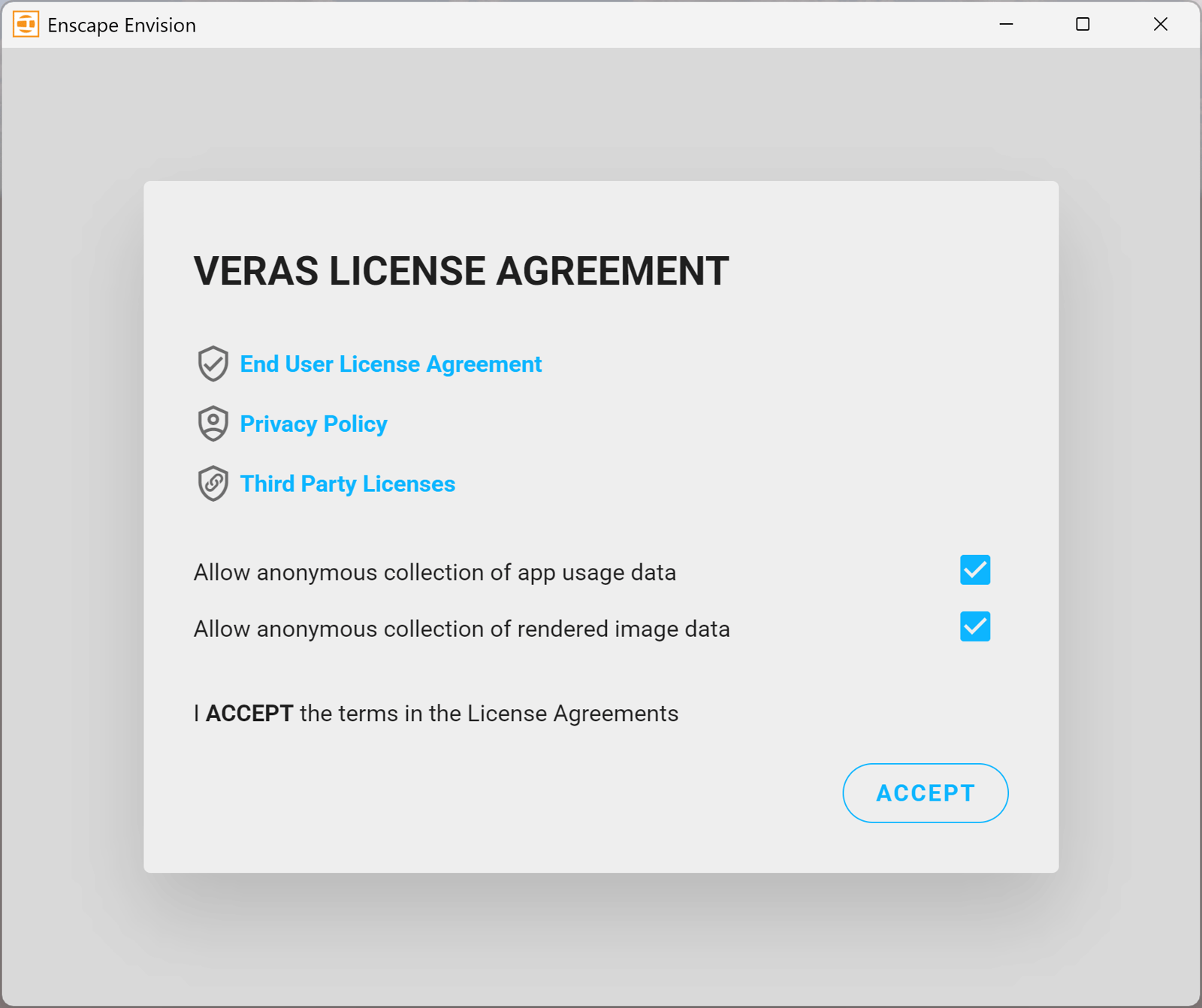
The Veras License Agreement window opens the first time you open Veras.
Click Accept to continue.
Examples
These examples show an original render alongside versions generated with Chaos Veras. Each uses a different style from the presets library. Click any image to view it at a higher resolution.
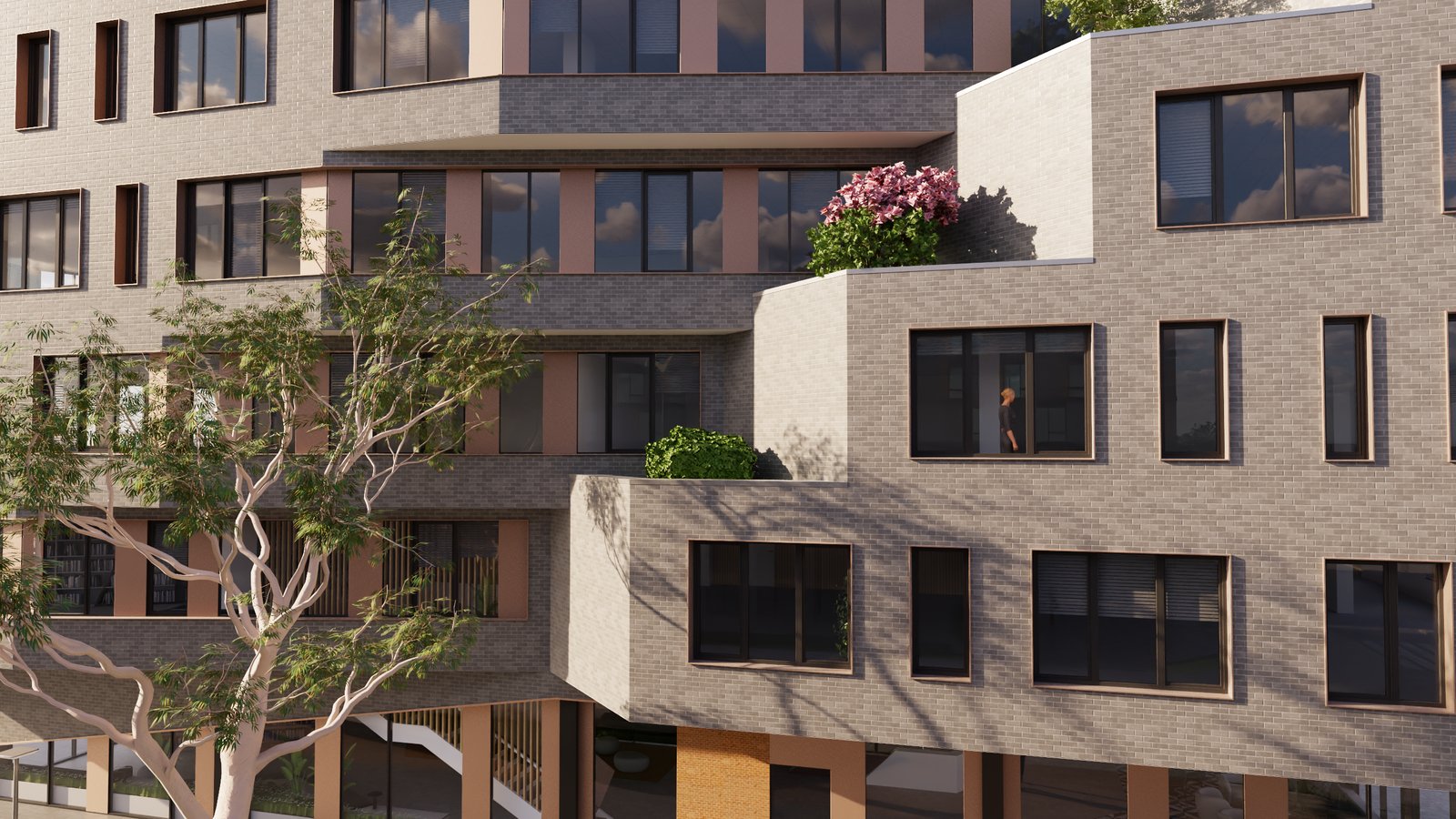
Original render
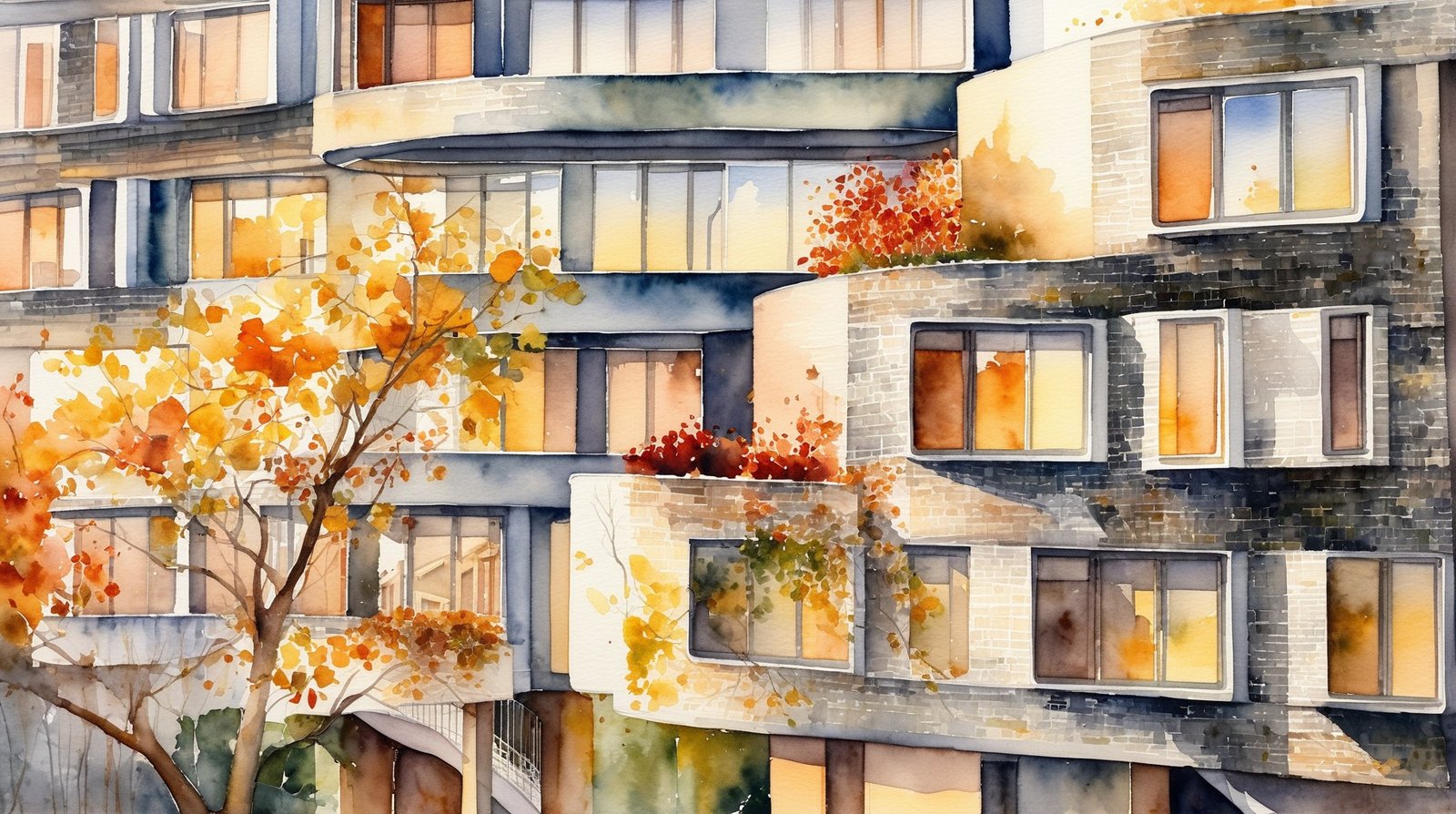
Creative Watercolor preset
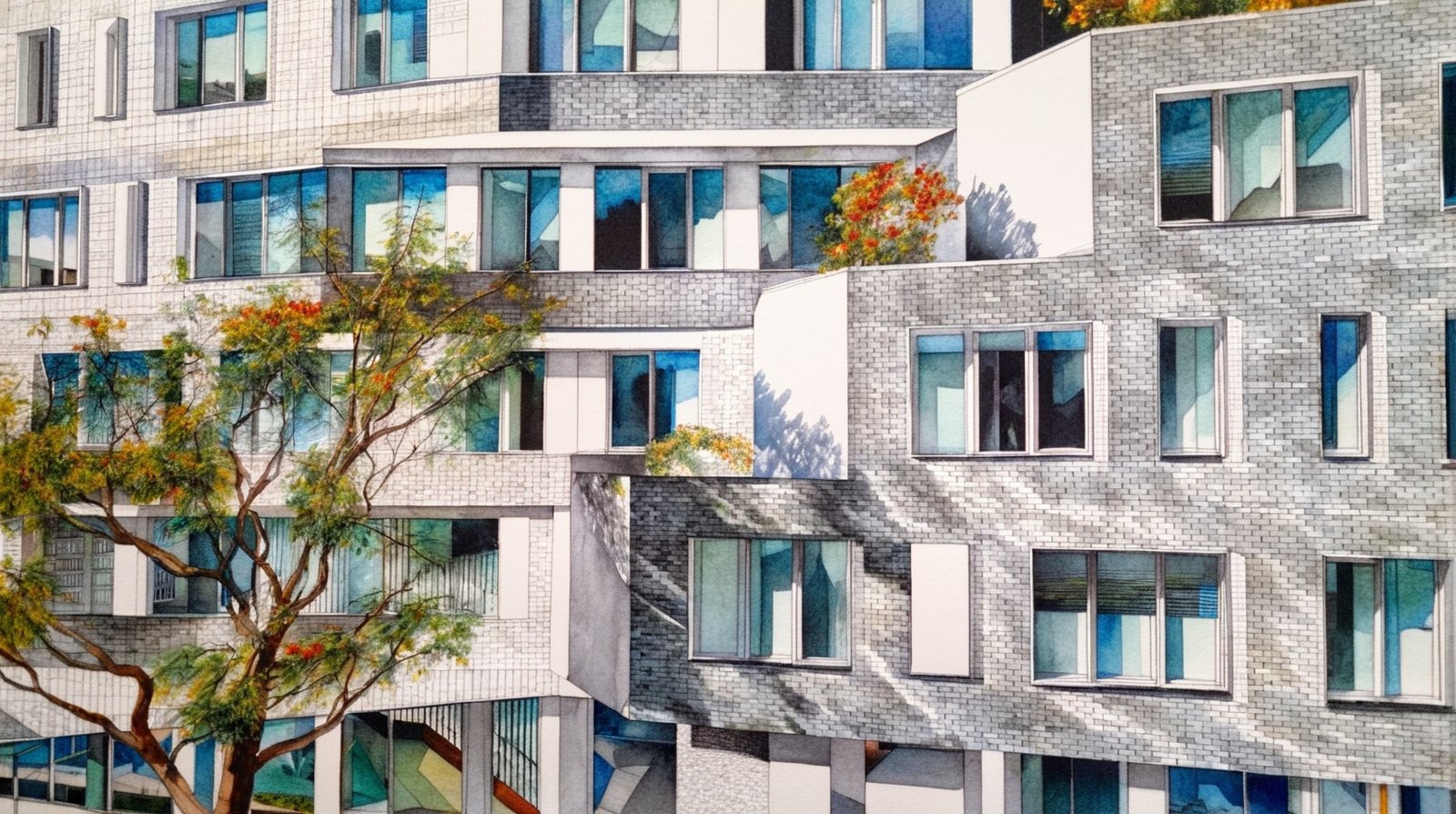
Sketch - Prisma Color
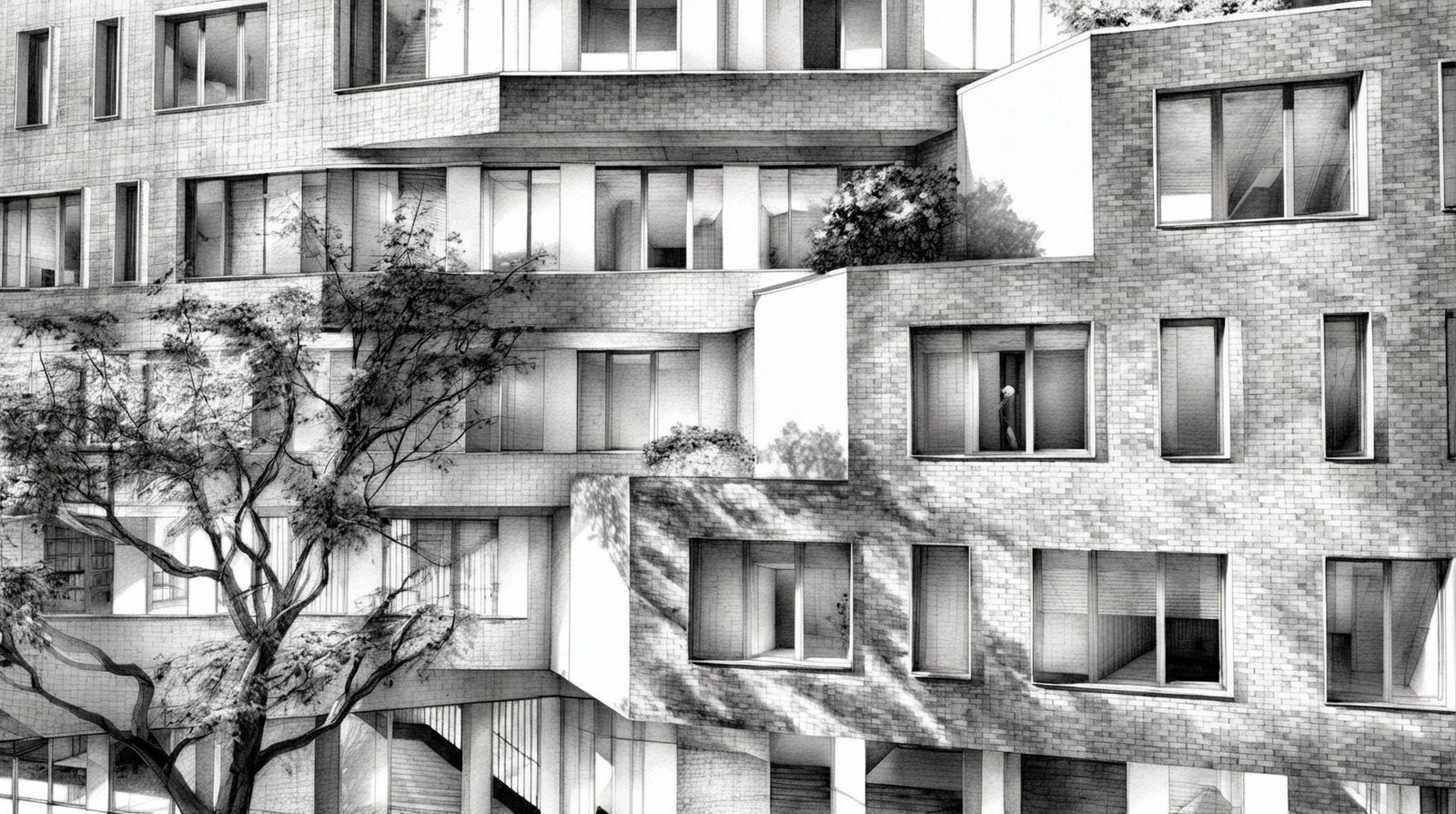
Sketch - Ink and Pen
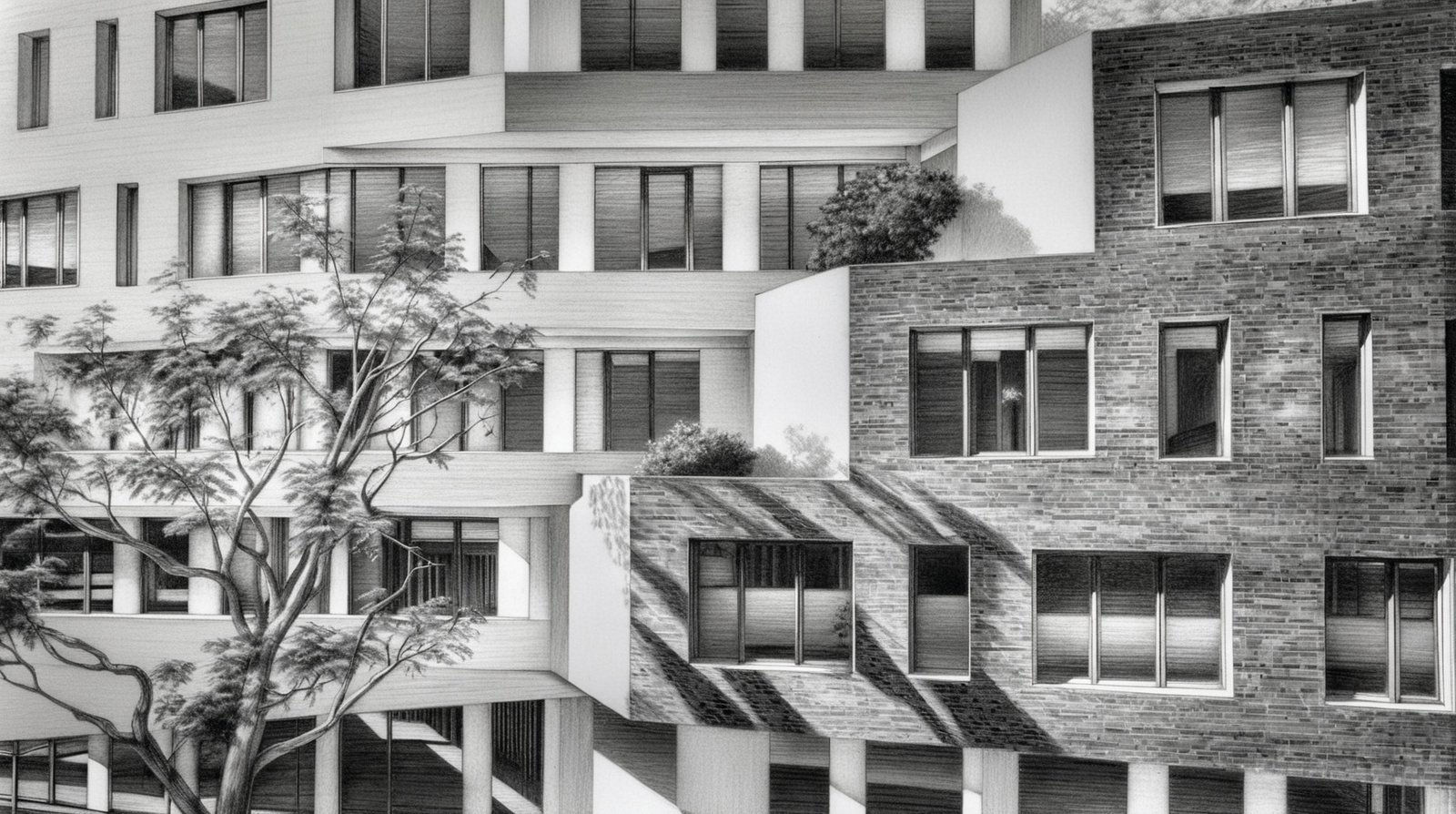
Sketch - Preserve Material
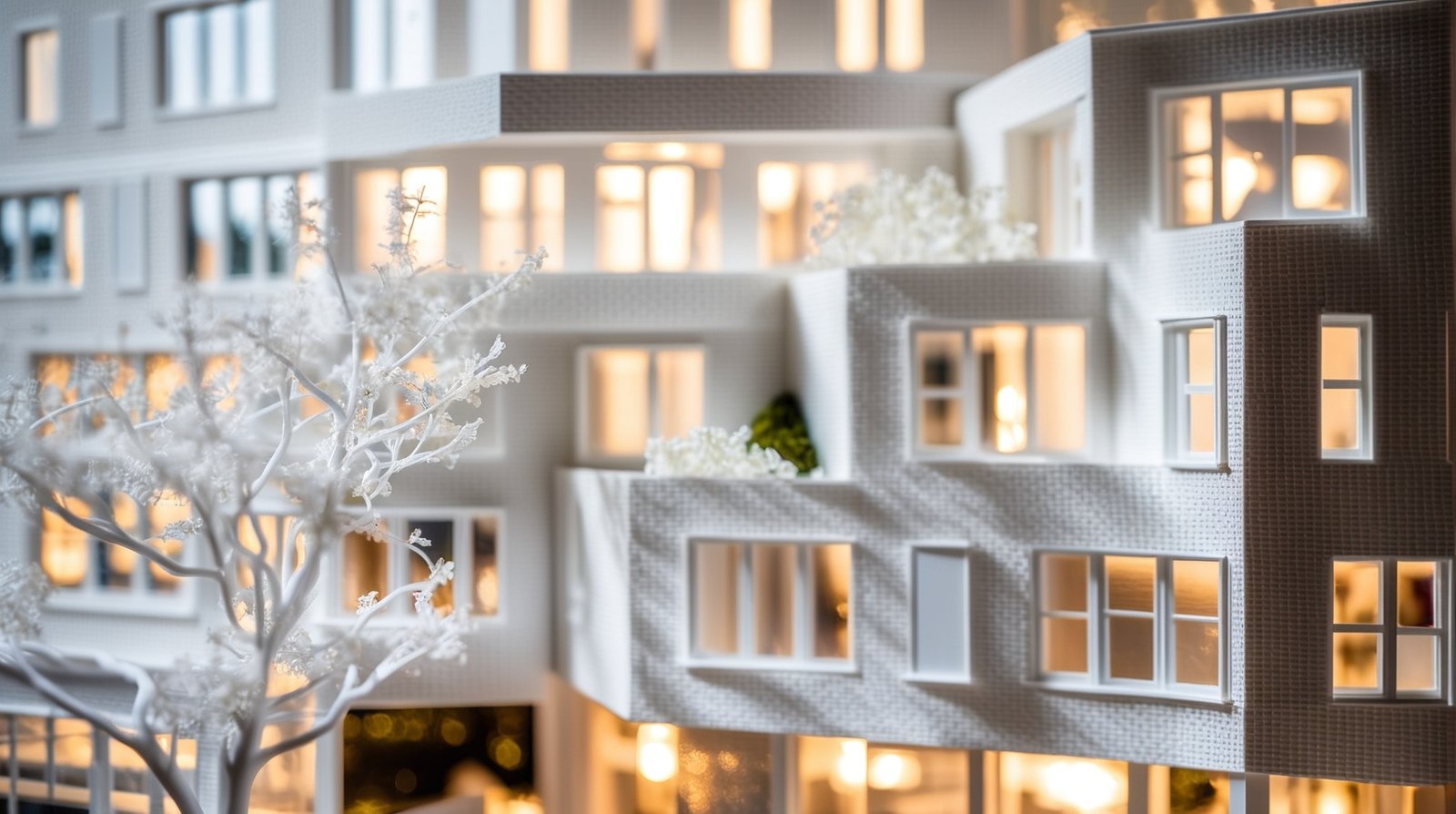
Bristol Board Model