Enscape Envision
Key Features
This page lists the main features available in Enscape Envision. For detailed information on all Envision features, please refer to the Release Notes.
Last updated 11 June 2026
This page lists the main features available in Enscape Envision. For detailed information on all Envision features, please refer to the Release Notes.
www.youtube.com
Project Import & Merge
Import – Linking and embedding of project files such as .vrscene, .vrmesh, .fbx, .obj, and .dae. Read more
Merge – Merging multiple Envision projects. Read more
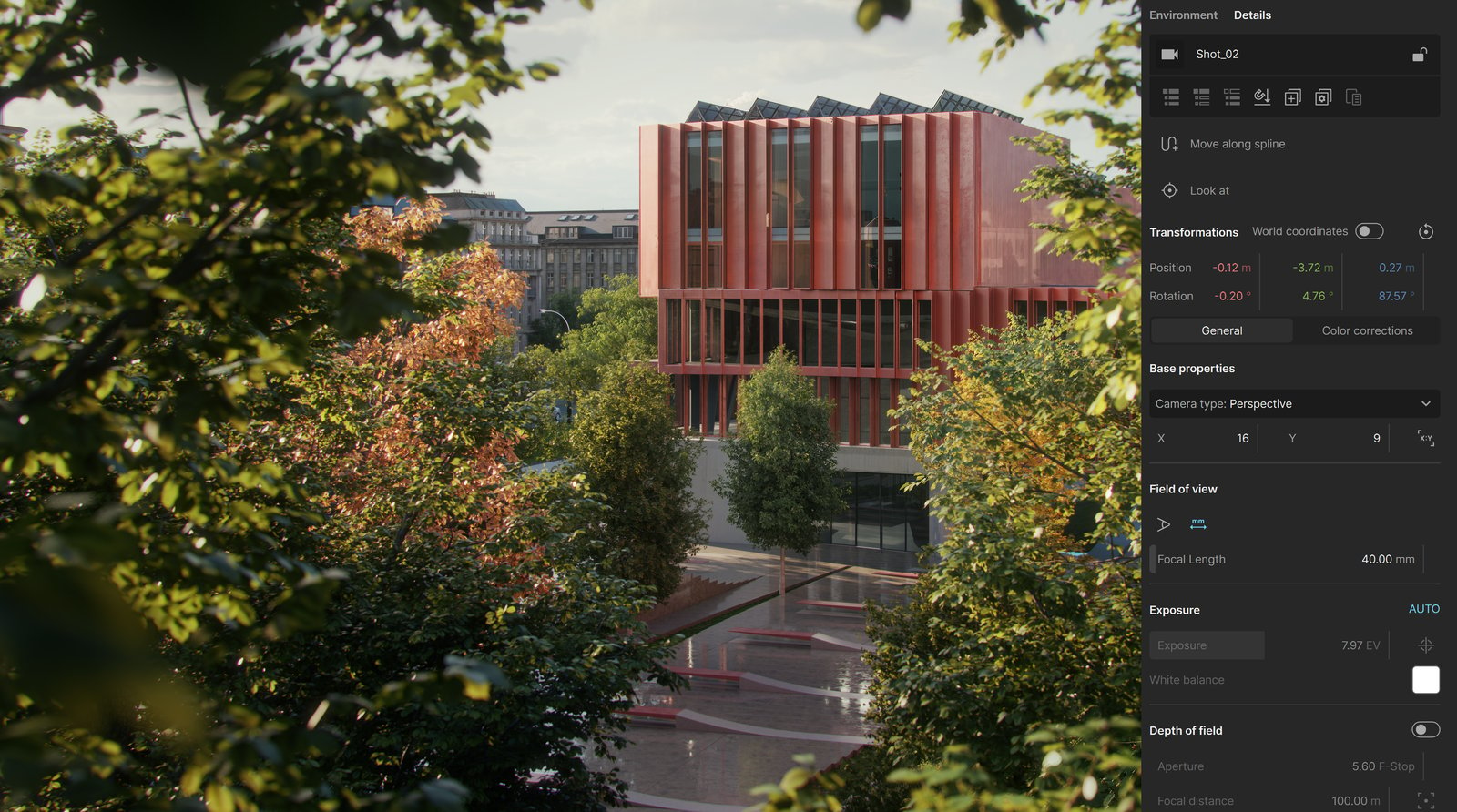
Context Sensitive UI
Details Tab – Context-based display of the settings for the currently selected element that automatically updates when a new element is selected. It allows you to easily adjust the element's settings. Read more
Crowd Simulations
Anima Crowd – Access to a wide variety of human character assets for crowd simulations, including ambient, posed, and walking characters. Read more

Traffic Simulations
Anima Traffic – Toolset for creating complex traffic systems with multiple animated vehicles and roads, with full control over vehicle behavior. Read more

Chaos Cosmos
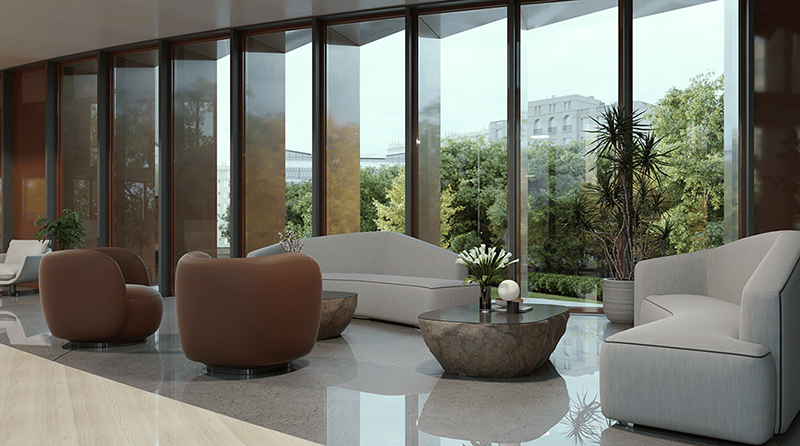
Asset Library – Chaos Cosmos Asset Library contains assets for populating the project with furniture, vegetation, vehicles, animals, people, lighting, different presets, and many more. Read more
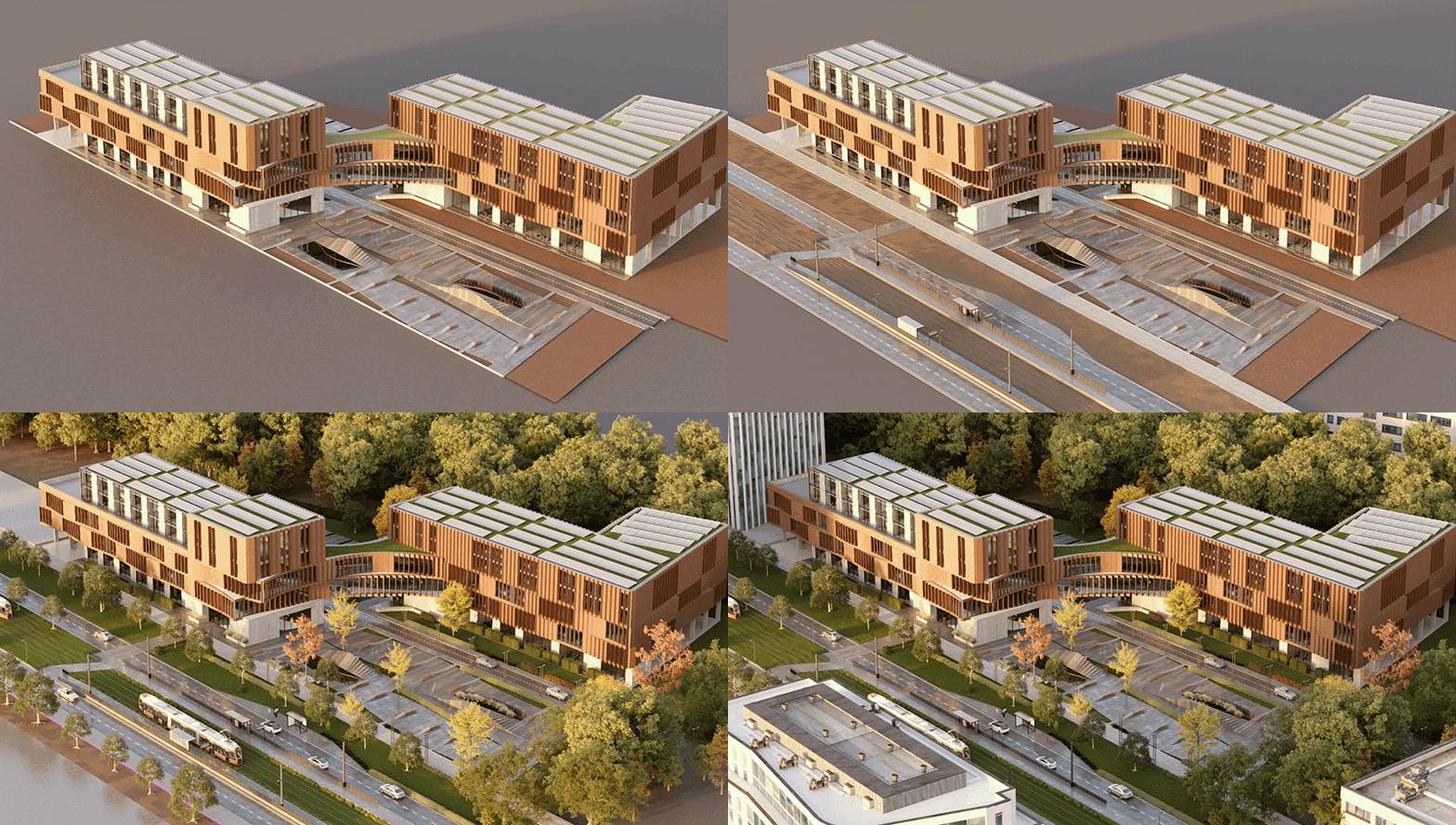
Chaos Scatter
Scatter – Distribution of objects on surfaces to populate the project with vegetation, buildings, and other elements. Read more
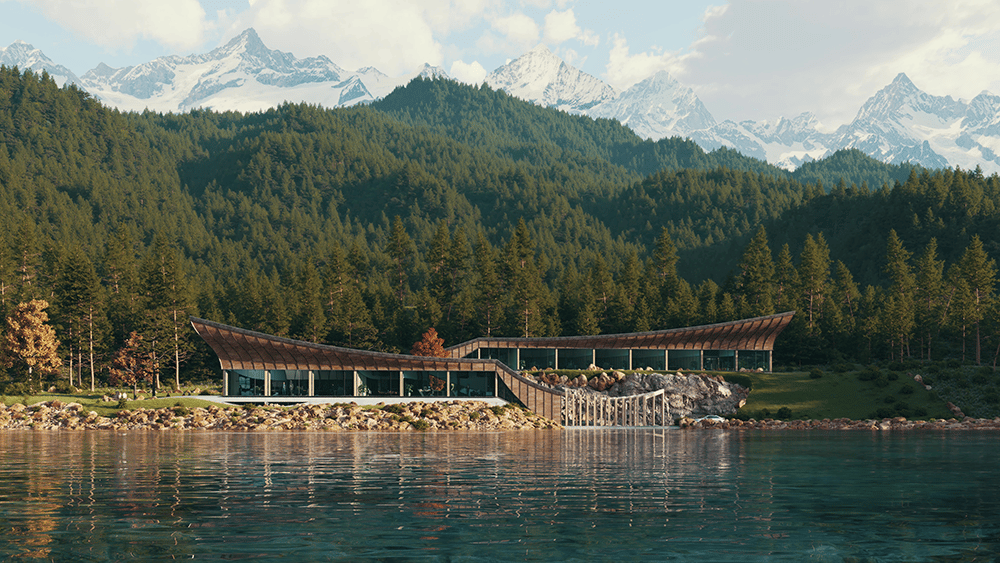
AI Features
AI Enhancer – AI-based enhancement of renders in Chaos Cloud. Read more
AI Material Generator – AI-based generation of materials in Chaos Cosmos. Read more

Cloud Collaboration
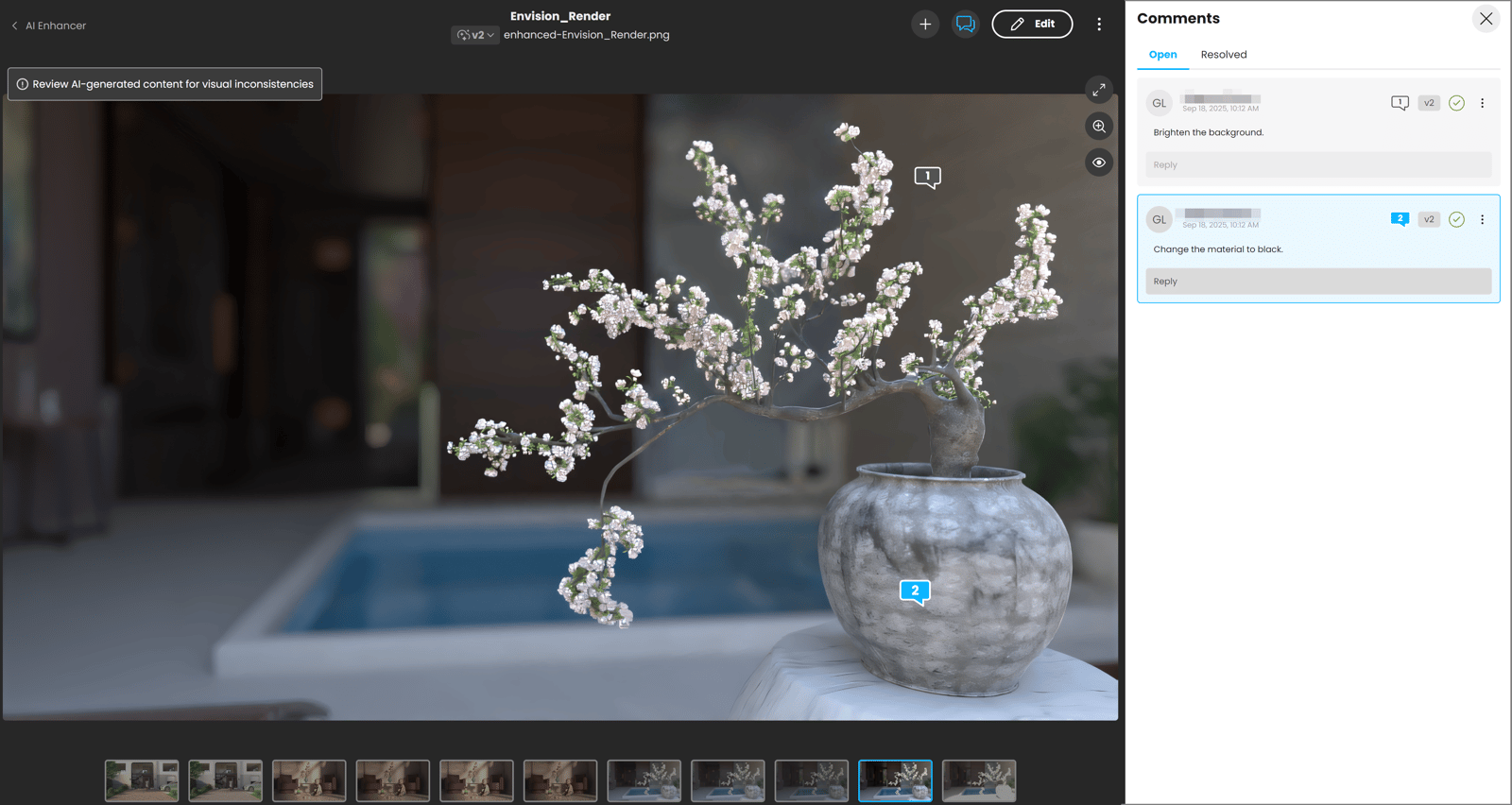
Chaos Cloud Collaboration – Access to the Chaos platform for sharing your renders, reading comments, and reviewing annotations. Read more
Design and Environment Variants
Variations – Creation of multiple object variations within the project, with the ability to switch between them. Read more
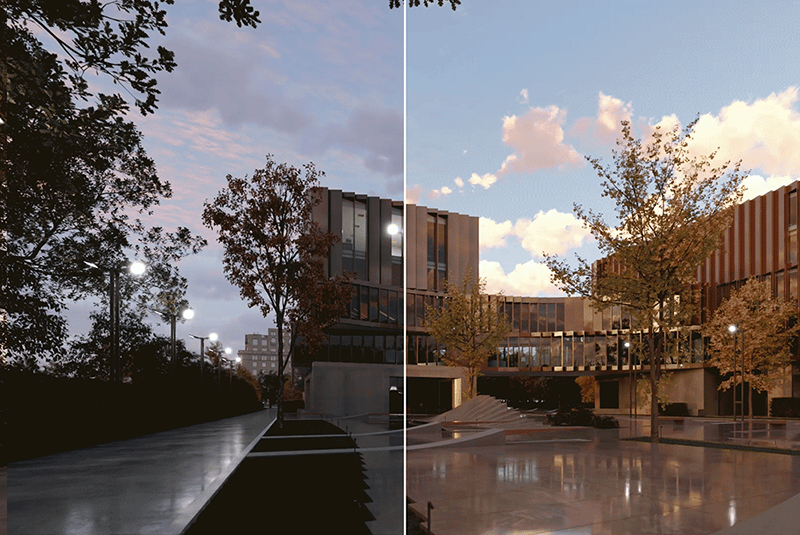
Environments – Creation of multiple environment variations, with the ability to switch between them. Read more
Camera Animations
Timeline – Create camera animations in the Timeline. Read more
Transformations
Toolbar – Tools for object transformation such as move, rotate, and scale. Read more
Proximity Sensors
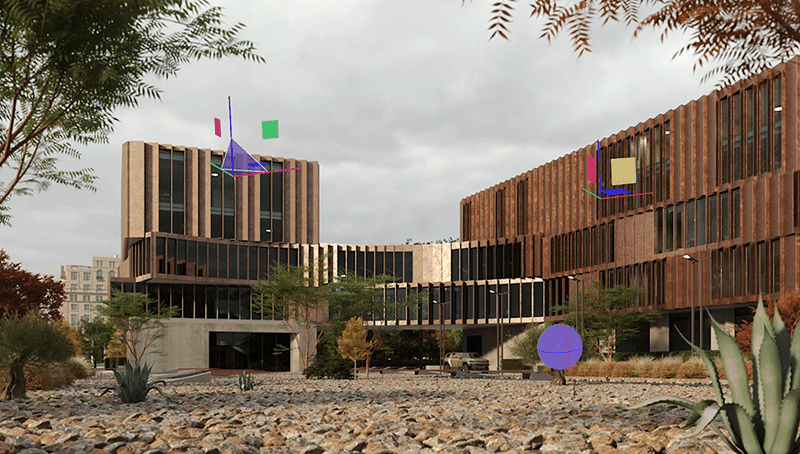
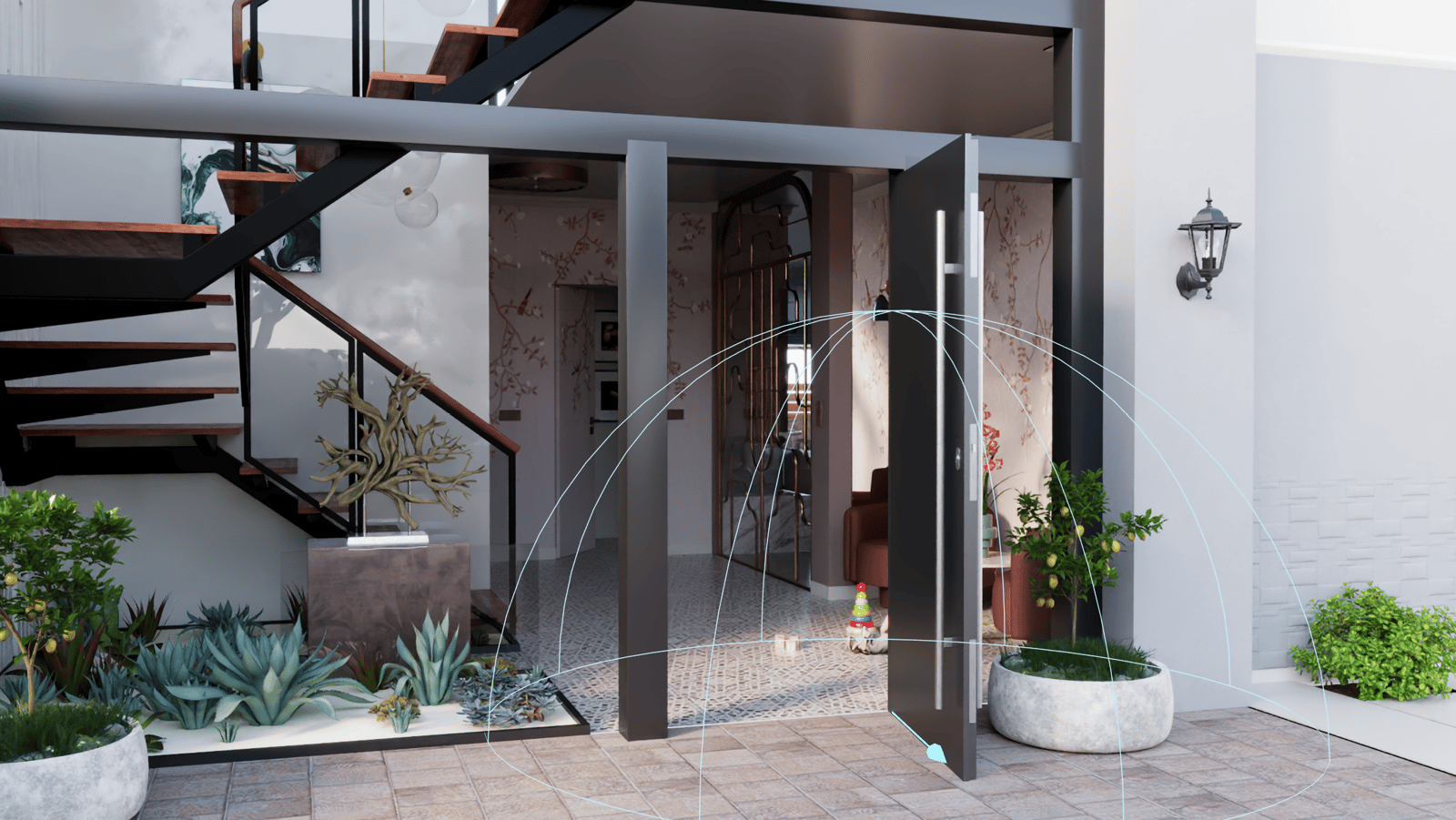
Proximity Sensors – Proximity-based activation of object animations. Read more
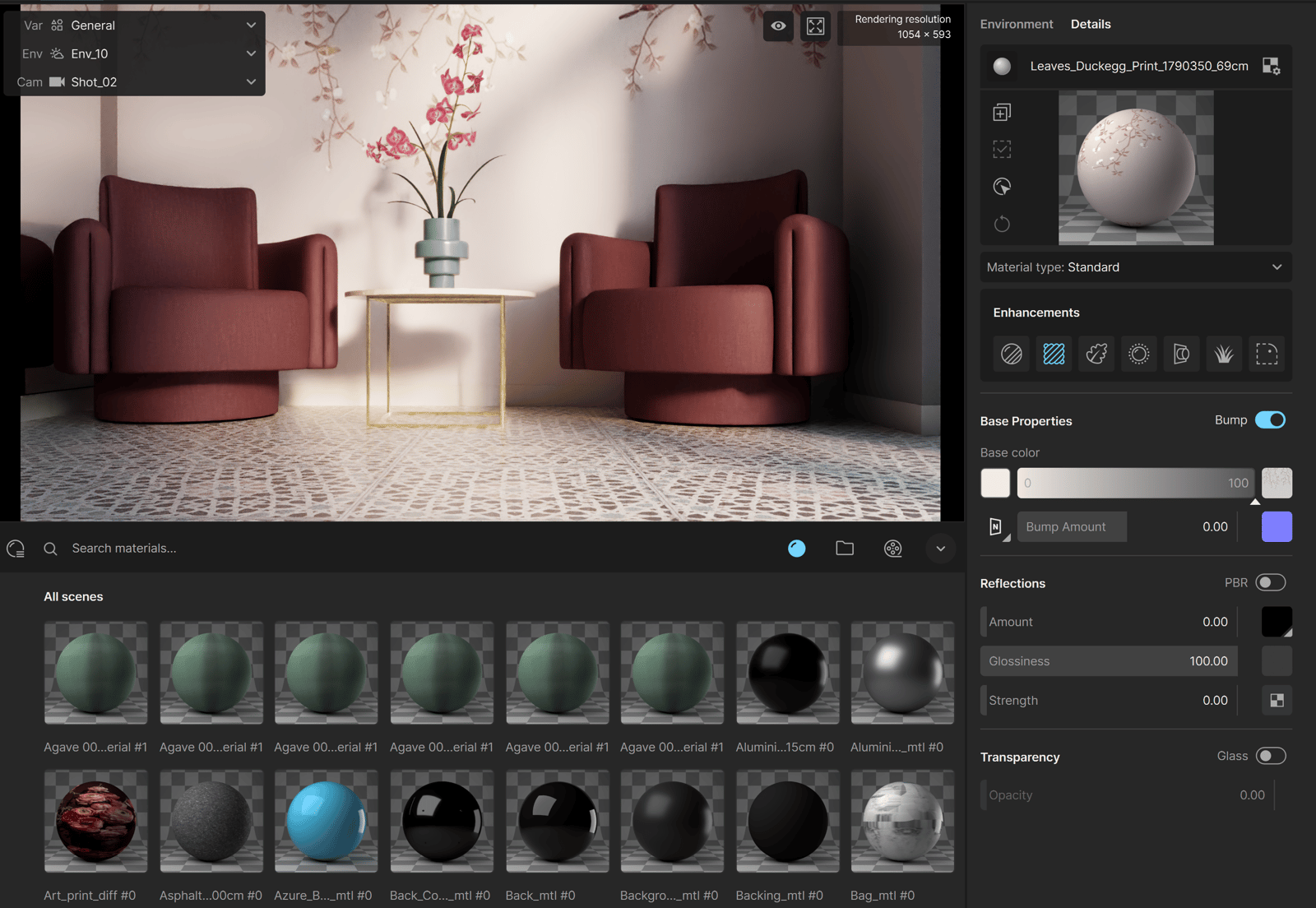
Material Editor
Material Lister – List of all project materials. Read more
Material Editor – Toolset for modifying, applying and duplicating selected materials. Read more
Live Link
Live Link – Real-time connection between Envision and CAD/BIM application, allowing you to instantly view changes made in the CAD/BIM applications without manually exporting and importing .vrscene files into Enscape Envision. Read more