Enscape Release Notes
4.9.0 macOS
Last updated 1 September 2026
Release Notes 30.07.2025
New
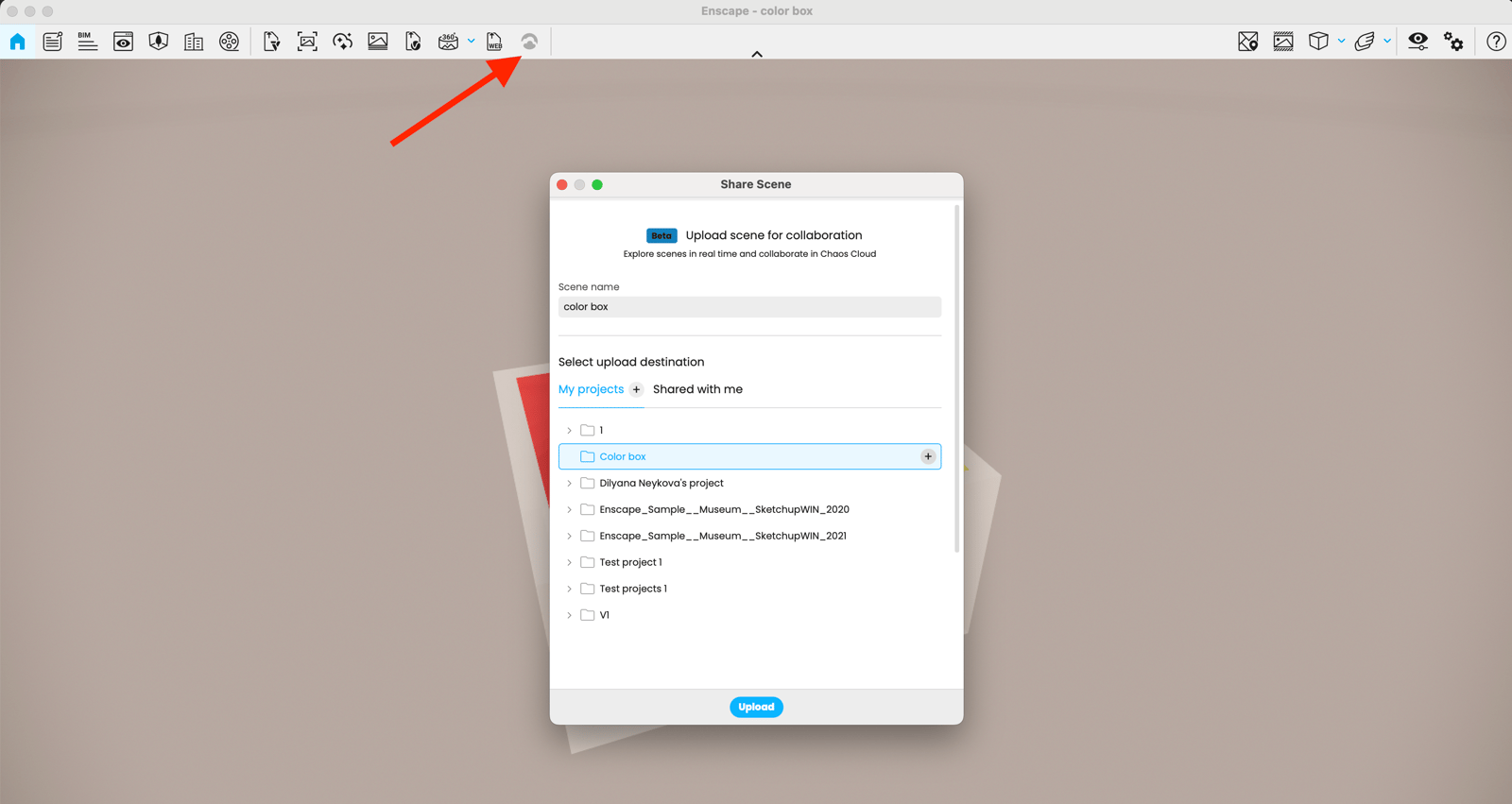
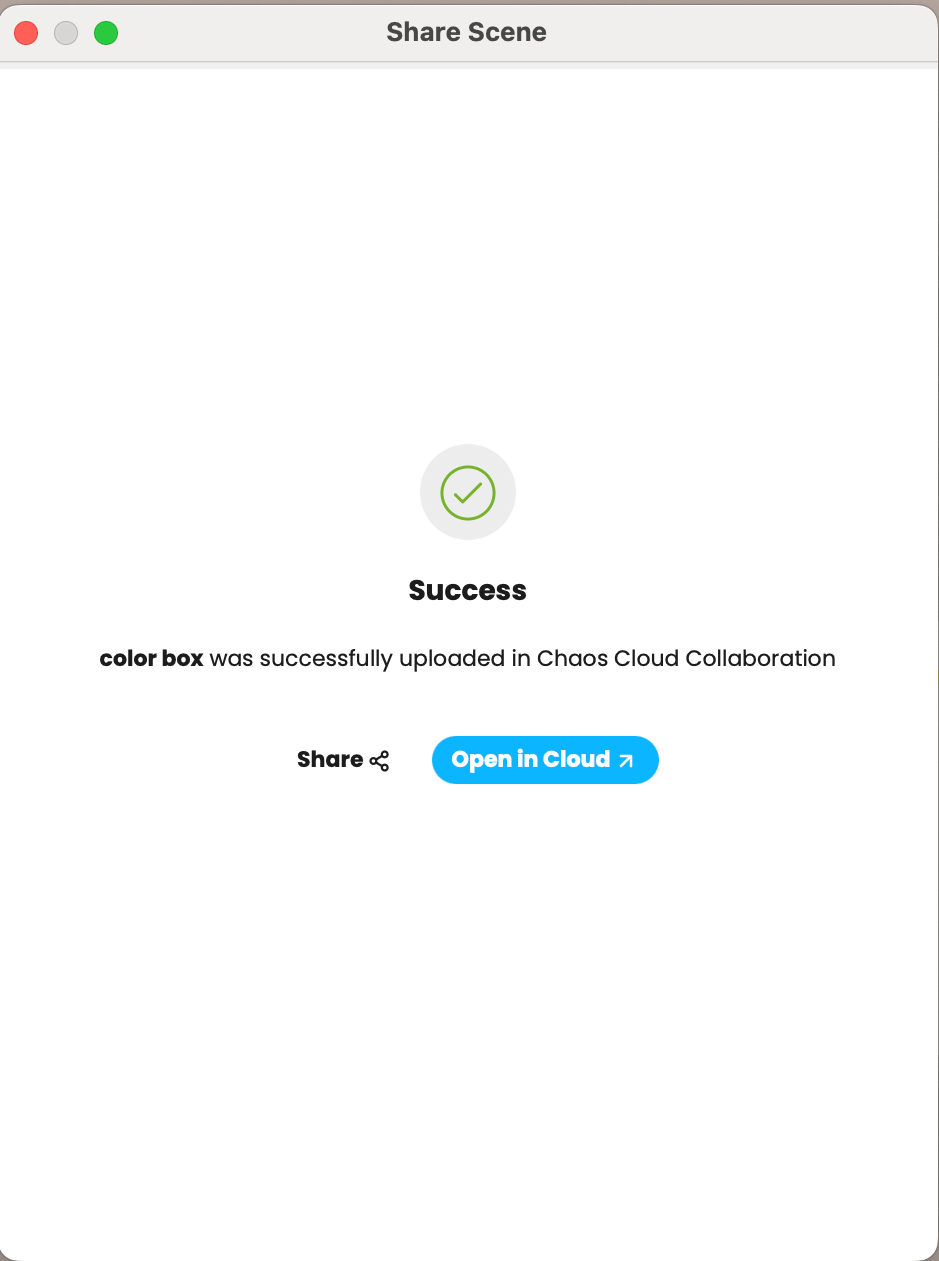
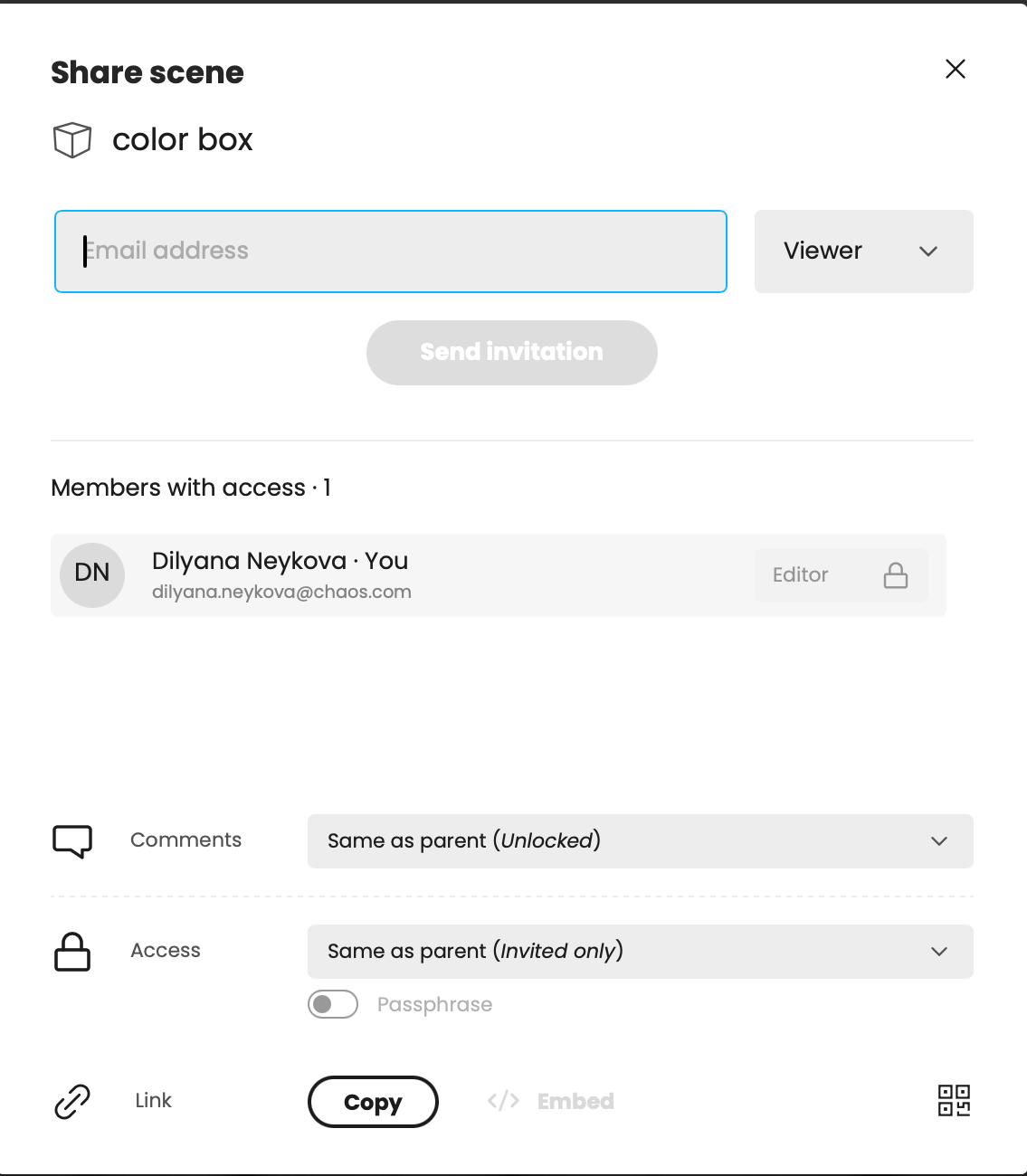
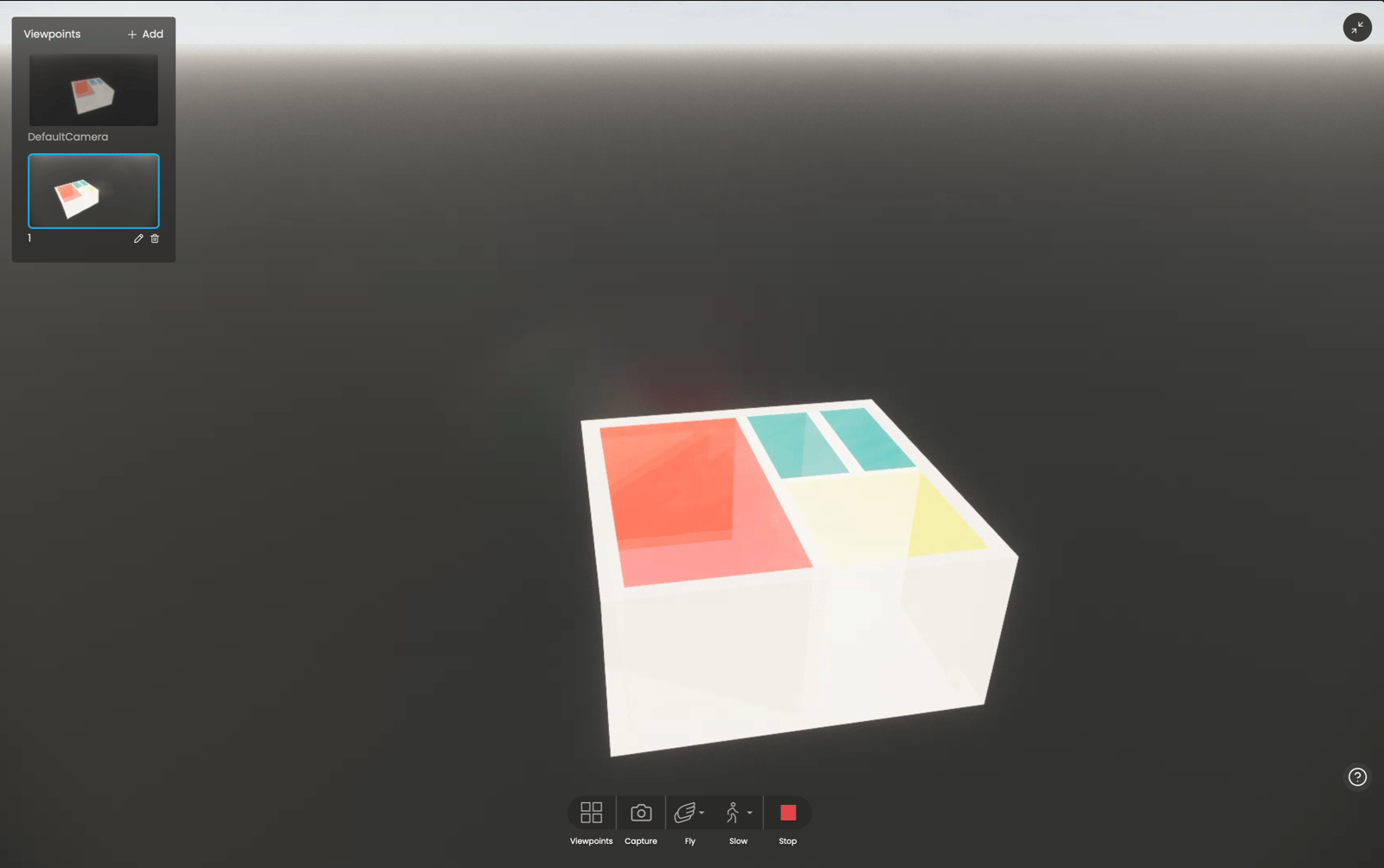
- 3D Scene sharing: Upload your 3D scene to Chaos cloud and share it with your team or customers. With our new 3D Streaming (Beta) service, you can provide a comprehensive understanding of your designs, and improve customer satisfaction and buy-in. Keep reviewers invested in the design process by exploring 3D scenes in real time, zooming in on the details, and communicating feedback with comment and visual annotation tools.
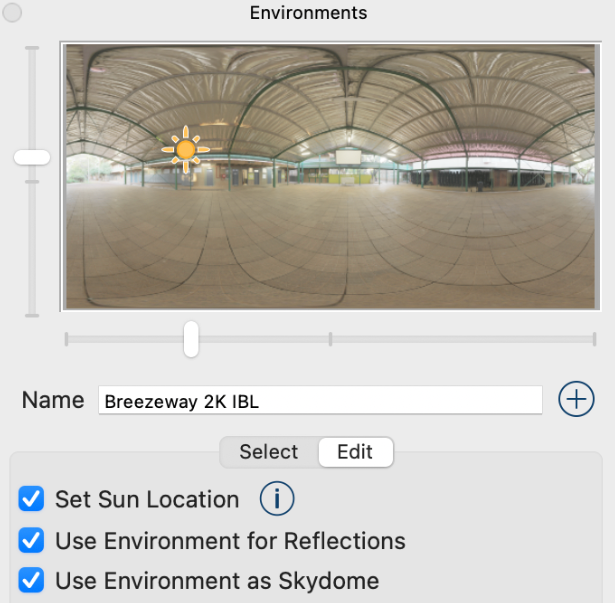
- SketchUp 2025 Environmental Sun Position Sync: Sun position changes made in SketchUp 2025 under Environments tab are now accurately reflected in Enscape. Both live changes and batch-rendered views will respect SketchUp’s sun configuration, following its prioritization of environment vs. date-time settings. This ensures consistent lighting between the modeling environment and final renderings.
- SketchUp 2025 Enscape Material textures fully embedded: To improve portability and prevent broken texture links, Enscape now embeds all material textures (including those in slots not natively supported by SketchUp) directly into the SketchUp project file.
- Removed Support for SketchUp 2022 and older versions: Starting with Enscape 4.9, support for old versions will be removed. This allows us to streamline development, improve code quality, and focus on supporting the latest SketchUp versions.
- Removed Support for Rhino 6: Starting with Enscape 4.9, support for old versions will be removed. This allows us to streamline development, improve code quality, and focus on supporting the latest Rhino versions.
Fixed Bugs
- Enscape Update Notification: “Discover the Latest Release” window appears whenever a newer Enscape version is available.
- Empty Message boxes: Fixed some error dialogs appearing without a message.
- Sun Position Sliders: Circular sliders for Azimuth and Altitude can now be dragged as expected in the View Management panel.
- Transform Gizmo: Scaling now continues properly after re-entering the window, even if the mouse cursor temporarily leaves the viewport.
- AMD’s FidelityFX Super Resolution: Changed loading behavior for external libraries that Enscape relies on to fix an issue that happens in rare cases when initializing AMD’s FidelityFX Super Resolution (FSR).
- Rhino: View switching did not work as expected with multiple documents.
- Sketchup 2025: Enscape not starting. Changed loading behavior for external libraries that Enscape relies on.
- Material Editor: Sometimes changes of Roughness parameter were lost.
Known Issues
- Video editor: Quitting CAD with an unsaved video editor path stalls Enscape forever.