Use this guide to compare the image models available in Veras.
Visual examples

GPT Image 2.5

Grok Imagine
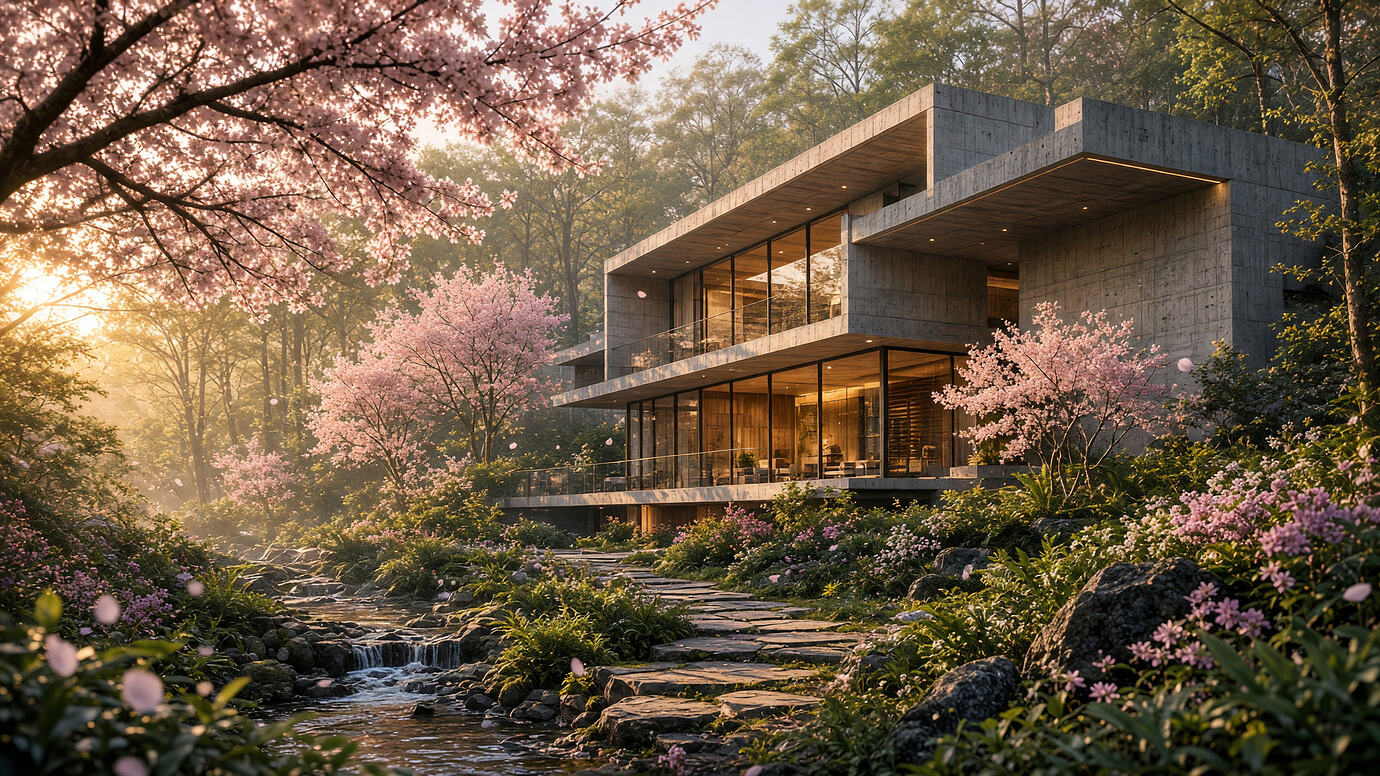
Grok Imagine 2
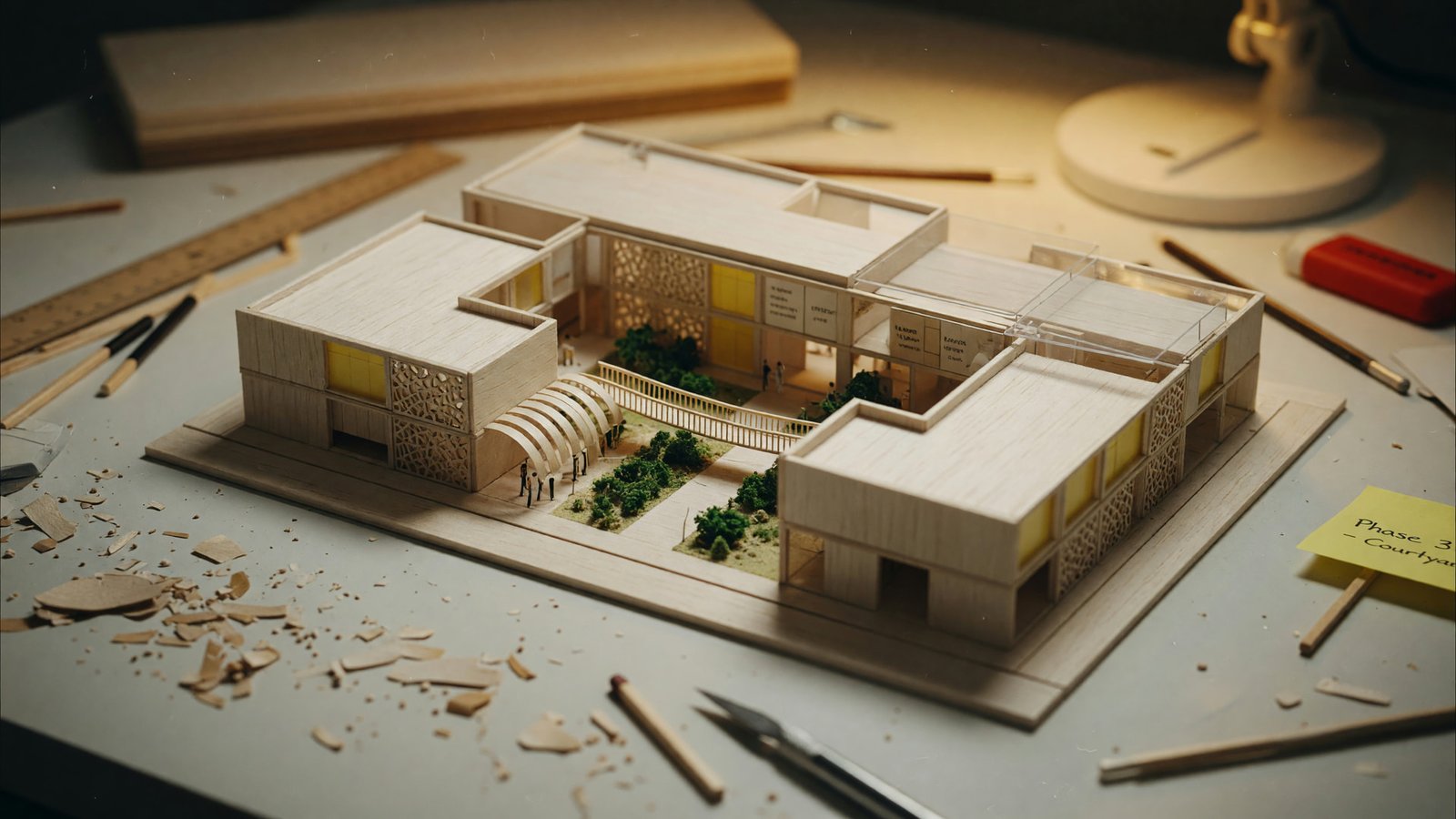
Grok Imagine
For more Veras render results, see the Visual Examples page.
Overview
The Render Engine affects how your render looks, how quickly it renders and its Chaos Credits cost.
Choose the Image Model from the dropdown menu in the Image tab. See the Image tab guide for more information.
Available image models
- Version 7 Flash uses Nano Banana 2 (Google Gemini Flash) for fast, affordable rendering with support for more aspect ratios.
More about Version 7 Flash
- Version 7 uses Nano Banana Pro (Google Gemini). It is best for overall quality and creative generation, with improved editing capabilities.
More about Version 7
- Grok Imagine 2 is the latest Imagine model. It follows instructions more closely and produces typography and layouts suited to design work, at resolutions up to 2K.
More about Grok Imagine 2
- Grok Imagine 1 uses Grok Imagine (xAI) for fast, stylised generation with strong text rendering. It also offers photorealistic quality tiers up to 2K.
More about Grok Imagine 1
- GPT Image 2.5 produces sharper details and more precise edits that preserve the source than GPT Image 2, at resolutions up to 2K.
- GPT Image 2 follows prompts closely and renders text well, with reliable photorealistic output.
- Version 6 Sharp uses the SD Model. It is good for retaining details at low Geometry Override values.
- Version 6 uses the SD Model. It is good for overall quality.
- Version 5 uses the SD Model. It offers good quality and retains a broad range of materials at high Material Override values.
- Version 4 uses the SD Model. It is good for expressive renderings.