V-Ray for 3ds Max
VRay2SidedTex
This page provides information about the VRay2SidedTex texture in V-Ray for 3ds Max.
Last updated 24 November 2025
This page provides information about the VRay2SidedTex texture in V-Ray for 3ds Max.
Overview
The VRay2SidedTex texture is a simple map allowing you to assign different colors/maps to a surface based on the orientation of the normal (front face / back face). This is useful, for example, for backface culling when used in the Opacity slot, or for assigning print to the front of a label on a bottle, and plain paper on the back of the same label (seen through the glass of the bottle).

Parameters
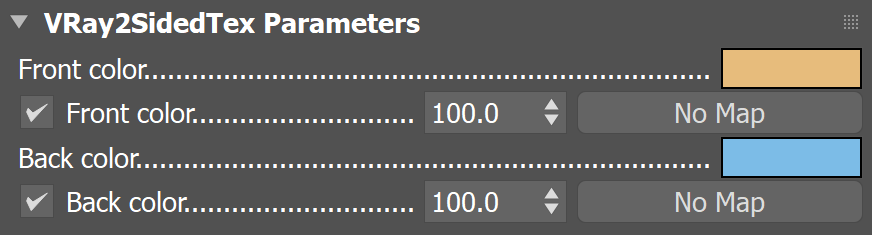
Front color – Allows picking the front color in the Scene Color Selector window.
Front color (map slot) – Allows loading a texmap for the front color.
Front color (multiplier) – A multiplier for the effect of the front color texture. You can entirely turn off the effect from the checkbox.
Back color – Allows picking the back color in the Scene Color Selector window.
Back color (map slot) – Allows loading a texmap for the back color.
Back color (multiplier) – A multiplier for the effect of the back color texture. You can entirely turn off the effect from the checkbox.
Examples
Front and Back color
In this example, that paper airplanes have a 2SidedTex assigned as their diffuse colors. The airplane in the foreground has a 2SidedTex with an orange Front color and its Back color is blue.
This is reversed in the background airplane. This can be done either by swapping the colors assigned as the Front and Back or by swapping the normals of the geometry.

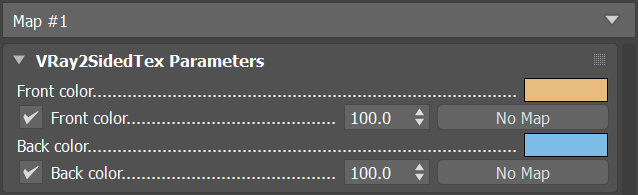
Foreground paper plane material setup
The VRay2SidedTex can shade objects with no thickness, like these bottle labels. A graphic image is used for the front side, and a blue paper texture for the back side.
BottleLabels_VRay2SidedTex
mp4
25 MB
Using 2SidedTex to Affect Opacity
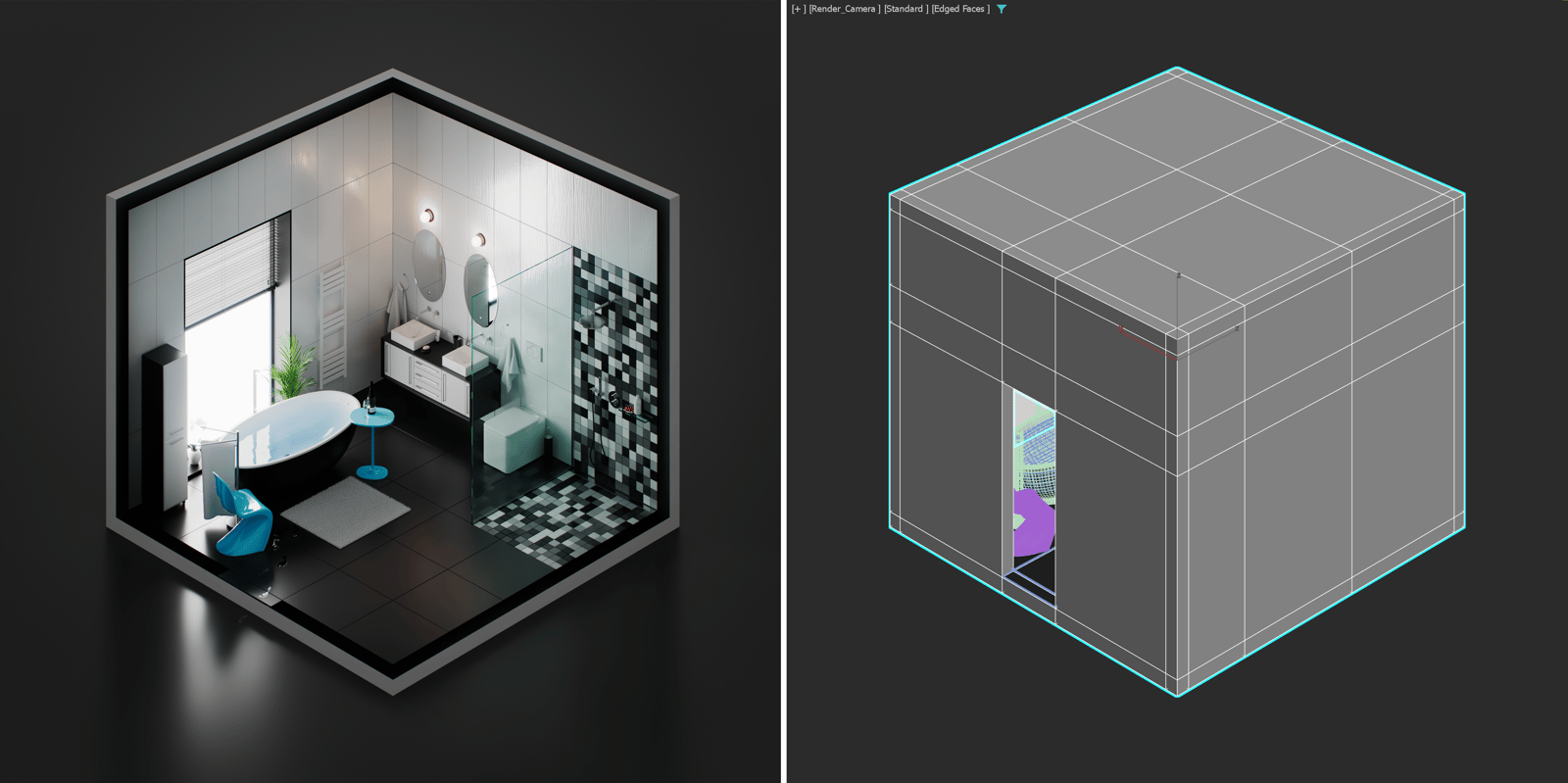
In this example, the 2SidedTex is applied to the walls of a room, so that you can see its interior without affecting the geometry. To achieve this, the Front color of the texture is set to a fully black color. This makes geometry with camera-facing normals transparent. The Back color is set to a complete white with zero opacity. This keeps the back walls visible, while not interfering with the colors of the materials inside the room.
Even if the walls are thick, the VRay2SidedTex can be used to see the inside of the room, with the same material setup. Only the faces of the interior walls need to have their normals flipped.