V-Ray for 3ds Max
VRayLighting
This page gives information about the Lighting Render Element.
Last updated 8 May 2026
This page gives information about the Lighting Render Element.
Overview
The Lighting Render Element stores direct lighting information from lights in the scene, and materials as lit by the lighting. This render element can be used to brighten, lessen, or tint the direct lighting in a composite.
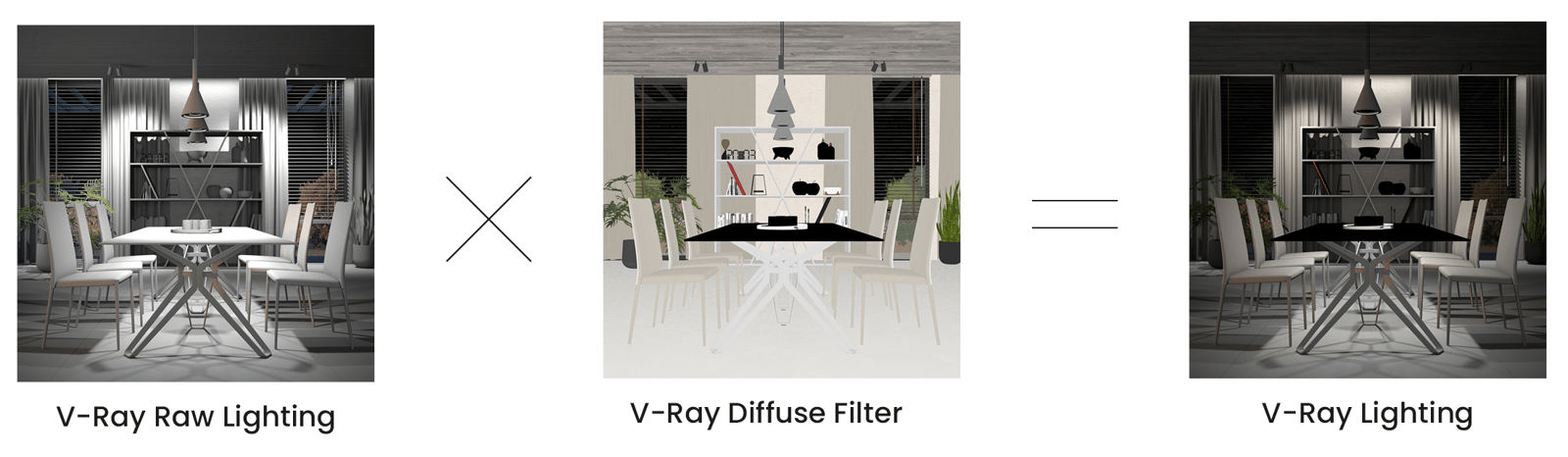
The VRayLighting Render Element is the same as VRayRawLighting multiplied by VrayDiffuseFilter. VRayLighting is provided as a convenience to the compositor.
UI Path

Parameters
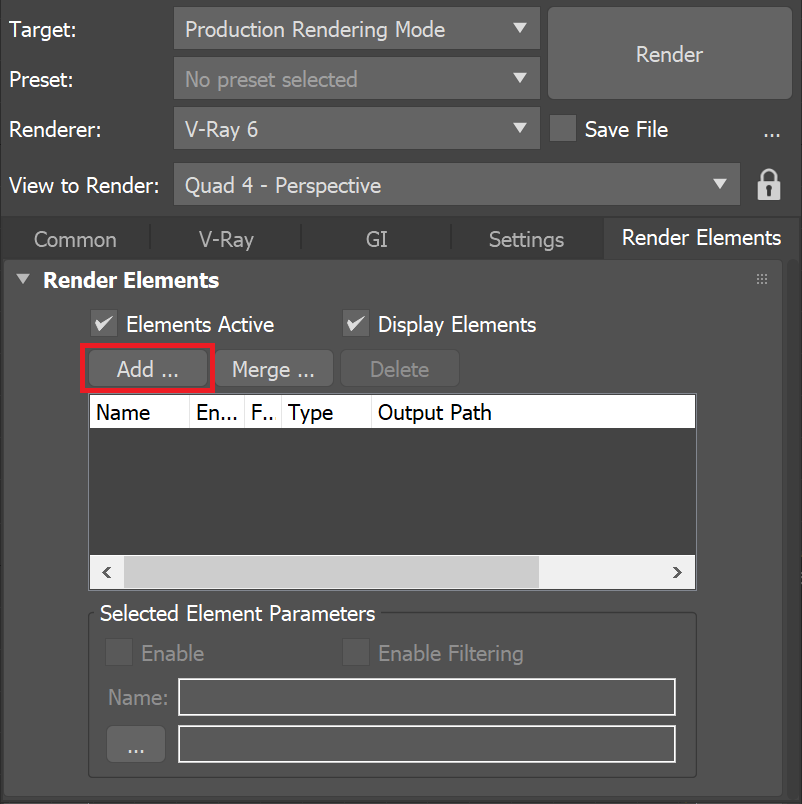
This render element is enabled through the Render Elements tab of the Render Setup window in 3ds Max and displays its parameters in a rollout at the bottom of the window:
VRayVFB – When enabled, the render element appears in the V-Ray Virtual Frame Buffer.
Deep output – Specifies whether to include this render element in deep images.
Color mapping – Applies the color mapping options specified in the Color mapping rollout (Render Setup window > V-Ray tab) to this render element. This option is enabled by default.
Multiplier – Sets the overall intensity of the render element, where 1.0 is the standard multiplier.
Denoise – Specifies whether to denoise this render element.

Common Uses
The Lighting Render Element is useful for changing the appearance of direct illumination after rendering in a compositing or image editing application. In the example, a warm tone is applied to the lights in compositing.

Before

After
Compositing Formula
VRayRawLighting x VrayDiffuseFilter = VRayLighting