V-Ray for 3ds Max
VRayLuminaire
This page describes the settings of the V-Ray Luminaire light.
Last updated 22 April 2026
This page describes the settings of the V-Ray Luminaire light.
Overview
The V-Ray Luminaire light object allows efficient rendering of entire light fixtures by loading their respective precomputed light fields from .vlw files. Such files are generated by Chaos and used in Chaos Cosmos light assets marked with a "luminaire" tag. The emitting surface of the luminaire is drawn in the viewport. This is either a box or a convex hull.
UI Paths

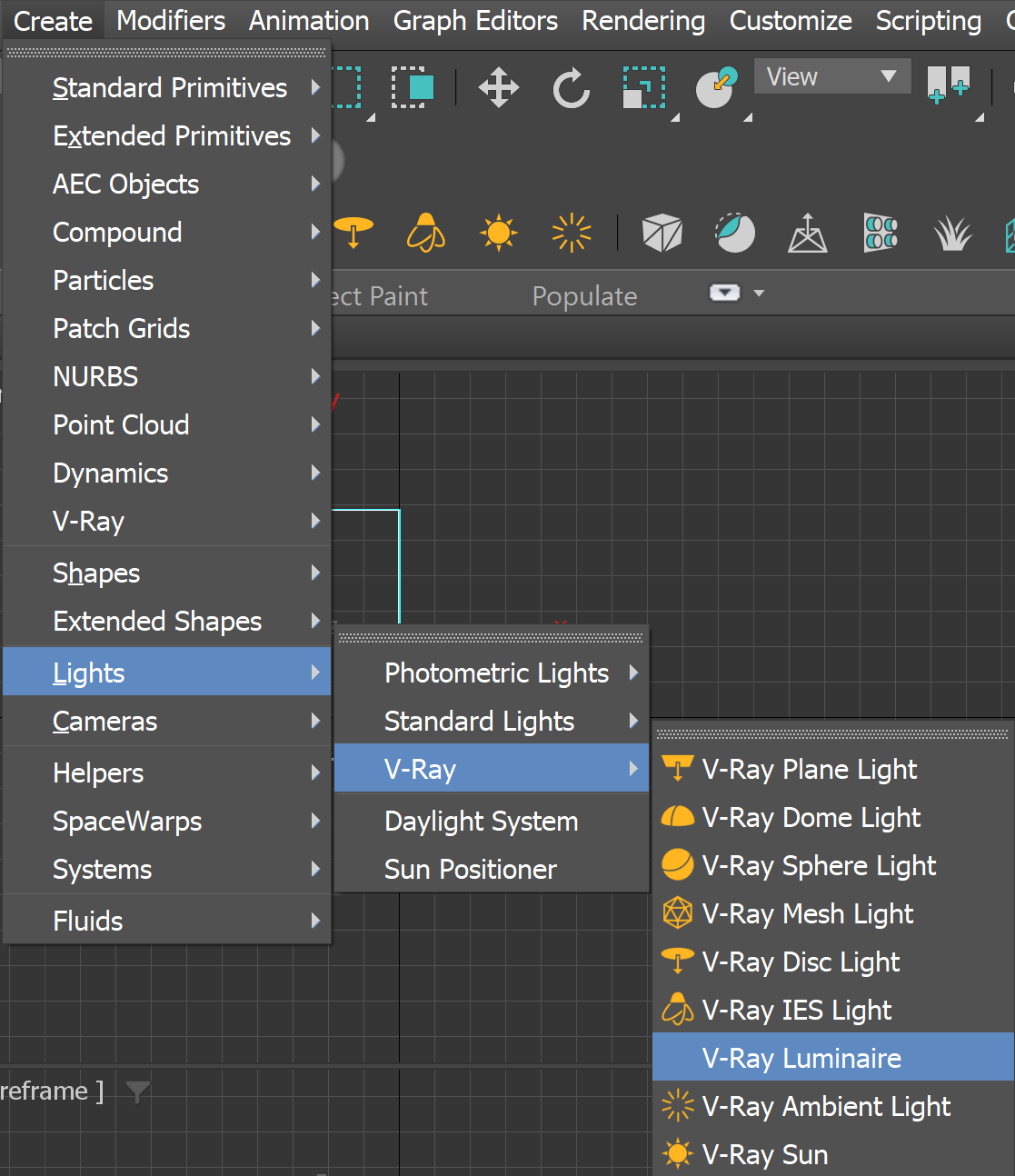

General
Enabled – Turns the VRayLuminaire light on and off.
Luminaire file – Specifies the .vlw file that holds the baked lighting.
Scale – Allows the loaded asset to be scaled up or down.

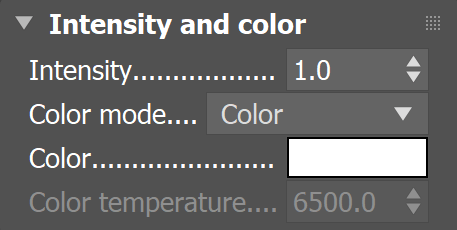
Intensity and color
Intensity – Specifies an intensity multiplier for the VRayLuminaireLight.
Color mode – Specifies the mode in which the color of the light field is adjusted:
Color – When selected, the Color swatch modifies the color of the light field.
Temperature – When selected, the Temperature value expressed in Kelvin modifies the color of the light field.
Color – Specifies color when the Color mode is set to Color.
Color temperature – Specifies color temperature in Kelvin when the Color mode is set to Temperature.
Options
Exclude – (available for Include/Exclude list mode) Opens the 3ds Max Exclude/Include window for selection of objects to be excluded or included in illumination and/or shadow-casting for this light.
+ – (available for Include/Exclude list mode) Adds objects to the Incl/Excl list by picking them in the viewport.
- – (available for Include/Exclude list mode) Removes objects from the Incl/Excl list by picking them in the viewport.
Exclude Layers – (available for Exclude layers mode) Opens the Include/Exclude layers window for selection of layers to be excluded or included. You can also specify whether the Illumination, Shadow casting or both to be affected.
Exclude object IDs – (available for Exclude object IDs mode) Allows you to select objects to be excluded based on their object IDs.
Affect diffuse – Determines whether the light is affecting the diffuse properties of the materials.
Affect specular – Determines whether the light is affecting the specular part of the materials.
Affect atmospherics – When enabled, the light influences the atmospheric effects in the scene.
Cast shadows – When enabled (the default), the light casts shadows. Turn this option off to disable shadow casting for the light.

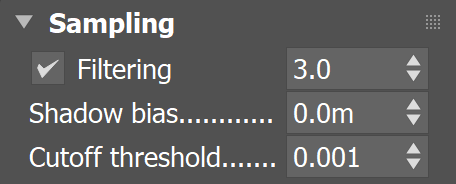
Sampling
Filtering – Specifies the stochastic filtering of the light field to reduce aliasing.
Shadow bias – Moves the shadow toward or away from the shadow-casting object (or objects). If the Bias value is too low, shadows can "leak" through places they shouldn't, produce moire patterns, or make out-of-place dark areas on meshes. If Bias is too high, shadows can "detach" from an object. If the Bias value is too extreme in either direction, shadows might not be rendered at all.
Cutoff threshold – Specifies a threshold for the light intensity below which the light is not computed. This can be useful in scenes with many lights, where you want to limit the effect of the lights to some distance around them. Larger values cut away more from the light; lower values make the light range larger. If you specify 0.0, the light is calculated for all surfaces. This parameter is not available when the renderer is set to GPU.
Viewport
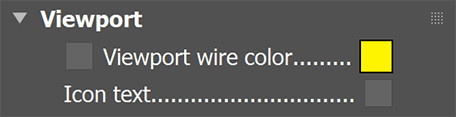
Viewport wire color – Changes the wireframe color of the light in the viewport. This is useful to visually recognize groups of lights from one another.
Icon text – Turns the viewport icon text on or off.
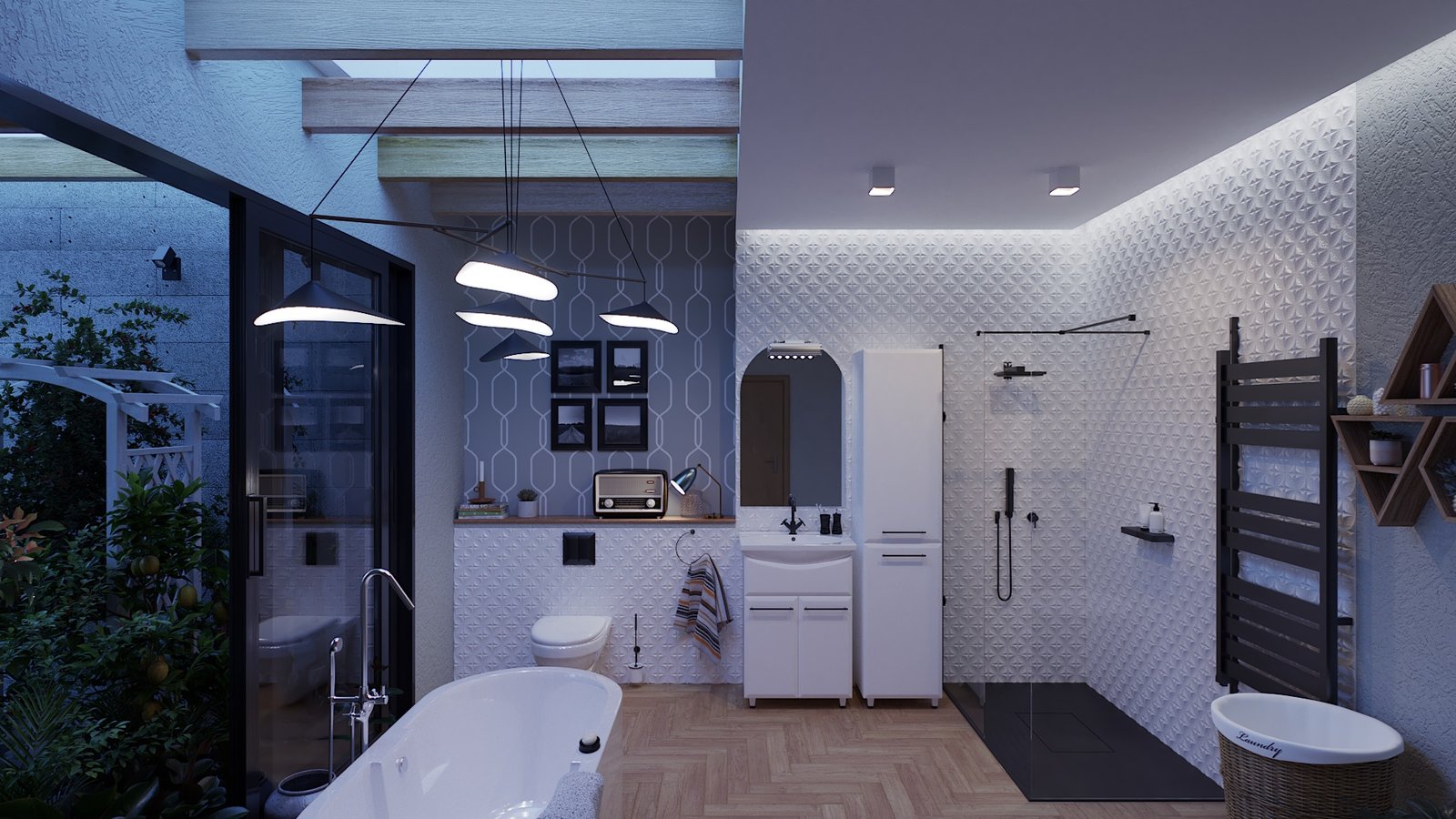
Example: VRayLuminaire
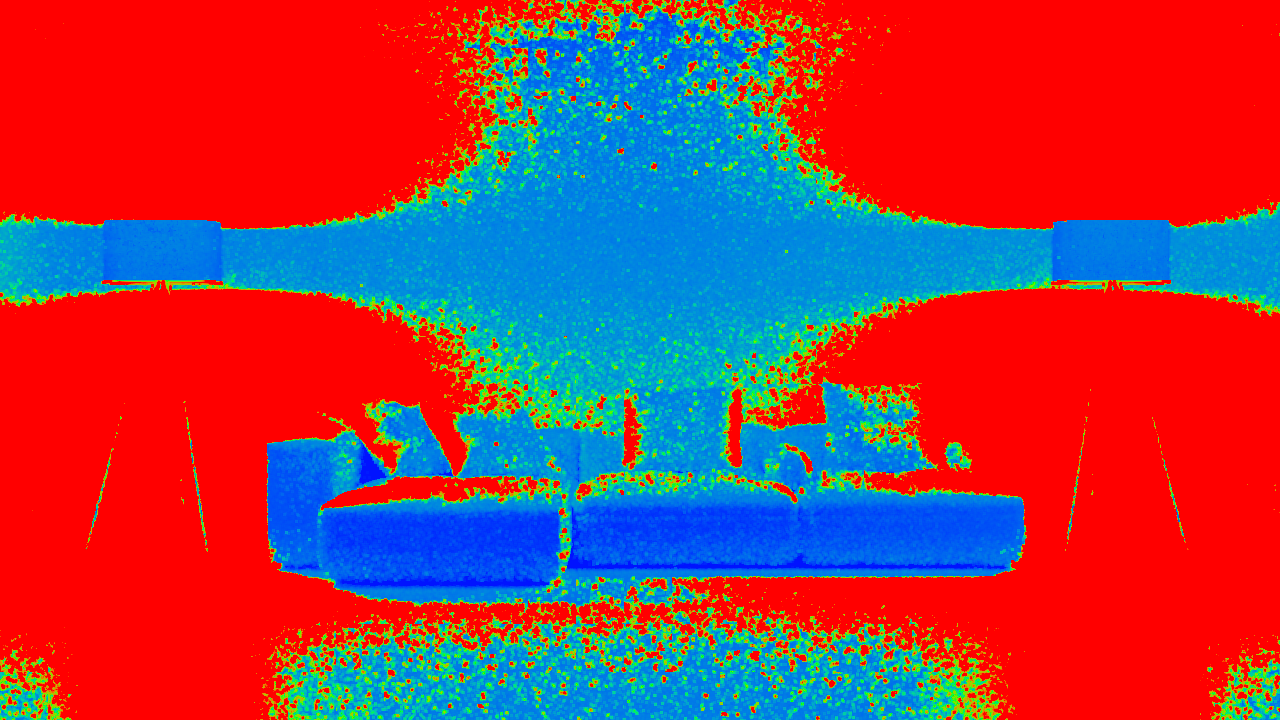
These examples demonstrate how using V-Ray Luminaire enhances render time and image quality.

disabled

enabled
disabled

enabled