V-Ray for 3ds Max
VRayOSLOutputSelector
This page provides information on the OSL Output Selector Map.
Last updated 29 April 2026
This page provides information on the OSL Output Selector Map.
Overview
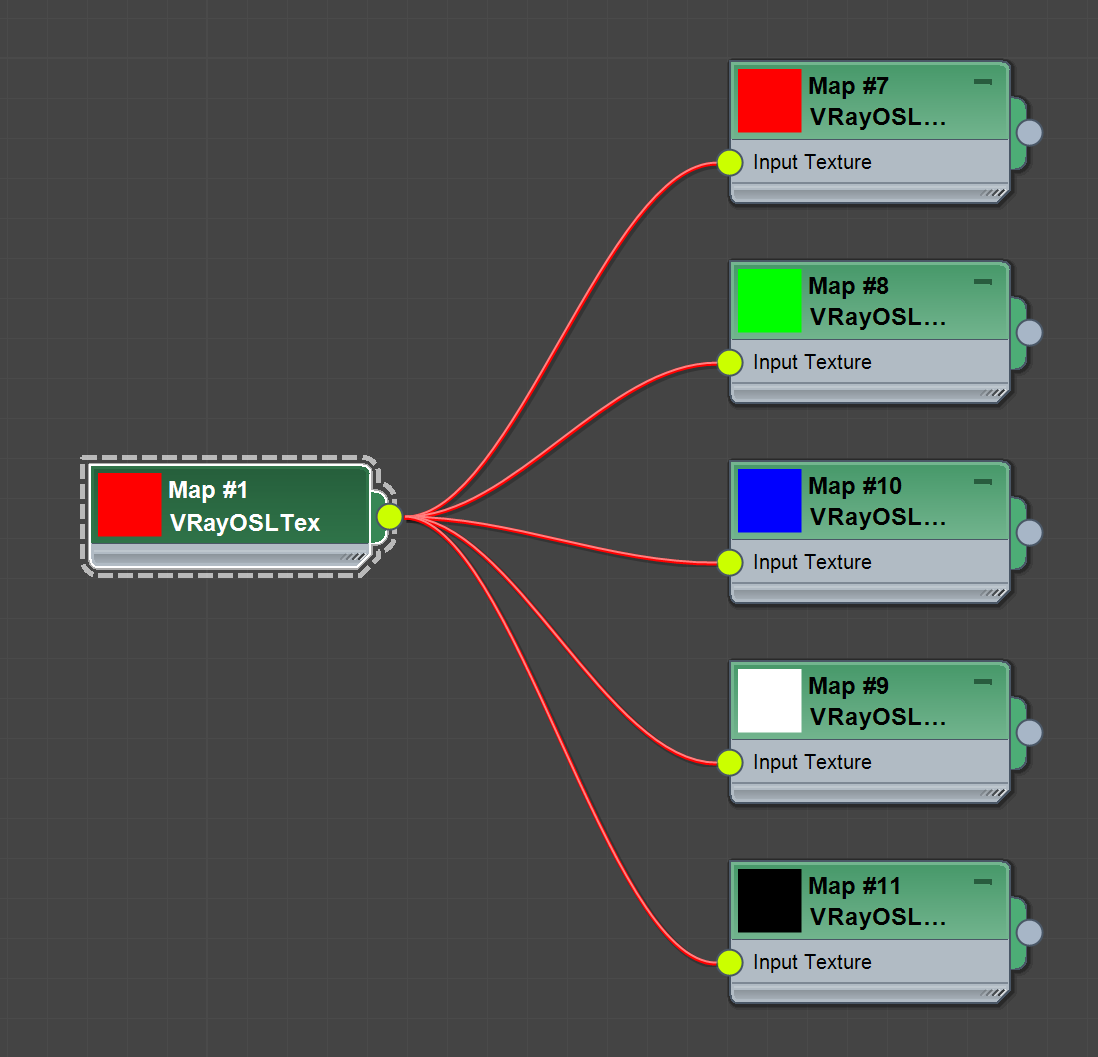
The VRayOSLOutputSelectorTex serves as a tool to select an output of a given VRayOSLTex. That way one VRayOSLTex can be used to supply multiple outputs at the same time.
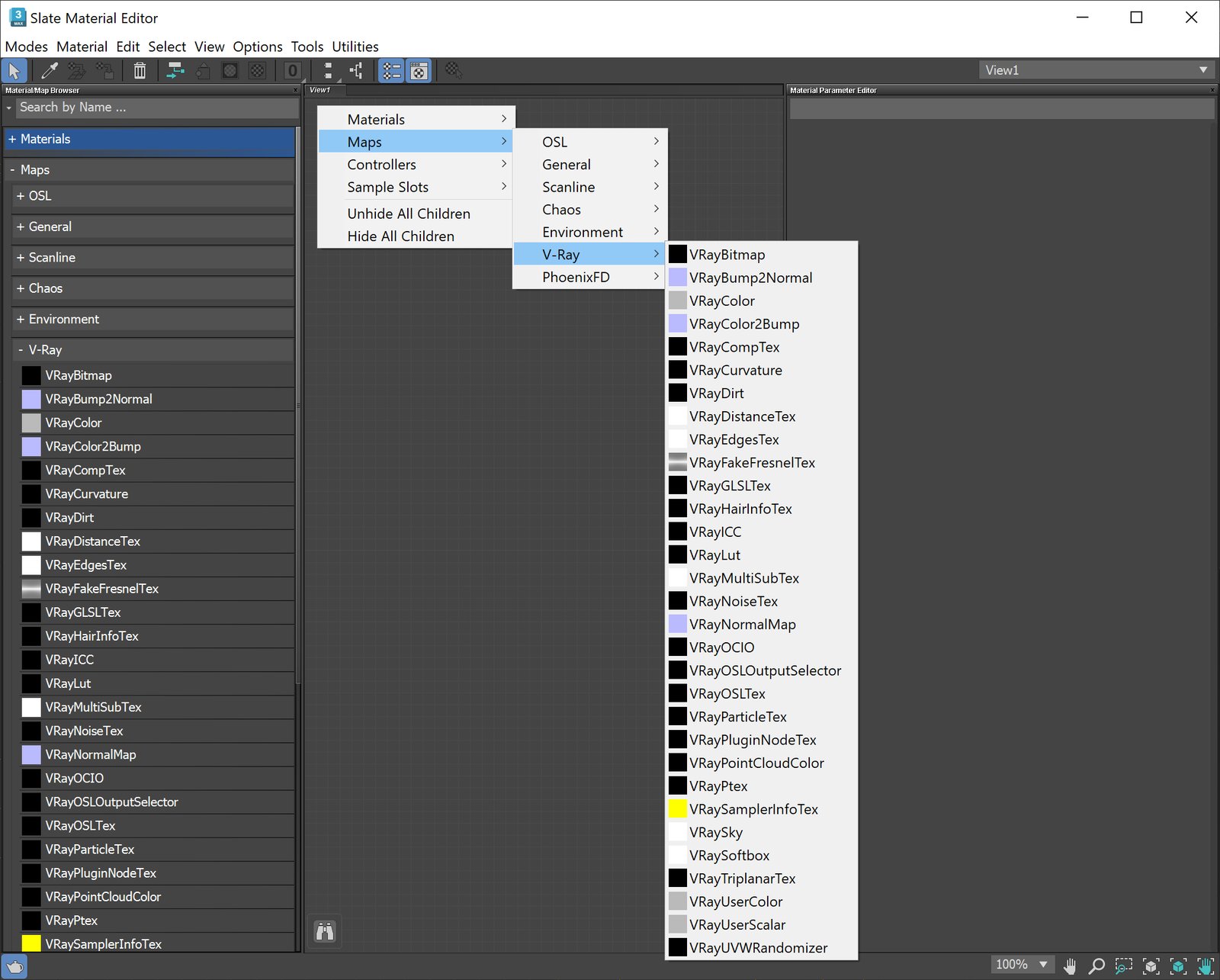
UI Path
Parameters
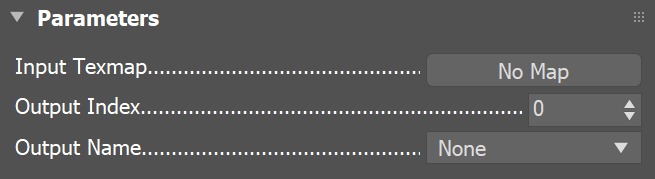
Input Texmap – The VRayOSLTex input texmap. (Only VRayOSLTex should be used as an input.)
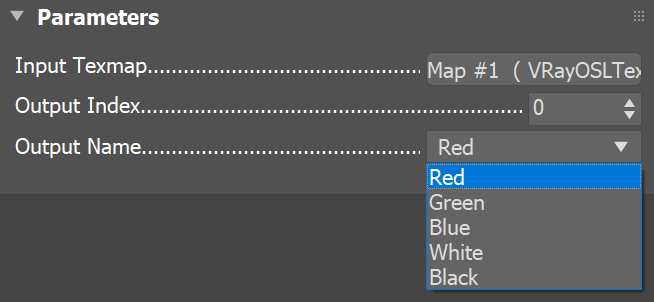
Output Index – The index of the output that is selected(zero based). This parameter is linked to the Output Name parameter.
Output Name – The name of the output that is selected. Change the output by choosing a different one from the drop-down list. This parameter is linked to the Output Index parameter.
Example
Multiple Outputs Example
<code data-v-c2b1f83f=""><span data-v-c2b1f83f="" class="line">shader</span><span data-v-c2b1f83f="" class="line">MultipleOutputsExample</span><span data-v-c2b1f83f="" class="line">(</span><span data-v-c2b1f83f="" class="line"> output color Red = color (1.0, 0.0, 0.0),</span><span data-v-c2b1f83f="" class="line"> output color Green = color (0.0, 1.0, 0.0),</span><span data-v-c2b1f83f="" class="line"> output color Blue = color (0.0, 0.0, 1.0),</span><span data-v-c2b1f83f="" class="line"> output color White = color (1.0, 1.0, 1.0),</span><span data-v-c2b1f83f="" class="line"> output color Black = color (0.0, 0.0, 0.0)</span><span data-v-c2b1f83f="" class="line">)</span><span data-v-c2b1f83f="" class="line">{ /*Empty. Does nothing.*/ }</span></code>