V-Ray for 3ds Max
VRayRoughness
This page contains information about the Roughness Render Element.
Last updated 9 May 2026
This page contains information about the Roughness Render Element.
Overview
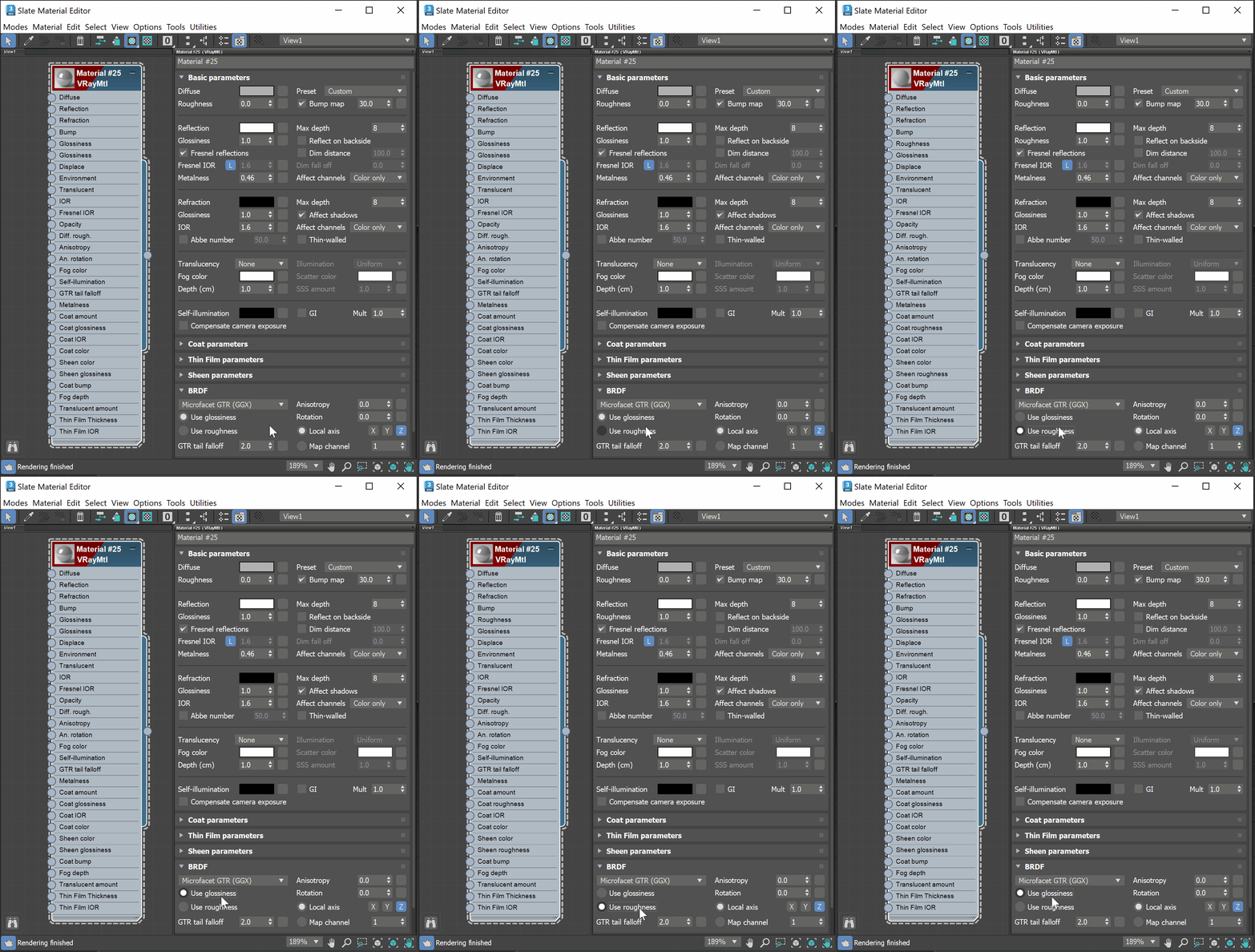
The Roughness Render Element bakes the Reflection Roughness values in a scene, creating a grayscale image. To enable Reflection Roughness on a V-Ray Material, its BRDF needs to be set to Use roughness, then the Reflection Glossiness option turns into Reflection Roughness. Values between 0 and 1 can be entered, the closer to 1 - the whiter the render and the closer to 0 - the darker the render.
UI Path


Parameters
This render element is enabled through the Render Elements tab of the Render Setup window in 3ds Max and displays its parameters in a rollout at the bottom of the window:
VRayVFB – When enabled, the render element appears in the V-Ray Virtual Frame Buffer.
Deep output – Specifies whether to include this render element in deep images.
