V-Ray for 3ds Max
What's New in V-Ray 7
Release Notes: V-Ray 7, update 4, hotfix 2
Last updated 1 September 2026
Official release
Date: 13 Aug, 2026
Release Notes: V-Ray 7, update 4, hotfix 2
V-Ray 7, update 4
Chaos Veras from VFB and 3ds Max viewport
Veras is an AI-powered visualization tool that functions as an add-in for different software - now including 3ds Max with V-Ray. Quickly generate and explore design variations by transforming 3D models, sketches, or 2D images into high-quality renderings and animations. Utilize simple text prompts to control the style, materials, and mood of the generated images.
For more information, see the Veras for V-Ray in 3ds Max page.
Vantage in 3ds Max viewport
Chaos Vantage is a real-time rendering engine for exploring and manipulating V-Ray scenes within a fully ray-traced environment. Utilize the Live Link feature to establish a direct connection between Vantage and 3ds Max. Changes made in 3ds Max update instantly in the Vantage viewport without needing to re-export the scene. This provides immediate, high-quality feedback on lighting, materials, and composition.
For more information, see the Vantage Integration page.
V-Ray 7, update 3
Quick caustics
Utilize the new quick caustics for easier control and faster rendering. Remove the complexity associated with traditional photon-based setups. For common scenarios such as pools and water features, implement quick caustics to achieve believable light patterns without the overhead of full photon tracing. This approach delivers realistic water caustics with reduced setup time and enhanced performance, making caustics accessible, predictable, and practical for everyday visualization. For more information, see the VRayMtl page.
Parallax interiors
Implement parallax interiors to enhance realistic interior depth and lighting in exterior renders without requiring complex modeling or heavy geometry. Ensure that the solution remains lightweight for efficient rendering. Apply adjustments per window to maintain performance and achieve a lively appearance, particularly in night scenes. Keep the workflow fast and production-ready. For more information, see the VRayParallaxTex page.
Gaussian Splats relighting
Adjust the lighting of Gaussian Splats to match the scene accurately. Rebalance pre-baked illumination to ensure splat assets integrate naturally into V-Ray projects. Incorporate Gaussian Splats effectively into a broader visualization workflow, especially when using assets captured under ambient lighting. For more information, see the VrayGaussiansGeom page.
Camera improvements
Utilize the new camera controls in V-Ray to achieve greater precision and flexibility when framing and rendering scenes. Include or exclude objects on a per-camera basis to manage variations without duplicating geometry or relying on complex scene states. Implement object-based autofocus to lock the camera’s focus distance to a selected object or point in 3D space, ensuring clear focus during camera movement. These improvements simplify shot setup, reduce manual adjustments, and enhance predictability in camera work during production. For more information, see the VRayPhysicalCamera page.
VFB improvements
Utilize the updated V-Ray Frame Buffer for improved color control and reliability in image handling. Access the new histogram widget to view the color distribution clearly. Manage backgrounds, reference images, and watermarks directly in the VFB using the advanced Image layer. For more information, see the V-Ray Frame buffer page.
GPU improvements
- Improved tyFlow workflow
- Improved performance for Compressed Textures
- Support for Trace Sets - see V-Ray GPU Supported Features page
- GPU rendering support for AMD GPUs (HIP) - see Introducing AMD GPU Rendering in V-Ray GPU page
V-Ray 7, update 2
Clipping masks for VRayGaussiansGeom
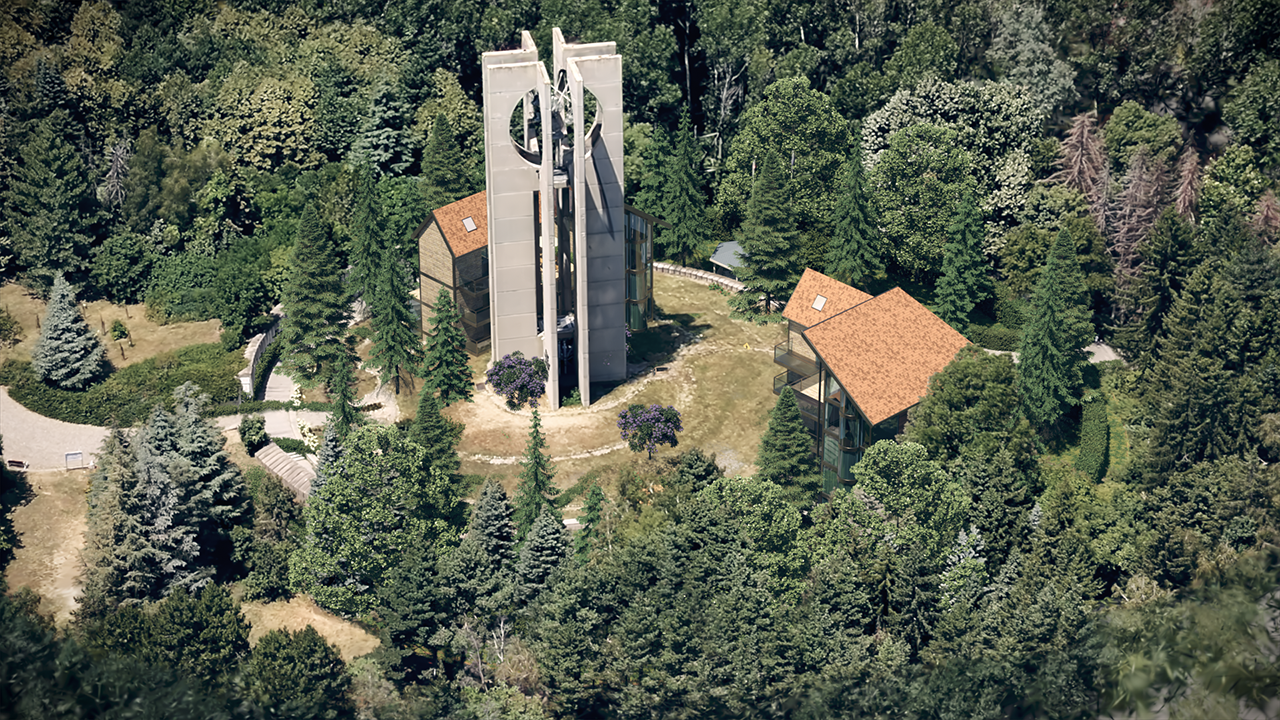
Gaussian splats has a new clipping functionality that allows you to trim your 3D splats directly in 3ds Max, cutting away any unwanted parts with ease.
AI Material Generator
With AI Material Generator, you can upload a photo of a real-world surface, and turn it into a render-ready PBR material with all necessary maps. It’s ideal for secondary materials that don’t require extensive art direction, allowing you to quickly populate environments and interior spaces without sacrificing believability, and without the need for third-party tools.

New Chaos Scatter Clusters
Scatter’s new Clusters allow you to group various scattered objects. Scatter Clustering comes in three modes: Generate (automatically creates clusters using noise), Color Map (assigns objects to specific colors in a map), and Layer Paint (lets you assign objects to layers and paint them directly in 3ds Max).

Updated Denoiser Output Channels
Denoising is now more efficient in our Standalone denoise tool (Vdenoise), thanks to the lighter Raw image files, which automatically remove unnecessary render elements used for denoising. Another improvement is the option to remove the Denoiser extra data when saving Raw image files in V-Ray.

Distributed Rendering 2
The next generation of distributed rendering brings speed and performance improvements. In DR 2, there are no longer limitations on how many machines can participate in the rendering process. Progressive rendering assures better scaling with multiple machines.

New V-Ray Enhancer
Improve the look of people and vegetation without making unnecessary changes to the other important aspects in your scene with the new Chaos AI Enhancer tool. Chaos AI Enhancer is seamlessly integrated into your rendering workflow and accessible through Chaos Cloud Collaboration.

Updated Exposure Layer
New controls of light tones, dark tones and shades make adjustments to the Exposure layer in the V-Ray Frame Buffer much more intuitive.

VRayGaussiansGeom Viewport Preview
You can preview your Gaussian splats in the viewport.

Updated VRayMultiSubTex
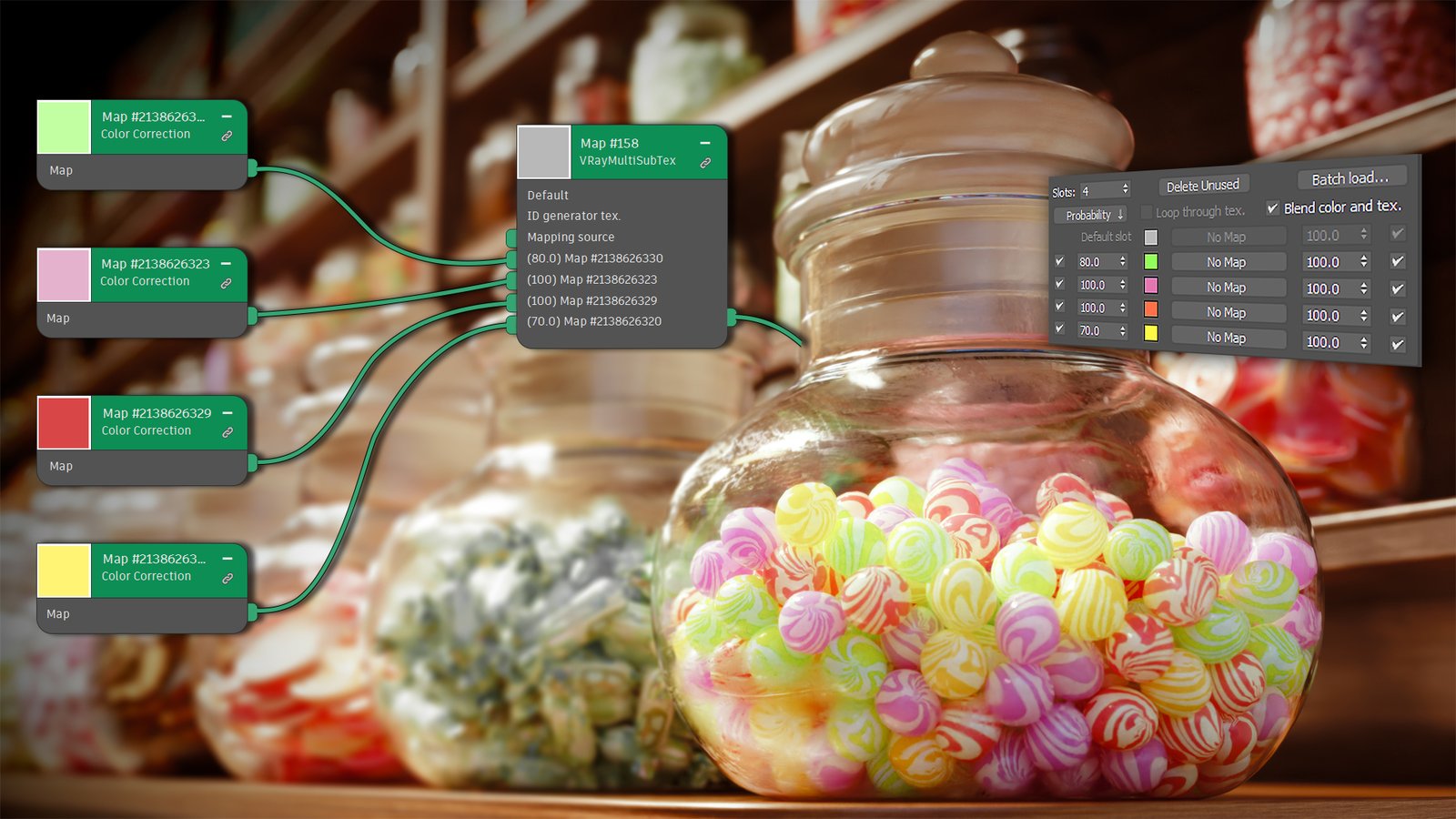
Improved the material workflow by applying a mapping source (such as UVWRandomizer) to all the sub-maps in the MultisubTex.
New V-Ray Night Sky
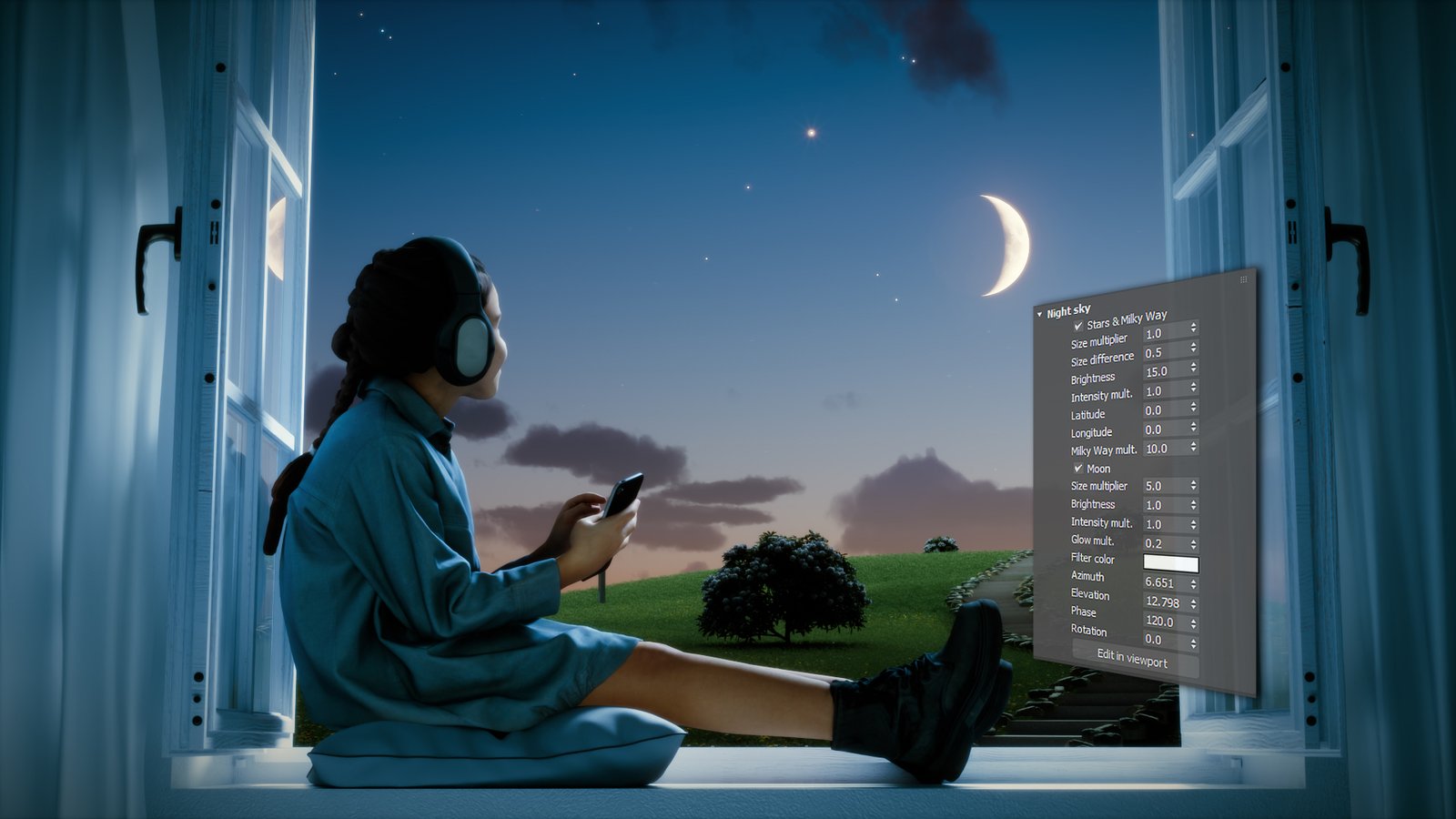
New options for realistic and astronomically precise night skies.
V-Ray 7
Gaussian Splats
Place your characters and assets within real contexts, or create and render complex 3D environments with enhanced accuracy.

V-Ray Luminaire
New V-Ray Luminaire light objects allow efficient rendering of entire light fixtures by loading their respective precomputed light fields from .vlw files. Such files are generated by Chaos and used in Chaos Cosmos light assets marked with a "luminaire" tag.

Firefly Removal
The new algorithm automatically detects and eliminates overly bright pixels known as fireflies during rendering.

Improved VRaySky
The improved PRG sky model now supports nautical twilight. Additionally, it allows you to render the sky at various observer altitudes of up to several kilometers.

Custom Shape Render Regions
Define custom-shaped regions directly in the VFB. Create multiple regions in any shape and focus precisely on the areas you wish to fine-tune.

Vignette Layer
Apply a vignette camera effect, customize its shape, and apply it to any element of your render.

Color Correction Presets
The new VFB’s Filters panel provides presets for an easy check of multiple color correction scenarios.

Virtual Tours
Virtual Tours allow you to add and edit interactive hotspots and highlights that guide you to specific points of interest within the tour.

Scatter Bush
Ability to manipulate individual instances.

Improved Scatter Distribution
Assign a black and white texture map that determines how the instances are scattered on the surface.

Chaos Cosmos Asset Variants
Try different variants of the same Cosmos asset to explore various mood scenarios.

V-Ray Profiler
A new V-Ray Profiler tool helps you determine what parts of the scene are taking the longest time to render, compare the performance of different material settings and figure out the best settings for your scene.

V-Ray Lister Geometry
The V-Ray Lister now features a new tab that enables you to modify the settings of V-Ray Geometries.

GPU Caustics
Caustics can now be rendered with V-Ray GPU.
