V-Ray for Blender
Light Cache Engine
This page provides information on the Light Cache rollout under the GI tab in V-Ray's Render Settings.
Last updated 12 June 2026
This page provides information on the Light Cache rollout under the GI tab in V-Ray's Render Settings.
Overview
This section controls and fine-tunes various aspects of the light cache. The Light cache rollout appears only when the Light cache method is selected as an Engine.
For more details on how the Light cache engine calculates GI, please see the Light Cache GI page.
UI Path: ||Properties Editor|| > Render > GI
Parameters
Mode – Determines the rendering mode of the light cache:
Single Frame – Computes a new light cache for each frame of an animation.
From File – The light cache is loaded from a file. The light cache file does not include the prefiltering of the light cache; prefiltering is performed after the light cache is loaded, so that you can adjust it without the need to recompute the light cache.
Subdivs (Single Frame mode) – Determines how many paths are traced from the camera. The actual number of paths is the square of the subdivs (the default 1000 subdivs mean that 1,000,000 paths are traced from the camera). See the example.
Sample size (Single Frame mode) – Determines the spacing of the samples in the light cache. Smaller numbers mean that the samples is closer to each other, the light cache preserves sharp details in lighting, but it is more noisy and takes more memory. Larger numbers smooths out the light cache but loses detail. This value can be either in world units or relative to the image size, depending on whether or not the World scale option is checked or not. See the example.
Use Retrace Threshold – When enabled, this option and its corresponding Retrace Threshold value improve the precision of global illumination in cases where the light cache produces too large an error. This is especially obvious at near corners, where light leaks may occur due to light cache interpolation. For glossy reflections and refractions, V-Ray dynamically decides whether to use the light cache or not based on the surface glossiness and the distance from it, so that the errors due to the light cache are minimized. Note that enabling this option can increase render time. See the example.
Path guiding (Experimental) – Uses a path guiding method (Intel® Open Path Guiding Library) to optimize the sampling quality. Path guiding is useful for scenes where GI or glossy reflections are hard to sample, such as interior scenes or scenes with a lot of occlusion. It is supported by VRayMtl, Environment Fog with enabled GI and Volume Grid with enabled GI. When using this option, note that the Subdivs should be at least 1000, and for same scenes - up to 3000. This option is available with V-Ray CPU only.
Note that Path guiding produces different results when Max ray intensity or Sub-pixel mapping are enabled compared to when they are switched off. Different results in the raw render elements are expected, but they produce the correct result when multiplied by the respective filter render element. In some scenes containing diffuse surfaces with low poly count, the results may differ compared to rendering with this option switched off.
See the Path Guiding Examples.
Auto Save (Single Frame mode) – If this option is set, V-Ray automatically saves the light cache to the directory specified in the Auto Save File field at the end of the rendering. This mode is particularly useful if you want to send the irradiance map for rendering on a different machine through network rendering.
Light Cache File (From File mode) – Specifies the file name to load the light cache from, when the Mode is set to From file.
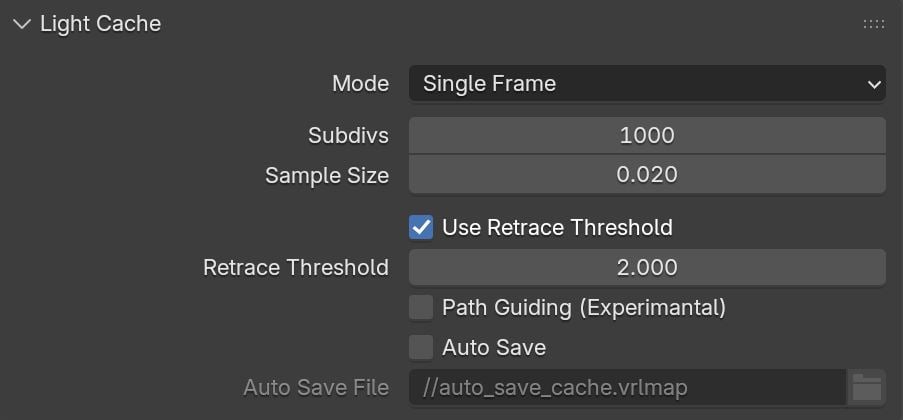
Single Frame mode
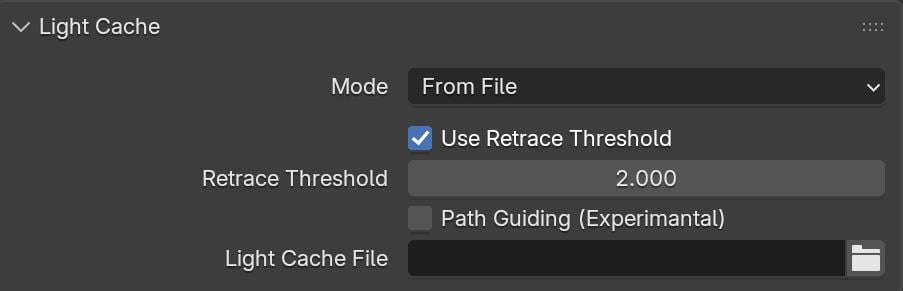
From File mode
Example: Subdivs Parameter
The Subdivs parameter controls the number of rays that are shot into the scene and the noise quality of the light cache samples.
Here is a scene rendered with different settings for the Subdivs parameter (all other settings are the same).
As we add more samples, the noise is reduced, but the render times increase. When the Subdivs parameter is doubled, the light cache takes approximately 4 times longer to calculate.
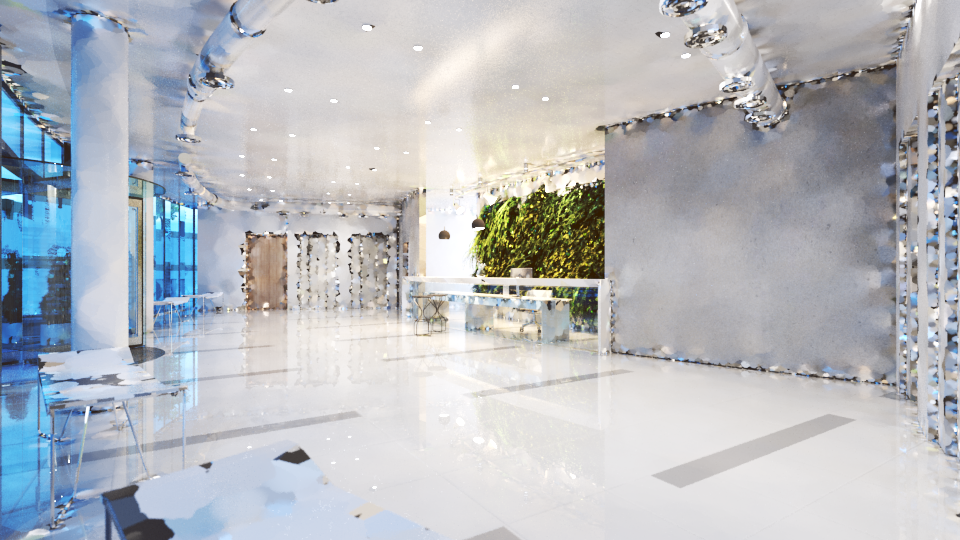
Subdivs
=
500
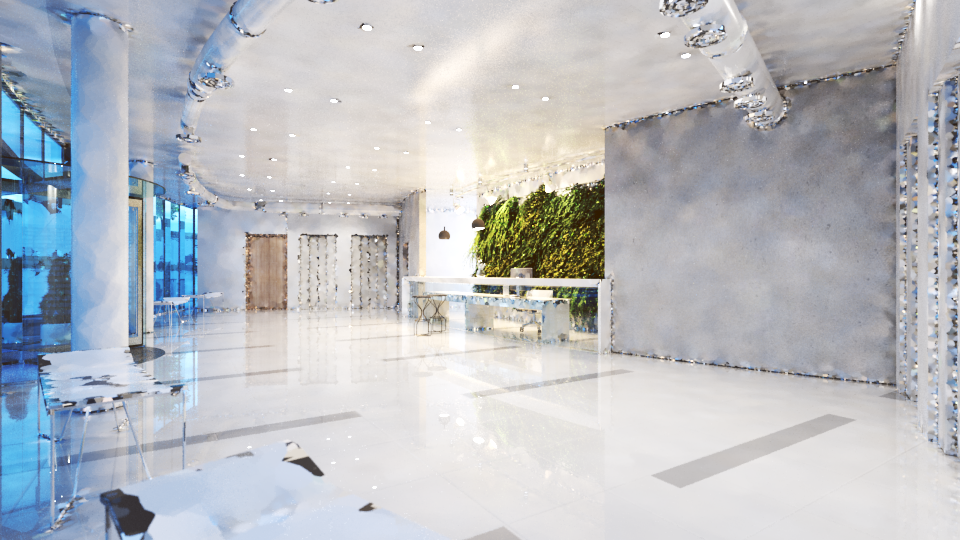
Subdivs
=
1000
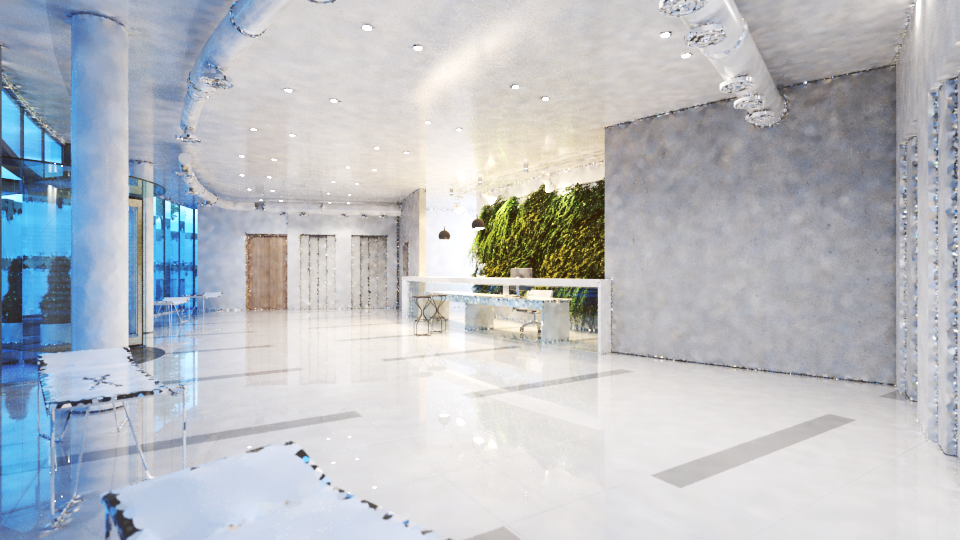
Subdivs
= 2000
Example: Sample Size
The Sample size parameter controls the size of the individual light cache samples. Smaller values produce a more detailed lighting solution, but are noisier and take more RAM. Larger values produce less detail, but take less RAM and may be faster to calculate.
Here is a scene rendered with different values for the Sample size parameter. All other values are the same.
Note the light leak from the wall on the right in the last image. This happens because samples from the other side of the wall are quite large and end up being used on the side facing the camera.
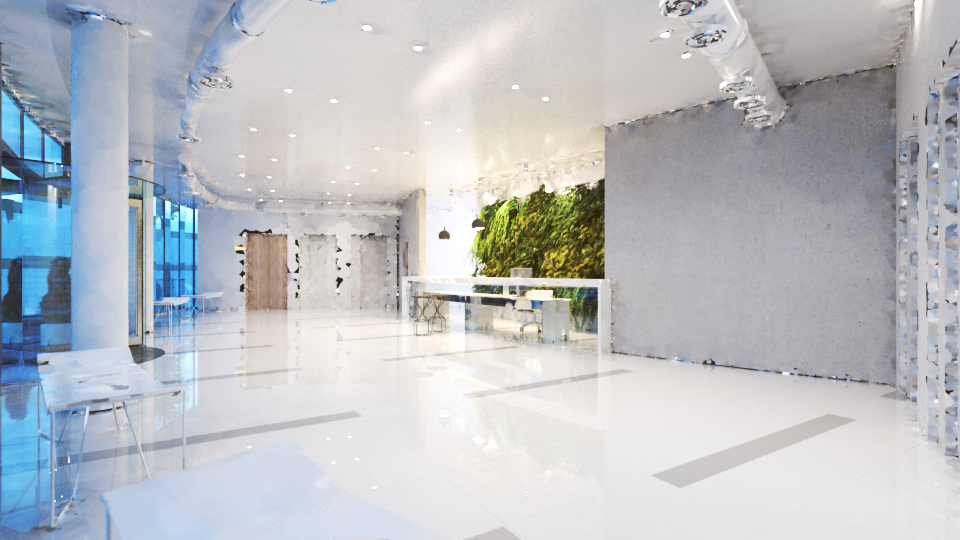
Sample size
= 0.01
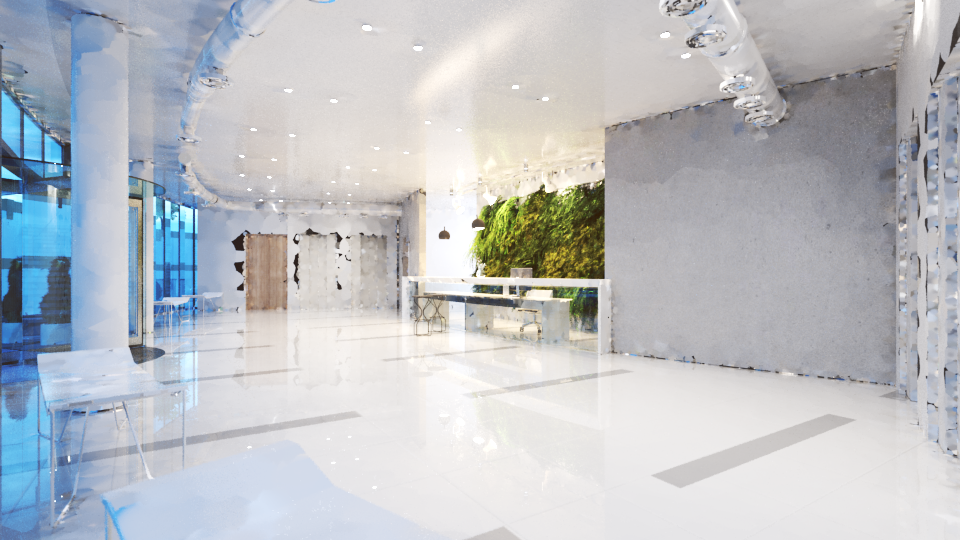
Sample size
= 0.02
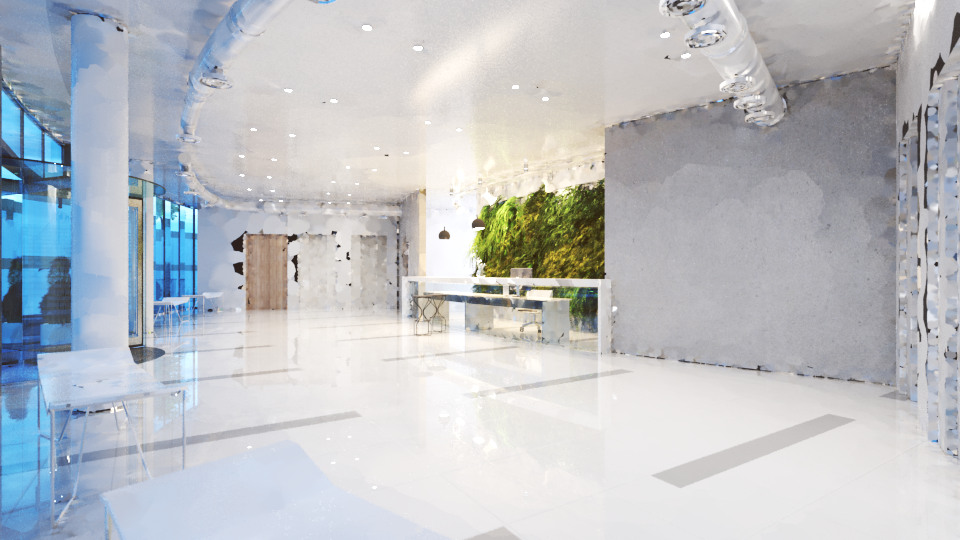
Sample size
= 0.03
Example: Retrace Threshold
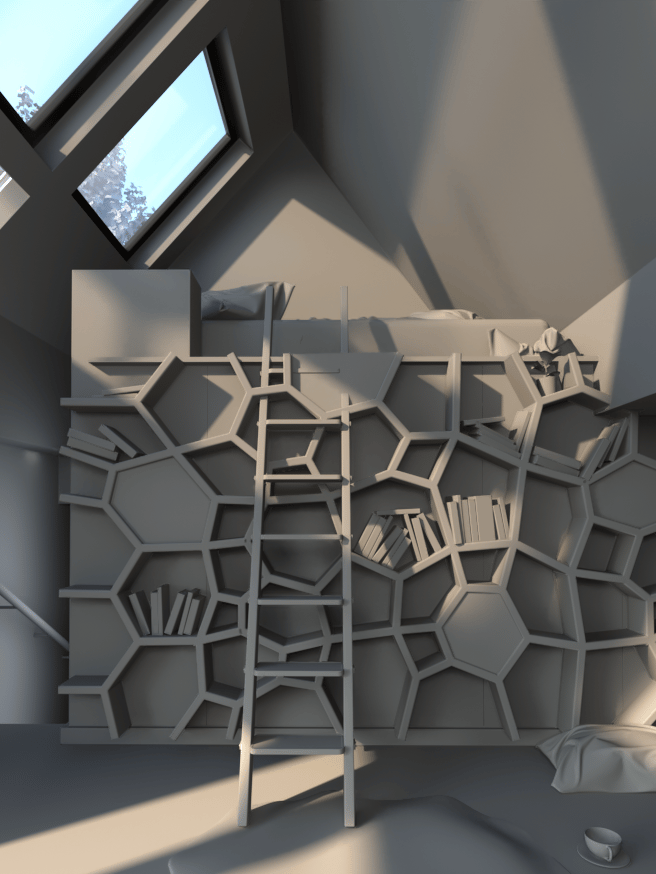
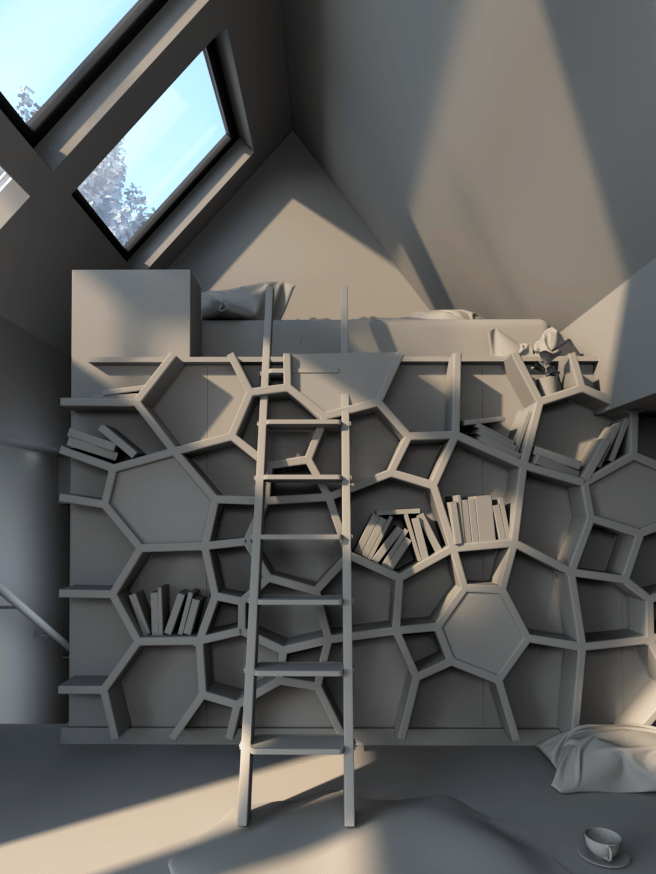
The first set of images shows how the Retrace Threshold parameter can be used to reduce light leaks due to the light cache interpolation. The scene is an interior with parts of the exterior visible. For the GI settings, Brute Force is used for primary bounces (by default) and Light cache is the Secondary engine.
The bright light cache samples from the exterior blend with the darker samples from the interior, causing light leaks when the light cache is calculated. The Retrace Threshold option (with the default value of 2.0) successfully resolves the problem at the expense of increased calculation time for the light cache.
Example: Use retrace threshold
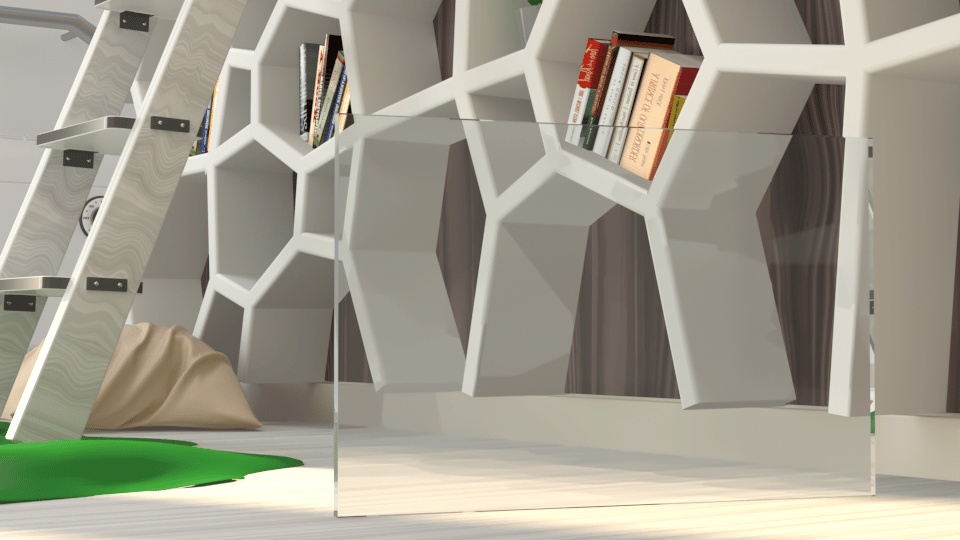
Before
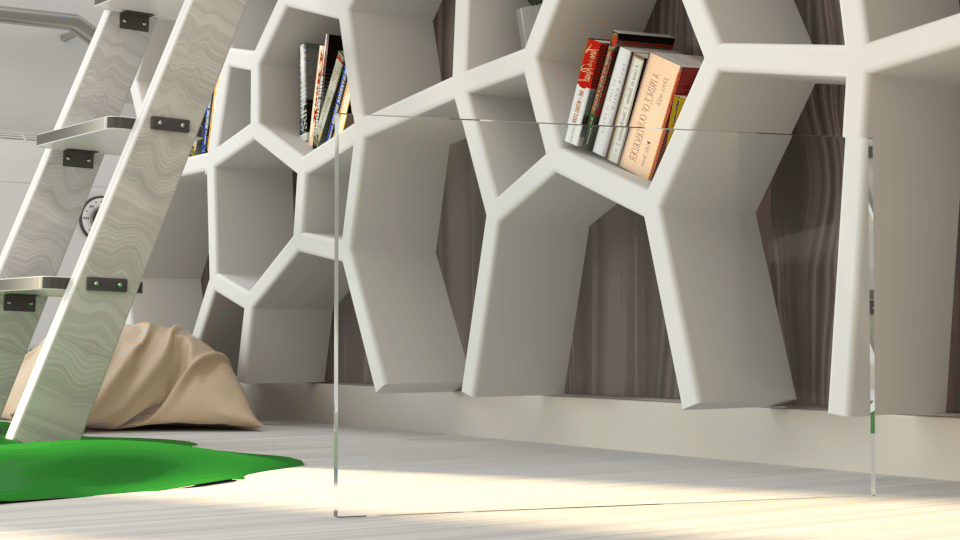
After
Without retracing, the light cache samples are clearly visible in the glossy reflections and refractions.
In this example, when Use Retrace Threshold is turned on, the Retrace Threshold value determines whether Brute Force is used instead of Light Cache near corners or objects that are close together. When the Retrace Threshold value is greater than 0, only Brute Force is used which helps give a far more accurate result, although this may slow down rendering. However, if the Retrace Threshold value is 0.0, then only Light Cache is used and thus retracing is disabled. This is faster but less accurate and more prone to noise and artifacts from light leakage.
Example: Path Guiding
For this example the scene is lit by a V-Ray Dome Light with an HDRI and two Rectangular V-Ray Lights.
V-Ray Environment Fog is used as an atmospheric effect with Scatter GI turned On and a Noise texture for the Fog Density and the Fog Transparency.
Render Setup: Progressive image sampler with Min Subdivs = 1 and Max Subdivs = 100; Max. Render Time (mins) is set to 20 and the Noise Threshold to 0.05; Light cache Subdivs are set to 1500.
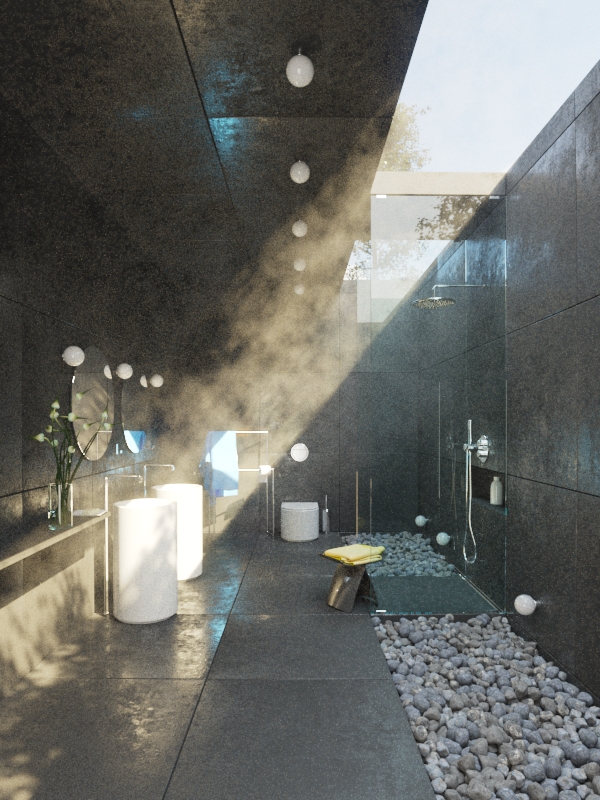
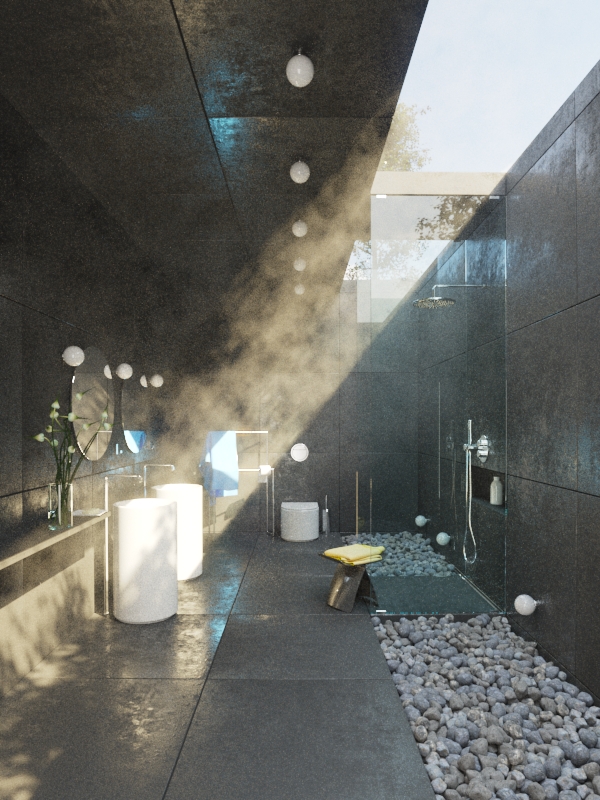
Beauty Path Guiding
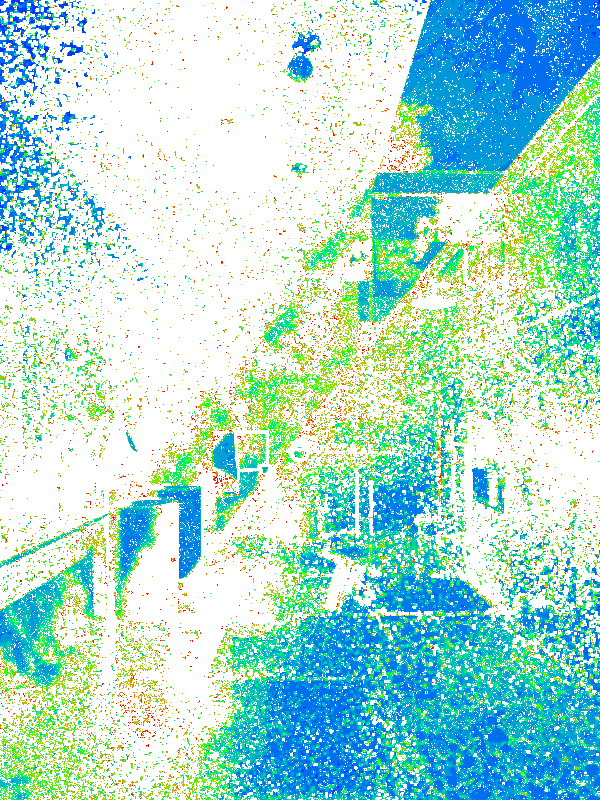
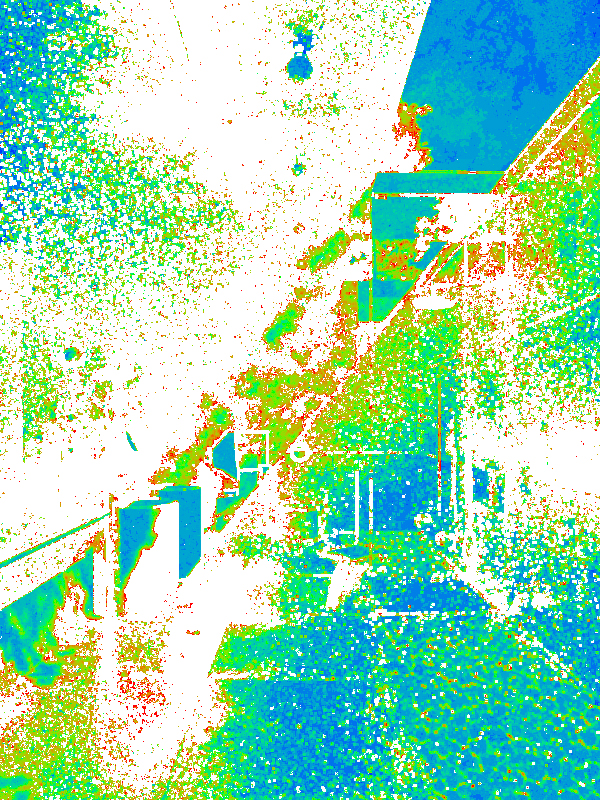
Sample Rate Path Guiding