V-Ray for Blender
V-Ray Motion Blur
This page provides information about the V-Ray Motion Blur tab of the Object panel in V-Ray for Blender.
Last updated 12 June 2026
This page provides information about the V-Ray Motion Blur tab of the Object panel in V-Ray for Blender.
Overview
The Motion Blur tab provides control over the motion blur effect on a per-object basis.
UI Path: (while selecting an object) ||Object tab|| > V-Ray Motion Blur
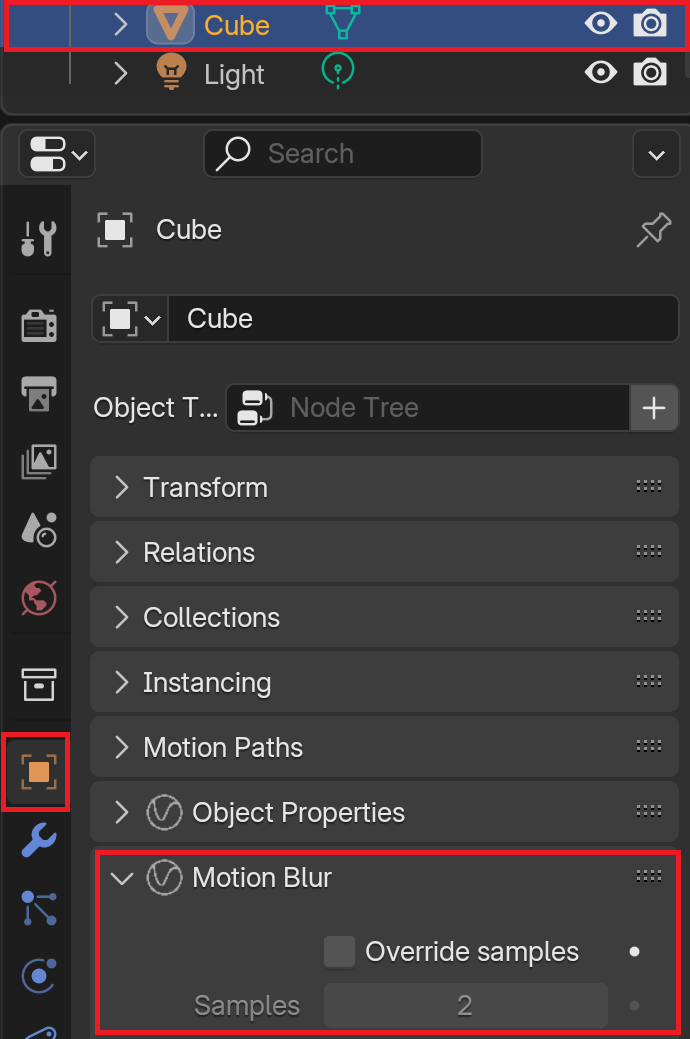
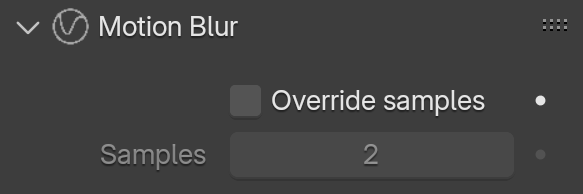
Override samples – When enabled, the value of the Samples parameter, for the selected object only, overrides the value of the Geometry Samples property of the V-Ray Physical Camera Attributes.
Samples – Determines the new value of geometry segments used to approximate motion blur. Objects are assumed to move linearly between geometry samples. For objects rotating at high speed, increase this parameter to get the correct motion blur. Note that higher values increase memory consumption since more geometry copies are kept in memory.