V-Ray for Maya
Textures
This section contains links to Textures found in V-Ray for Maya.
Last updated 2 July 2026
This section contains links to Textures found in V-Ray for Maya.
Overview
V-Ray for Maya adds a number of textures specifically for use with V-Ray. See the links below for more information on specific Textures.
V-Ray textures appear in all the areas of the user interface where standard Maya textures appear. They can be used with both V-Ray materials and standard Maya materials. The textures are organized within sub-groups to make them easier to find.
UI Path


V-Ray Textures
2D Textures
The textures in this group use a place2dTexture node to translate the UV coordinates to the texture. For more details about the textures in this group, please see the 2D Textures sub-section.

VRayDirt
View
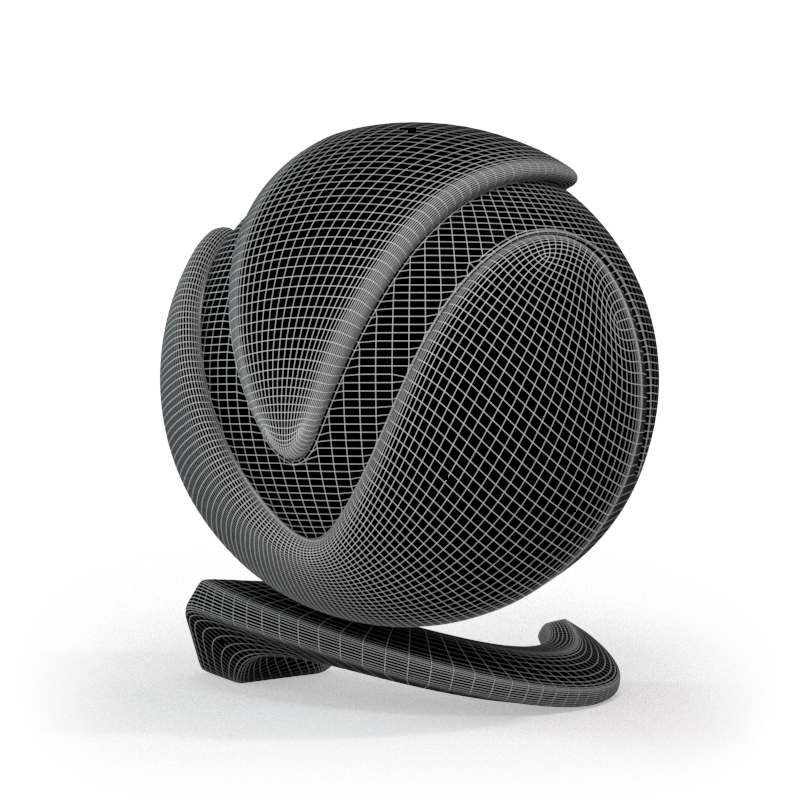
VRayEdges
View

VRayFalloff
View

VRayFresnel
View

VRayInverseExposure
View

VRayLayeredTex
View
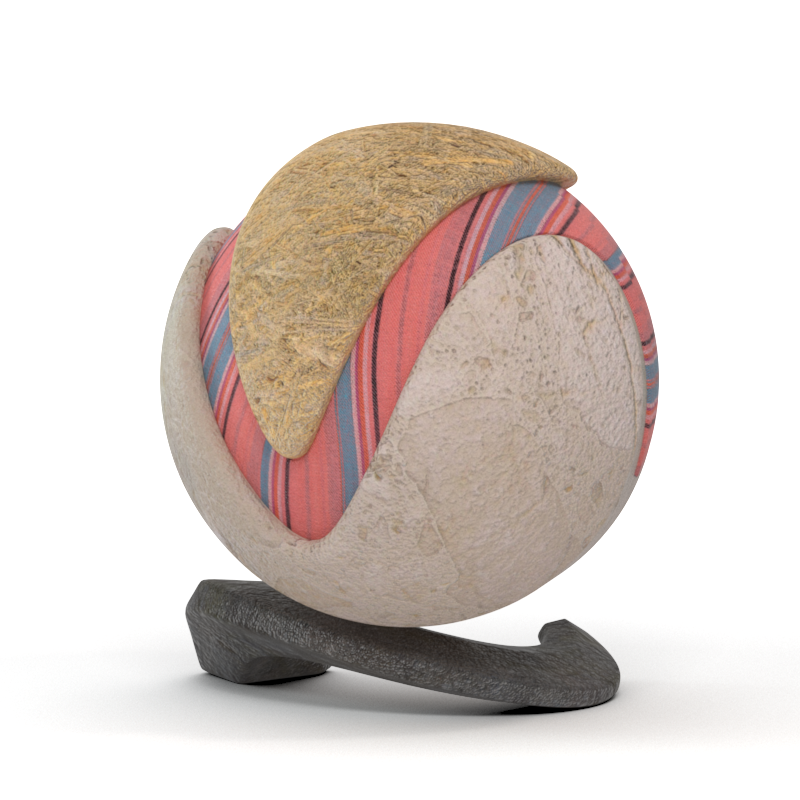
VRayMultiSubTex
View

VRayNormalMap
View
VRayParallaxTex
View

VRayRaySwitch
View

VRaySoftbox
View

VRayTemperature
View

VRayTexGLSL
View
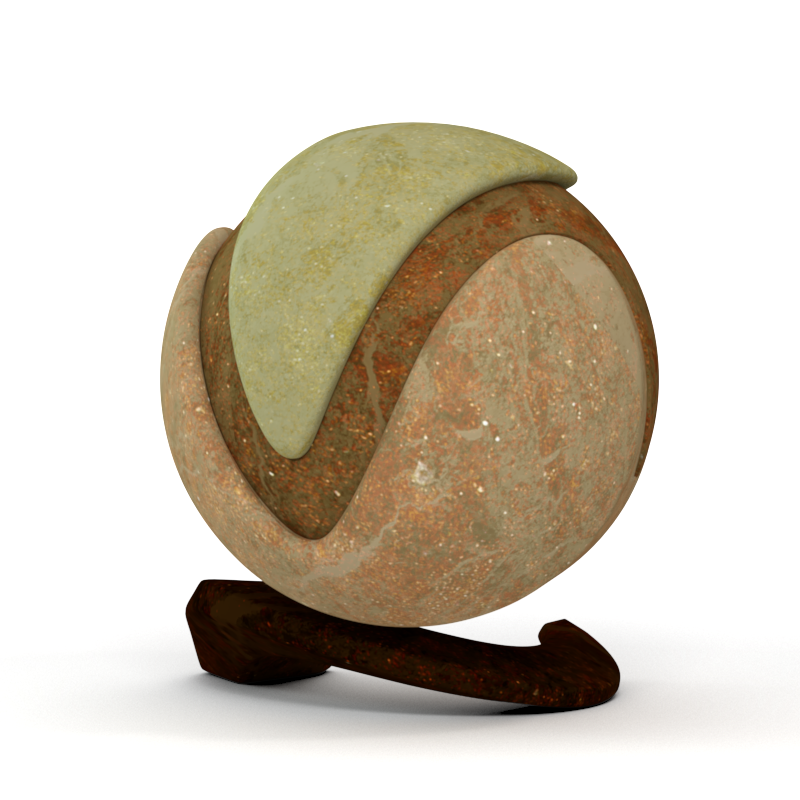
VRayTexOCIO
View

VRayTexOSL
View

VRayVertexColors
View
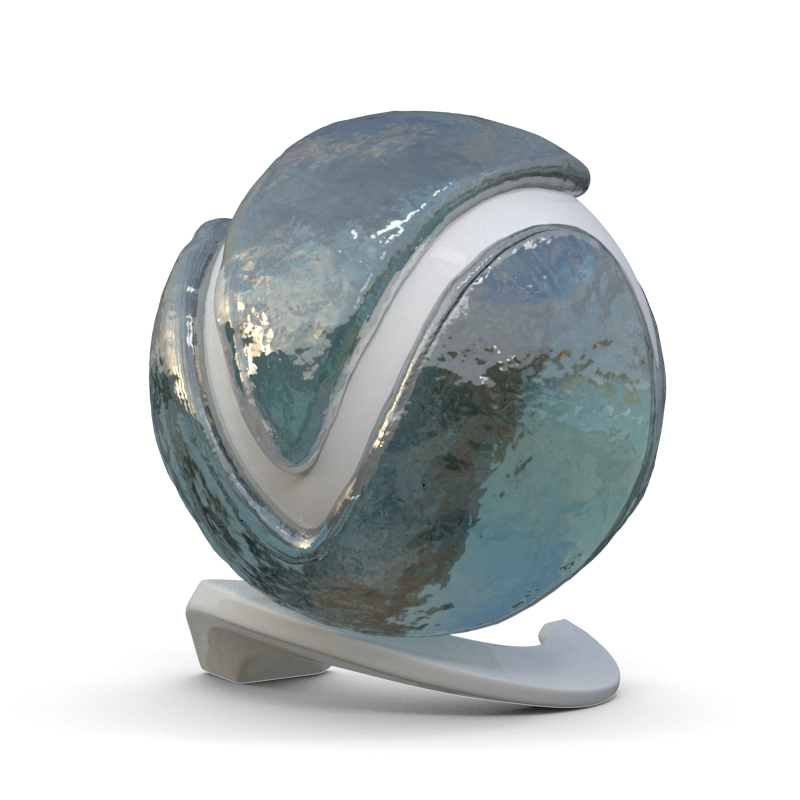
VRayWater
View
3D Textures
The textures in this group use a place3dTexture node to translate the coordinates to the texture. For more details about the textures in this group, please see the 3D Textures sub-section.

VRayParticleTex
View
Environmental Textures
The textures in this group are used for generated environments. For more details about the textures in this group, please see the Environmental Textures sub-section.

VRaySky
View
Other Textures
The textures in this group add extra functionality for surfacing objects without requiring UVs. For more details about the textures in this group, please see the Other Textures sub-section.
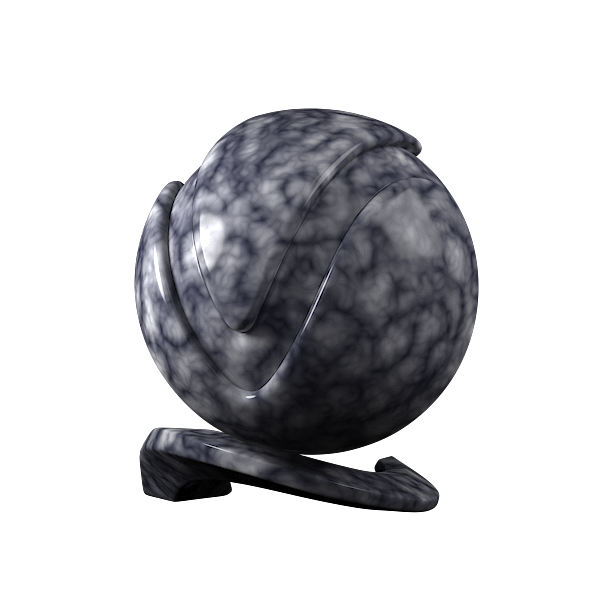
VRayBerconNoise
View

VRayColorCorrection
View

VRayPtex
View

VRayTriplanar
View
Utility Textures
The textures in this group provide extra utilities to drive materials. For more details about the textures in this group, please see the Utility Textures sub-section.

VRayBump2Glossiness
View

VRayCurvature
View

VRayDistanceTex
View

VRayFurSampler
View

VRayHairSampler
View

VRayPlaceEnvTex
View

VRayUVWRandomizer
View

VRayUserColor
View

VRayUserScalar
View
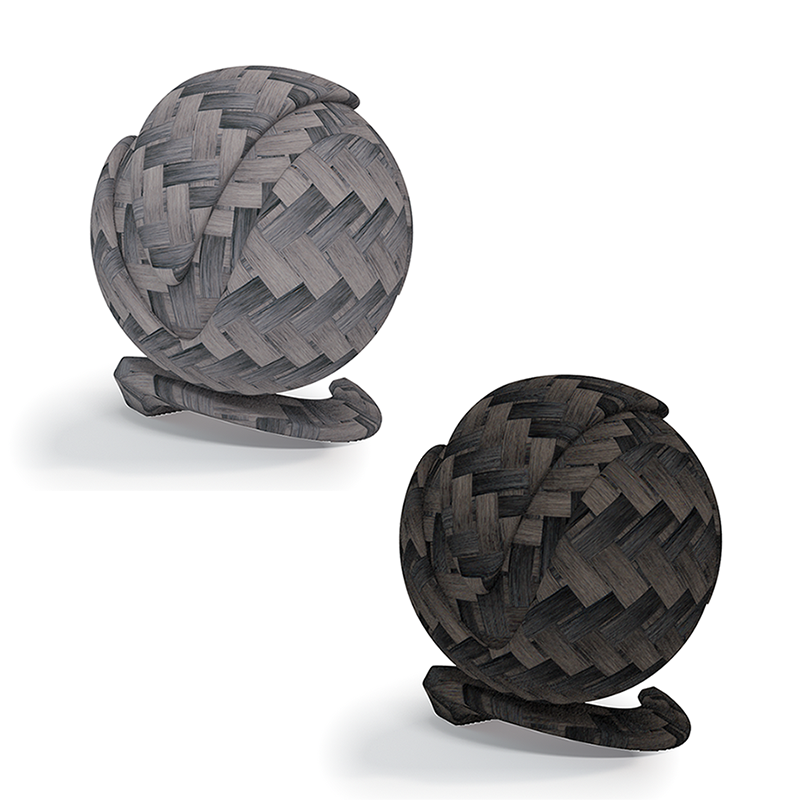
VRayUserInteger
View
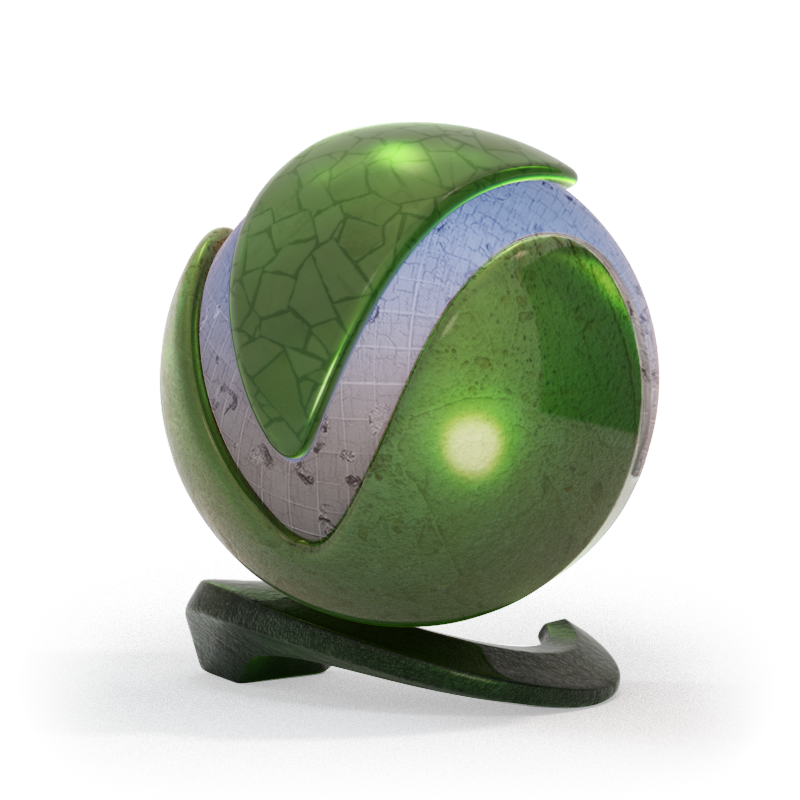
VRayMultiProjection
View
External V-Ray Tools for Texture tasks
V-Ray comes with additional utilities to assist with texture creation, including a converter for creating tiled EXRs. The Image to Tiled Multiresolution EXR Converter can convert a number of image formats to .exr files in OpenEXR format. This tool is common to all versions of V-Ray.
Texture Tips
See these pages for tips on texture usage:
- File Names for Bitmap Textures - Explains the options for file name extensions to direct the use of the texture file in V-Ray.
- Tiled OpenEXR and TIFF Files - Discusses the use of OpenEXR (.exr) and TIFF (.tx, .tex) files for MIP mapping, including displacement.