V-Ray for Maya
Tutorials
This page introduces a number of V-Ray for Maya tutorials.
Last updated 14 January 2026
This page introduces a number of V-Ray for Maya tutorials.
How-To Tutorials
The How-To section offers tutorials suitable for beginners. They guide you through basic options and parameters in order to achieve some common effects.

Glass
Make glass with VRayMtl.
View

Hardwood Floor
Make a hardwood floor with VRayMtl.
View

Paper Lantern
Make a paper lantern with VRayMtl2Sided.
View

Translucent Fabric
Make translucent fabric with VRayMtl2Sided.
View

Translucent Plastic
Make translucent plastic with VRayFastSSS2.
View

Water
Make water with VRayMtl.
View
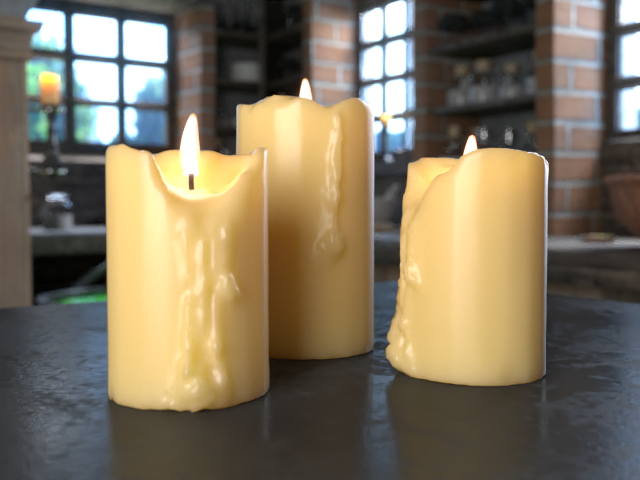
Wax
Make a wax material with VRayFastSSS2.
View

How to Make Rocks with VRayTriplanarTex
This tutorial covers how to create rock objects with VRayTriplanarTex texture. Overview This tutorial covers the standard setup for using the VRayTriplanarTex texture node to create rocks. Here, we use stone-shaped geometries with a VRayMtl assigned to them. With the help of the VRayTriplanarTex node we will map our textures seamlessly. For more in
View

God Rays
Create the "God Rays" effect with Environment fog.
View
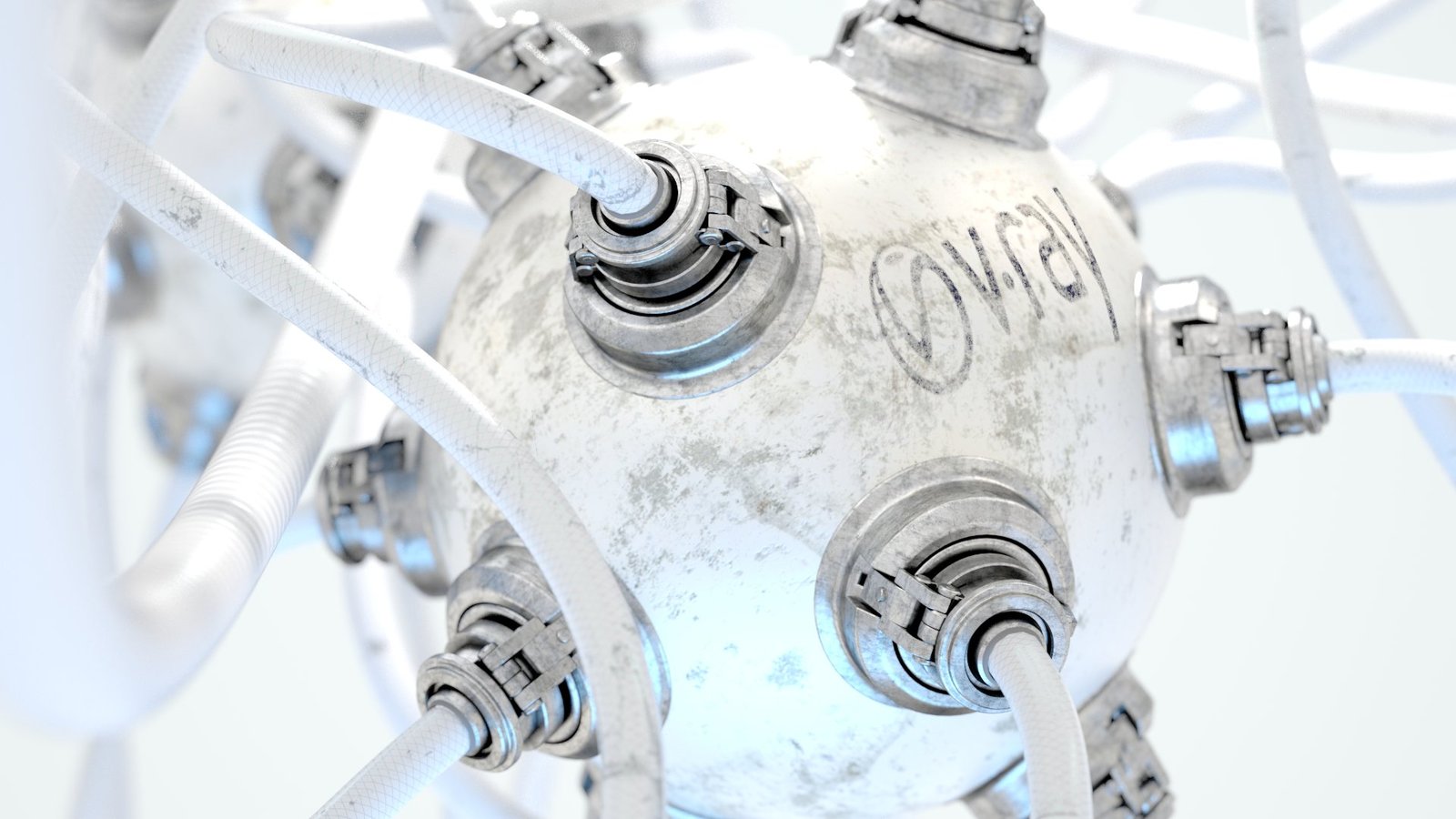
Output UV Pass
Output UV Pass via Sampler Info RE
View

Substance Textures
Use Substance Painter textures with VRayMtl.
View
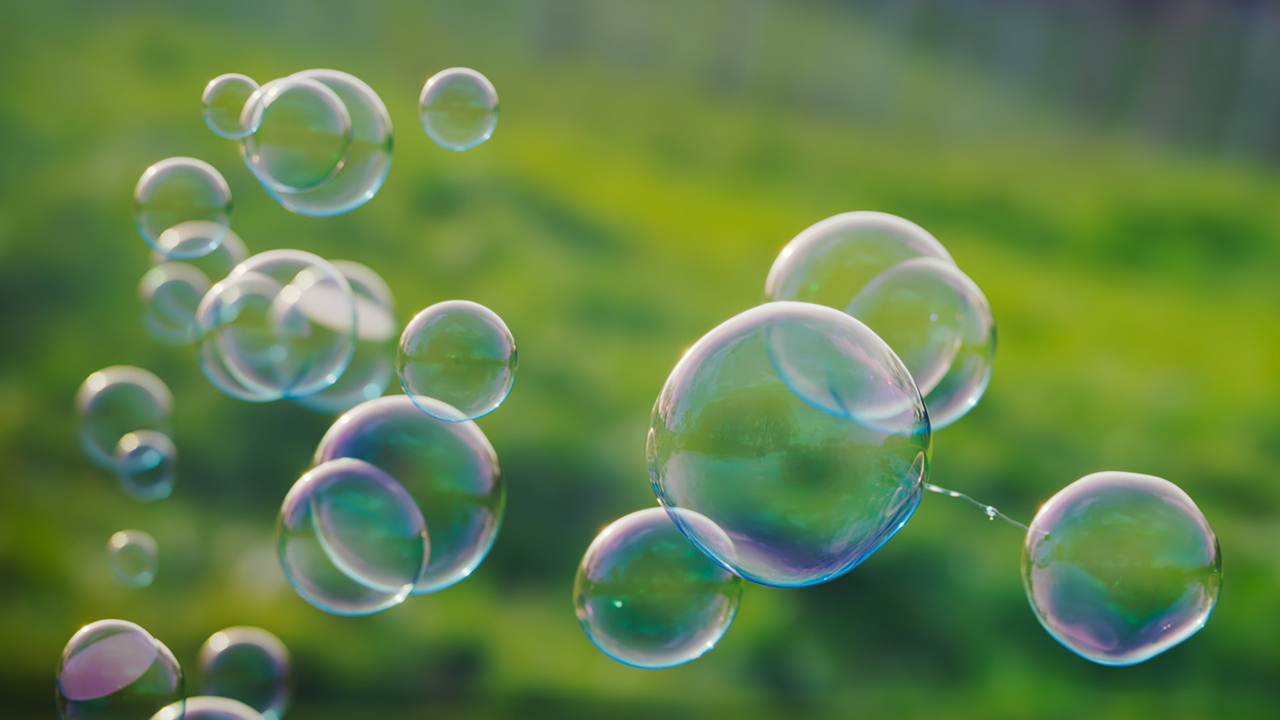
Iridescent Surfaces
Make iridescent surfaces with Thin Film layer.
View
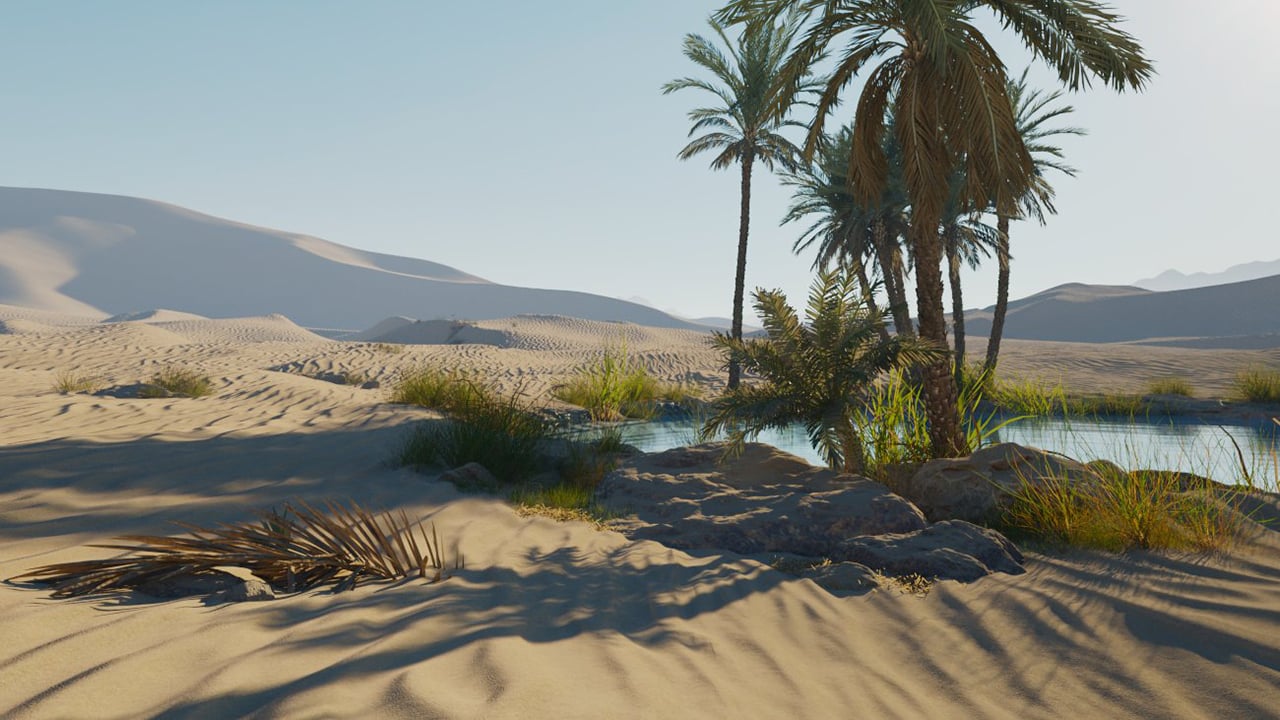
Sand with VRayDecal
How to create sand dunes with multiple VRayDecals.
View

Live Link to Vantage from Different Machine or OS
View
Short Videos
Utility Texture Tutorials

VRayFurSampler Setup
View

VRayHairSampler Setup
View

Color Management
How to use Maya's Color Management System with V-Ray.
View
Rendering Tutorials
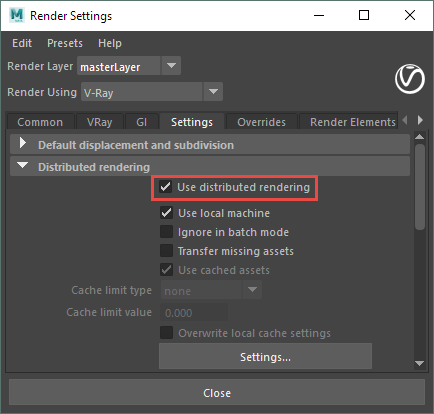
Distributed Rendering
This page provides information on distributed rendering (DR) in V-Ray for Maya. Overview Distributed rendering is a technique for distributing a single render job within a single frame across many computers in a network. The idea is to reduce render time by dividing different parts of the rendering pipeline and giving each participant different par
View

Universal V-Ray Settings
Basic render settings for still images.
View

Resumable Rendering
Continue a render with Resumable Rendering.
View
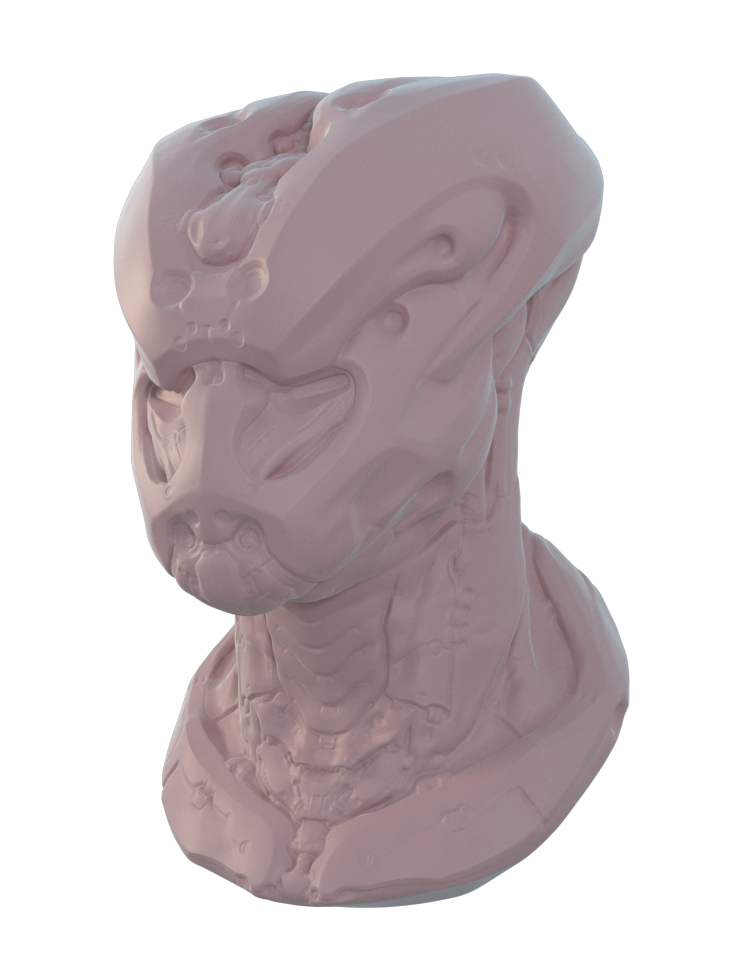
Mudbox Vector Displacement
Export vector displacement maps from Mudbox and render them in Maya.
View

Controlling Shadows Using the Sampler Info Node
View

Very Large Images
How to render large images with V-Ray.
View

ZBrush Displacement
Render a ZBrush displacement map with V-Ray.
View
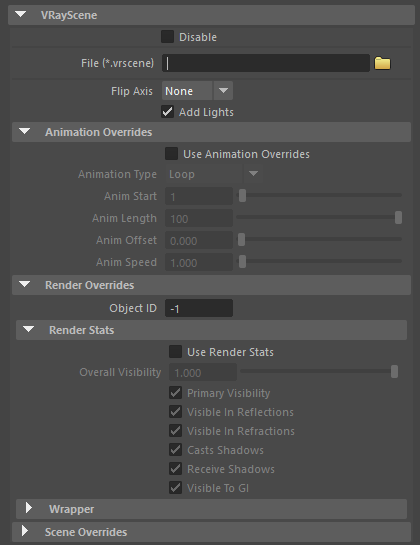
V-Ray Scene Files
Export and use V-Ray Scene Files (.vrscene).
View

Exporting EXR and Deep EXR in One Render
View

VRayFur Styler Setup
View
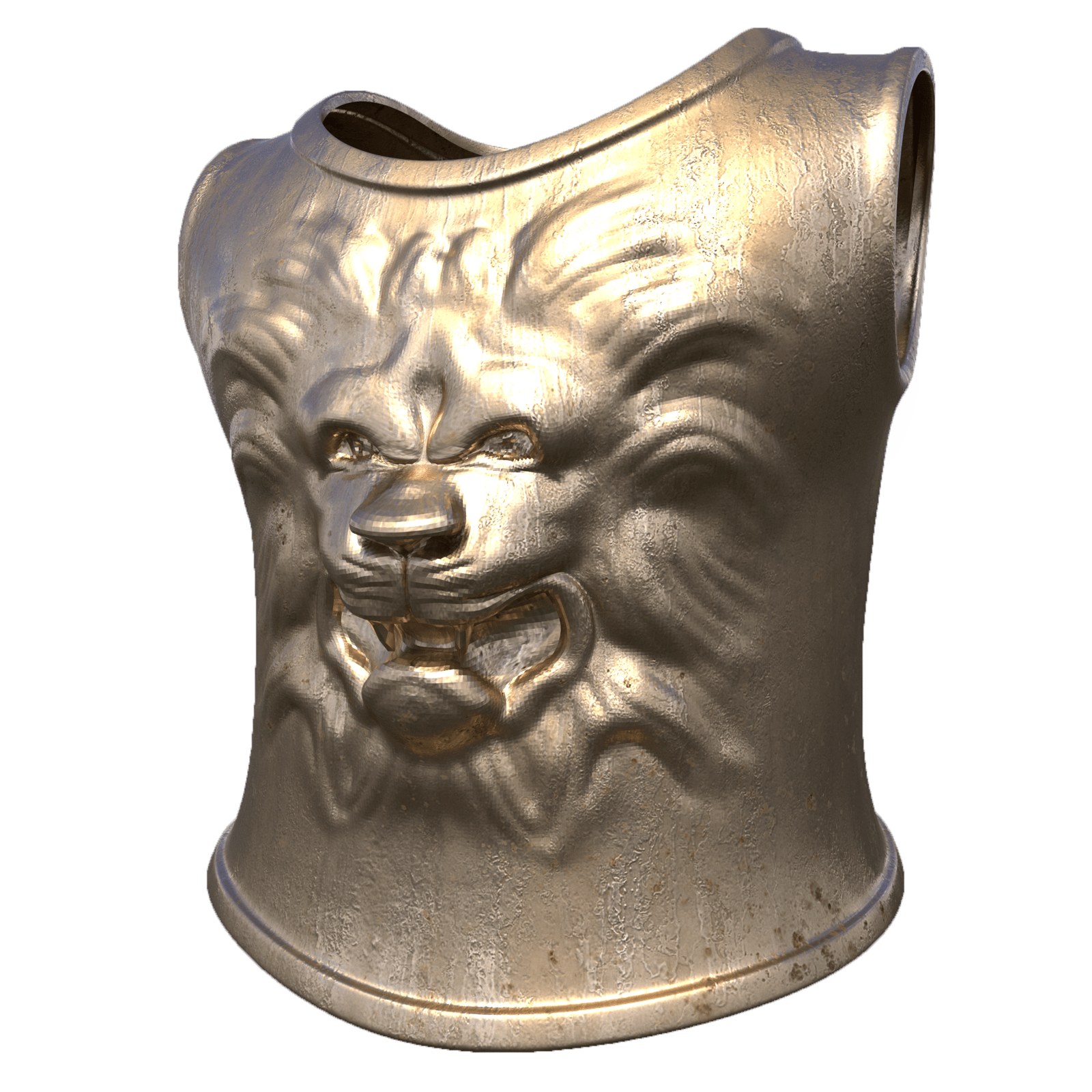
ZBrush Vector Displacement
How to export a vector displacement map from ZBrush and render it with V-Ray.
View
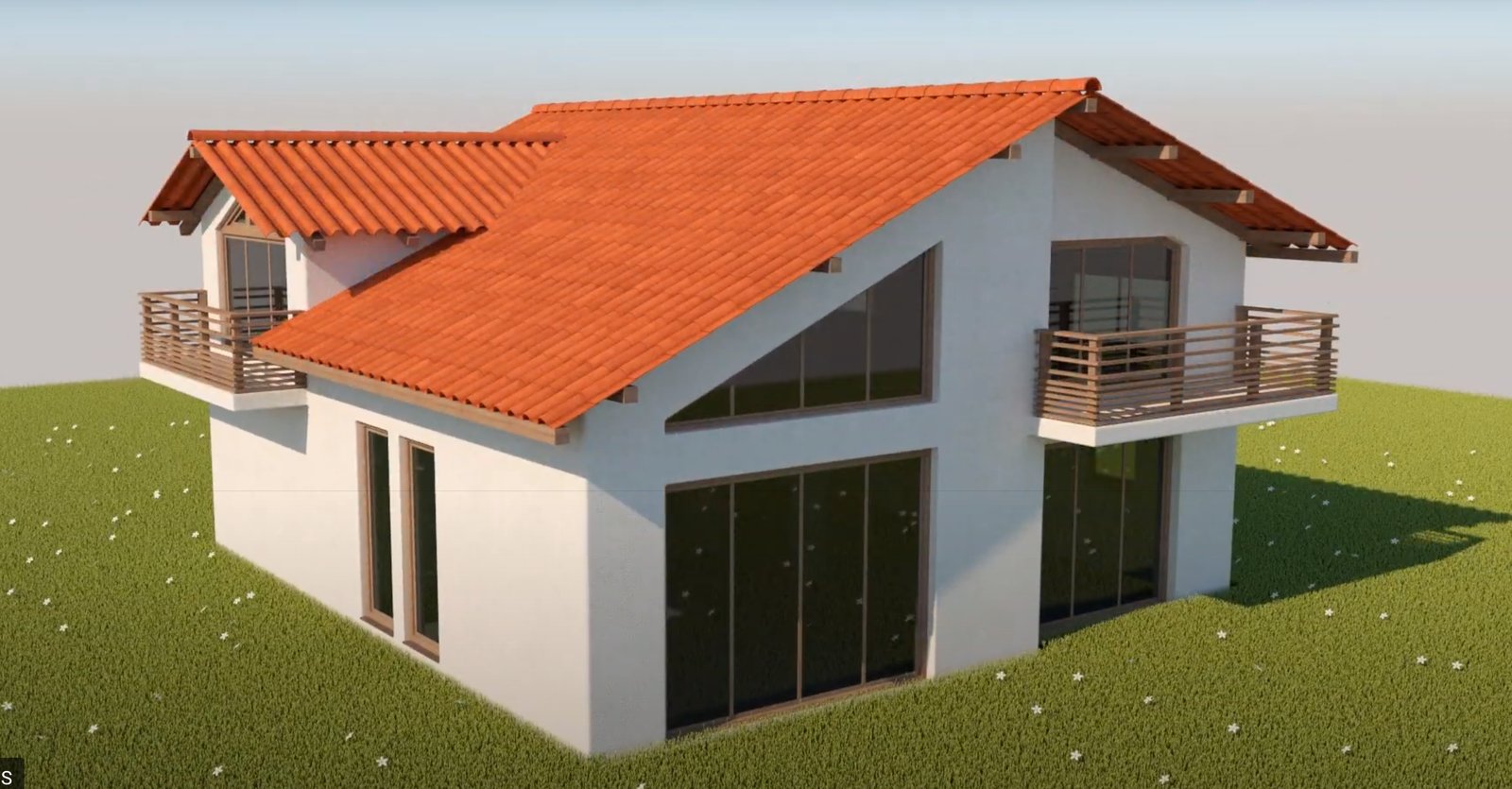
Houdini to Maya Alembic Workflow
View

ACEScg Workflow
View
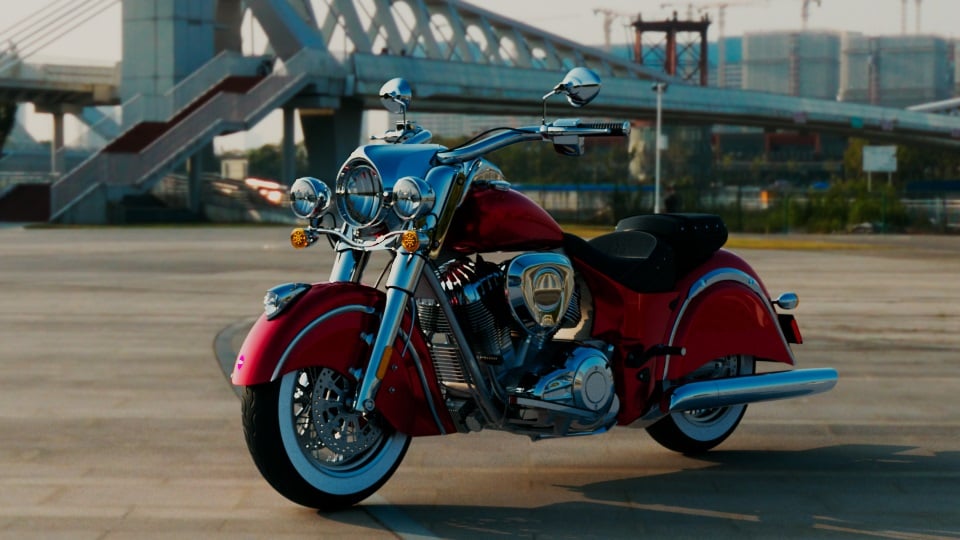
V-Ray Shadow Catcher
Create a shadow/matte catcher.
View

How to Apply Motion Blur to Cached nParticles
View

Rendering Refractive Surfaces
View
USD and MaterialX Tutorials

How to Create Standard Surface Shader in MaterialX Stack
View

Standard Surface Shader Setup for USD Geometry
View

Procedural Texture Setup with MaterialX
A guide on how to set procedural textures with MaterialX in Maya
View

Adding Displacement to MtlX Shaders
View
XGen Tutorials
The XGen Tutorials section contains a number of tutorials for using V-Ray for Maya with XGen. Note that these tutorials pertain specifically to the use of V-Ray with XGen, not the general use of XGen itself.
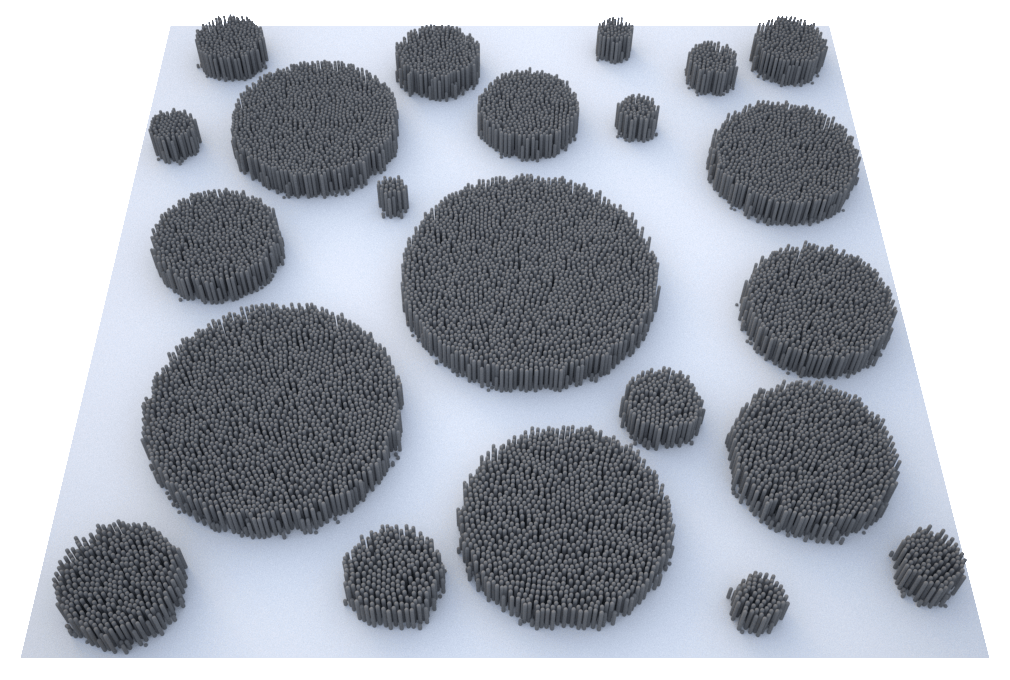
XGen General
Basic information.
View

XGen Spline Primitives
Create and render a grassy surface with XGen and V-Ray for Maya.
View

XGen Archive Primitives
Use instanced objects with XGen and V-Ray for Maya.
View
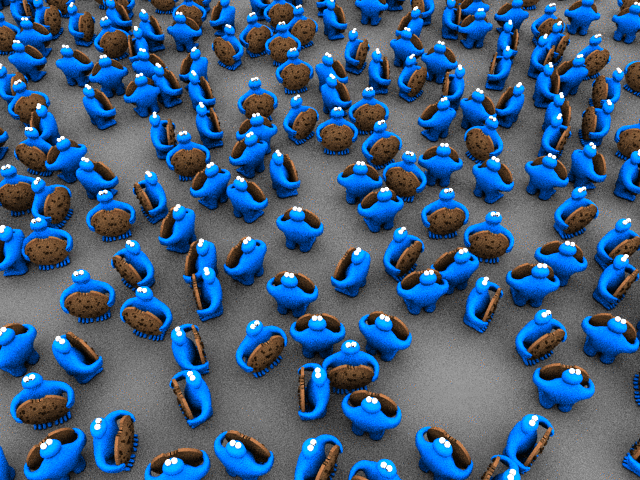
XGen Animation & MB
Use V-Ray with animated XGen objects and motion blur.
View
Tips and Tricks
Tips and Tricks
Ease your workflow with some V-Ray tips and tricks.
View