V-Ray for Maya
VRayInverseExposure
This page provides information about the V-Ray Inverse Exposure 2D texture.
Last updated 19 September 2025
This page provides information about the V-Ray Inverse Exposure 2D texture.
Overview
The V-Ray Inverse Exposure texture ensures consistent exposure setup (such as F-number, Shutter speed and ISO), regardless of changes done in the Physical camera. Standard workflow is to connect this texture to all the lights in the scene.
This texture works only with physical cameras. Note that the texture's settings will not affect Motion Blur and Depth of Field effects - they depend on the physical camera setup.
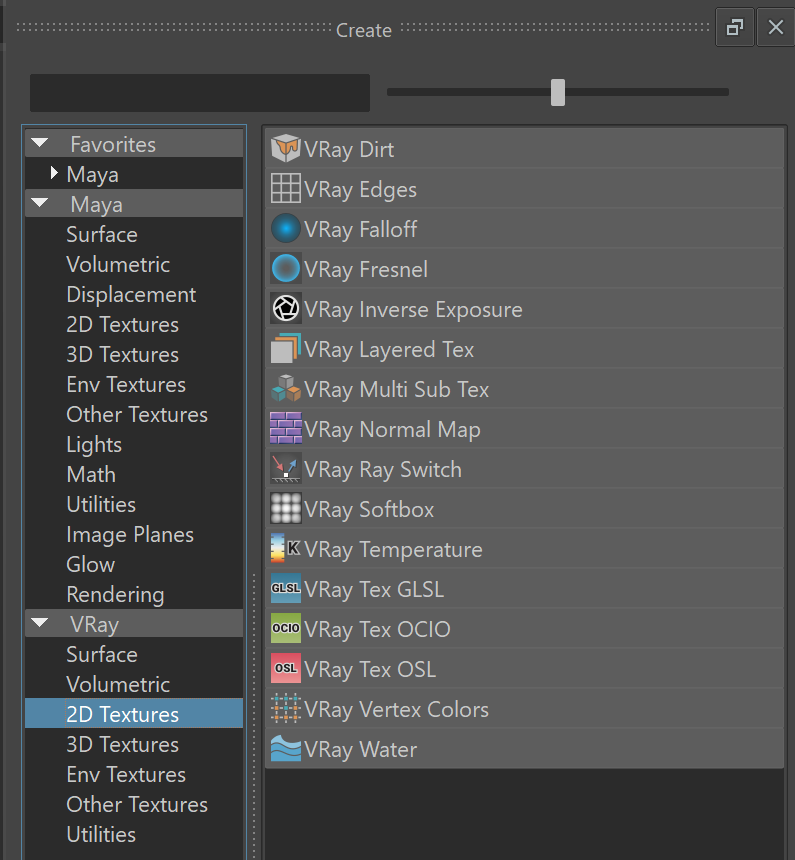
UI Path: ||Hypershade|| > Create panel > VRay section > 2D Textures > VRay Inverse Exposure
Parameters
The difference between the exposure generated by these three parameters and the corresponding parameters in the physical camera is compensated by this texture. Thus, the exposure in the render is as if the camera has these three parameters set.
Input Texture – Input texture slot. For example, you can connect an HDRI map to this slot. You can also leave this slot empty.
Reference F-number – Reference F-number setting corresponding to the physical camera f-number.
Reference Shutter speed – Reference shutter speed setting corresponding to the physical camera shutter speed.
Reference ISO – Reference ISO setting corresponding to the physical camera sensitivity (ISO).
