V-Ray for Nuke
Beauty Render Elements
This page gives an overview of the Beauty Render Elements and explains how they are used as layers to composite together.
Last updated 18 September 2025
This page gives an overview of the Beauty Render Elements and explains how they are used as layers to composite together.
Overview
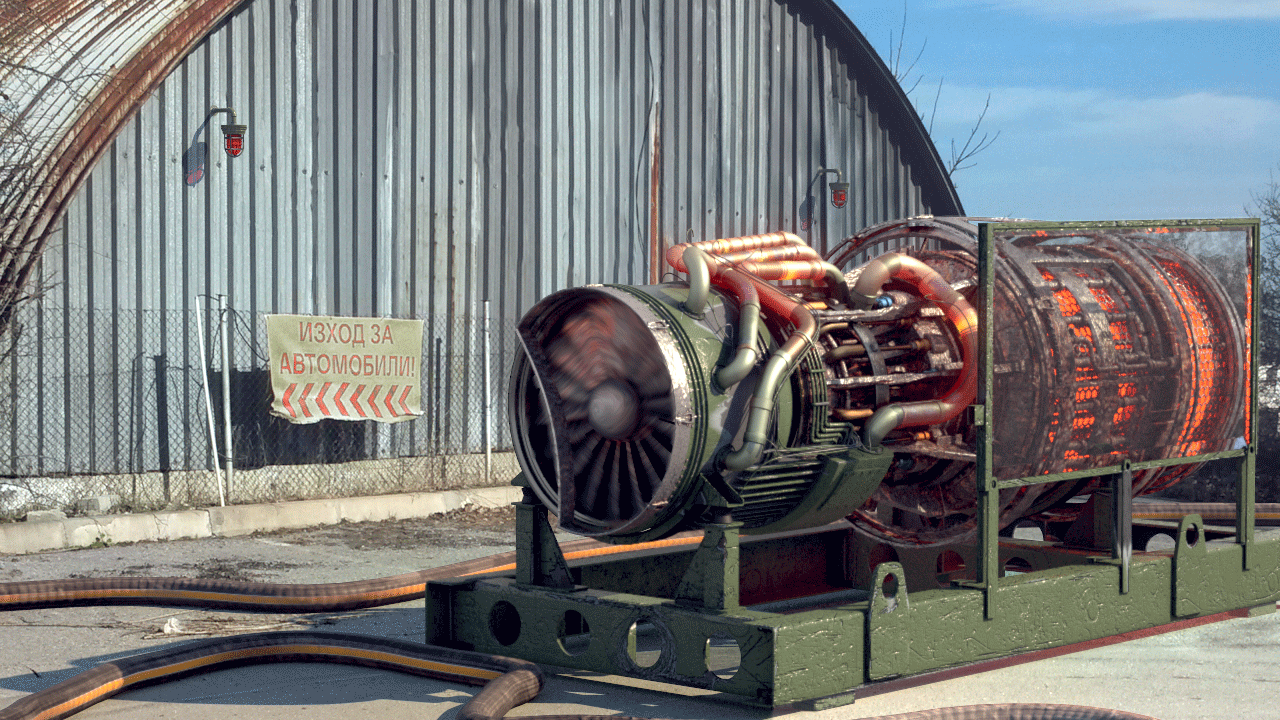
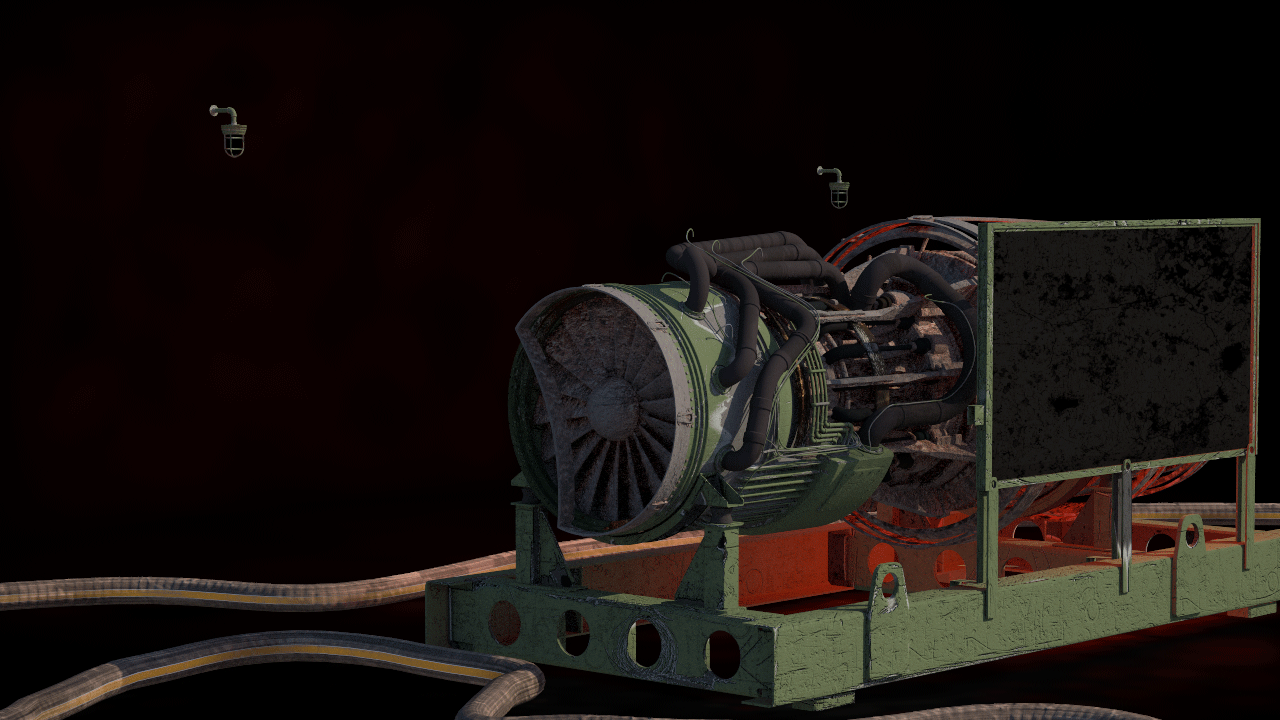
The Beauty Render Elements are the primary render elements that form V-Ray's pre-composited final render Beauty. When rendering a scene, the image that is output is called the Beauty render. This render is comprised of many elements such as diffuse color, shadows, lighting, and reflections that are composited together to form that final Beauty look. All these component elements may be broken out into separate render elements which can be used to control different aspects of the final image during compositing.
With this workflow, sometimes called "Back to Beauty" Compositing, many components in the render – from its lighting, reflections, and refractions, to its shadows and Global Illumination – can be easily adjusted. As a result, the Beauty render can be fine-tuned without the need to re-render the scene, thus saving time and increasing artistic options.
More information on the process of Back to Beauty Compositing may be found on the Beauty Render Element page.
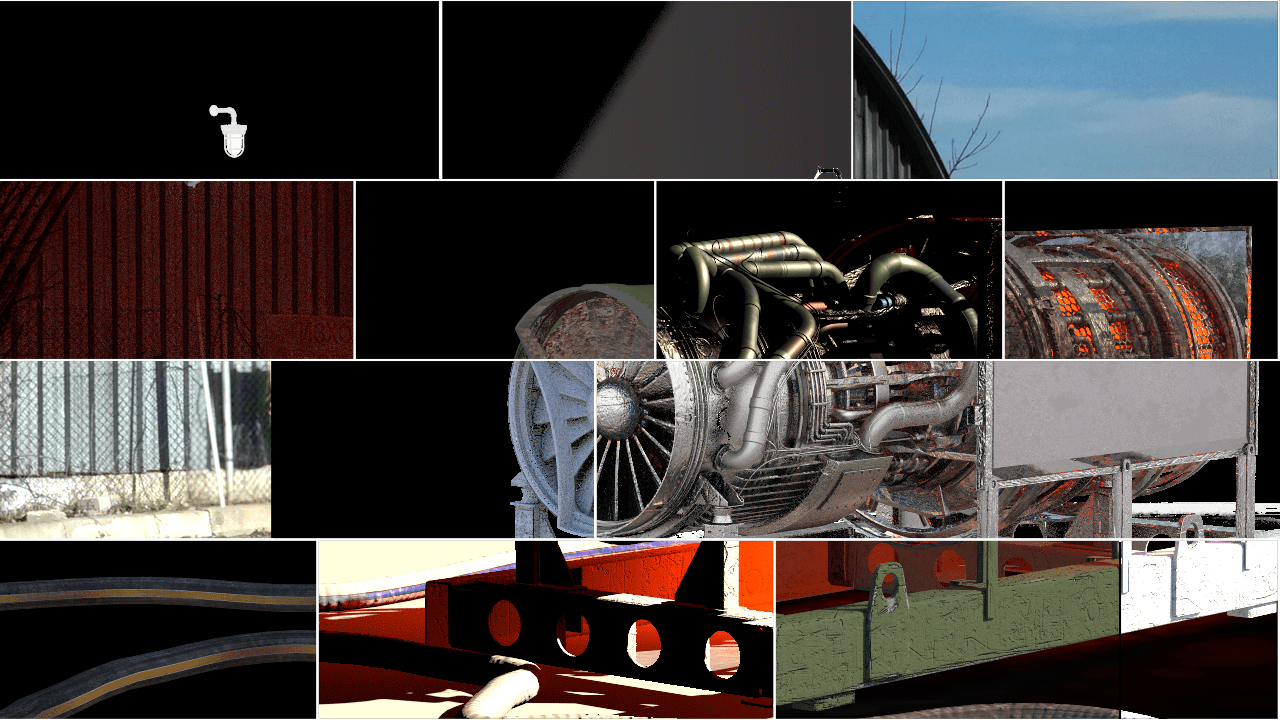
Render Element Examples
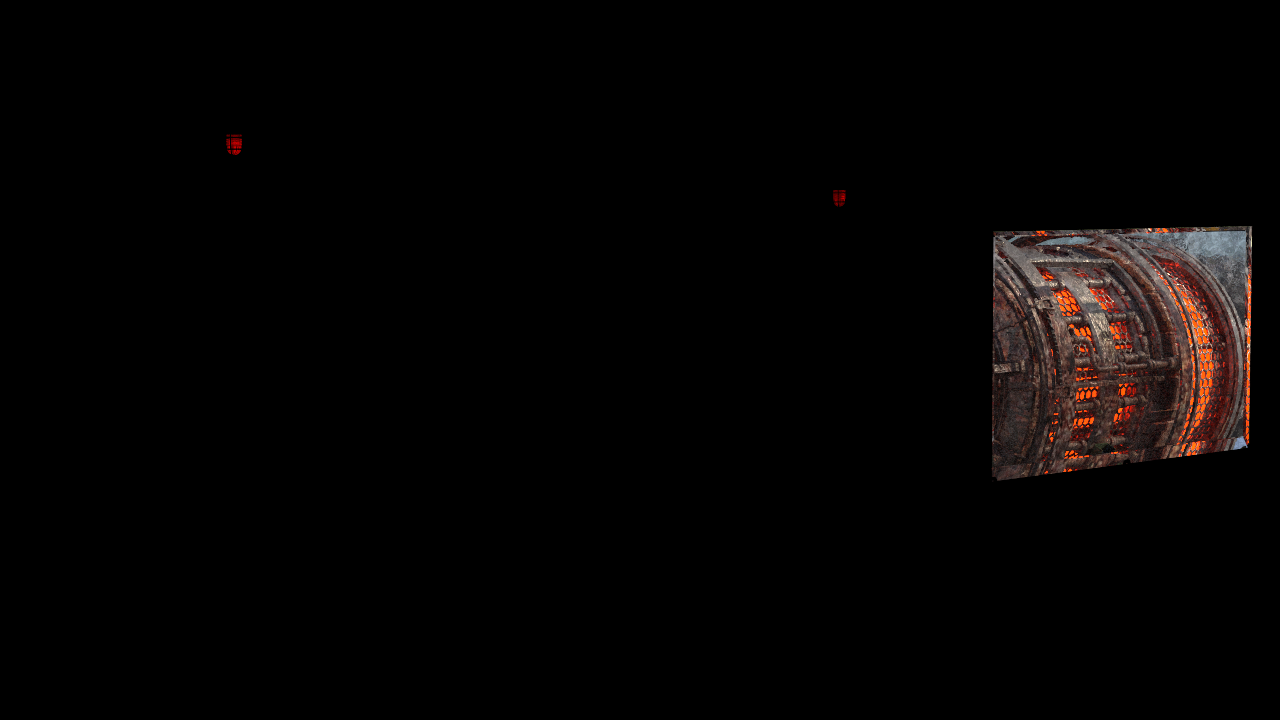
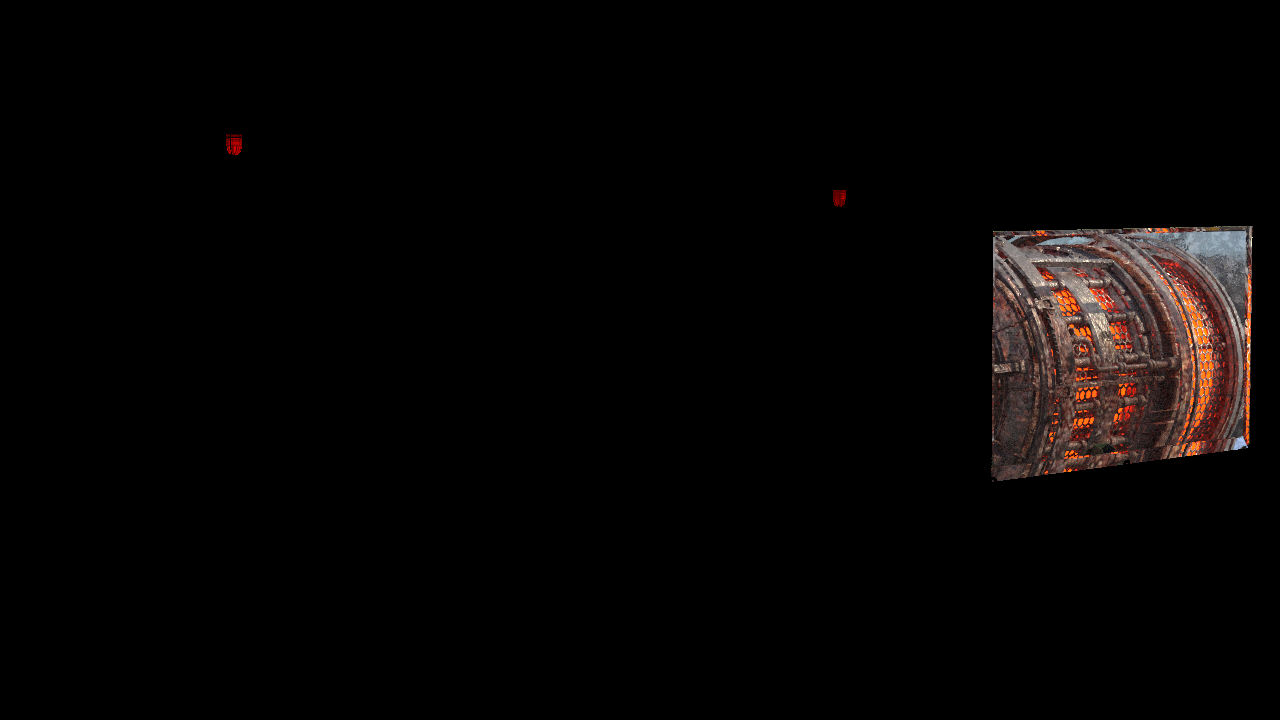
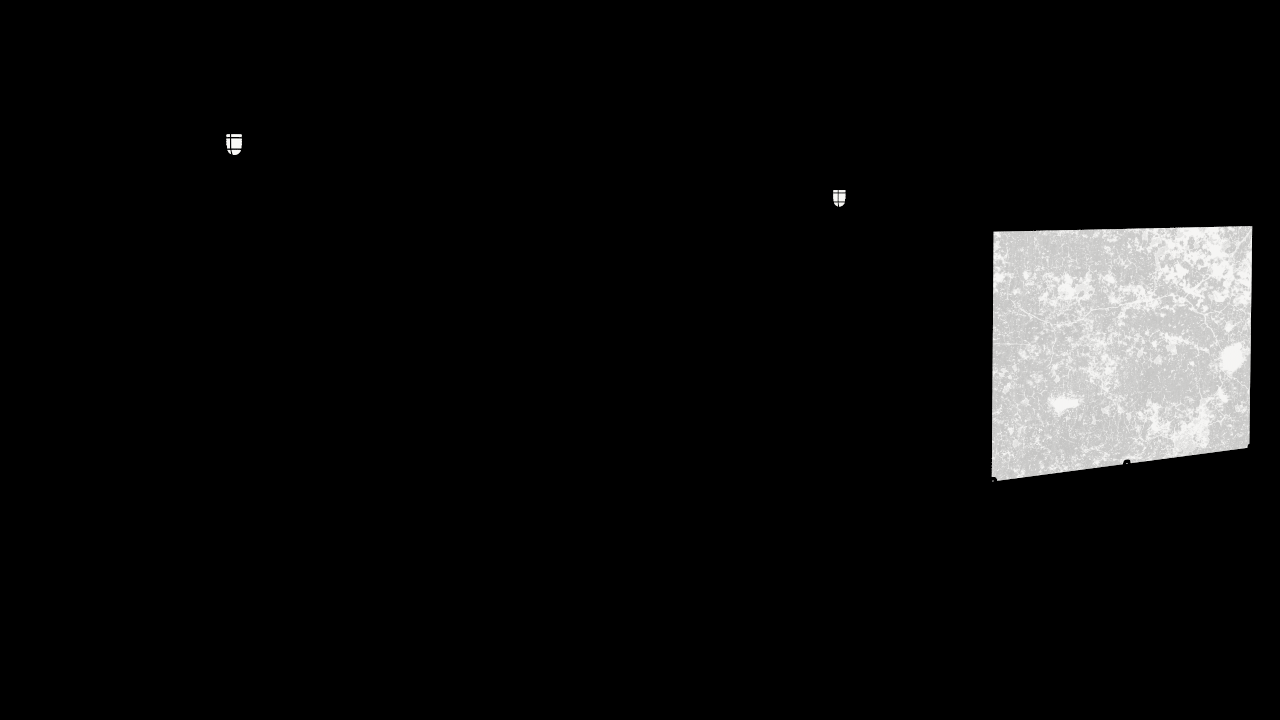
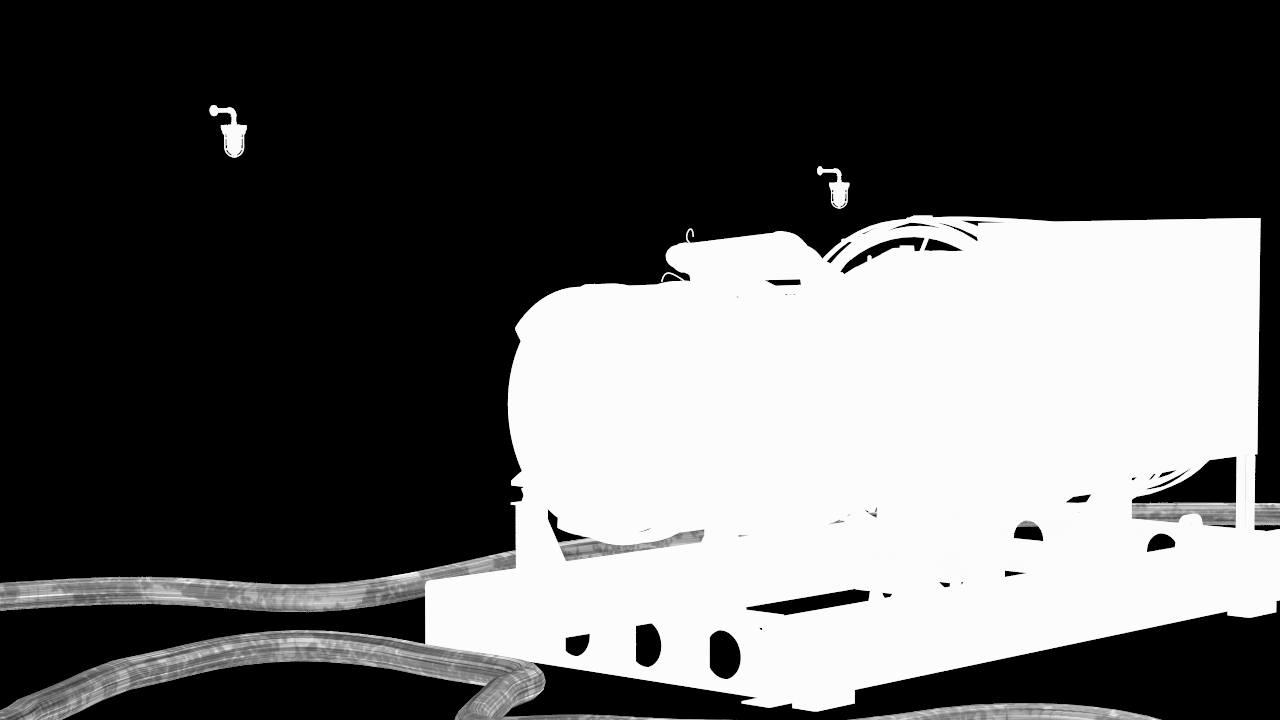
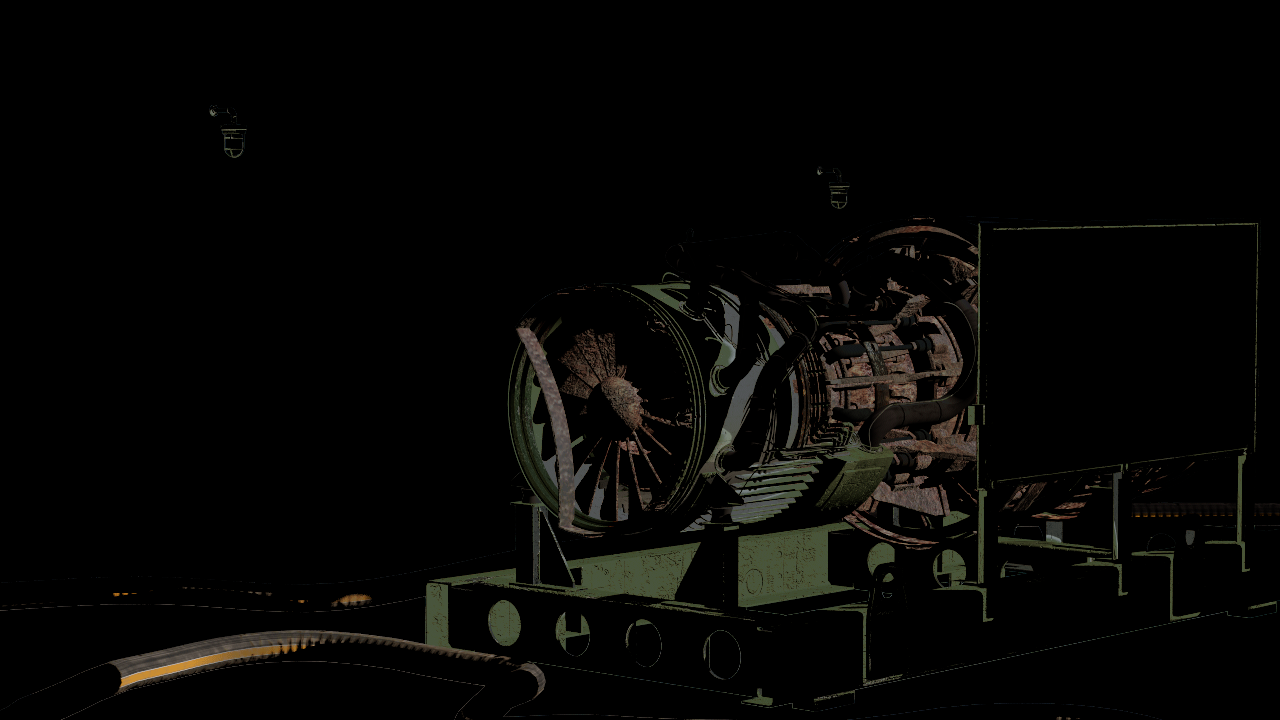
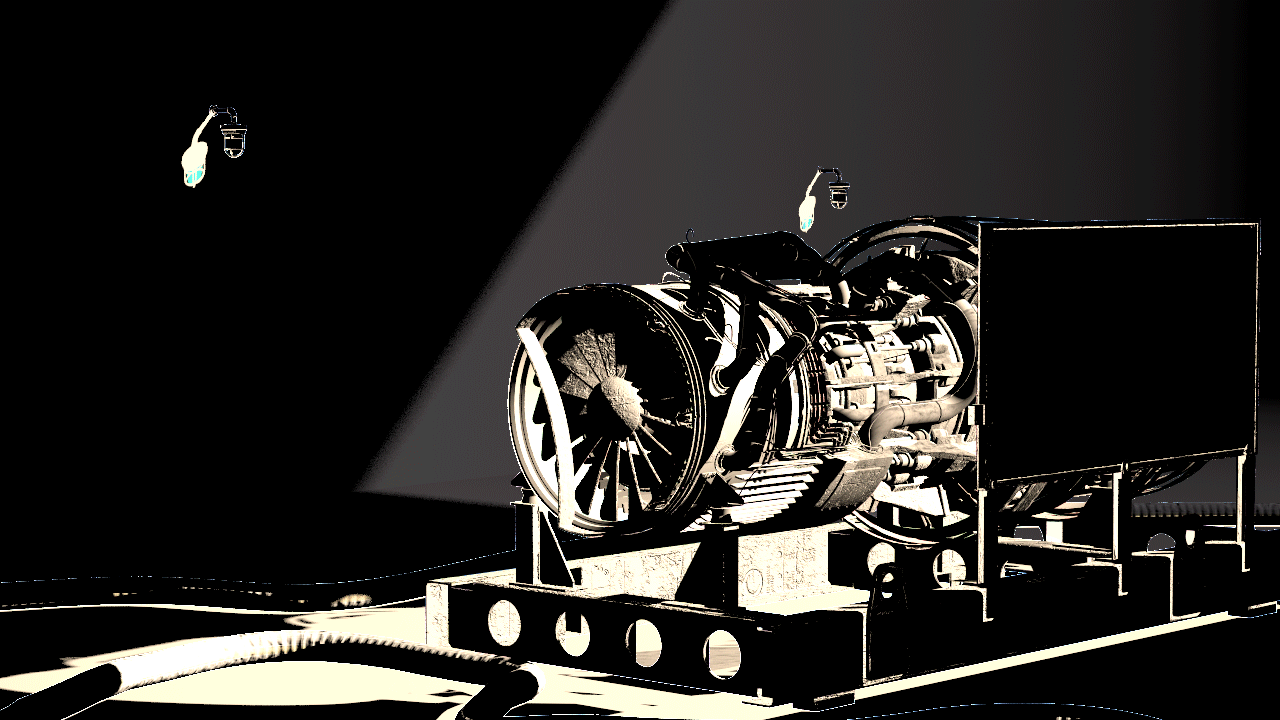
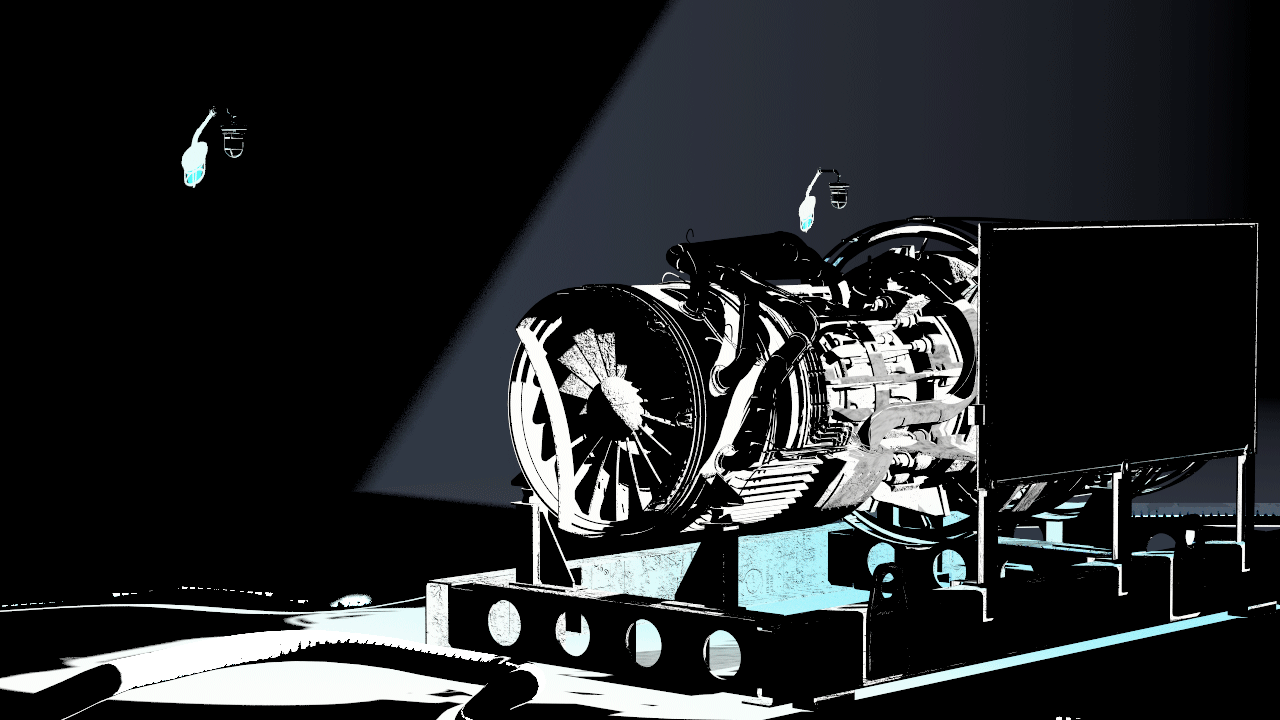
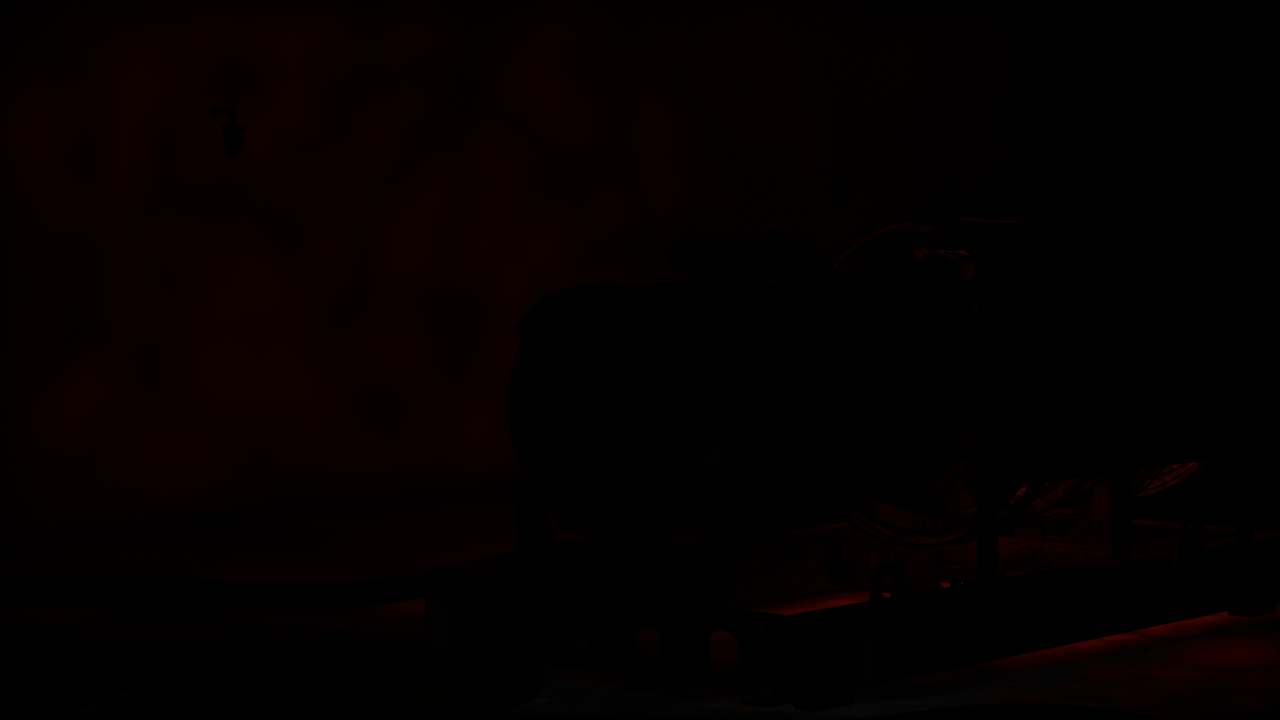
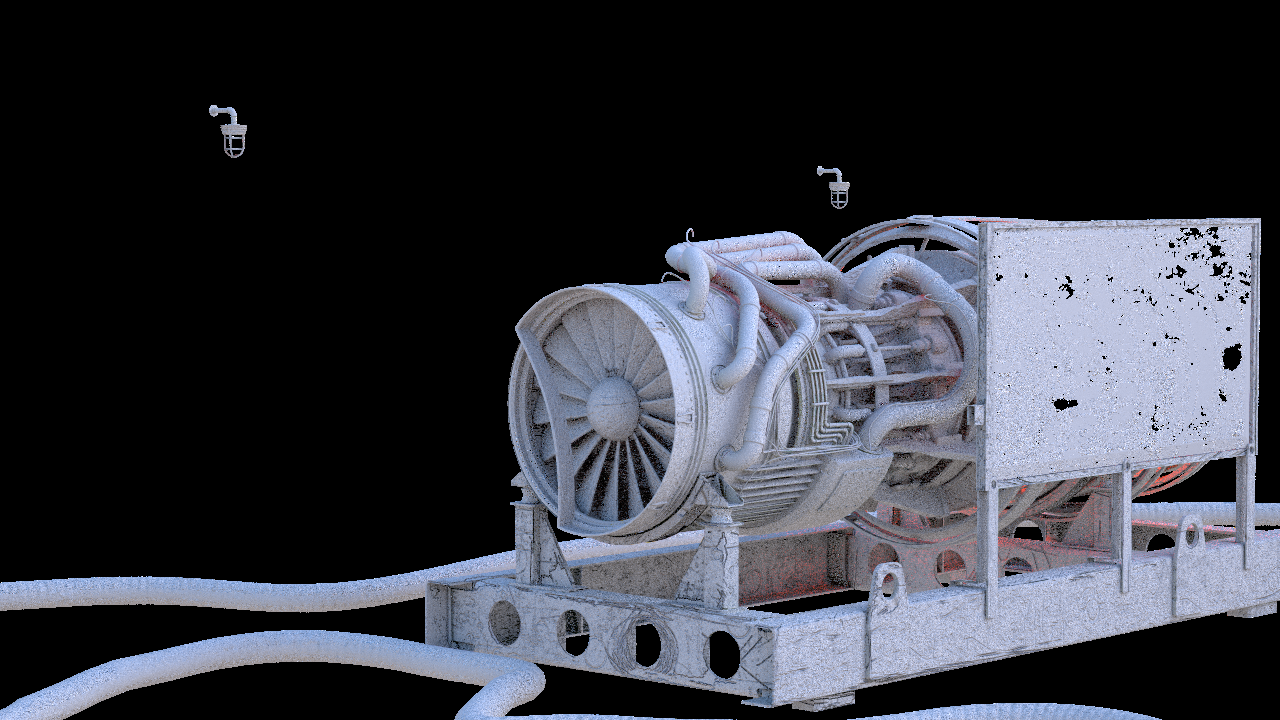
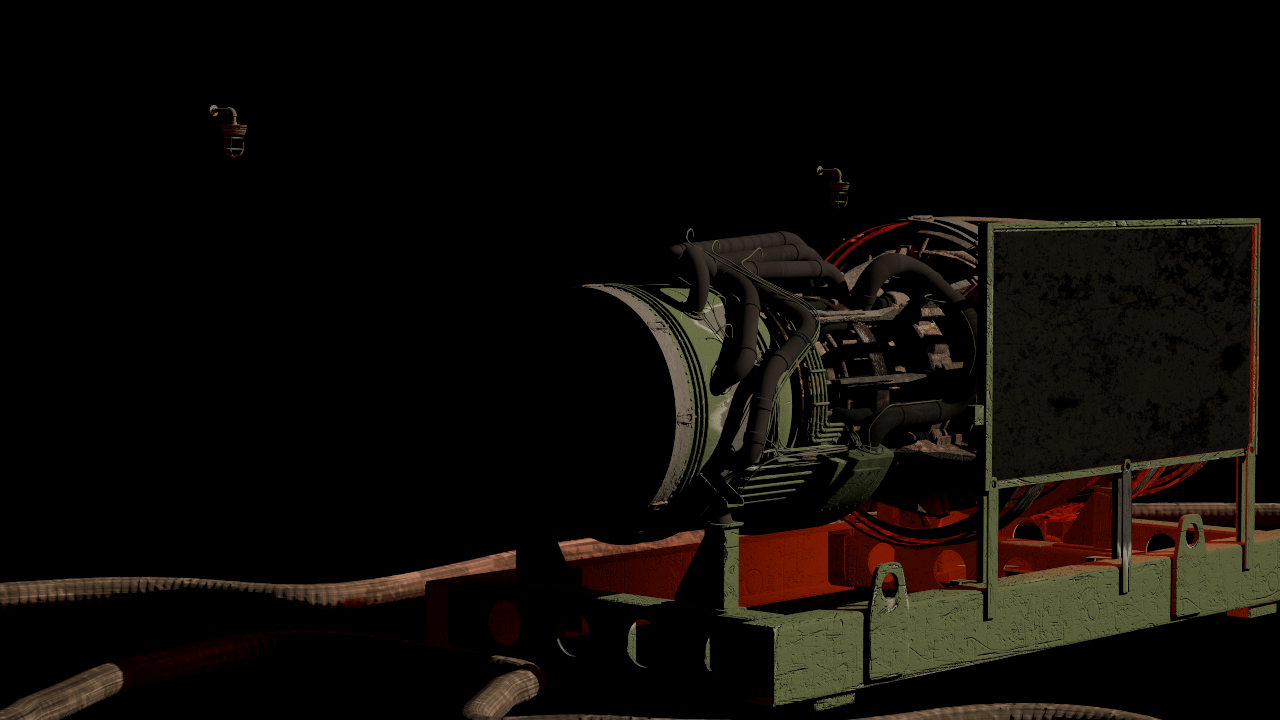
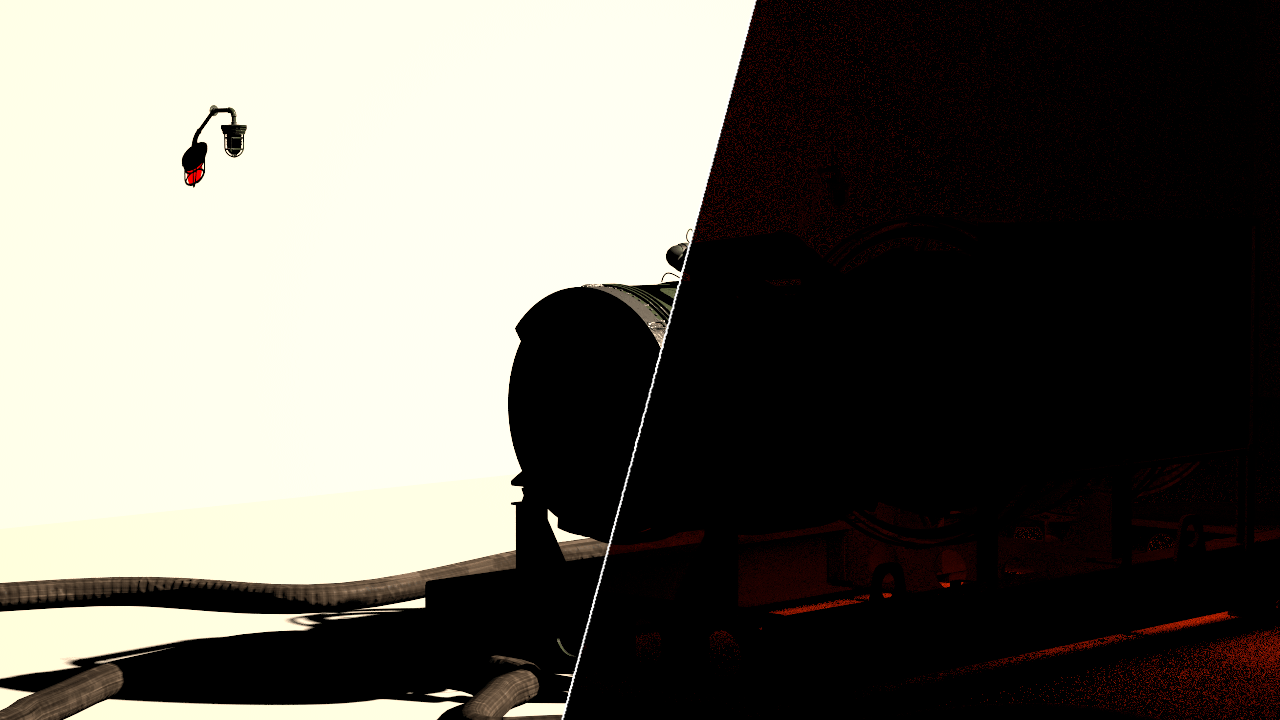
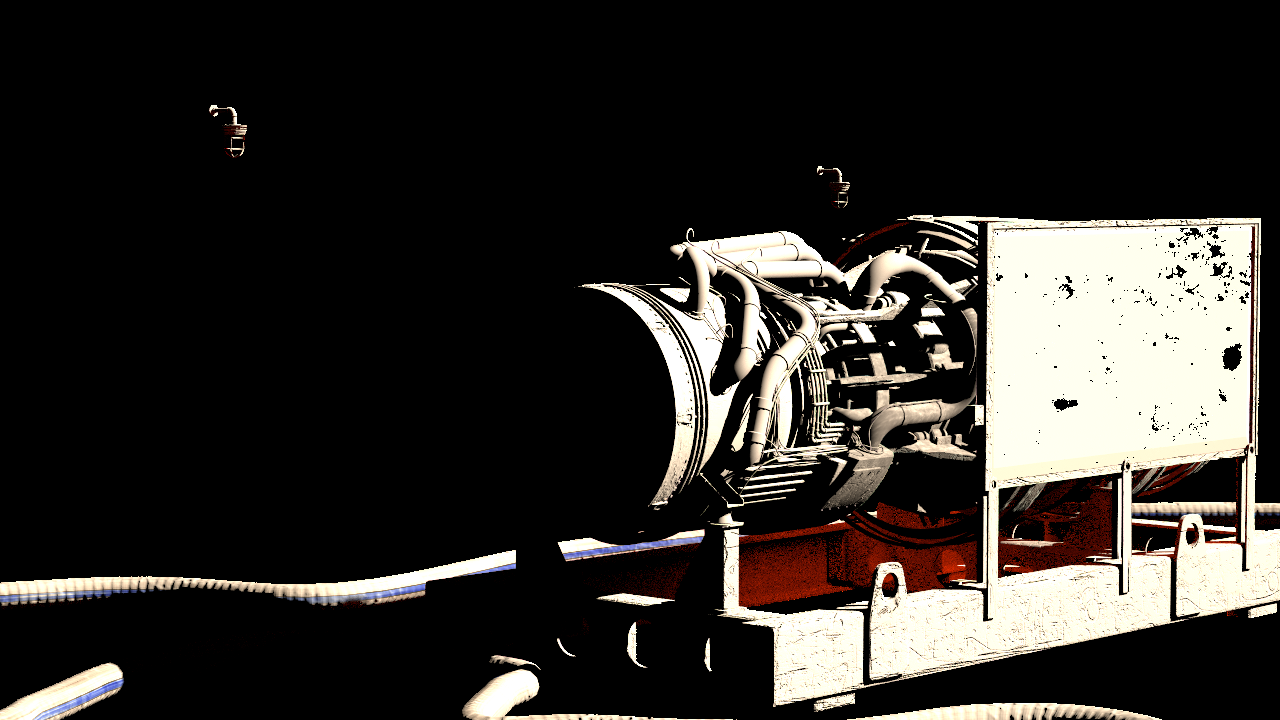
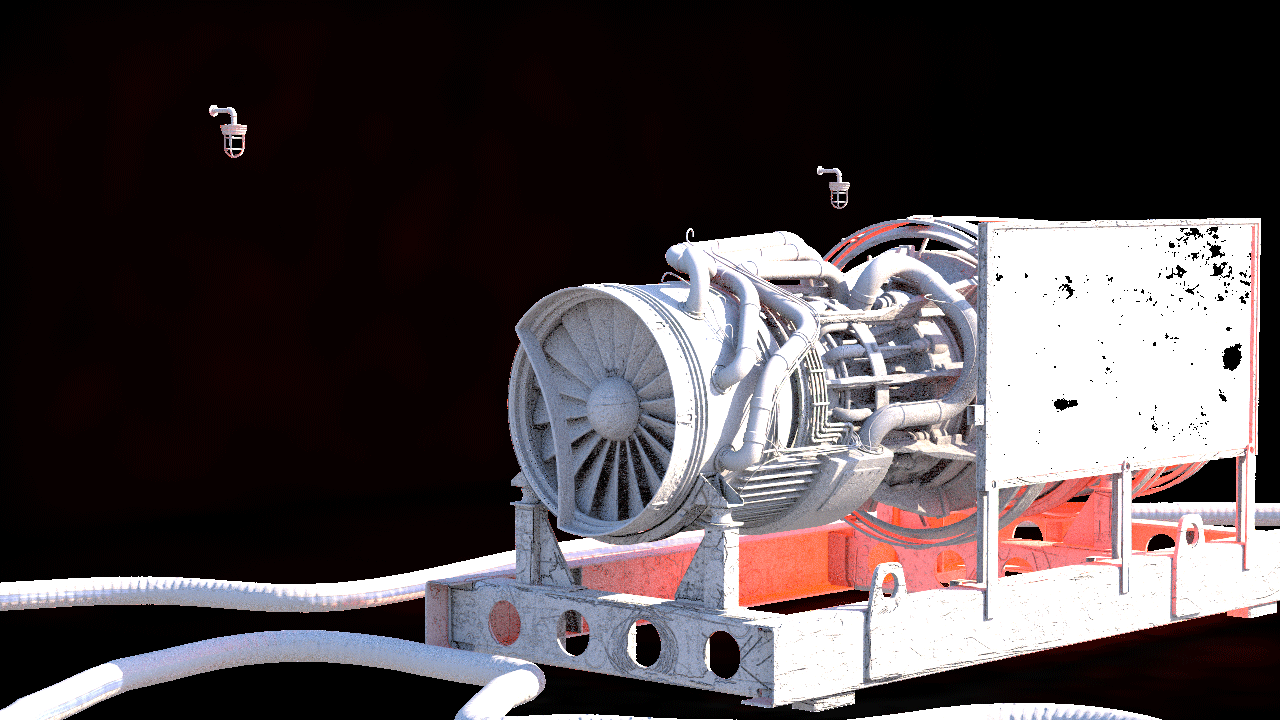
The following are examples of render elements frequently used in Back to Beauty Compositing. The scene includes geometry in front of and interacting with a live action plate.
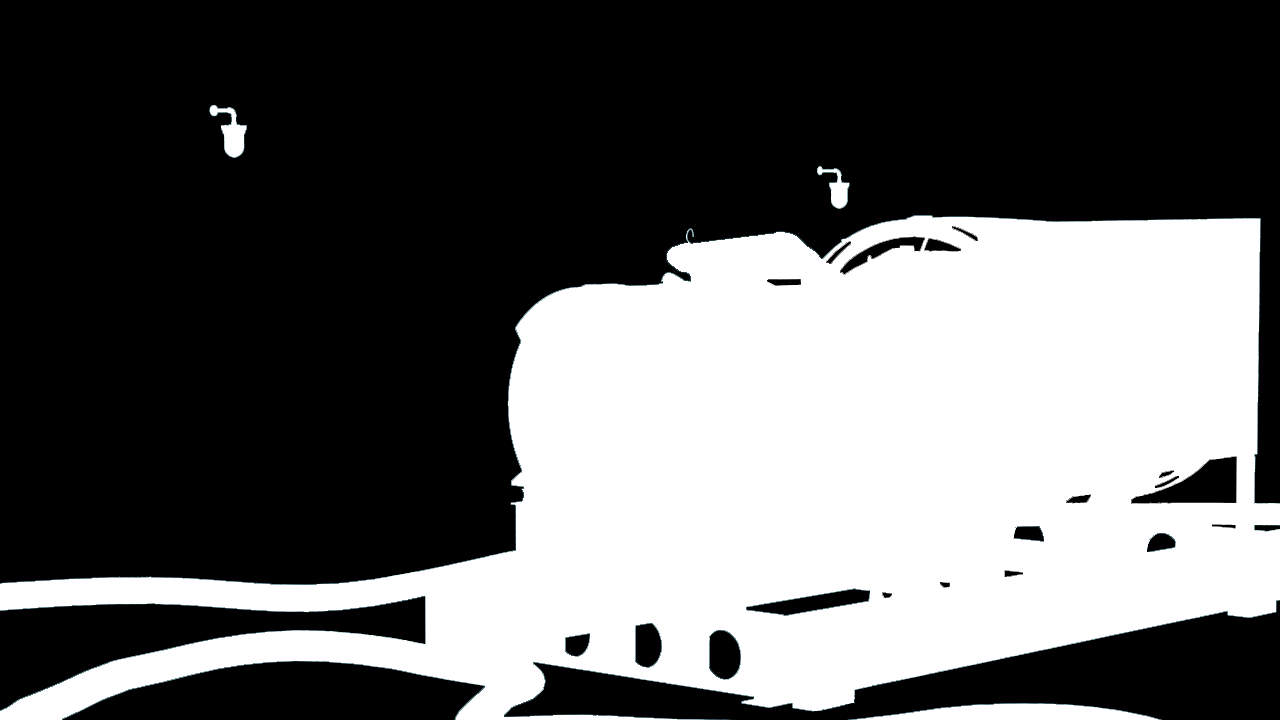
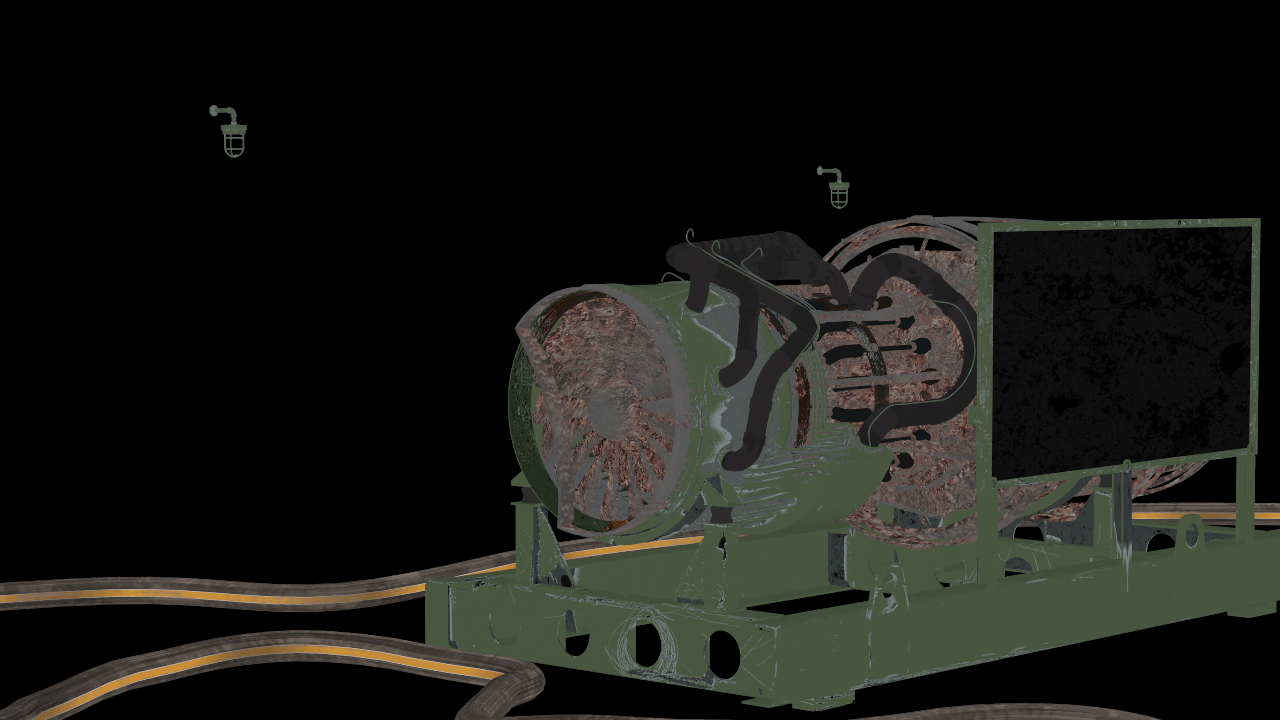
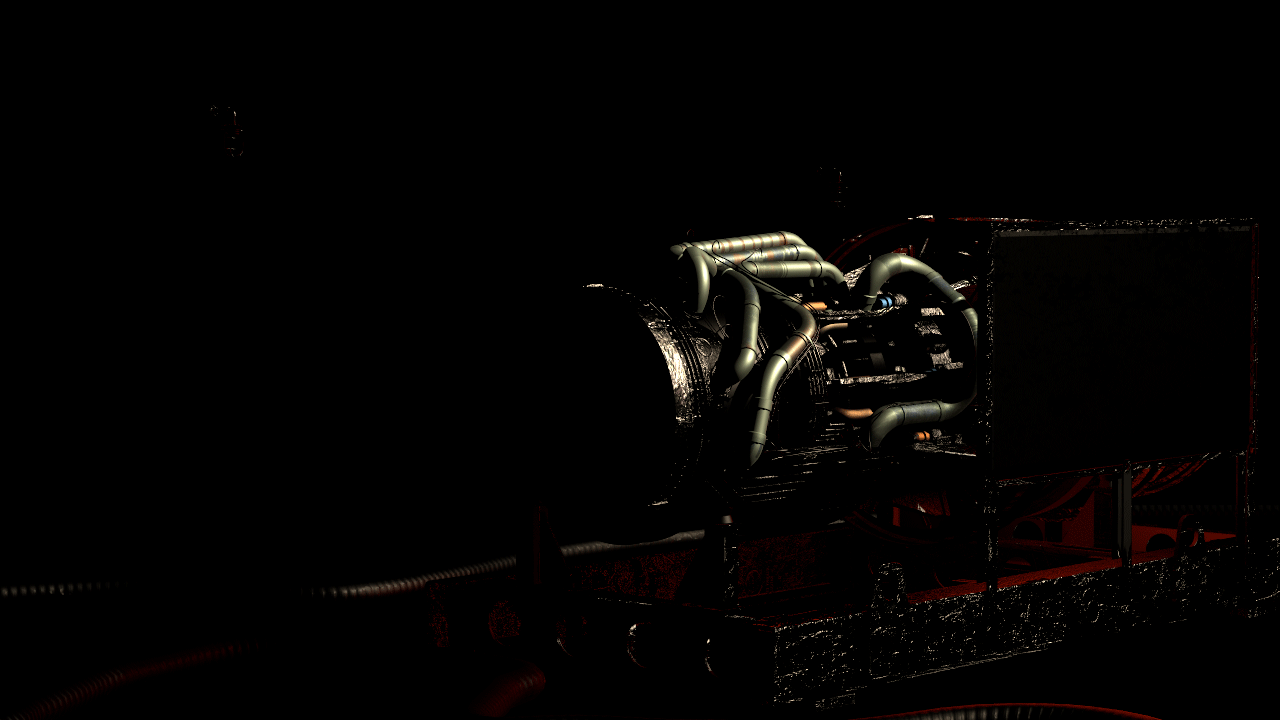
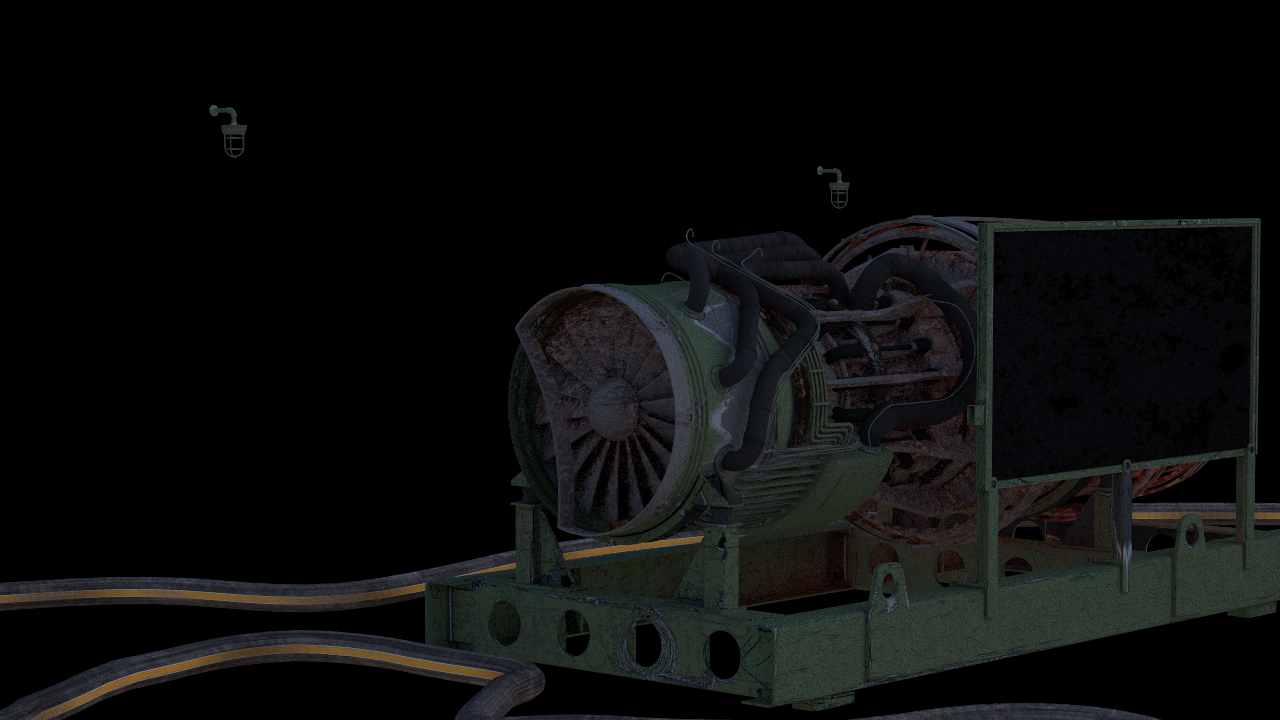

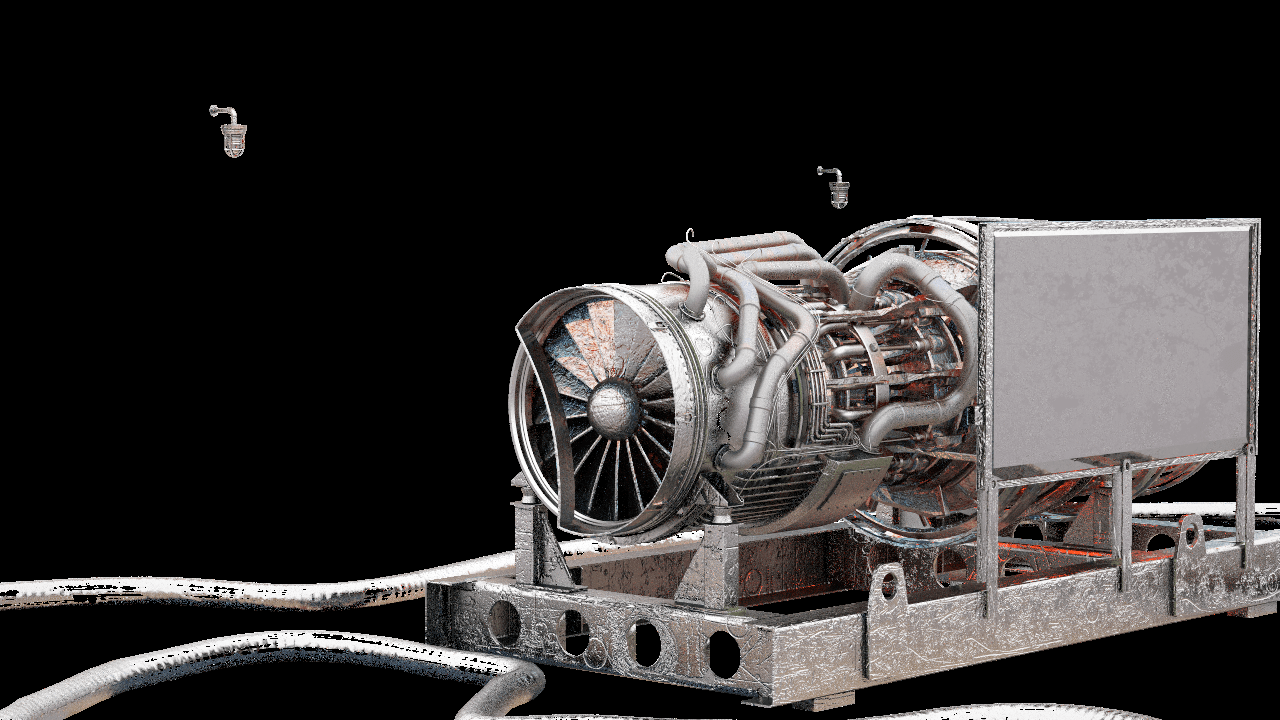
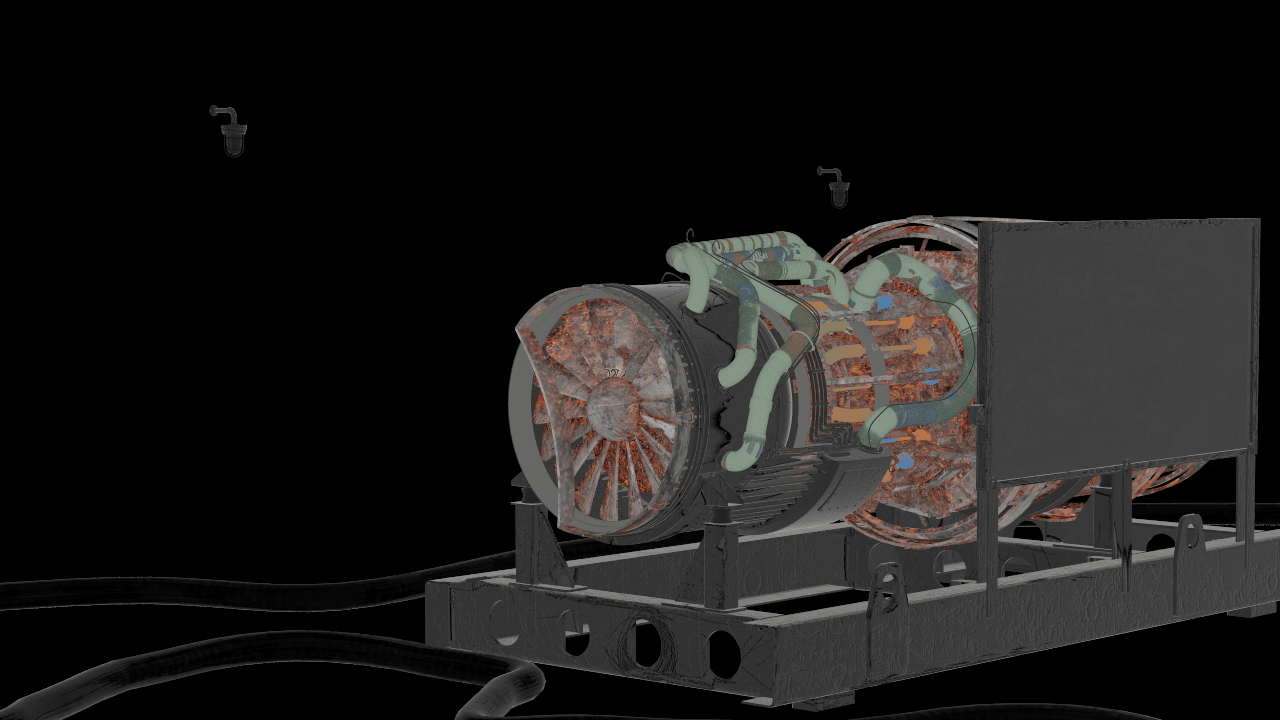
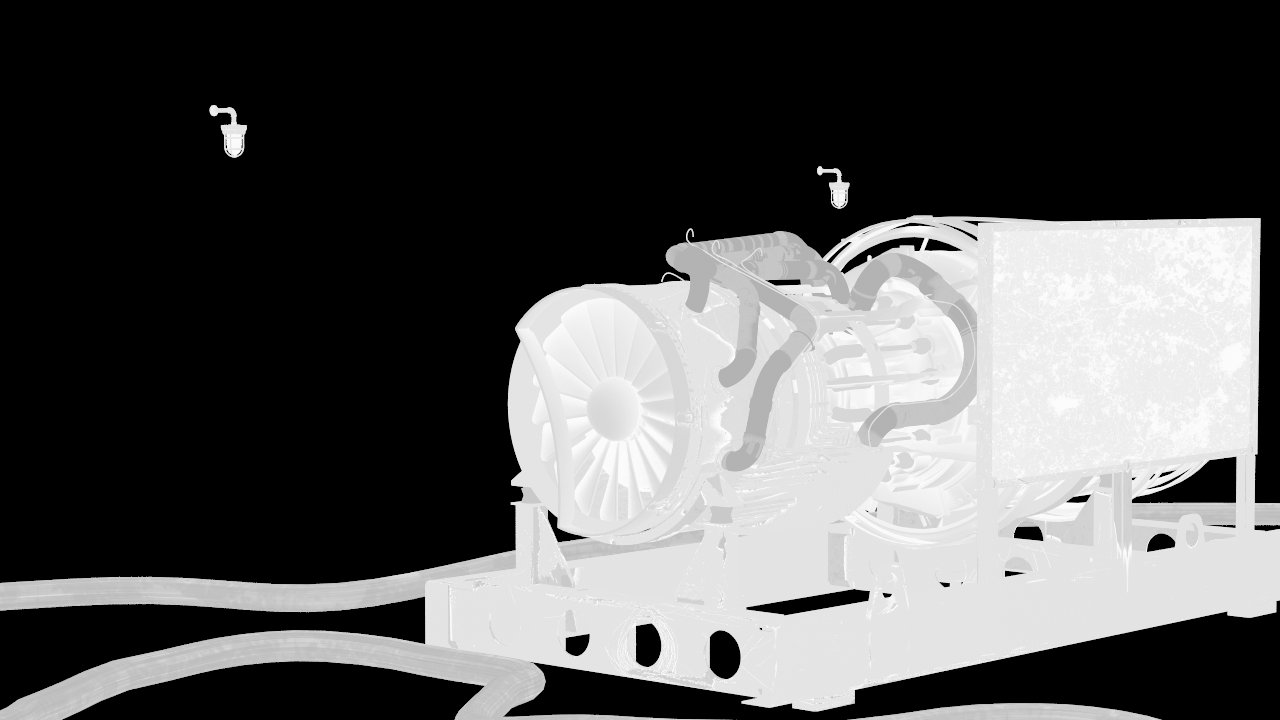
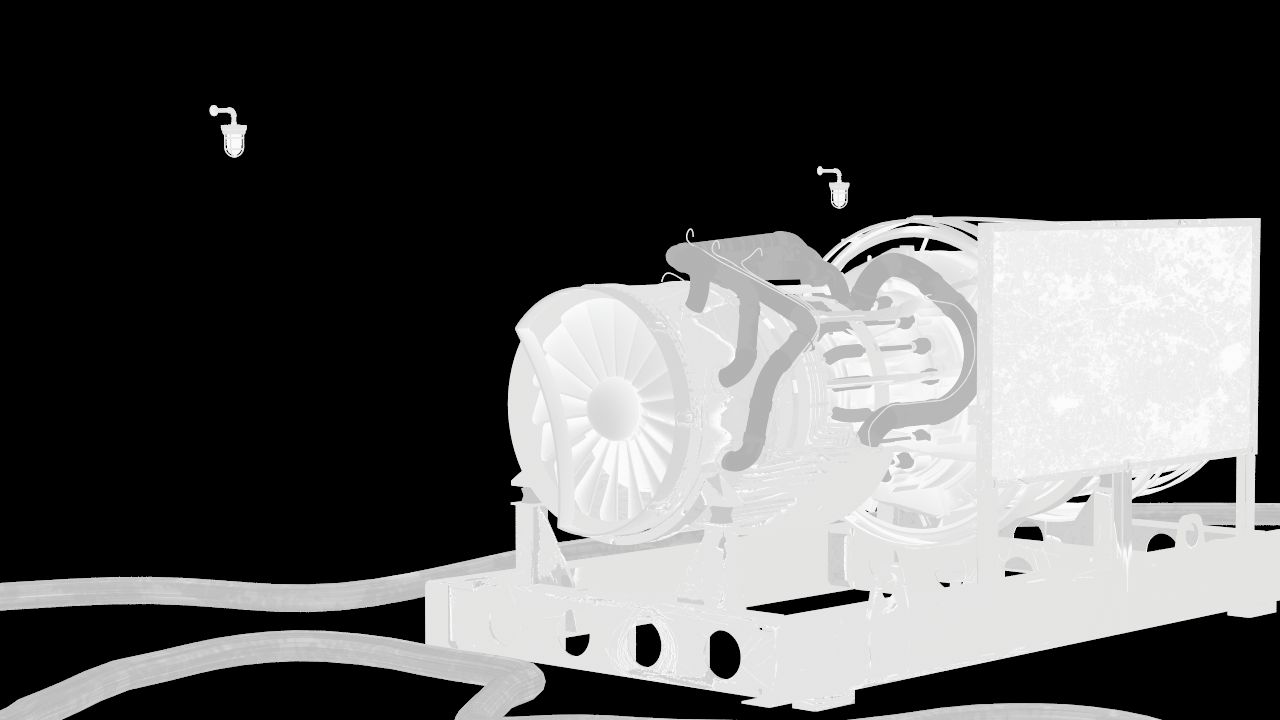
Reflection Highlight Glossiness