V-Ray for Nuke
Refraction Raw
This page gives some basic details about the Refraction Raw Render Element and how it is used in compositing.
Last updated 18 September 2025
This page gives some basic details about the Refraction Raw Render Element and how it is used in compositing.
Overview
The Refraction Raw Render Element is a color image that stores refraction information calculated from materials' refraction values in the scene. Surfaces with no refraction values set in their materials will contain no information in the render element and therefore will render as black.
In comparison, the Refraction Filter Render Element is a render element that indicates varying degrees of refraction in the scene through brightness values in the image. Multiplying these two render elements together produces the Refraction Render Element.

UI Path: ||Toolbar|| > V-Ray Menu icon > Render > VRayRenderElement > Type: Refraction Raw
Properties
The Refraction Raw render element has no controllable properties.
Common Uses
The Raw Refraction Render Element is useful for changing the appearance of refractive elements after rendering in a compositing or image editing application. Below are examples of possible uses.

Raw Refraction Render Element

Original Beauty Composite
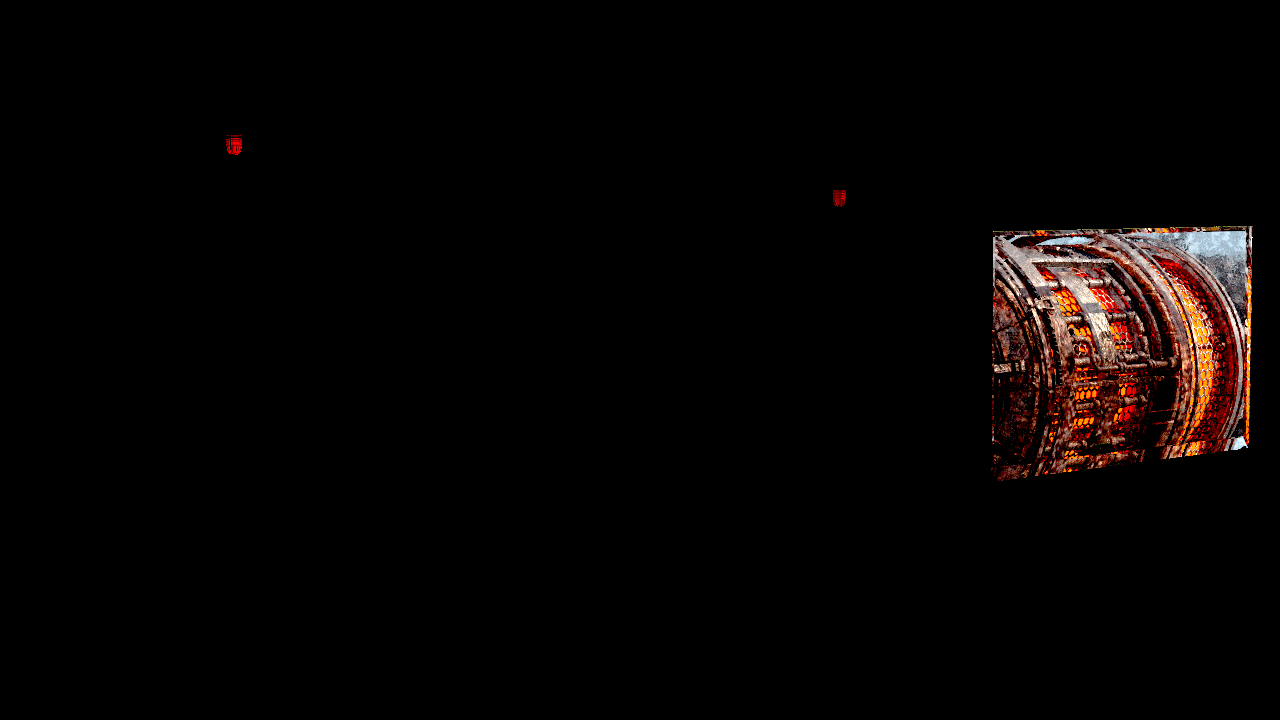
Raw Refraction Render Element with added contrast

Tinted Raw Refraction Render Element with added contrast

Refractions with more contrast
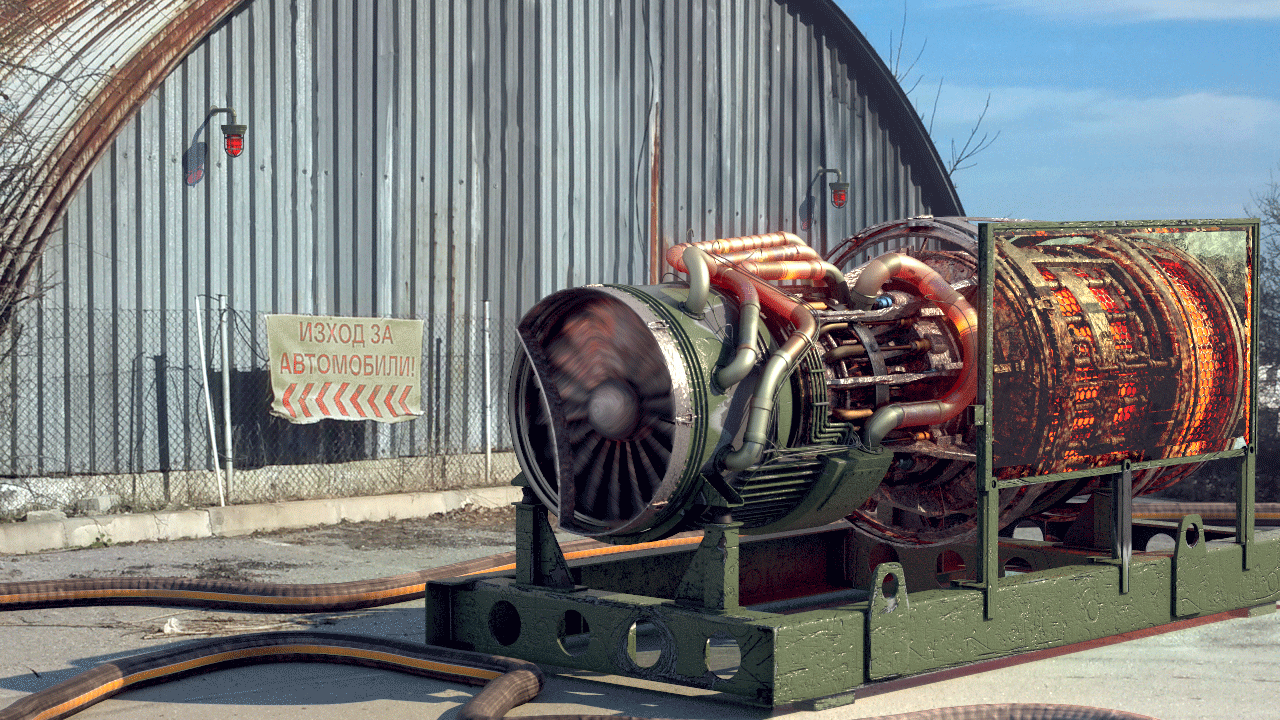
Tinted Refractions with more contrast
Underlying Compositing Equation
Refraction Raw x Refraction Filter = Refraction

Notes
- To properly calculate the refraction information in the Refraction Raw and Refraction Filter Render Elements, the Refraction Render Element must also be rendered at the same time, even if it's not going to be used in the compositing process. Doing so enables all the refraction information to be included in the rendering calculations.