Learn about 2D textures and how to replace them in V-Ray for SketchUp.
Overview
V-Ray for SketchUp includes 2D textures for use with V-Ray. These texture maps provide patterns for different uses.

Select the 2D texture you want to replace to activate the Replace With New Texture () button. Use this button to replace it with another 2D texture or any other type of V-Ray texture. If the texture is an instance, all copies change too.

Bulge
View
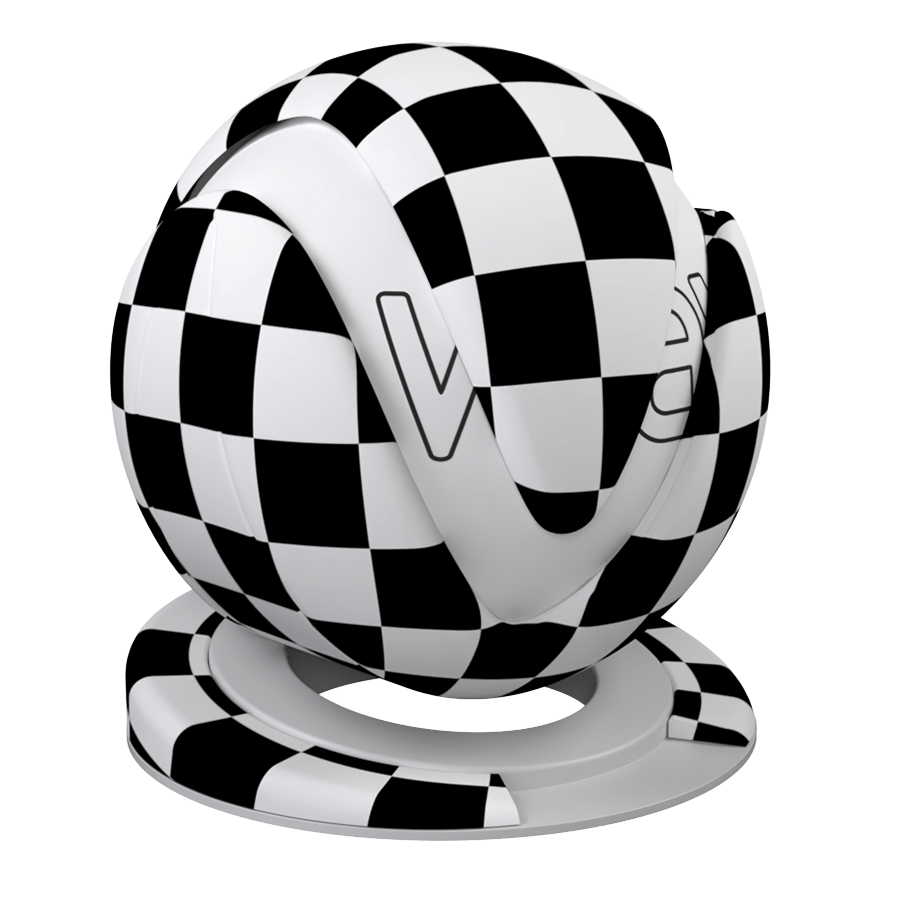
Checker
View

Cloth
View
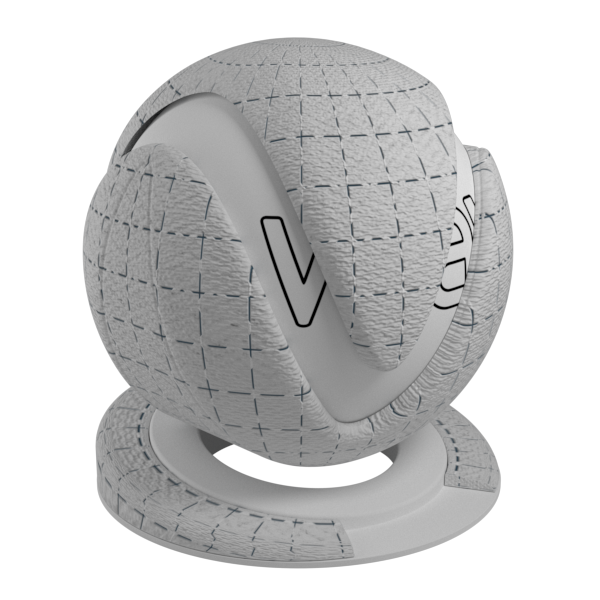
Grid
View

Leather
View
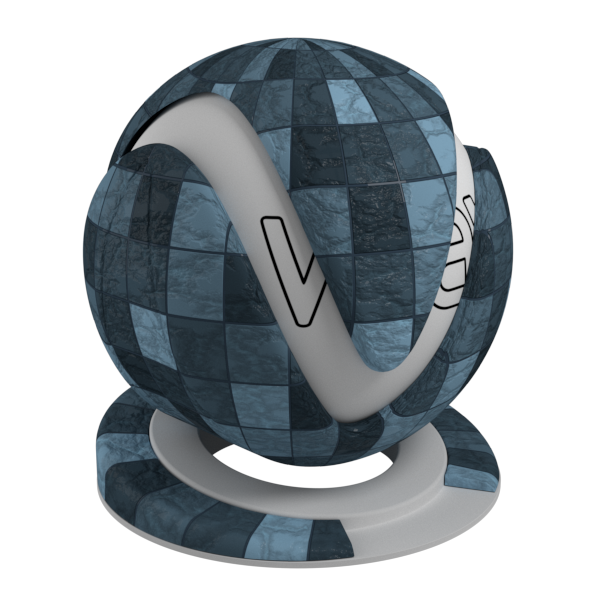
Tiles
View

UVW
View