Skip to content
07-848 2005

V-Ray for SketchUp, Render Elements

Background

Learn what the Background ID render element stores in V-Ray for SketchUp and where to find its settings.

On this page
  1. Overview
  2. UI paths
  3. Parameters
  4. Common uses

The Background ID render element in V-Ray for SketchUp stores an image of your background.

Overview

This element stores an image of the colour or texture in the background environment slot. Objects that block the background appear black.
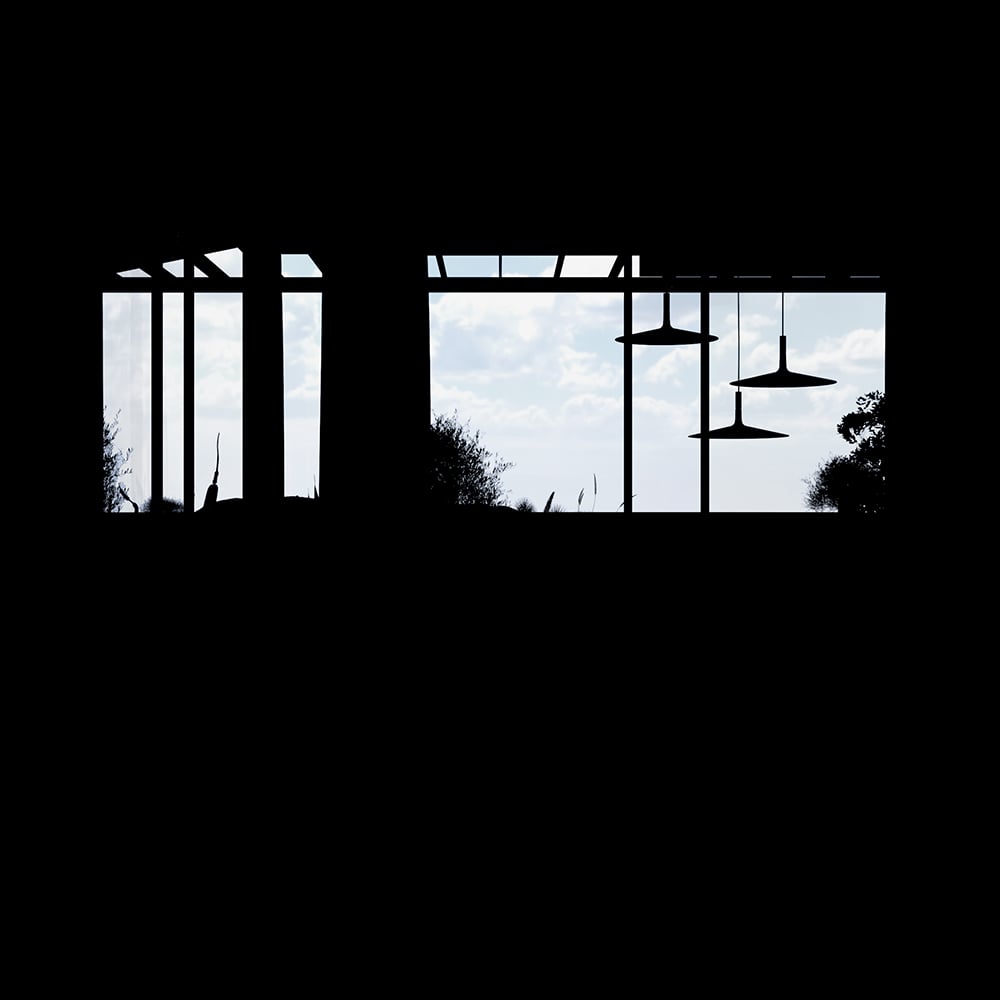

Background Render Element showing a cloudy sky through windows, with the room and foreground objects black.
Beauty render of a sunlit living room with a cloudy sky visible through the windows.

UI paths

||V-Ray Asset Editor|| > Render Elements (right-click) > Background
||V-Ray Asset Editor|| > Create Asset (left-click) > Render Elements > Background

Parameters

Denoise controls whether this render element is denoised.

Parameters panel with the Denoise checkbox cleared.

Common uses

Use the Background Render Element to layer the Beauty element (or combined render elements) over the background image.
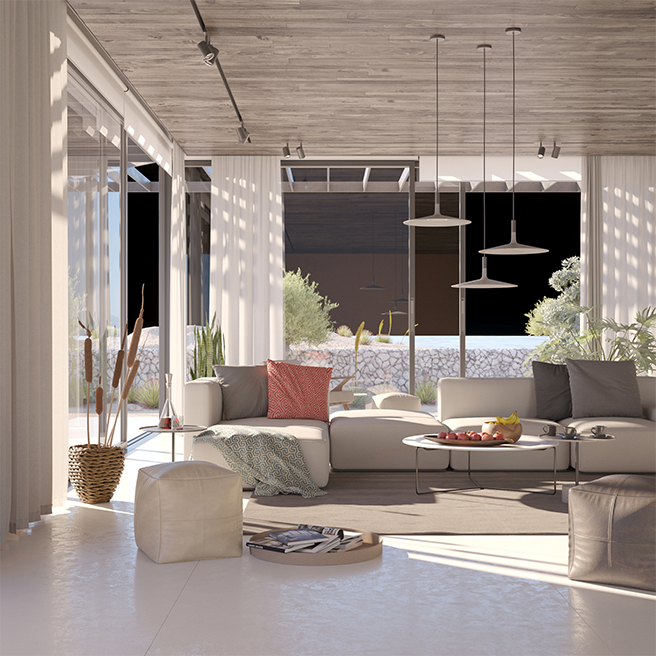

Beauty render of a living room with black areas outside the windows before adding the background.
Living room Beauty render composited over a sky background visible through the windows.
Adapted from Chaos documentation: Background. © 2026 Chaos Software EOOD

Procadsys customer support

Still need help?

Licences, renewals and billing

Our New Zealand team looks after your V-Ray licences, renewals and invoices.

Monday to Friday, 9:00 am to 4:30 pm NZ time, excluding New Zealand public holidays.

Technical problems

Installation errors, crashes and other technical problems with V-Ray are handled by Chaos support.