Use the Enhancer Data render element in V-Ray for SketchUp to generate the channels Chaos AI Enhancer needs.
Overview
The Enhancer Data render element automatically generates three render channels: MaterialID, ObjectID and depth. Chaos AI Enhancer needs these channels for accurate AI-based image enhancement.
- MaterialID data uses the material IDs available in the scene.
- ObjectID data uses a unique object ID automatically generated for every node in the scene.
- The depth channel uses an automatically generated Zdepth element. This element uses the scene's camera clipping values to generate depth data.

UI paths
||V-Ray Asset Editor|| > Render Elements (right-click) > Enhancer Data
||V-Ray Asset Editor|| > Create Asset (left-click) > Render Elements > Enhancer Data
Example
When you add an Enhancer Data render element and render the image, the VFB automatically generates three channels: ObjectID, MaterialID and depth.
Click any image to view it at full resolution.
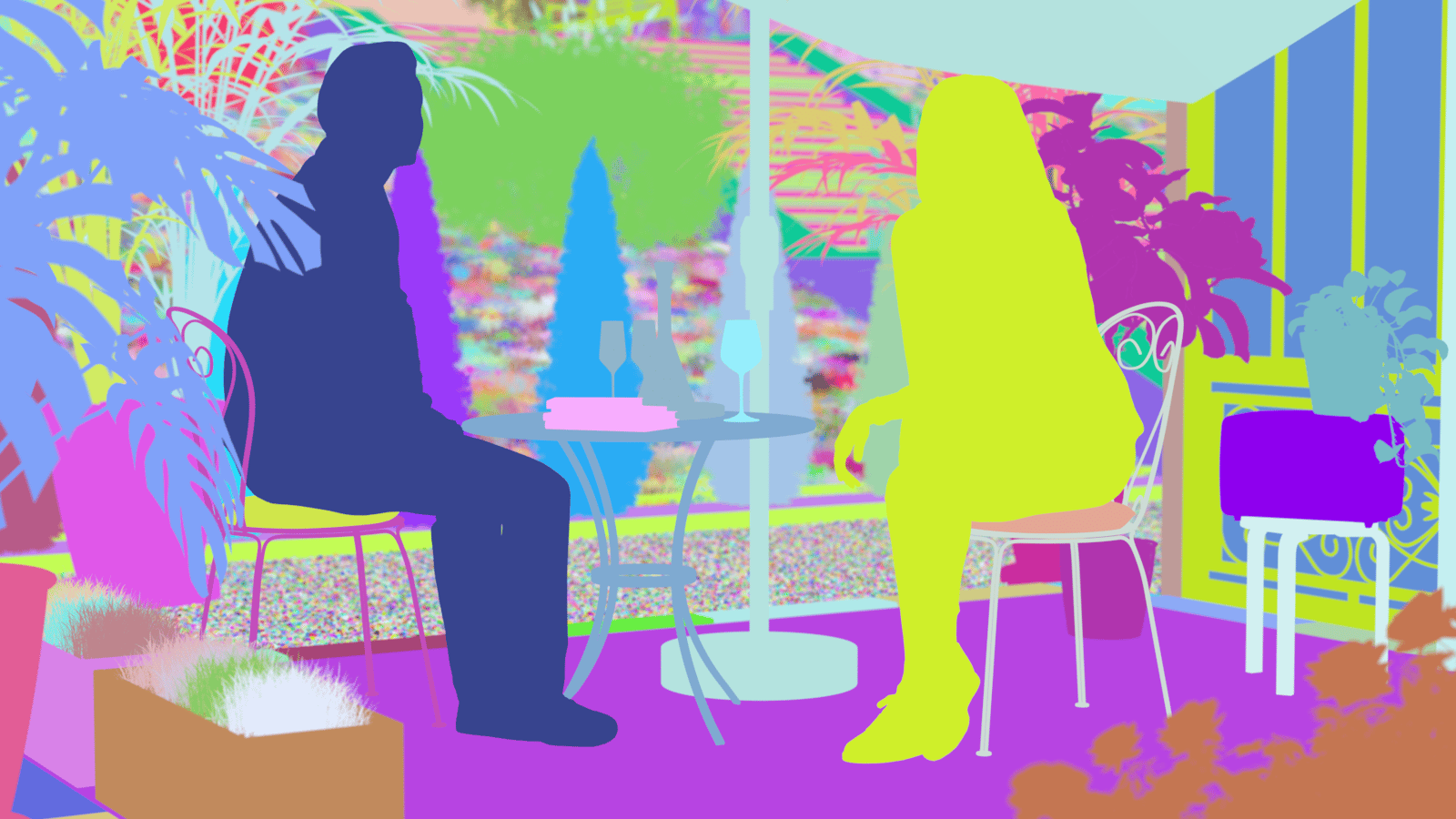
ObjectID channel

MaterialID channel
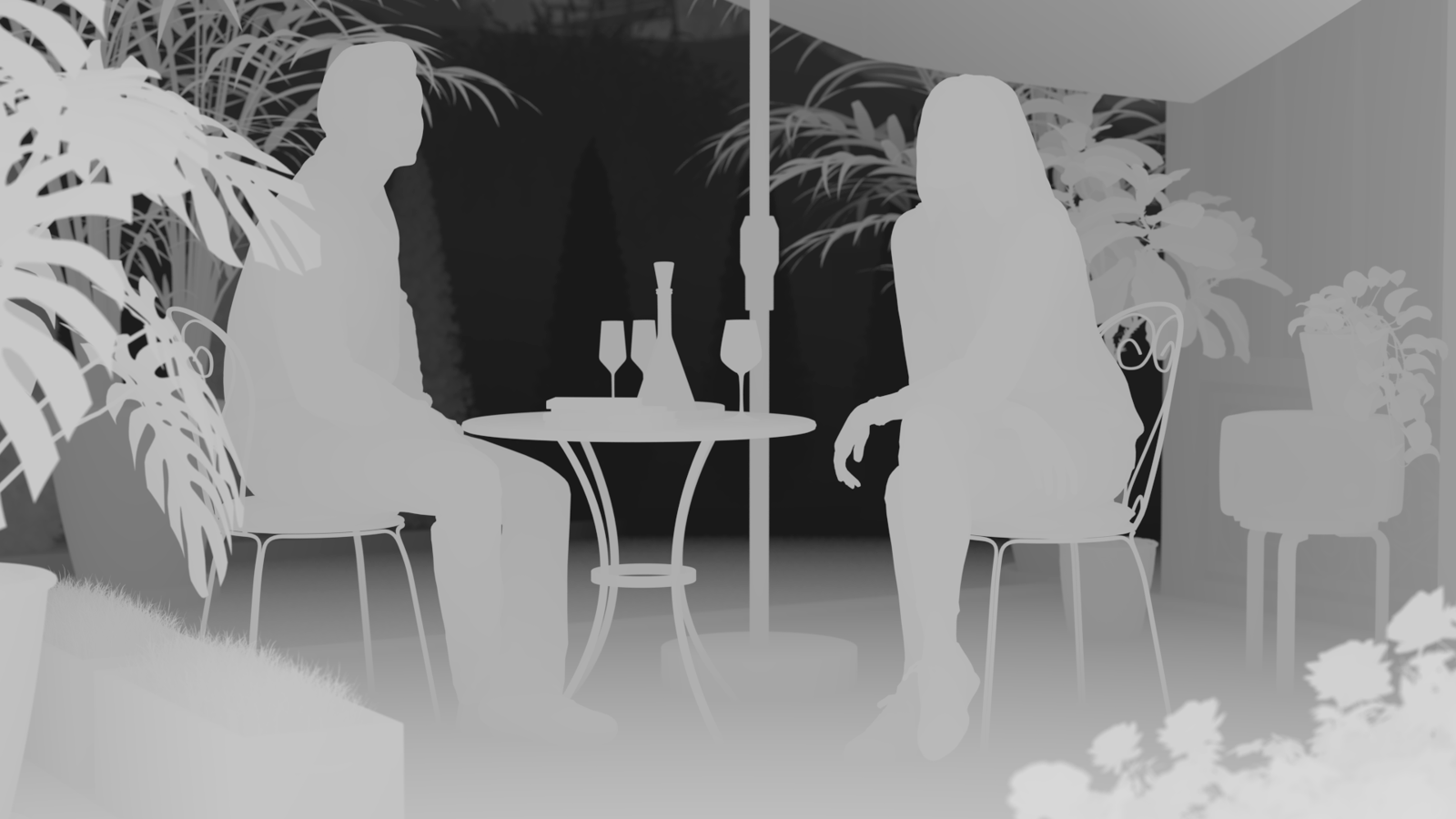
depth channel

Beauty
Enhanced