V-Ray for SketchUp
General Purpose Textures
This section contains details about General Purpose Textures found in V-Ray for SketchUp
Last updated 1 September 2026
This section contains details about General Purpose Textures found in V-Ray for SketchUp
Overview
The General Purpose Textures offer optimized common input for materials and allow for further integration with other V-Ray package tools. The General Purpose maps allow users to create solid colors or temperature maps for use with materials as well as use HDRI maps in their scene.

A General Purpose Texture can be replaced with another General Purpose Texture or any other type of V-Ray texture via the Replace With New Texture () button, which activates when you select the texture to be replaced. If the texture is an instance, all copies are changed as well.

The Bitmap texture settings are organized in Basic and Advanced modes. You can switch the mode from the toggle button () under the Preview Swatch or globally from Settings tab > Configuration rollout > Properties Level option.
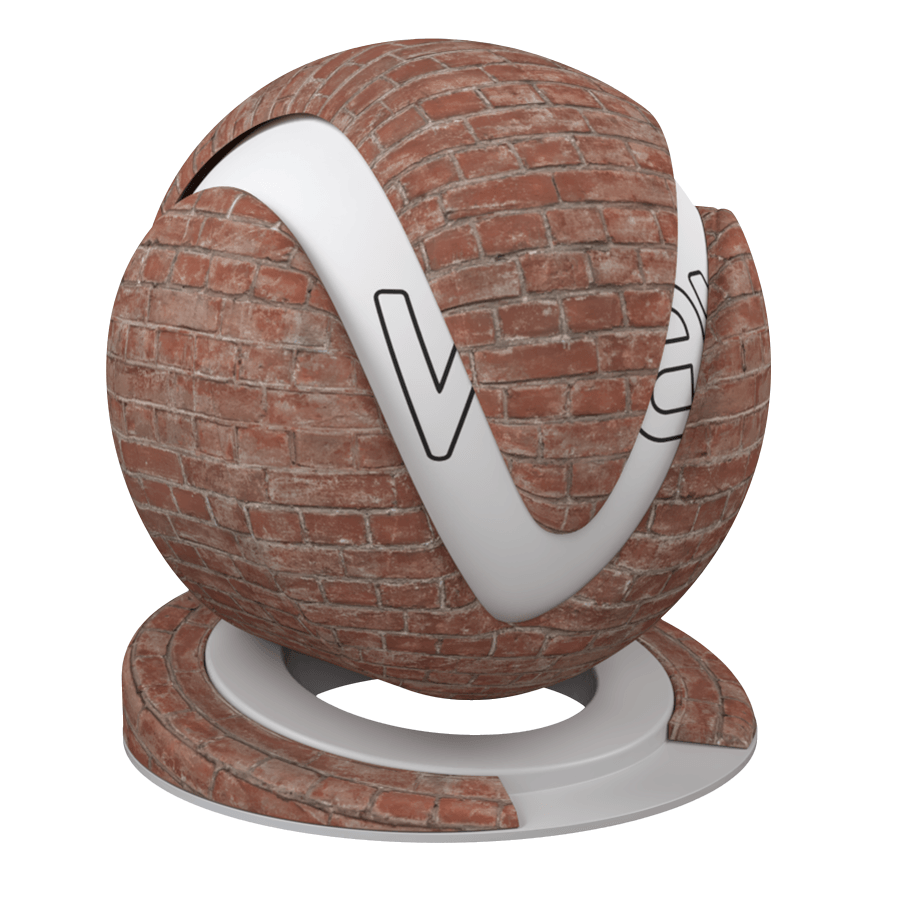
Bitmap
View

Color
View
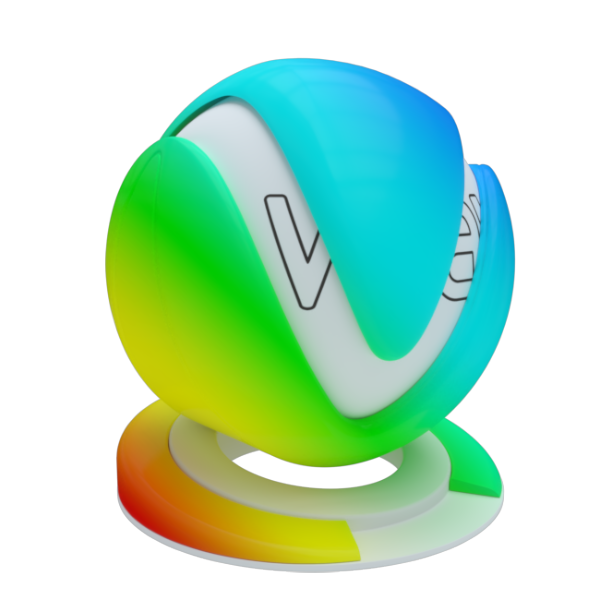
Gradient
View
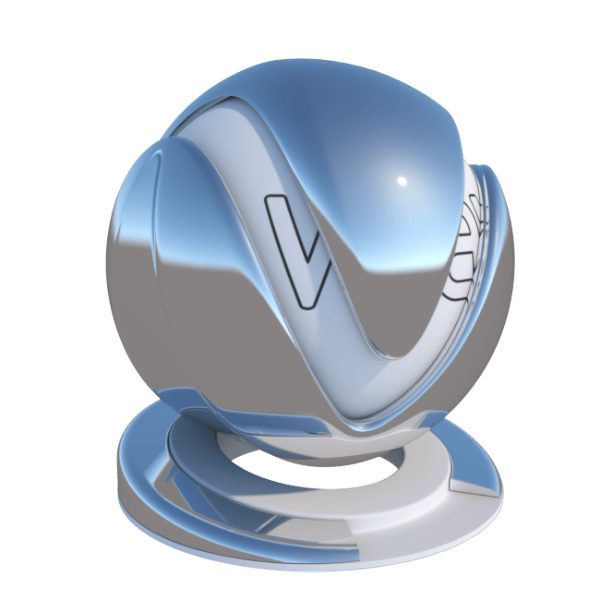
Sky
View
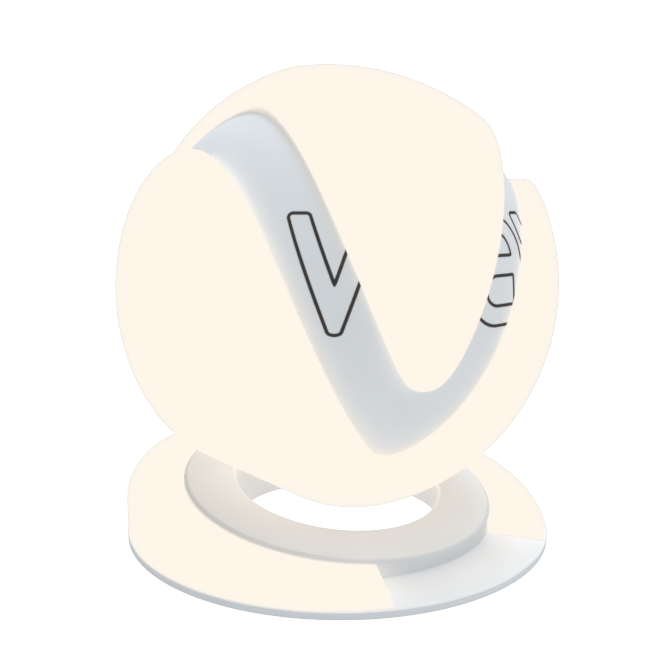
Temperature
View

UVW Placement
View
Parallax
View