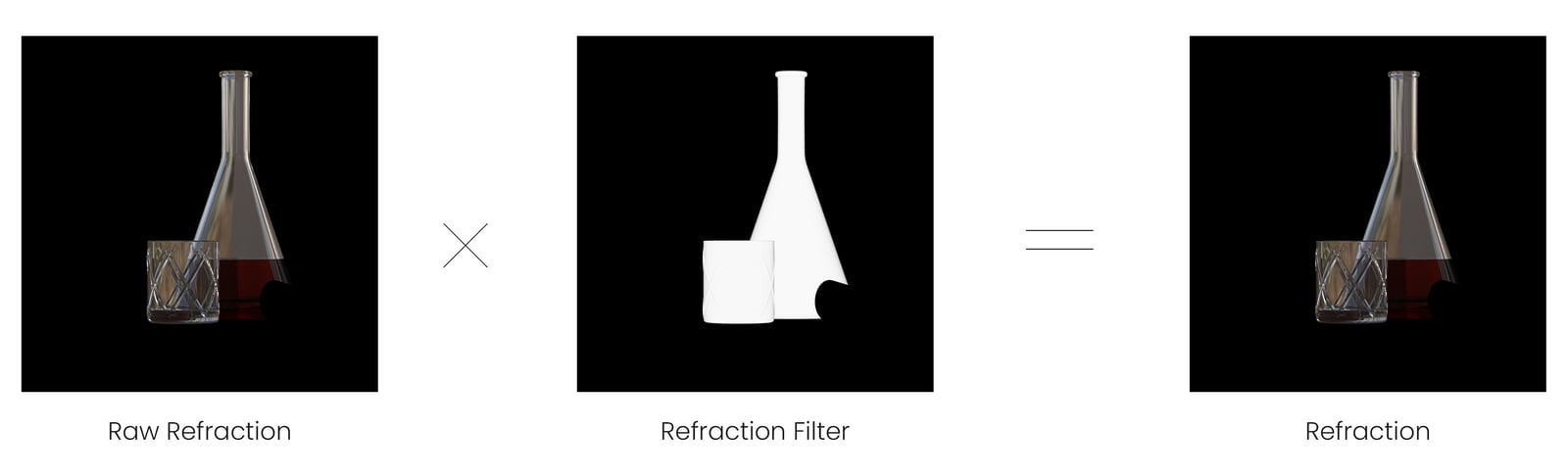
Use the Raw Refraction render element in V-Ray for SketchUp to adjust refractive materials during compositing.
Overview
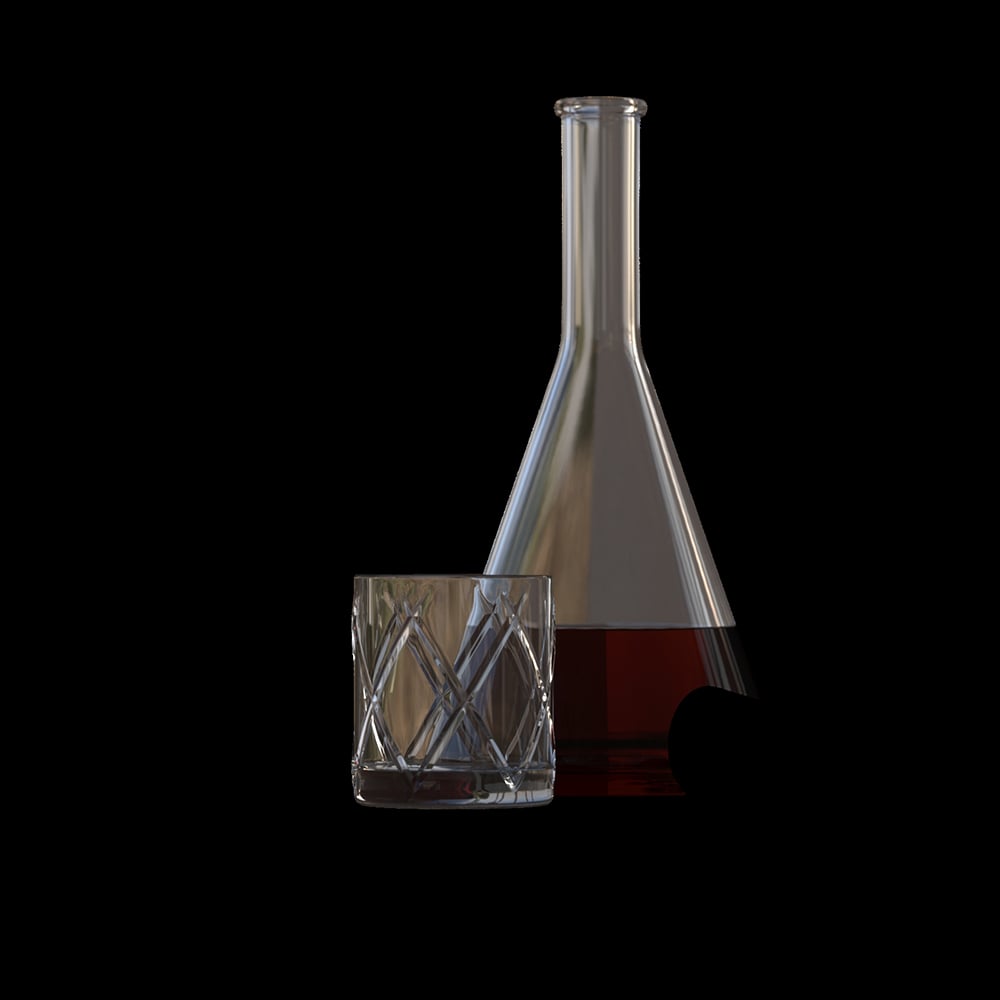
Stores the amount of refraction based on a material's refraction colour value. It ignores colourful refraction tint.

UI paths
||V-Ray Asset Editor|| > Render Elements (right-click) > Raw Refraction
||V-Ray Asset Editor|| > Create Asset (left-click) > Render Elements > Raw Refraction
Parameters
Denoise specifies whether to denoise this render element.

Common uses
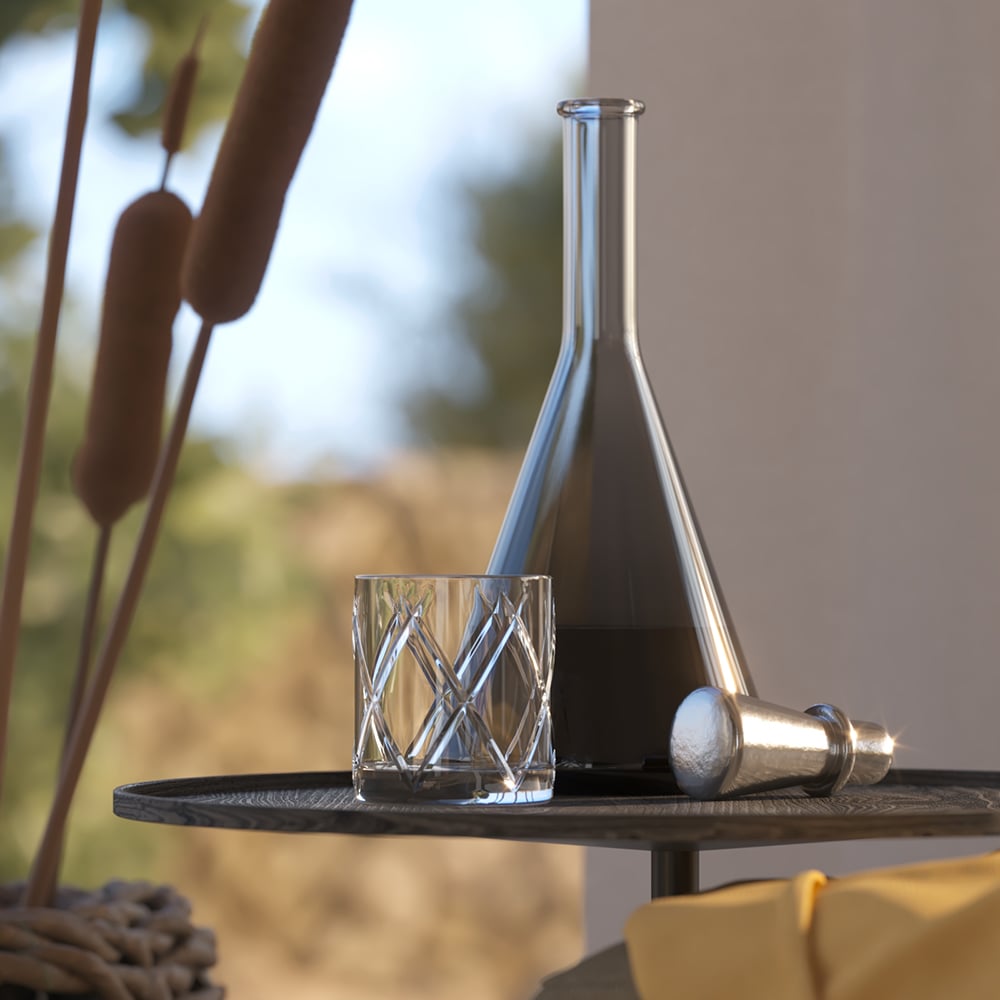
Use the Raw Refraction Render Element to change how refractive elements look in a completed render using a compositing or image editing application. This example uses the Raw Refraction RE and the Refraction Filter RE to tint and brighten the scene's refractive materials. Compare the render before and after compositing.

Compositing
Raw Refraction x Refraction Filter = Refraction