V-Ray for SketchUp
Ray-Traced Textures
This section contains details about Ray-Traced Textures found in V-Ray for SketchUp
Last updated 10 September 2026
This section contains details about Ray-Traced Textures found in V-Ray for SketchUp
Overview
Ray-Traced Textures provide some important scene data for use in compositing, such as particular distances and ratios.

A Ray-Traced Texture can be replaced with another Ray-Traced Texture or any other type of V-Ray texture via the Replace With New Texture () button, which activates when you select the texture to be replaced. If the texture is an instance, all copies are changed as well.
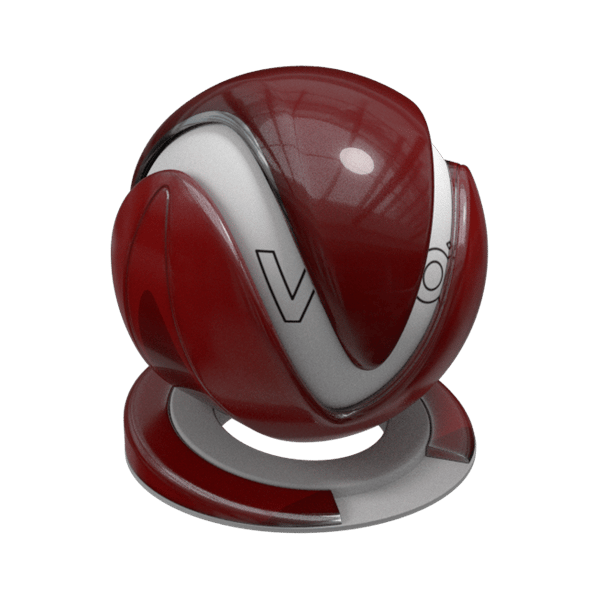
Curvature
View
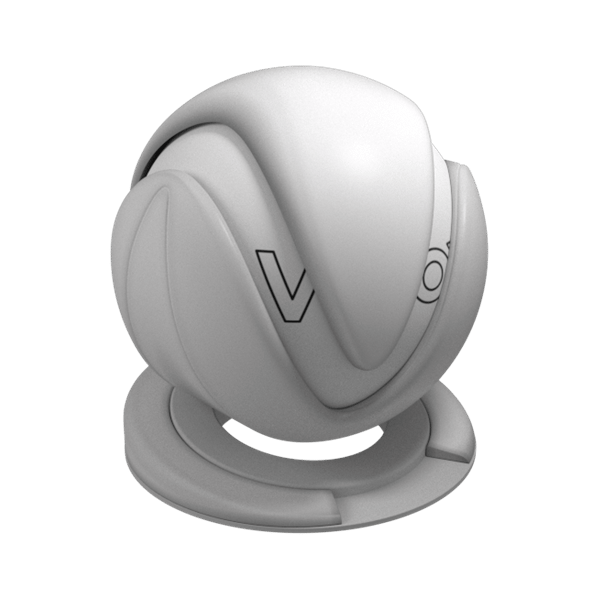
Dirt
View
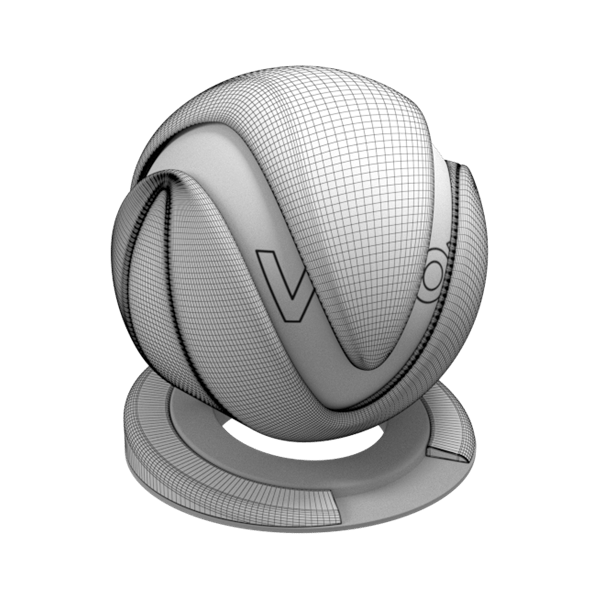
Edges
View

Falloff
View
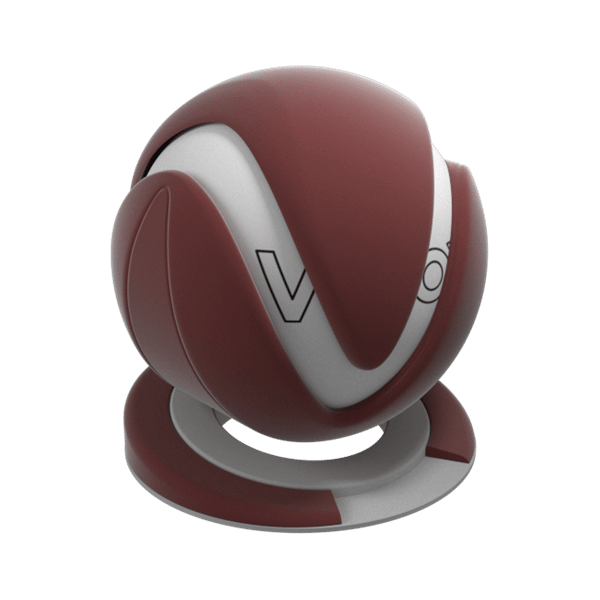
Fresnel
View

Distance
View
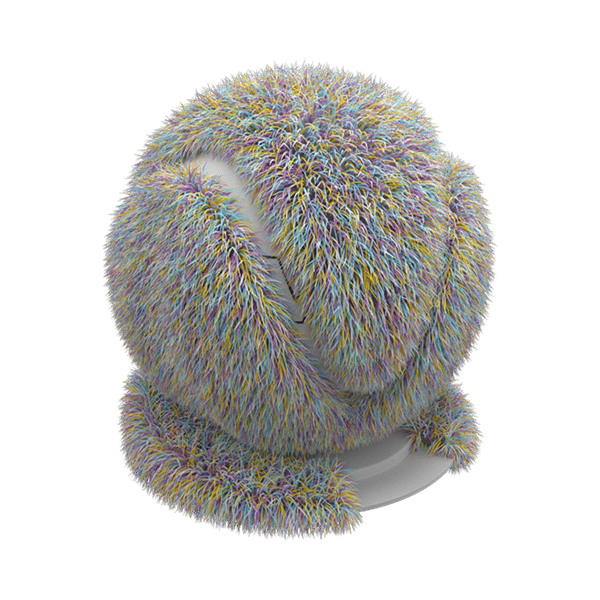
Strand Sampler
View