V-Ray for SketchUp
Reflection Filter
This page provides information about the Reflection Filter render element in V-Ray for SketchUp.
Last updated 1 September 2026
This page provides information about the Reflection Filter render element in V-Ray for SketchUp.
Overview
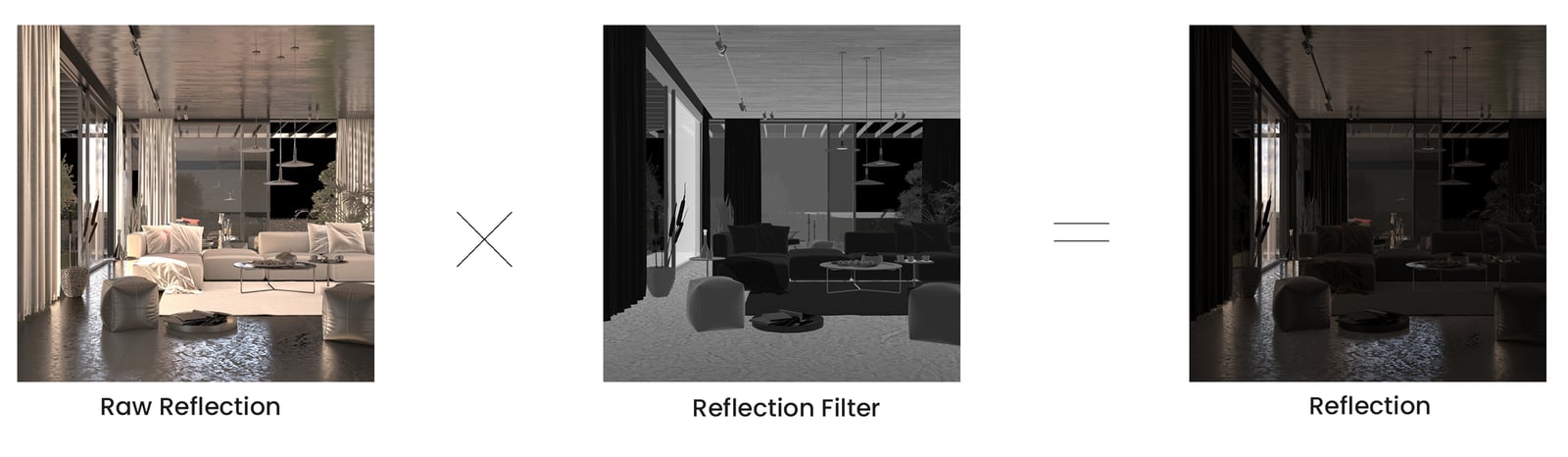
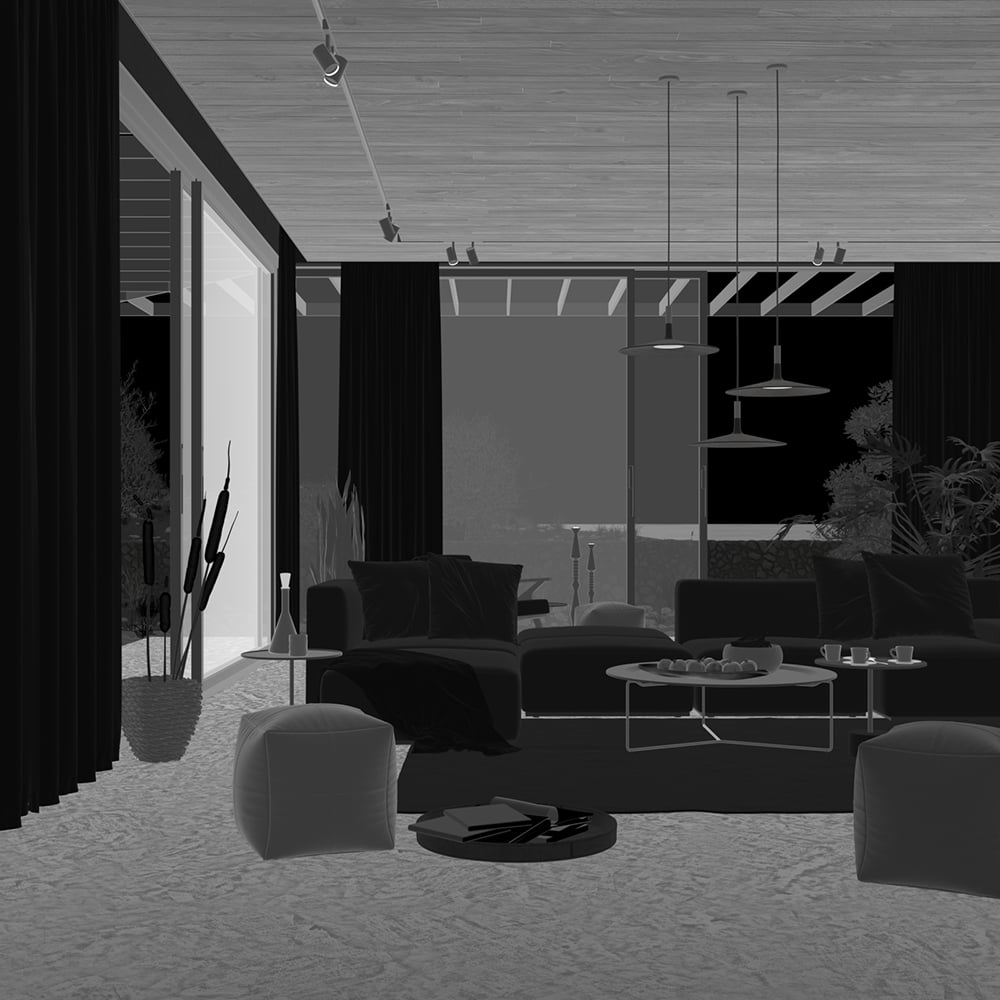
Stores reflection color information based on the reflection color property of a material.

UI Paths
||V-Ray Asset Editor|| > Render Elements (right-click) > Reflection Filter
||V-Ray Asset Editor|| > Create Asset (left-click) > Render Elements > Reflection Filter
Parameters
Denoise – Specifies whether to denoise this render element.

Common Uses
The Reflection Filter Render Element is useful for changing the appearance of Reflective elements after rending, in a compositing or image editing software. In the example, the contrast of the Reflection Filter is increased, which makes reflective objects even more reflective. The Raw Reflection Render Element is used to colorize the reflections - the floor has a cool tint applied and the ceiling - a warm tint.


Compositing
Raw Reflection x Reflection Filter = Reflection