V-Ray for SketchUp
Spline Scattering Rollout
The Spline Scattering rollout is part of the Scatter parameters.
Last updated 1 September 2026
The Spline Scattering rollout is part of the Scatter parameters.
Parameters
This submenu is only available when the scattering mode is set to 1D - On Splines.
Spacing – Determines the spacing between instances in world units. See the Spacing example below.
Jitter – Randomly jitters instances along the spline. Each instance has Spacing applied on both sides, except the instances at the end of the spline. The Jitter value is divided between those two Spacings. In order to allow instances to jitter in all their Spacing distance, the Jitter needs to be set to 2. See the Jitter example below.
Offset – Determines what percentage of the Spacing instances are offset in one direction of the spline. When set to 1, all instances replace the one after them, as the offset is equal to the whole value of the Spacing. See the Offset example below.
Follow spline – Determines how scattered instances are oriented along the spline. Assigning a value of 1, makes instances follow the spline and are oriented along the local tangent direction. See the Follow Spline examples below.

Example: Spacing
This example shows how the Spacing parameter's value affects the distance between the instances. Higher values result in a larger distance between instances.

Spacing
= 100
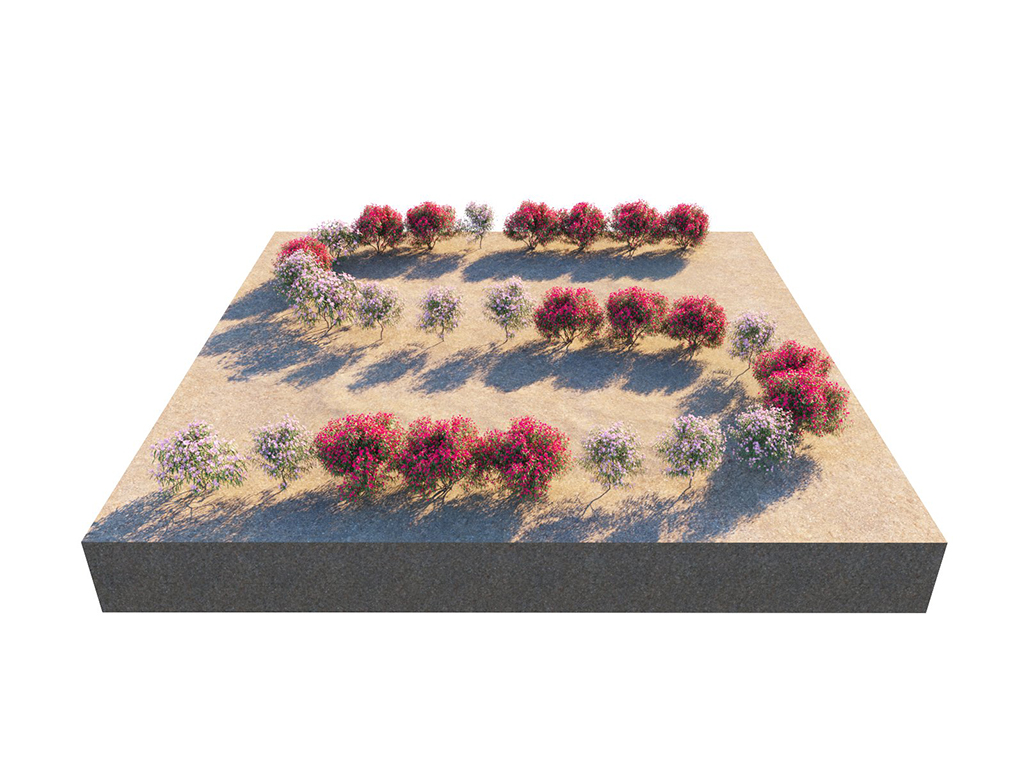
Spacing
= 200

Spacing
= 400
Example: Jitter
In this example, the Spacing is fixed to 200 inches, and the instances are randomly distributed within the spline.

Spacing
= 200;
Jitter
= 0

Spacing
= 200;
Jitter
= 1
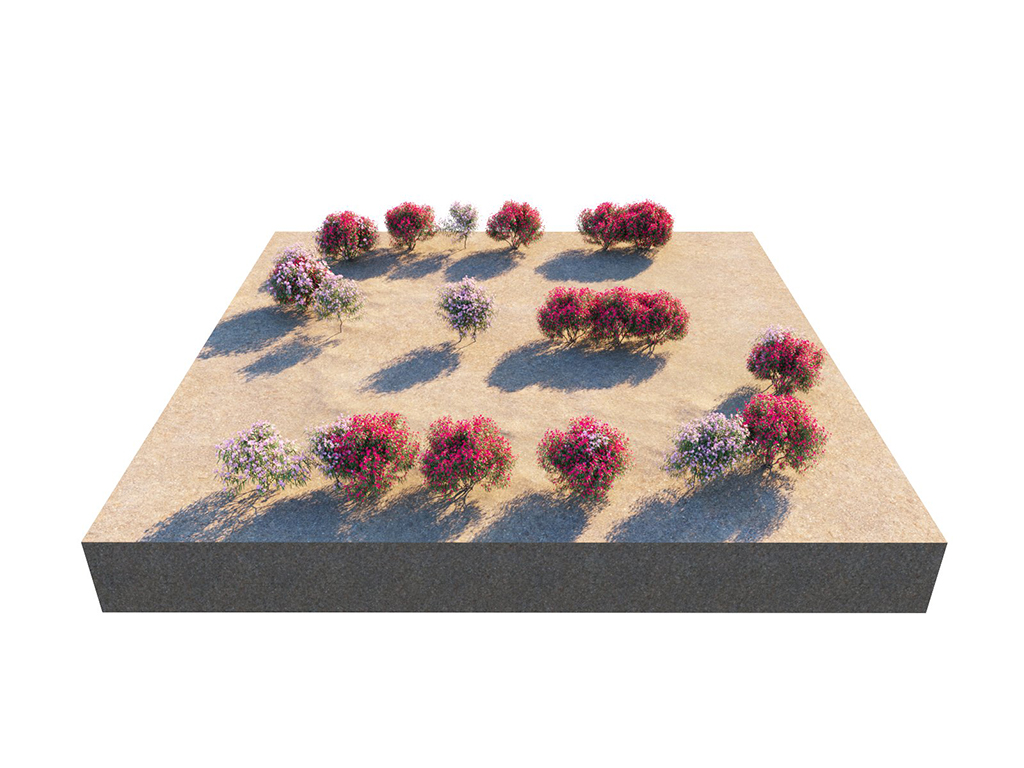
Spacing
= 200;
Jitter
= 2
Example: Offset
When set to 1, all instances replace the one after them, as the offset is equal to the whole value of the Spacing.

Spacing
= 200;
Offset
= 0
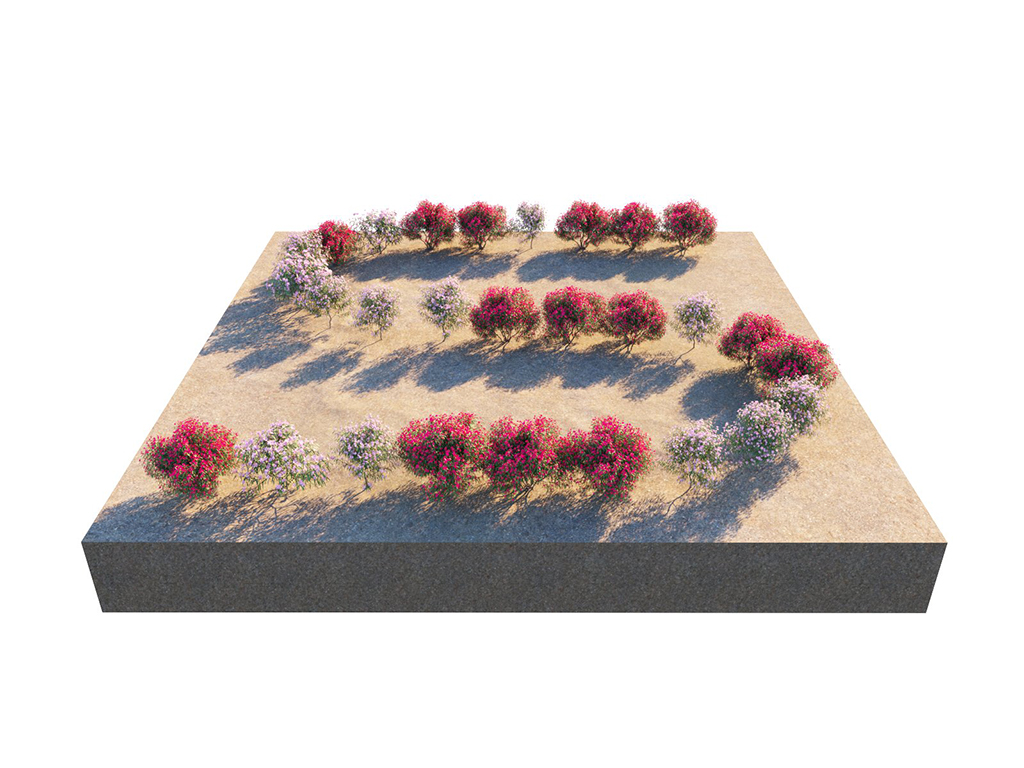
Spacing
= 200;
Offset
= 1

Spacing
= 200;
Offset
= 2
Example: Follow Spline
Assigning a value of 1, makes instances follow the spline and are oriented along the local tangent direction.

Random Rotation = OFF; Spacing = 200; Follow Spline = 1
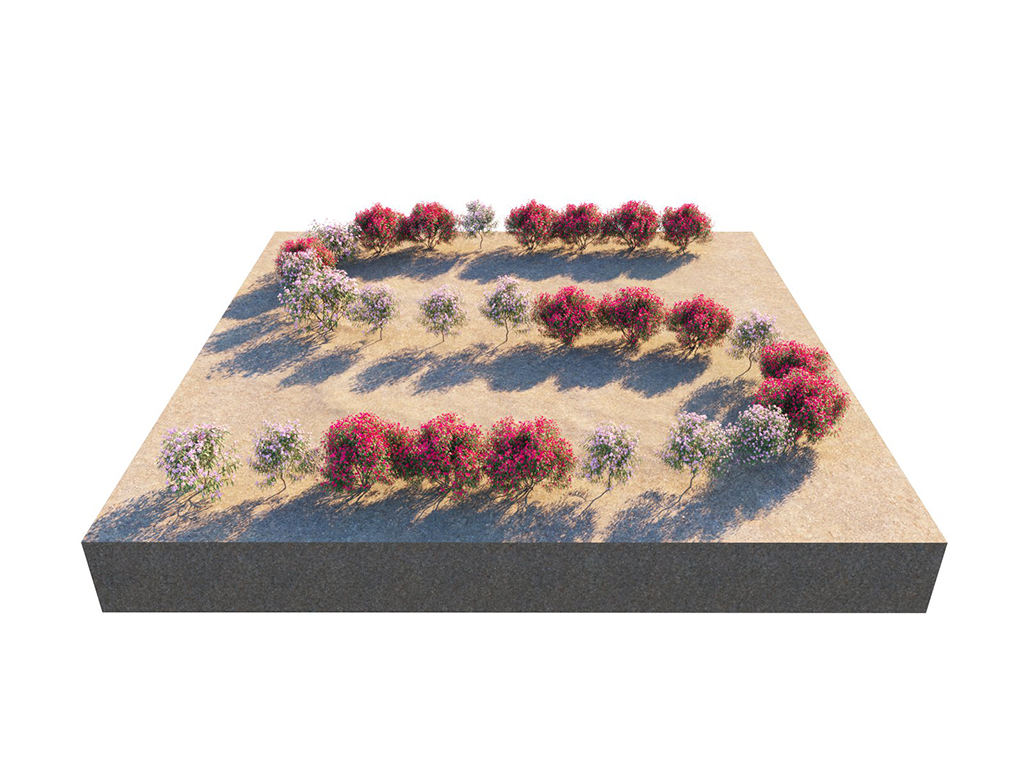
Random Rotation = OFF; Spacing = 200; Follow Spline = 0.5

Random Rotation = OFF; Spacing = 200; Follow Spline = 0

Random Rotation = 0-360; Spacing = 200; Follow Spline = 0
Random Rotation = 0-360; Spacing = 200; Follow Spline = 0.5

Random Rotation = 0-360; Spacing = 200; Follow Spline = 1
Notes
- Scene units in SketchUp are always calculated in inches.