Use the Bounding Box Scattering rollout in V-Ray for SketchUp to control object distribution inside a bounding box. It is part of the Scatter parameters.
Bounding Box Scattering
This submenu is available only when you set the scattering mode to 3D - In a Bounding Box.
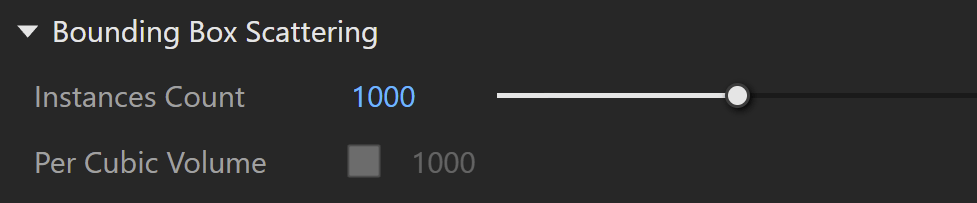
Instances Count sets the total number of instances on all Host objects. Adding Area Modifiers or defining Slope Limitation reduces this number. If you enable Per Cubic Volume, density determines the distribution. See the Instances Count example below.
Per Cubic Volume uses the count and the host's bounding box volume to determine the number of instances. The value sets the side length of the distribution cube. If you set Count to 1, this value determines the relative density of the instances. See the Per Cubic Volume example below.
Example: Instances Count
This example shows how Instances Count affects the distribution of guest objects inside the bounding box.
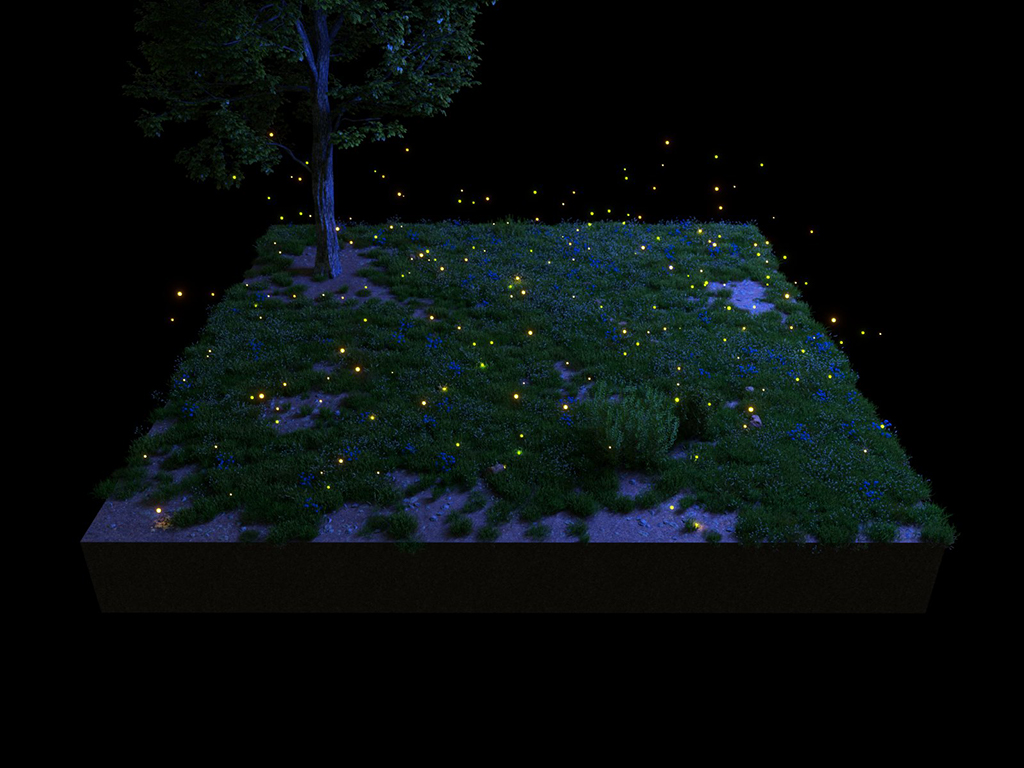
Instances Count
= 200
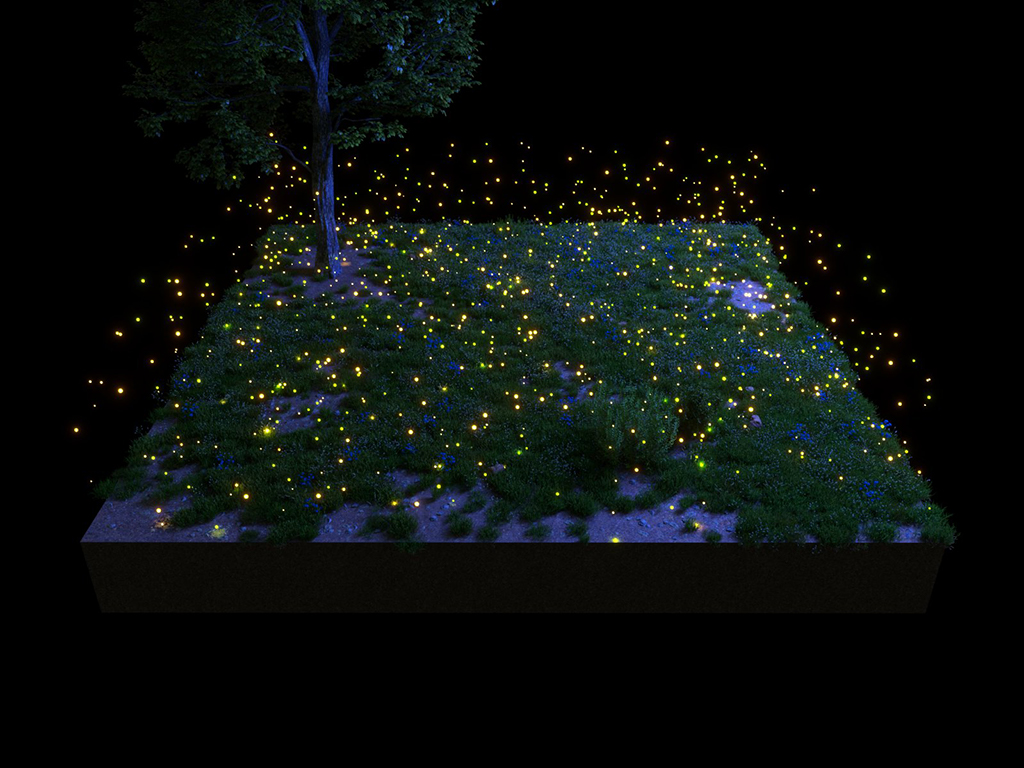
Instances Count
= 1000

Instances Count
= 5000
Example: Per Cubic Volume
This example shows how Instances Count and Per Cubic Volume affect the distribution of guest objects inside the bounding box.
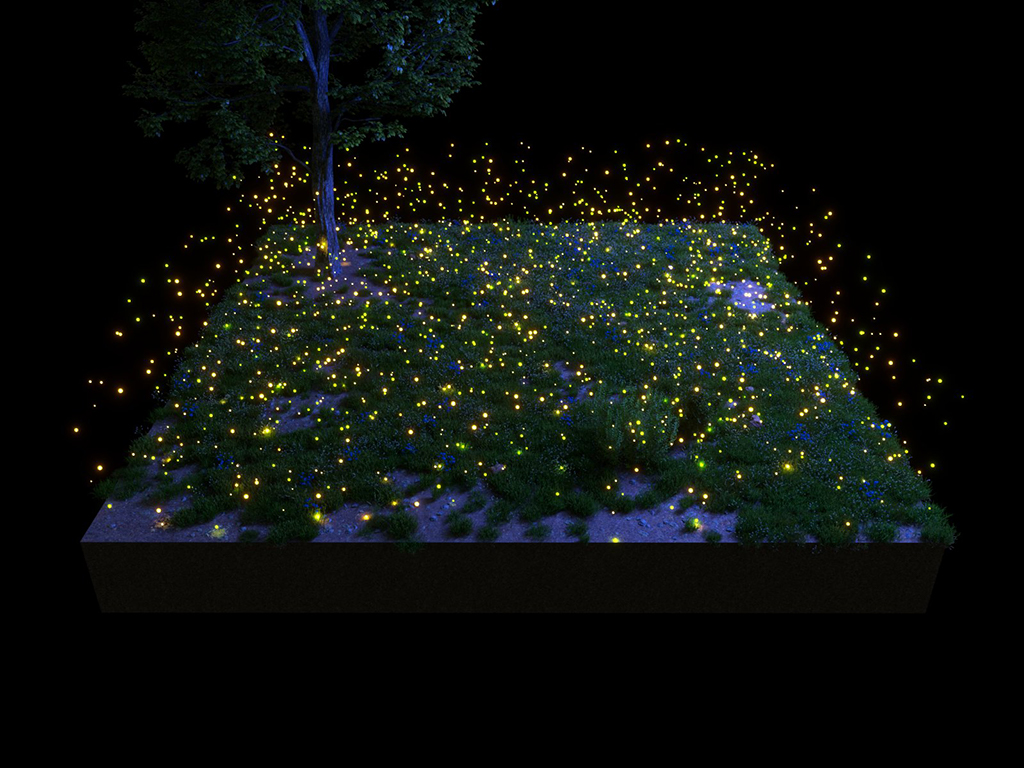
Instances Count
= 200;
Per Cubic Volume
= 125
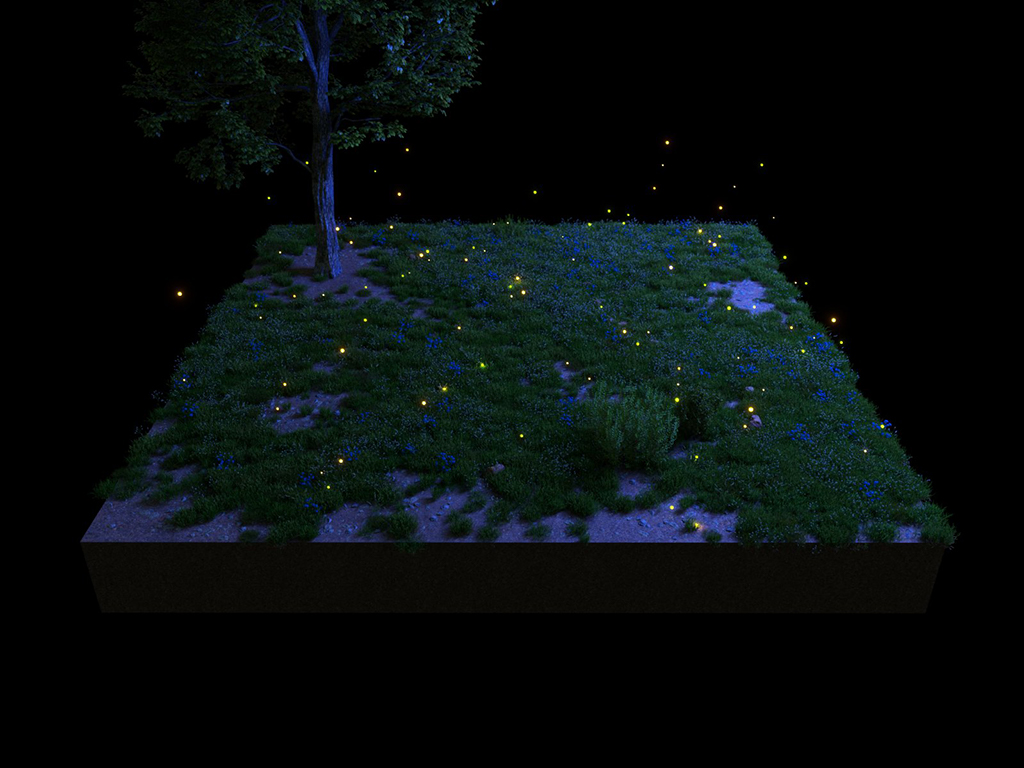
Instances Count
= 200;
Per Cubic Volume
= 250
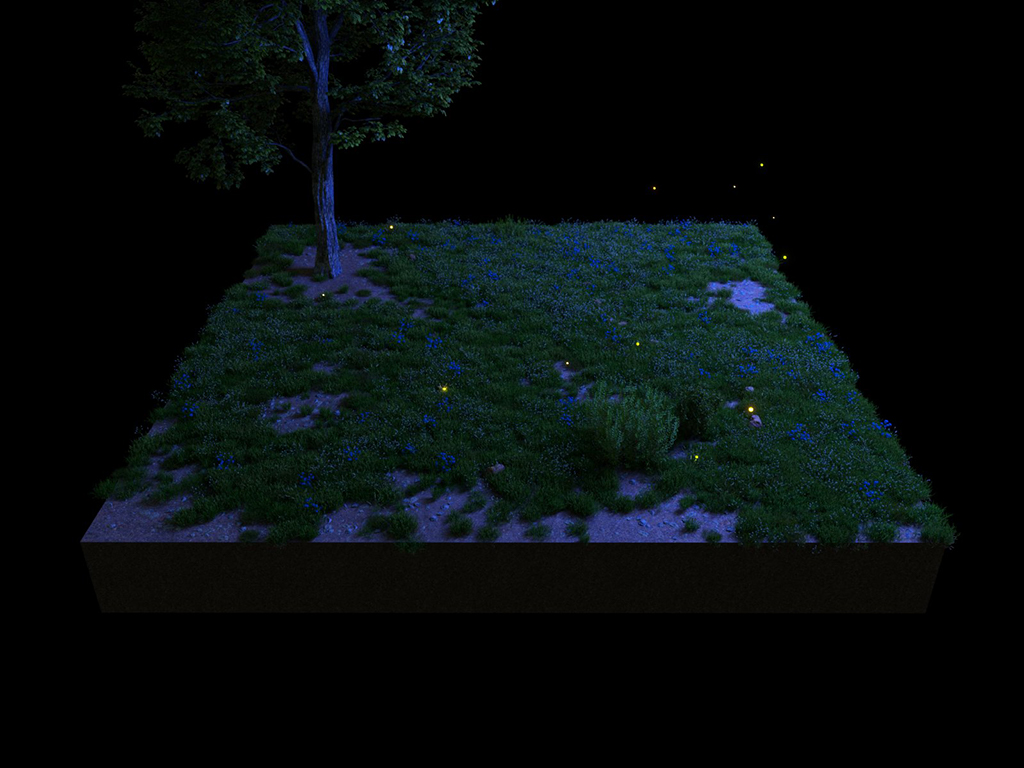
Instances Count
= 200;
Per Cubic Volume
= 500
Notes
- Scene units in SketchUp are always calculated in inches.