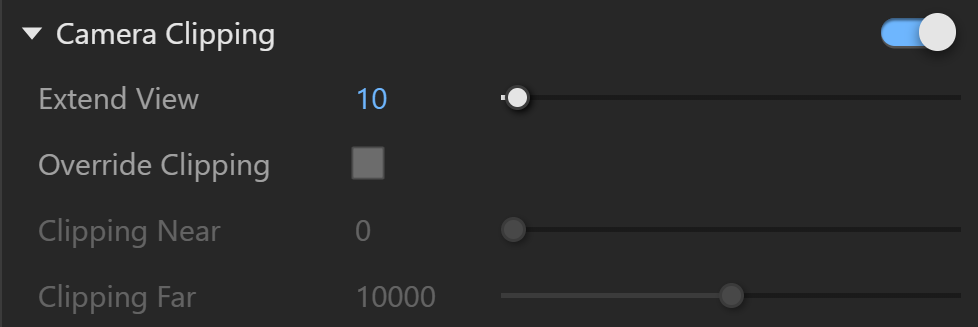
Use the Camera Clipping rollout in the Scatter parameters to clip instances outside the camera view.
Camera Clipping
Enable limits instances to the camera view and clips the rest. It may improve scene parsing performance and reduce memory use. It is disabled by default.
Extend View extends the camera view in all directions. Instances inside this extended view are not clipped.
Override Clipping replaces the near and far threshold distances from the camera with the Clipping Near and Clipping Far values when enabled.
Clipping Near sets the near threshold distance from the camera when you use Override Clipping. This value defines the minimum distance from the camera beyond which instances are clipped.
Clipping Far sets the far threshold distance from the camera when you use Override Clipping. This value defines the maximum distance from the camera beyond which instances are clipped.