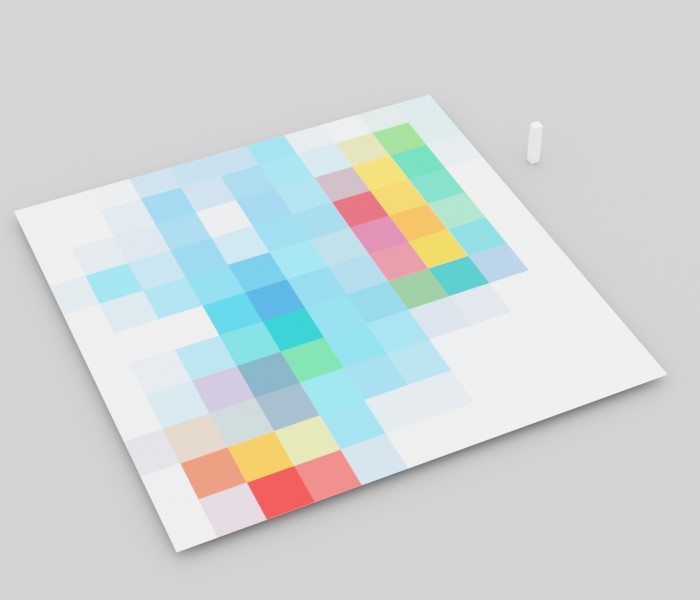
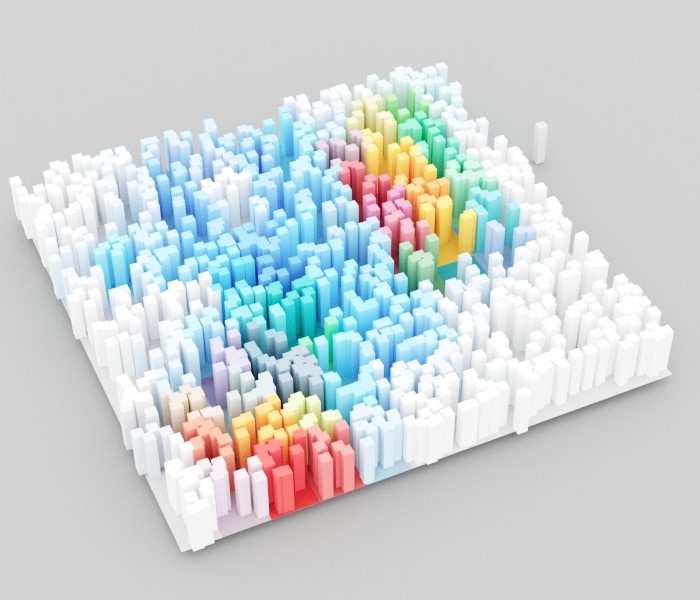
Use the Scatter Color Texture in V-Ray to colour Chaos Scatter instances based on the underlying object's texture.
Scatter Color Texture overview
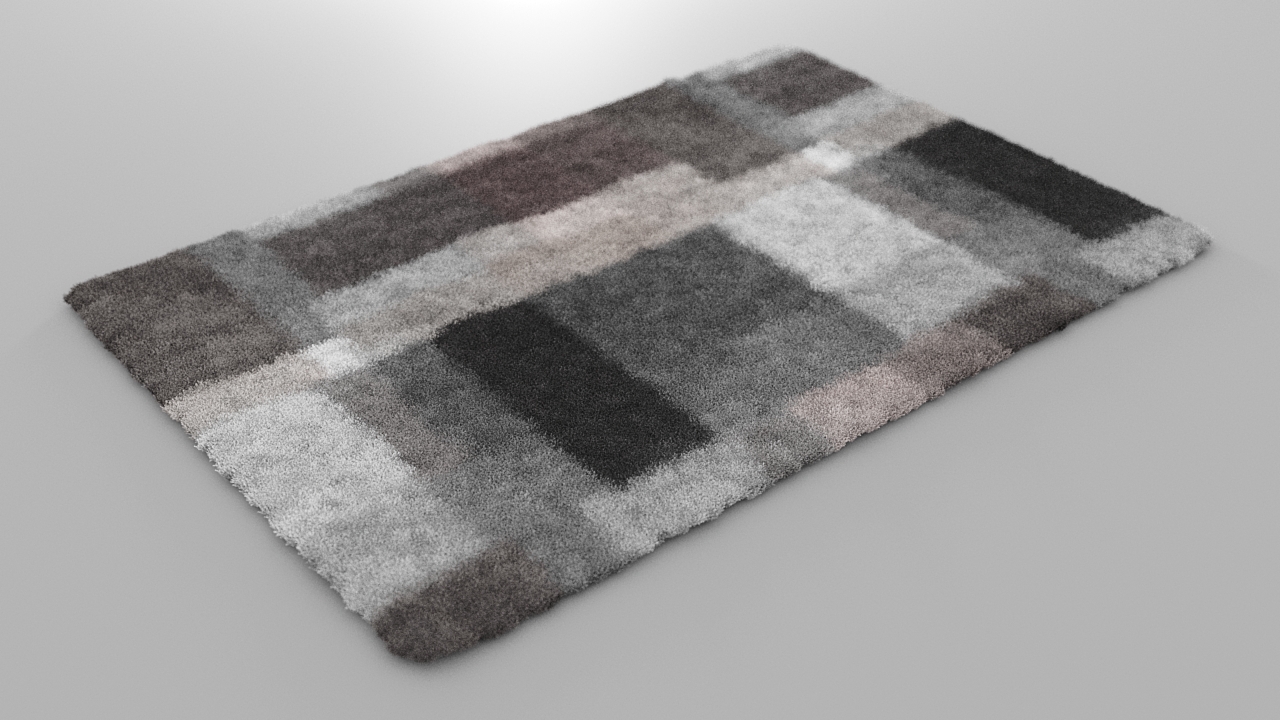
Use the Scatter Color texture with Chaos Scatter to colour instances based on the surface diffuse of the underlying Host object. If the Host object has a chequered map in its diffuse slot, apply a Scatter Color texture to the Scatter guest's material to give the instances the same pattern. You can use this to create patterned furry carpets. Scatter Color is available in V-Ray 7.20.
UI paths
||V-Ray Asset Editor|| > Textures (right-click) > Scatter Color
||V-Ray Asset Editor|| > Create Asset (left-click) > Textures > Scatter Color
Parameters
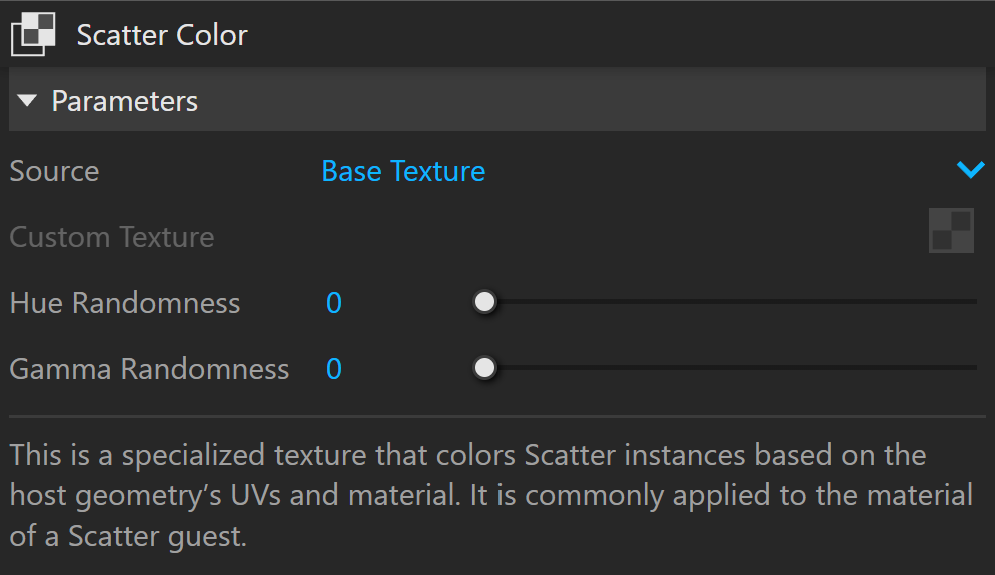
Source sets which texture to sample.
Base Texture samples the base texture applied to the Scatter Host's material.
Custom Texture samples a custom texture positioned on the Host object's UVs.
Hue Randomness adds hue variation to each instance. A value of 0 disables the variation. Higher values increase the effect.
Gamma Randomness adds gamma variation to each instance. A value of 0 disables the variation. Higher values increase the effect.
Example: Chaos Scatter Surface Color Texture
This example shows instances coloured to match the underlying object's texture. The Chaos Scatter Surface Color texture is applied to the original model used for the instances.