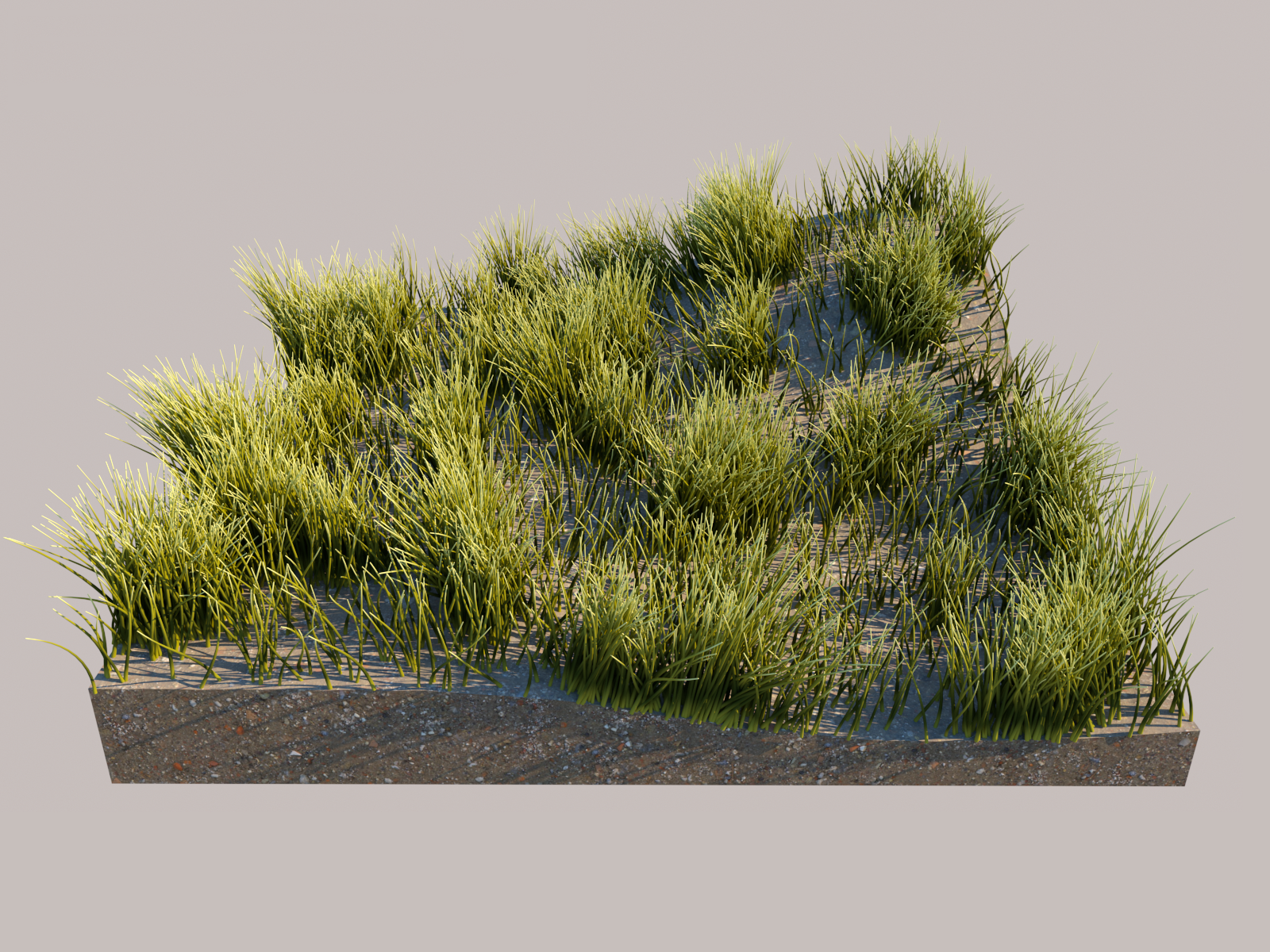
Use the V-Ray Strand Sampler Texture to control colour and texture on V-Ray Fur strands.
Overview
Strand Sampler maps colour or texture along each V-Ray Fur strand and creates gradients along its length. You can also randomise colours for each strand to customise the fur's appearance.
UI paths
||V-Ray Asset Editor|| > Textures (right-click) > Strand Sampler
||V-Ray Asset Editor|| > Create Asset (left-click) > Textures > Strand Sampler
Parameters
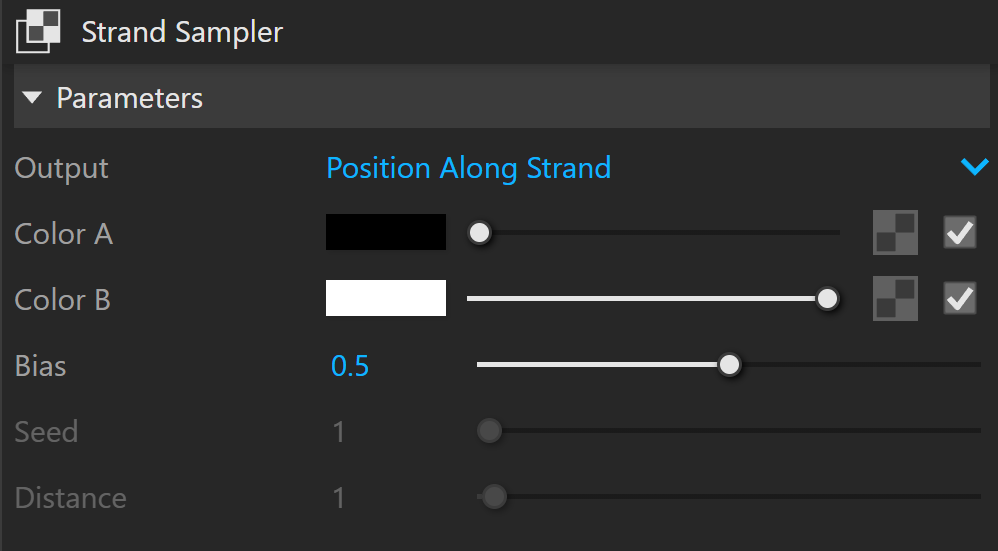
Output controls how the two colours blend.
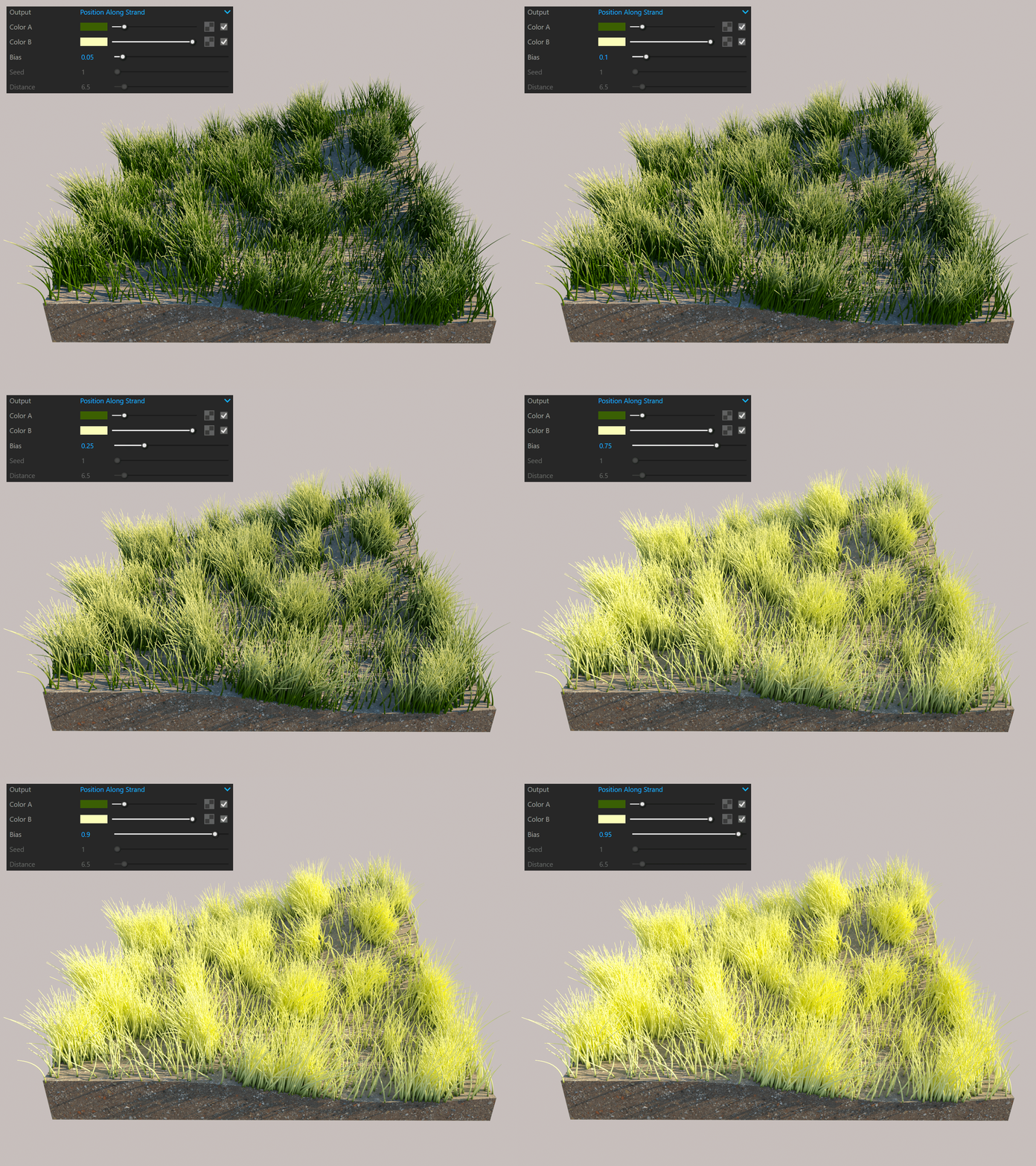
Position Along Strand blends between Color A and Color B based on the shaded point's relative position along a hair strand. Color A is at the root, and Color B is at the tip.
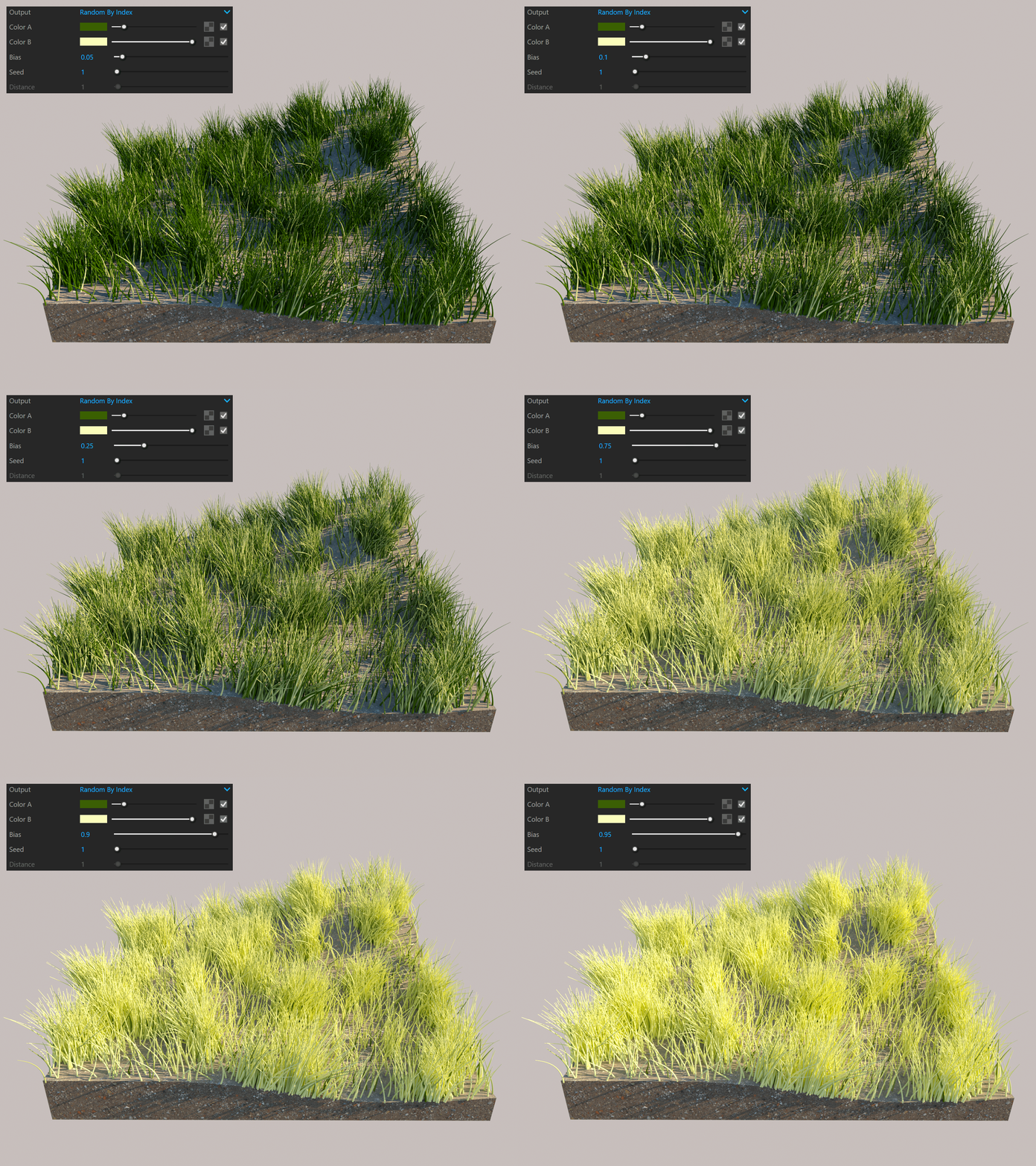
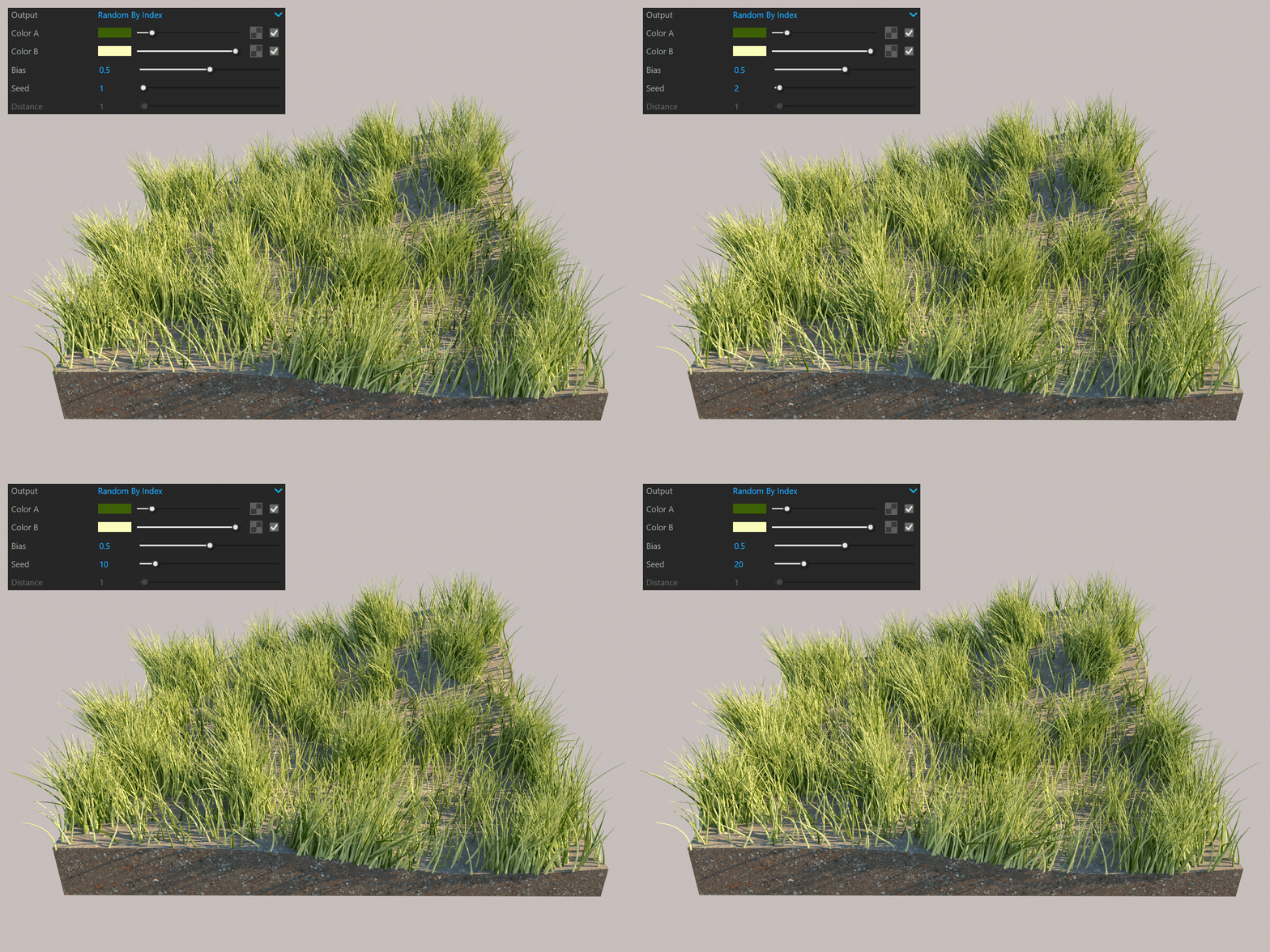
Random By Index blends between Color A and Color B randomly based on each strand's index.
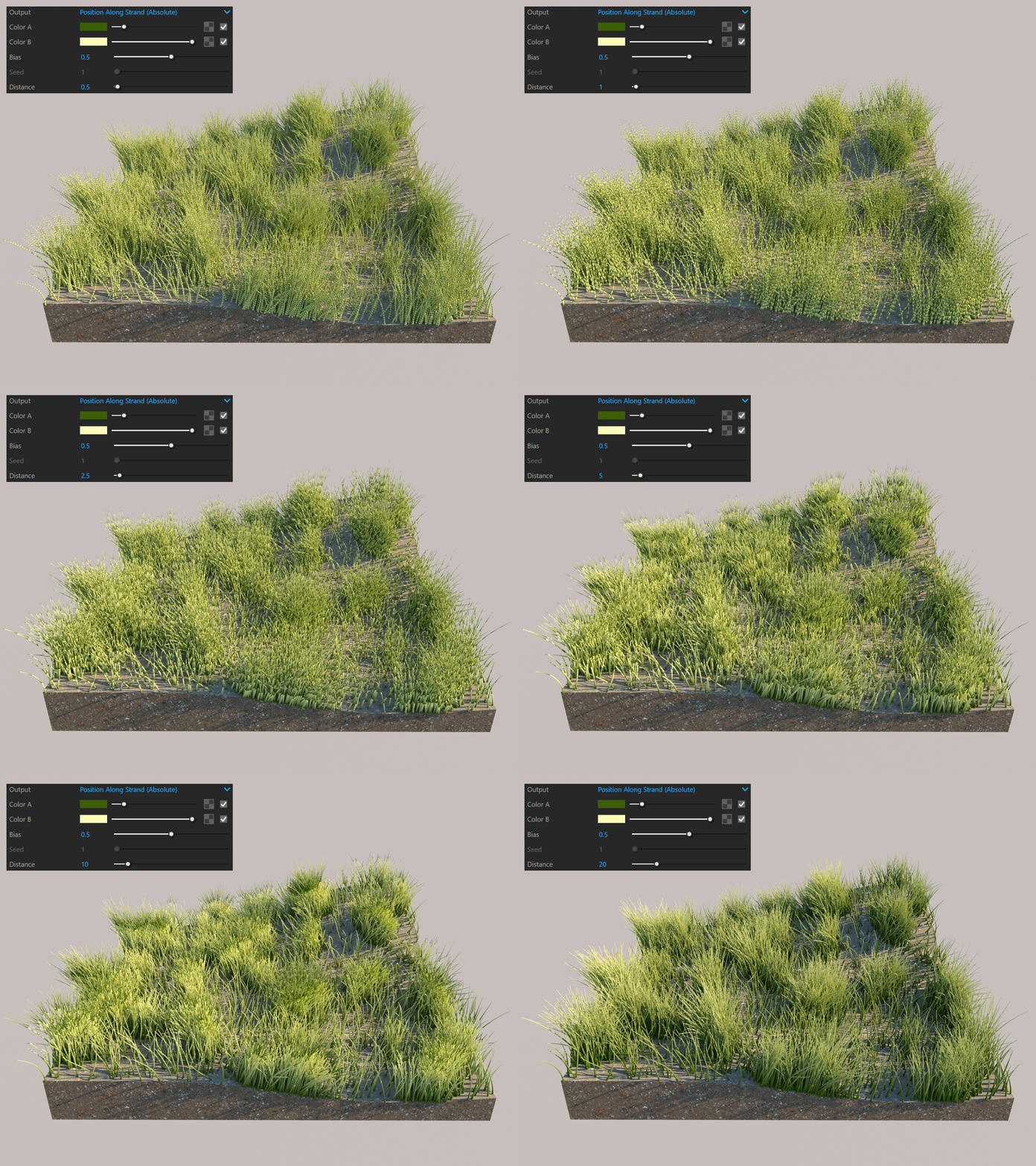
Position Along Strand (Absolute) blends between Color A and Color B based on the shaded point's absolute distance along a hair strand. It uses Distance to set the Color B position instead of the hair tip. If Distance is less than the hair length, the gradient repeats along the strand.
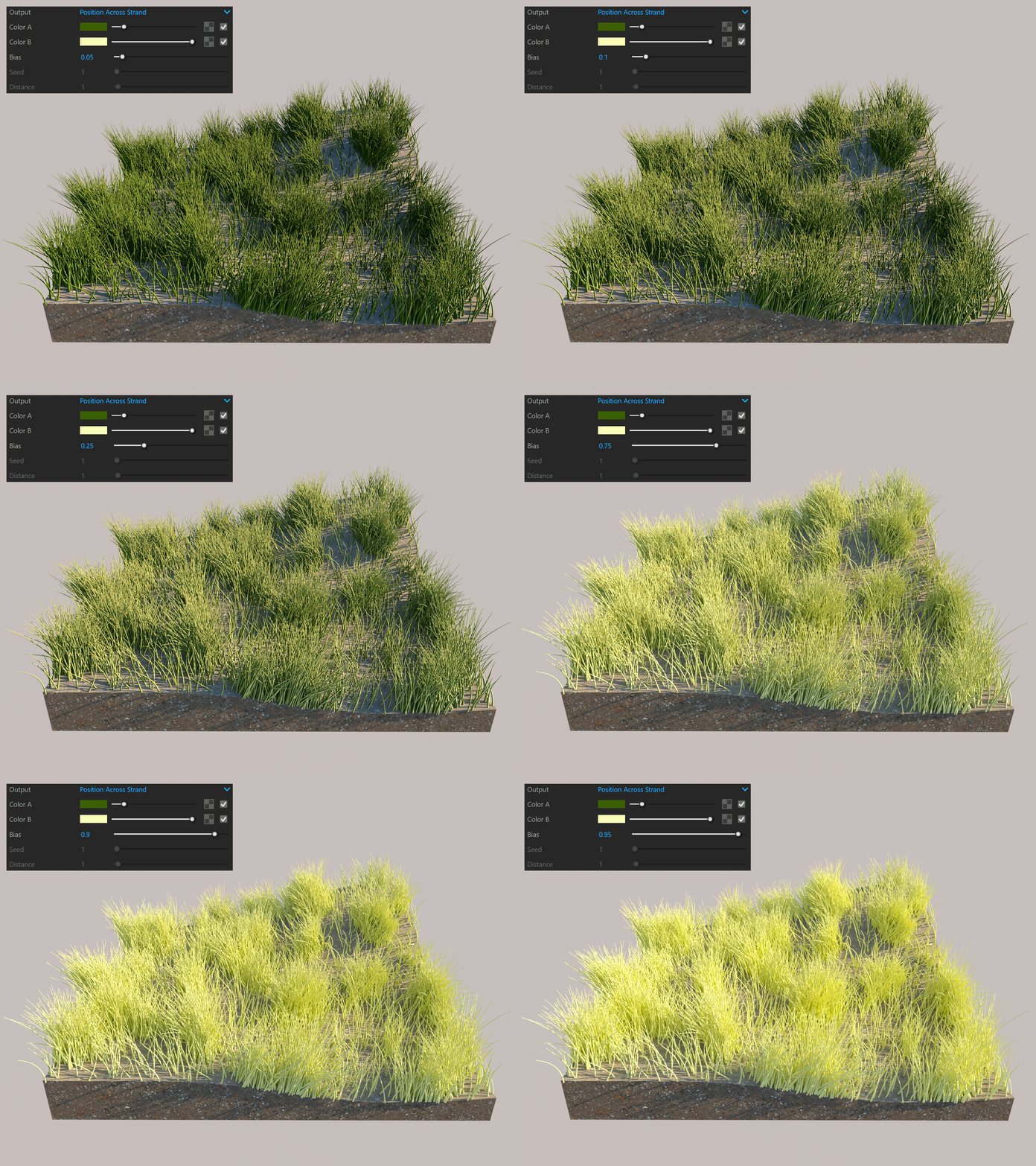
Position Across Strand blends between Color A and Color B based on the shaded point's relative position across a hair strand.
Color A sets the first colour of the gradient.
Color B sets the second colour of the gradient.
Bias moves the gradient midpoint and changes the interpolation between colours A and B.
Seed changes the random seed when you select the Random By Index output.
Distance sets the absolute length of the gradient when you select the Position Along Strand (Absolute) output.
Example: Position Along Strand
Example: Random By Index (Bias)
Example: Random By Index (Seed)
Example: Position Along Strand, Absolute (Bias)
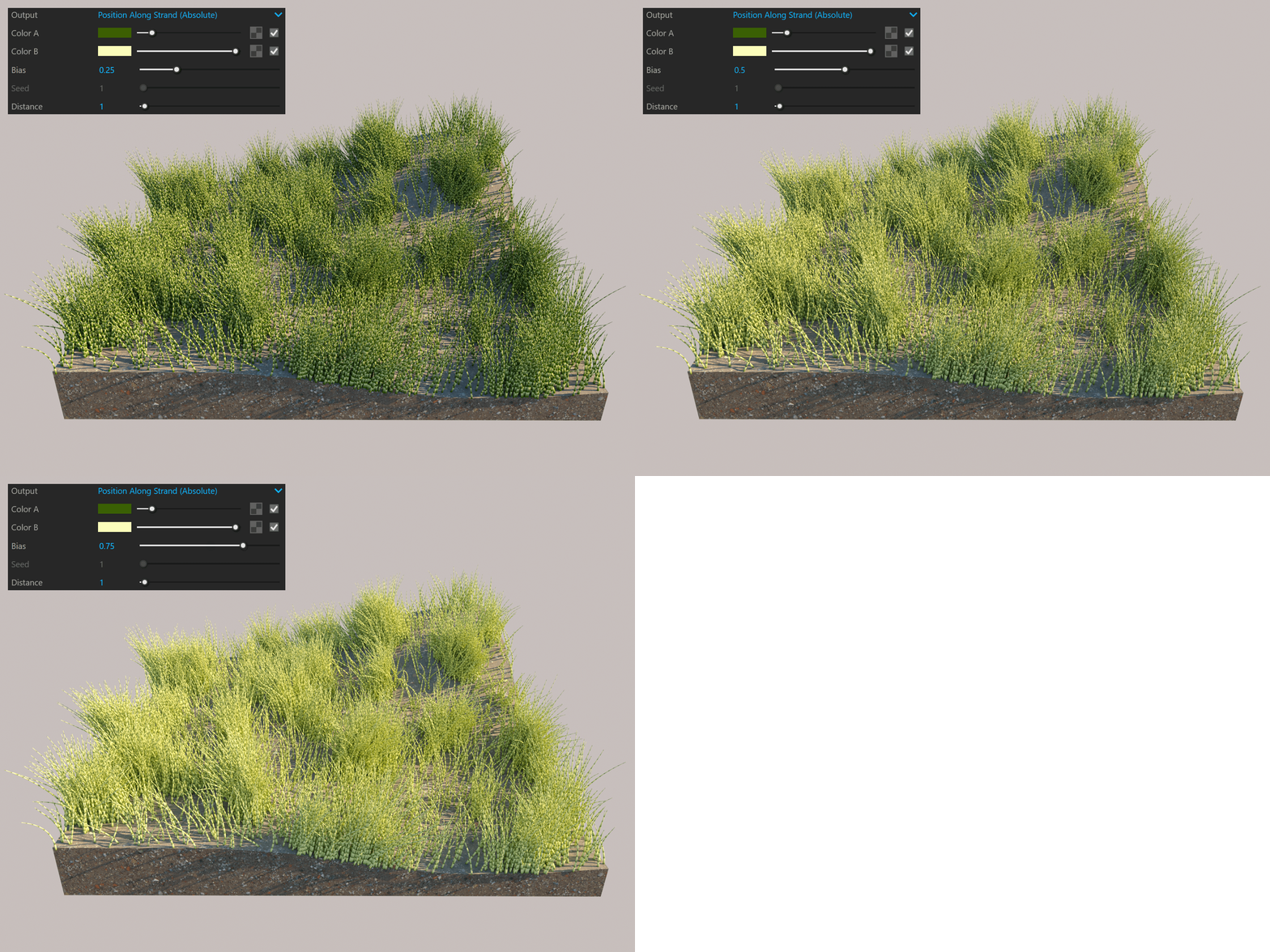
Example: Position Along Strand, Absolute (Distance)
Example: Position Across Strand
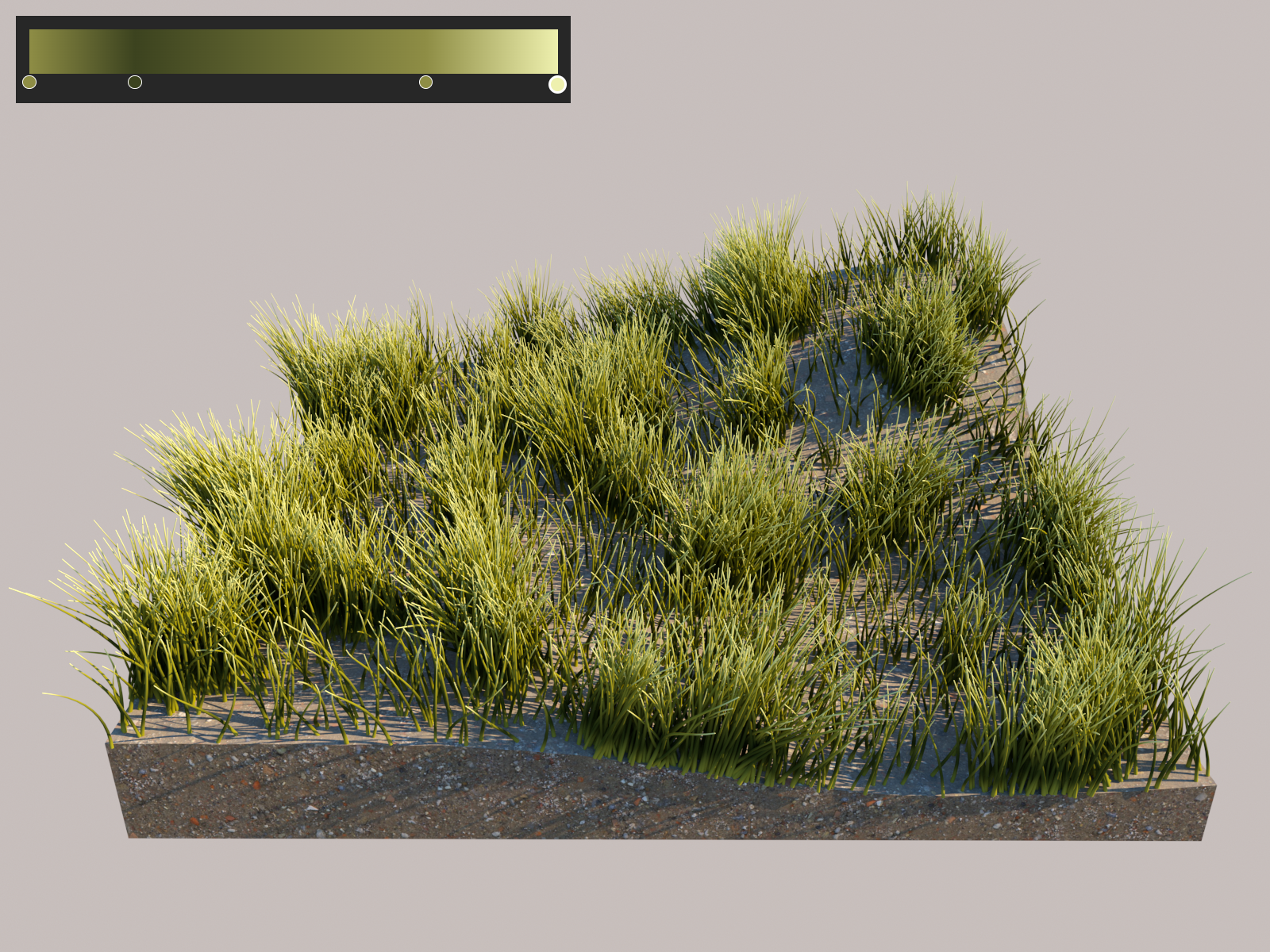
Example: Gradient texture remapping
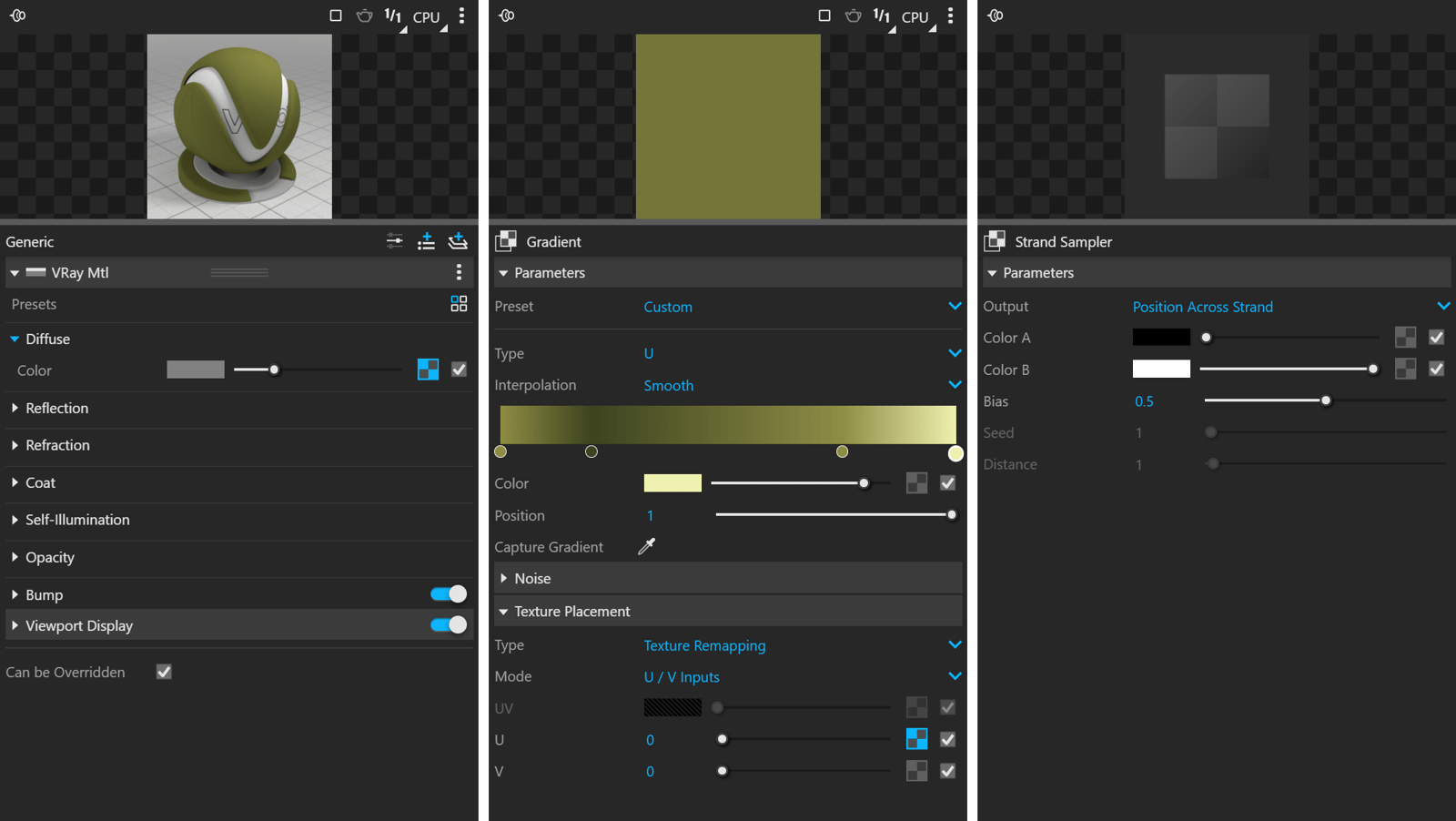
This example uses a Gradient texture with Texture Remapping as the Placement Type to colour the Fur. The Strand Sampler texture is set as a U map.