Skip to content
07-848 2005

V-Ray for SketchUp, overview

V-Ray for SketchUp tutorials

Follow step-by-step tutorials for common rendering tasks and specific features in V-Ray for SketchUp.

On this page
  1. Onboarding
  2. Complete project setup
  3. Feature spotlights
  4. Guides
  5. Legacy guides
  6. Chaos Academy

Follow step-by-step tutorials for common rendering tasks in V-Ray for SketchUp. Some tutorials show you how to use specific V-Ray features.
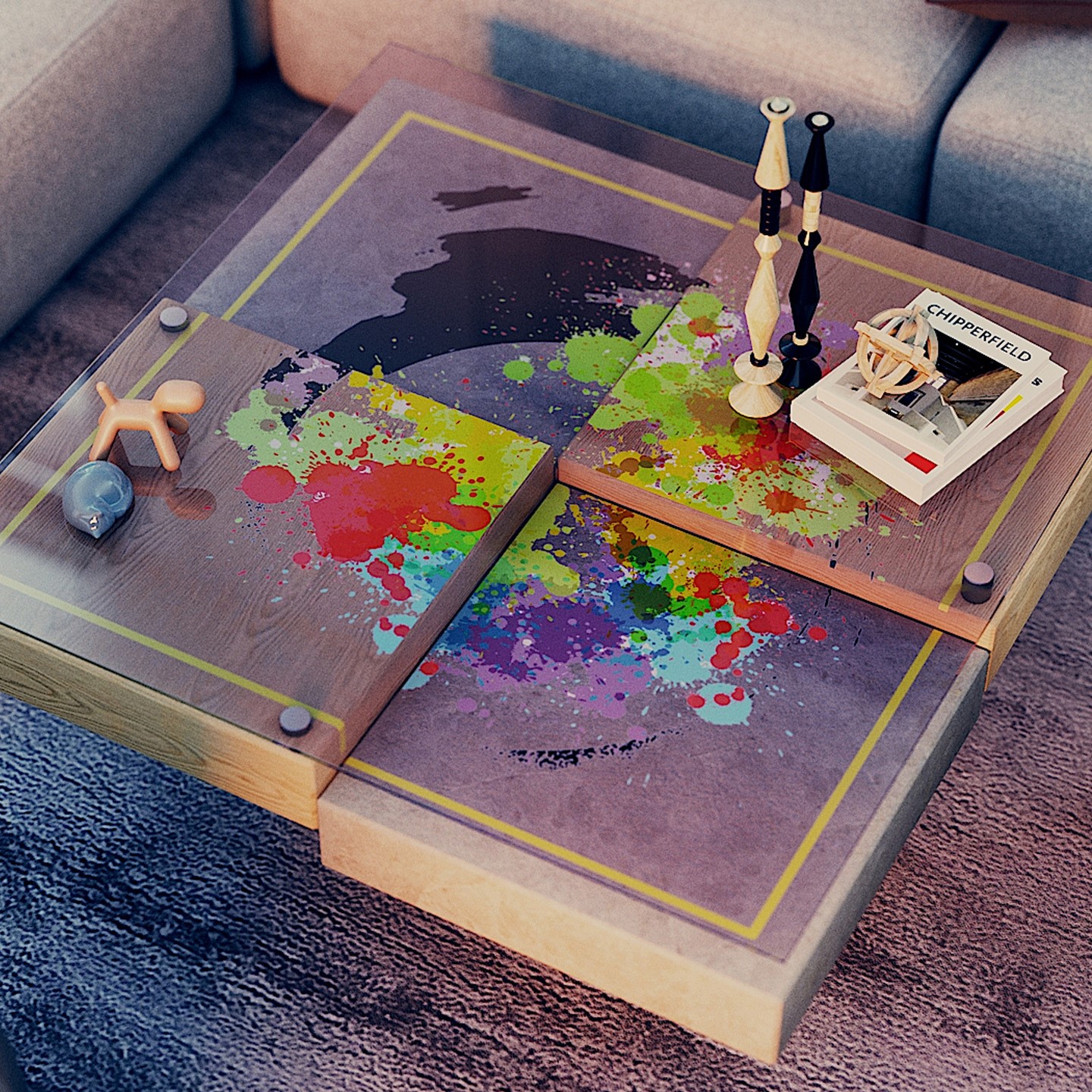
V-Ray render of a coffee table with colourful paint splashes, decorative objects and books.

Onboarding

Get started with V-Ray for SketchUp

View
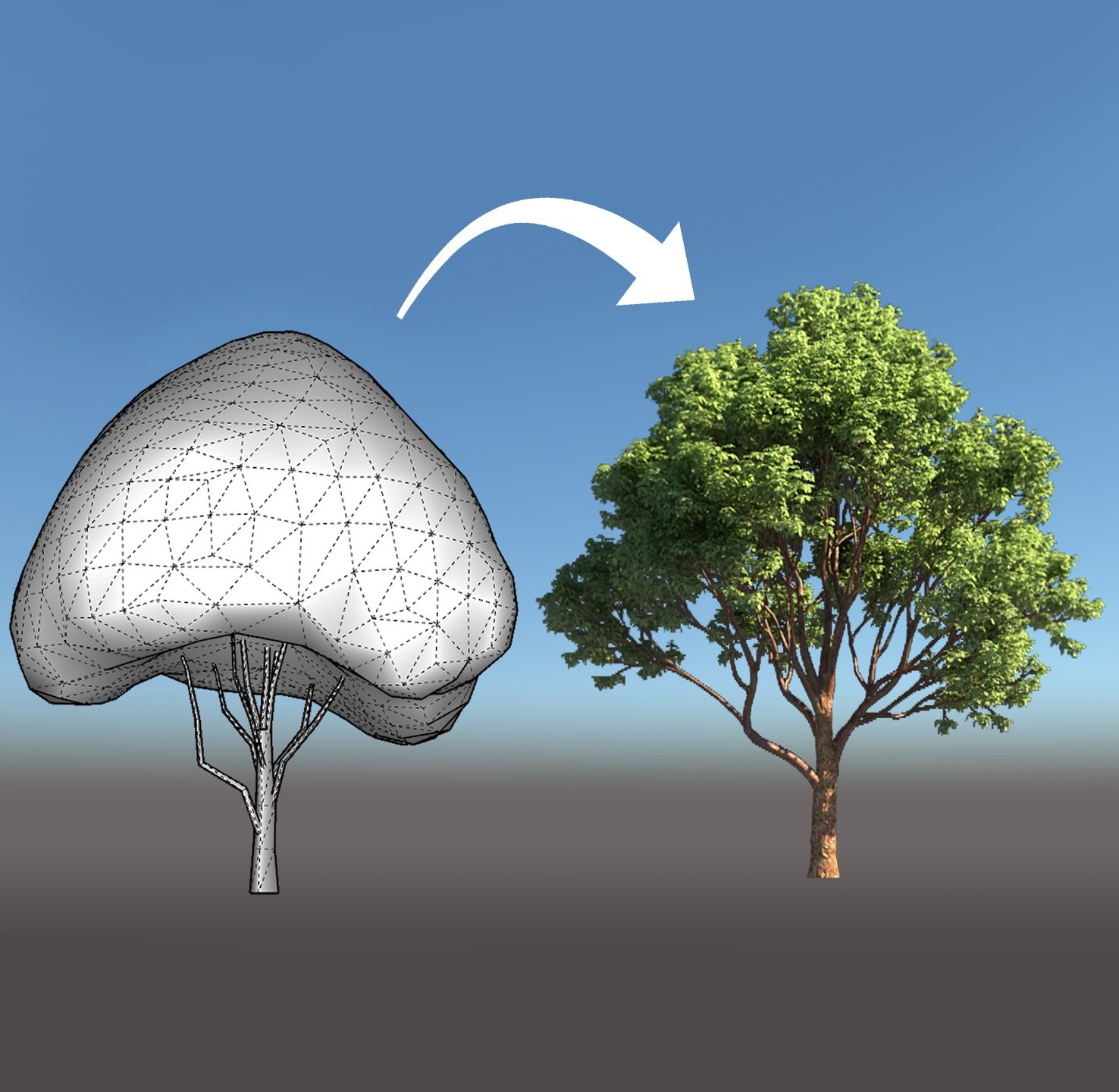
A simplified SketchUp tree model beside a detailed rendered tree, with an arrow showing the transformation.

Complete project setup

From start to finish

View

Completed dining room render with pendant lights, a timber table, wire chairs and glass-sided stairs.

Feature spotlights

View

Living room render featuring a long open fireplace, pendant lights and daylight through full-height windows.

Guides

View

Kitchen worktop render showing wood, metal and glass materials against a patterned tile splashback.

Legacy guides

View

Rendered shelf of architecture and design books illustrating the legacy V-Ray guides.

Chaos Academy

View

Procadsys customer support

Still need help?

Licences, renewals and billing

Our New Zealand team looks after your V-Ray licences, renewals and invoices.

Monday to Friday, 9:00 am to 4:30 pm NZ time, excluding New Zealand public holidays.

Technical problems

Installation errors, crashes and other technical problems with V-Ray are handled by Chaos support.