Use this guide to find and adjust render settings in V-Ray for SketchUp.
Overview
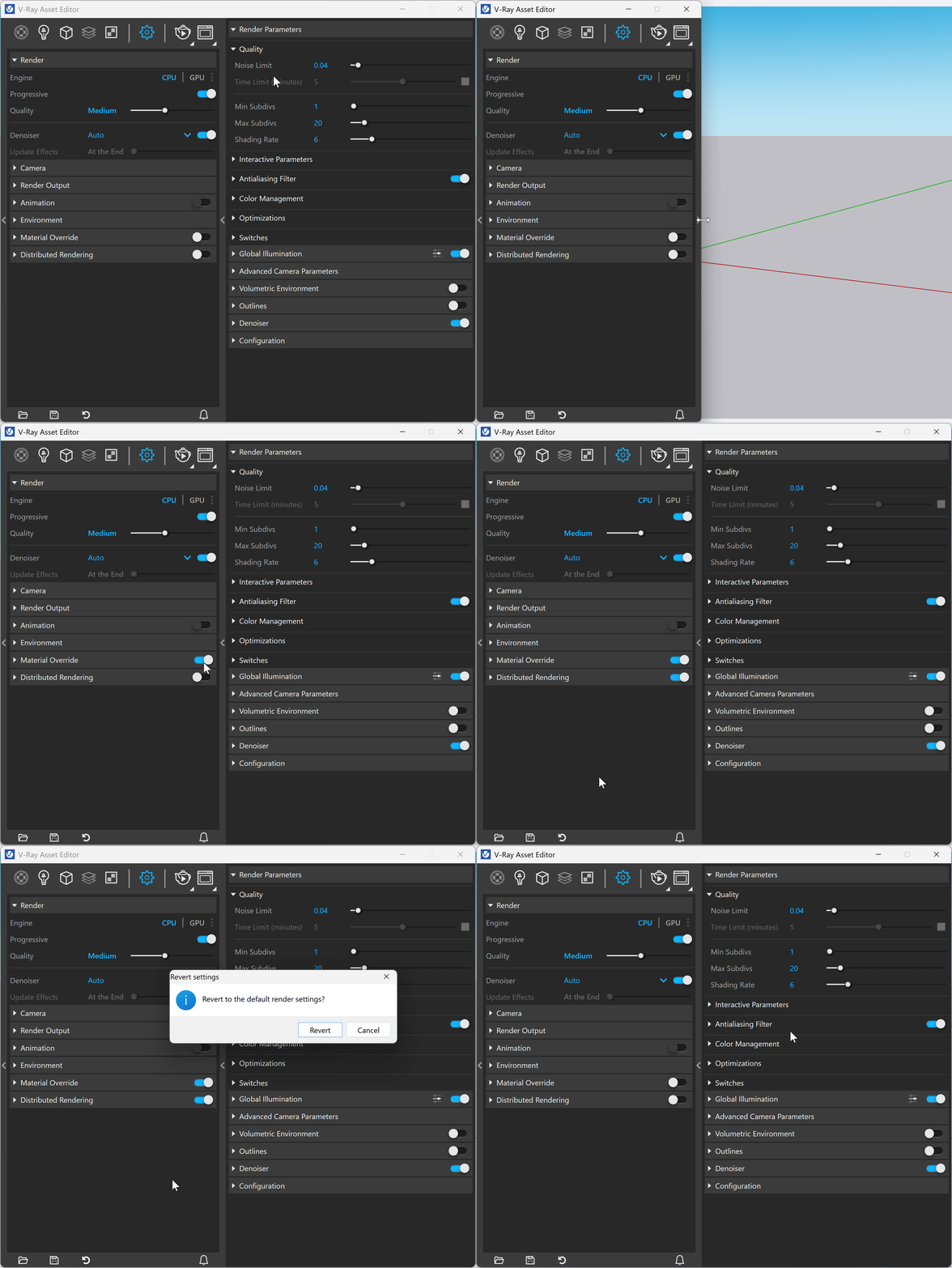
V-Ray Settings control the rendering process. Open the Settings tab in the Asset Editor to access them.
V-Ray Settings has two panels. The main panel contains the default scene setup options, which suit many scenes. For advanced options, use the panel on the right of the Asset Editor.
The options shown in the Advanced settings rollouts depend on your settings in the Default panel. The controls vary with your CPU/GPU, Interactive/Production and Progressive/Bucket selections. Changing the Quality preset in the Render rollout sets options to values for that preset. Quality presets suit many scenes without further adjustment.