KeyShot Studio
Cloud Rendering
Cloud Rendering does not require a separate license, instead renderings are paid for via Credits. You can buy Credits through your Account page. This also means, that you need to be signed in to your account inside KeyShot Studio.
Last updated 3 August 2026
Credits
Cloud Rendering does not require a separate license, instead renderings are paid for via Credits. You can buy Credits through your Account page. This also means, that you need to be signed in to your account inside KeyShot Studio.
Buying more Credits
If you are running low or have run out of Credits, you can buy more via the Wallet section on your Account page.
Simply go to account.keyshot.com and click on Wallet in the left side menu or, open your Avatar-Menu inside the Render Queue and click Buy More.
How it works
Cloud Rendering shares a lot of workflows with Network Rendering. The main difference being, that Cloud Rendering allows you to send your render job into the cloud instead of distributing it between your local machines. This allows you to free up your local hardware to keep working on your projects.
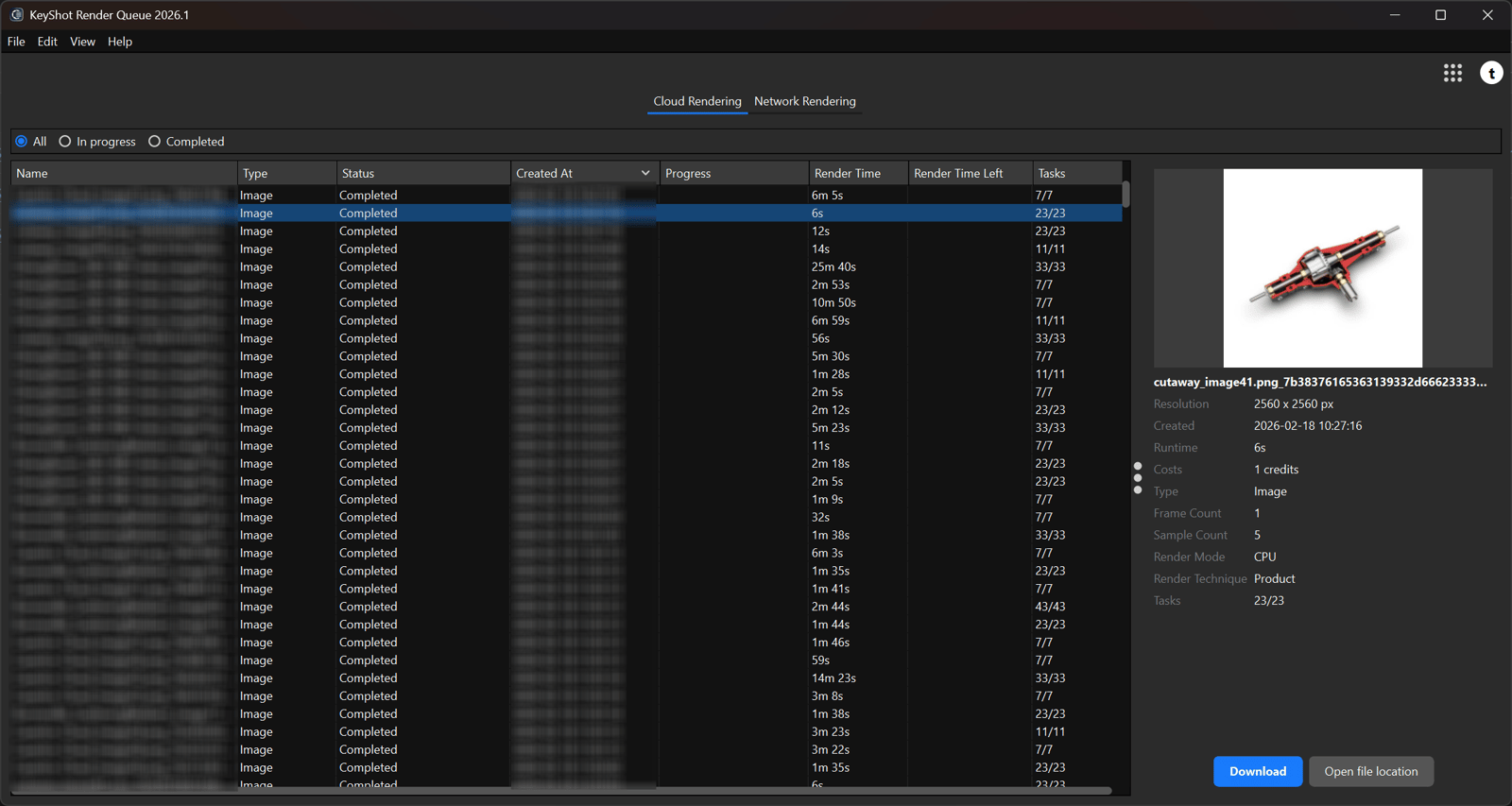
You can see and follow the process of your job in the Render Queue.
Sending Jobs to Cloud Rendering is as easy as starting any Render in KeyShot Studio.
When your project is ready, you simply have to:
- Click on Render to open the Render Dialog
- In the bottom right corner choose Cloud Rendering from the drop-down
- Click Render in Cloud
Read more about Cloud Rendering here or watch our Getting Started video below.