Set up the KeyShot licence service on Linux for the first time. The KeyShot licensing team provides your licence file and software download links.
Licence server setup
If you use RedHat Linux, skip steps 3, 4 and 5.
1. Download and unzip KeyShot_Floating_License_Server_Linux.zip into your home folder ("/home/<your username>" or "~/").
2. Open the terminal (usually Ctrl + Alt + T) and change to the luxion_flexlm folder ("~/luxion_flexlm").
cd luxion_flexlm/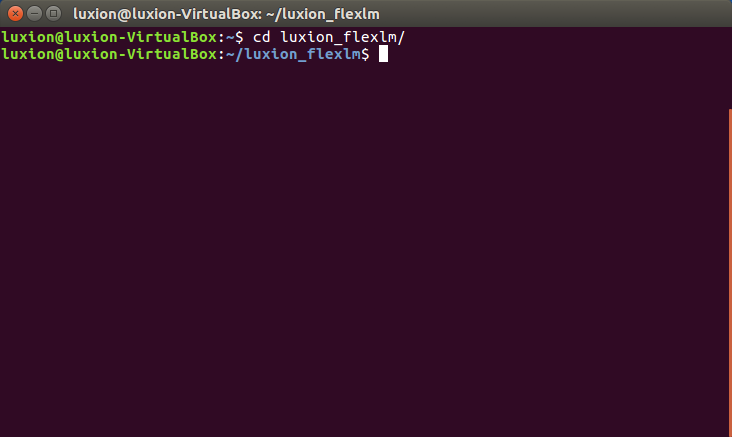
If you use RedHat Linux, skip the next 3 steps.
3. Run the following command:
ls -l /lib64/ld*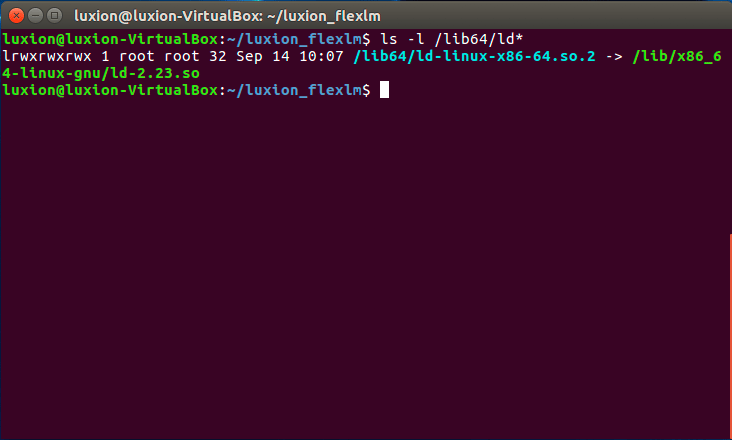
4. Note the return value before the arrow, highlighted in the image.
5. Run the following command, replacing <value from step three before the arrow> with the value before the arrow from step 3.
sudo ln -s <value from step 3> /lib64/ld-lsb-x86-64.so.3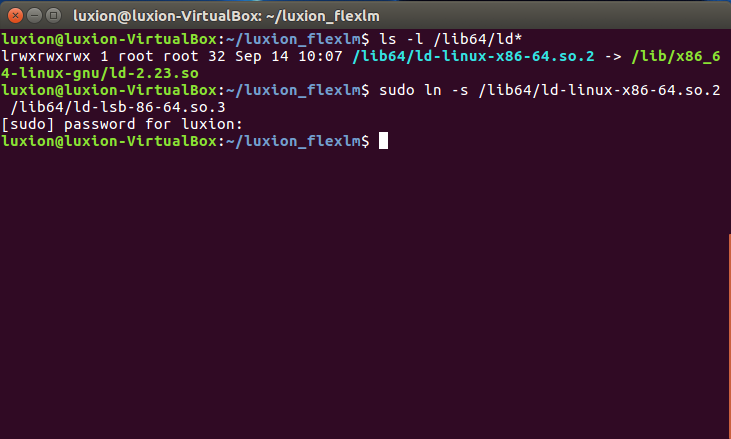
6. Move your licence file to your luxion_flexlm folder. Your file name uses your computer name instead of MyCompany.
mv ~/Desktop/keyshot_floating_MyCompany.lic ~/luxion_flexlm/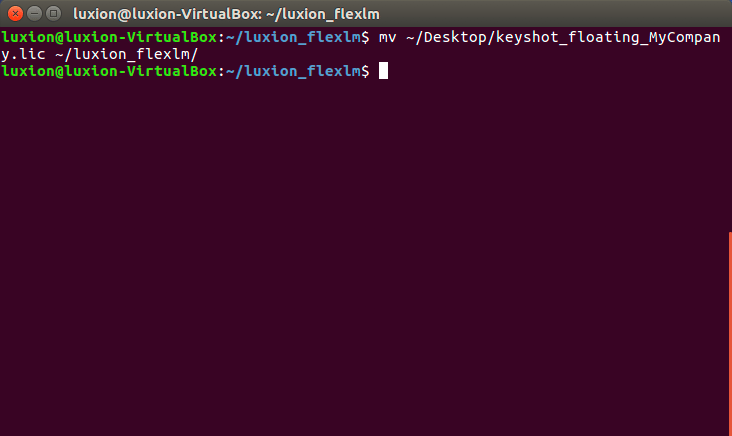
7. Run the following command to make all files executable.
sudo chmod 766 *8. Run the following command to start the service. Use your computer name instead of MyCompany in the file name.
./lmgrd -C keyshot_floating_MyCompany.lic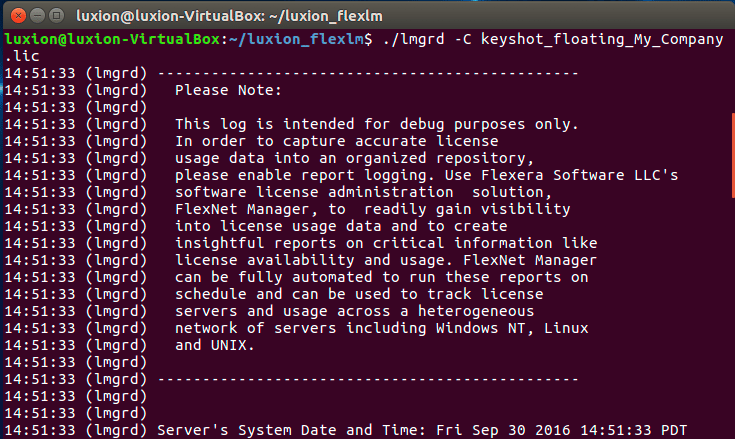
9. Run the following command to check the service status:
./lmstat -aThe lmstat output confirms that the licence server is running. It also shows how many licence seats are issued (available).