You can edit models you upload to 3D Warehouse. Your uploaded models appear in My Content in the account menu.
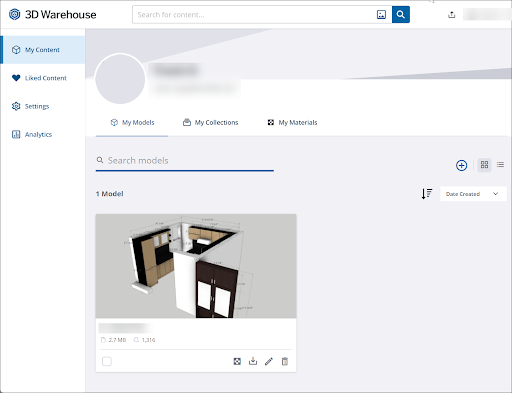
You can edit your model's details from the My Models page in My Content. Click Edit ( ) on the model's card. You can also open the model's details page, click the three dots below the model preview and select Edit Model.
On the Edit page you can:
- Click Upload New File to replace the current file with a new one.
- Click Edit Thumbnail to upload a custom thumbnail image for your model.
- Change your model's title, description, external URL, category or subcategory listings.
- Click Delete Model to permanently remove your model from 3D Warehouse.
When you finish editing, click Save Changes to update your model and return to the My Content page.