SketchUp for Web saves your files to Trimble Connect unless you choose to save them locally.
The Home tab in SketchUp for Web always shows your most recently used files. All files show the Connect icon ( ).
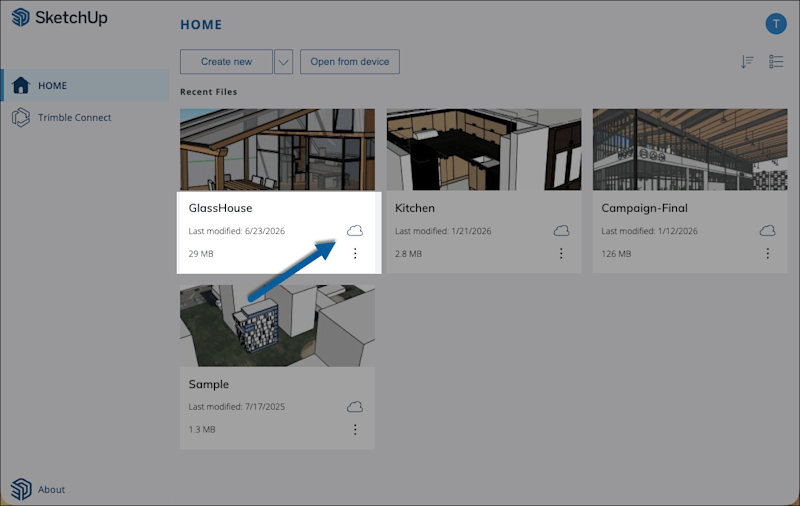
The Trimble Connect tab shows projects you have created and projects shared with you.
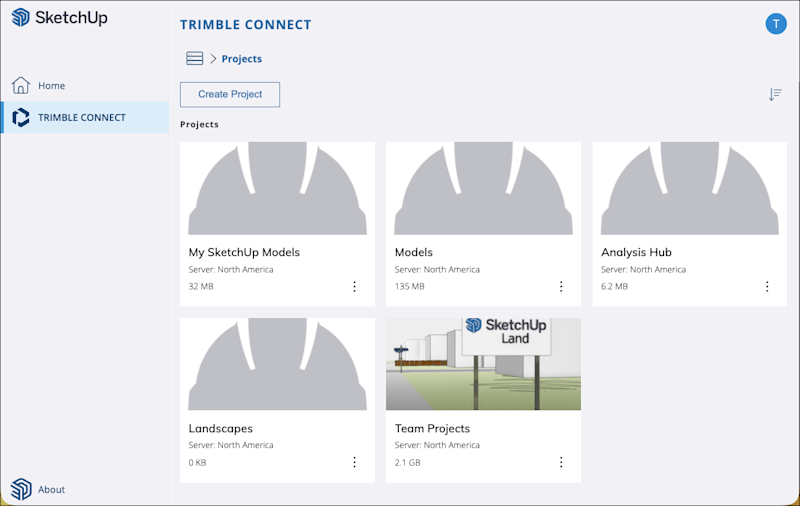
Open a project to see the same folders and files you see in that project in SketchUp for Web. Opening, editing or saving a file in SketchUp for Web creates a new save and overwrites the file in Trimble Connect.
For help opening, saving or sharing files in SketchUp for Web, see File Management.