Update SketchUp for Desktop to the latest released version.
Find the latest SketchUp installers in Downloading SketchUp. To check whether your installed version is up to date, select Help > Check for Update.
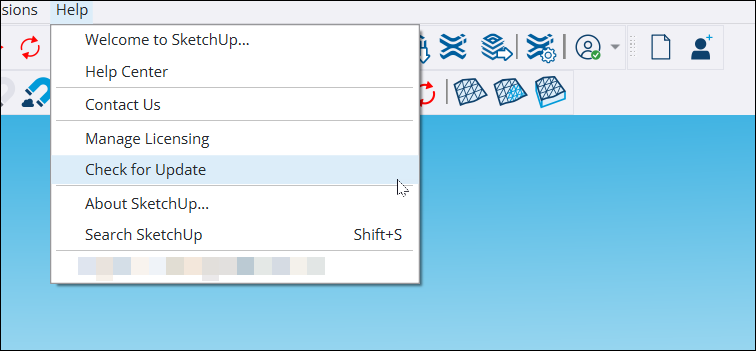
If you have the latest version, a window confirms that you do not need to update. If a newer version is available, a window shows its details.
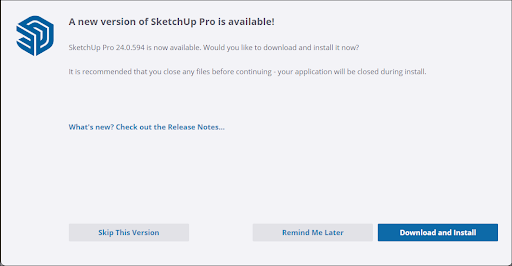
Select Skip This Version or Remind Me Later to close the window. Select Download and Install to download the SketchUp installer for your operating system. Follow the steps in Installing SketchUp to install it.
To move your extensions or files such as Classifications, Components, Materials, Styles, and Templates, see Migrating After Updating.