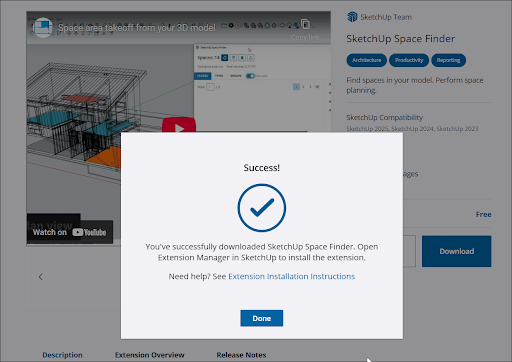
You can browse and download extensions from Extension Warehouse without opening SketchUp. For a free extension, click Download on its details page.
Ask PCS about buying paid extensions. Most can be bought and downloaded within SketchUp. Some require you to visit the developer's site and follow its purchase and download instructions before you can use the extension.
Downloaded extensions come as .rbz files. Follow these steps to install one in SketchUp:
- Open the Extension Manager from the Extensions menu or its toolbar icon (
 ).
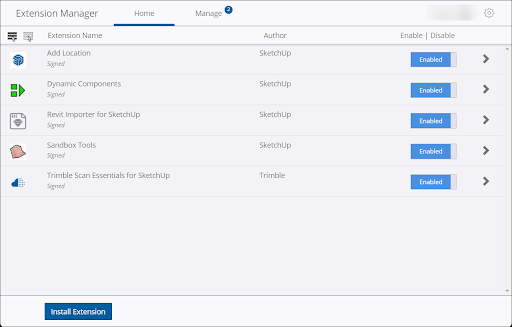
- Click Install Extension.
- Browse your local files and select the .rbz file you want to install. Click Open.
- For third-party extensions, a warning reminds you to install extensions only from trusted sources. If you trust the extension, click Yes to finish the installation.