Skip to content
07-848 2005

SketchUp, SketchUp desktop

Predefined styles

Use SketchUp's predefined styles, including Ambient Occlusion, Sketchy Edges and Color Sets, to change how your 3D models look.

Predefined styles

Use SketchUp's predefined styles to change how your model looks. Choose from these categories:

  • Ambient Occlusion styles use SketchUp's graphics engine to emphasise how edges and faces interact, making depth easier to see.
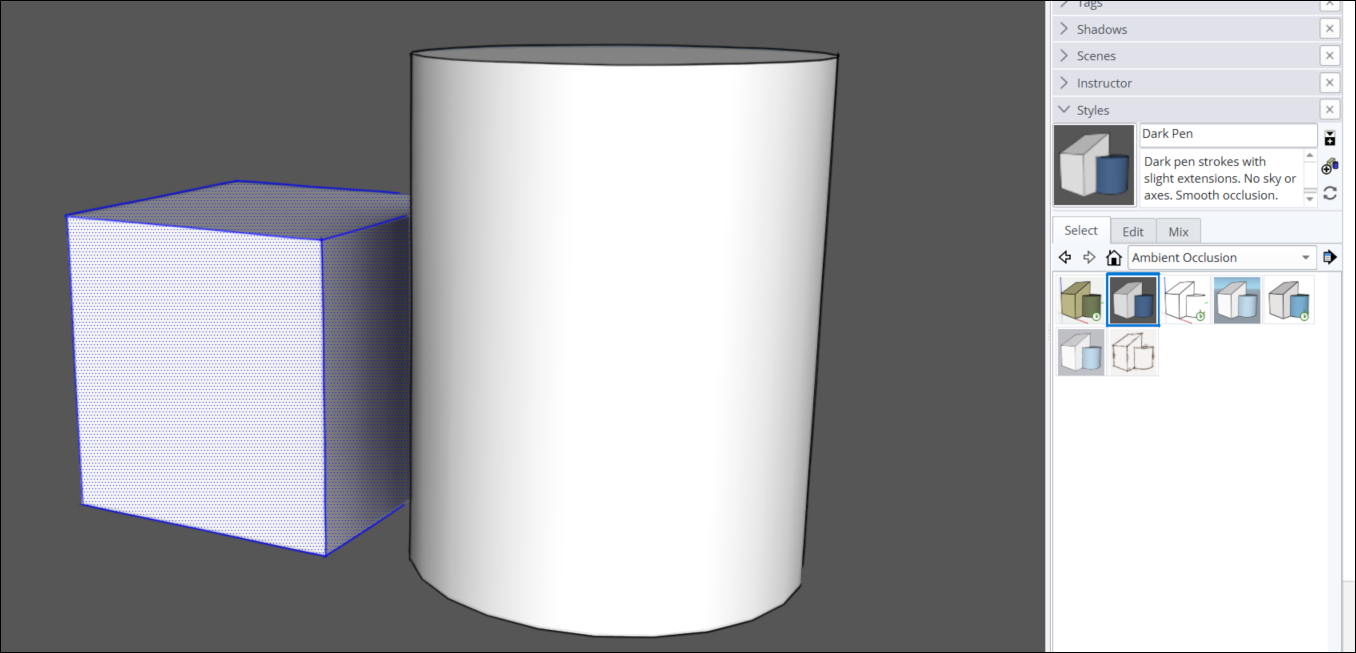
SketchUp Styles panel with Dark Pen selected under Ambient Occlusion, showing a shaded cube and cylinder.
  • Assorted Styles use different face, edge, background, watermark and texture settings.
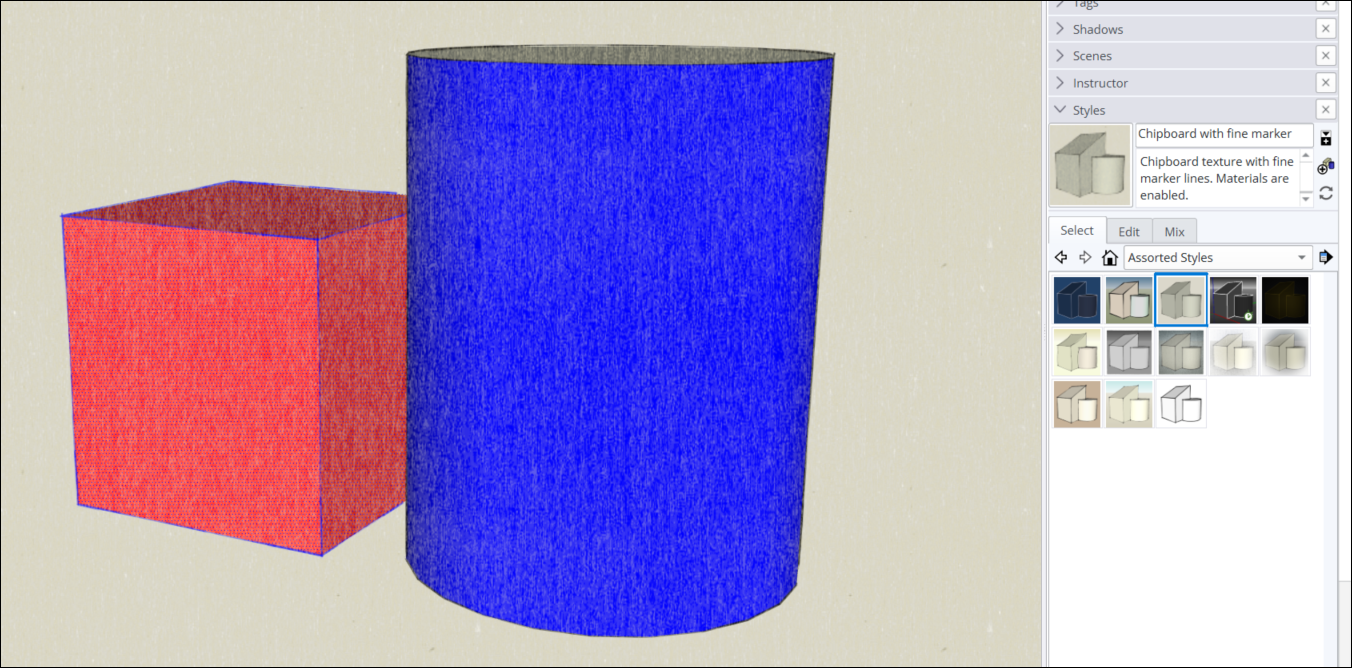
SketchUp Styles panel with Chipboard with fine marker selected under Assorted Styles, showing textured faces.
  • Color Sets use a specific colour combination to create a theme.
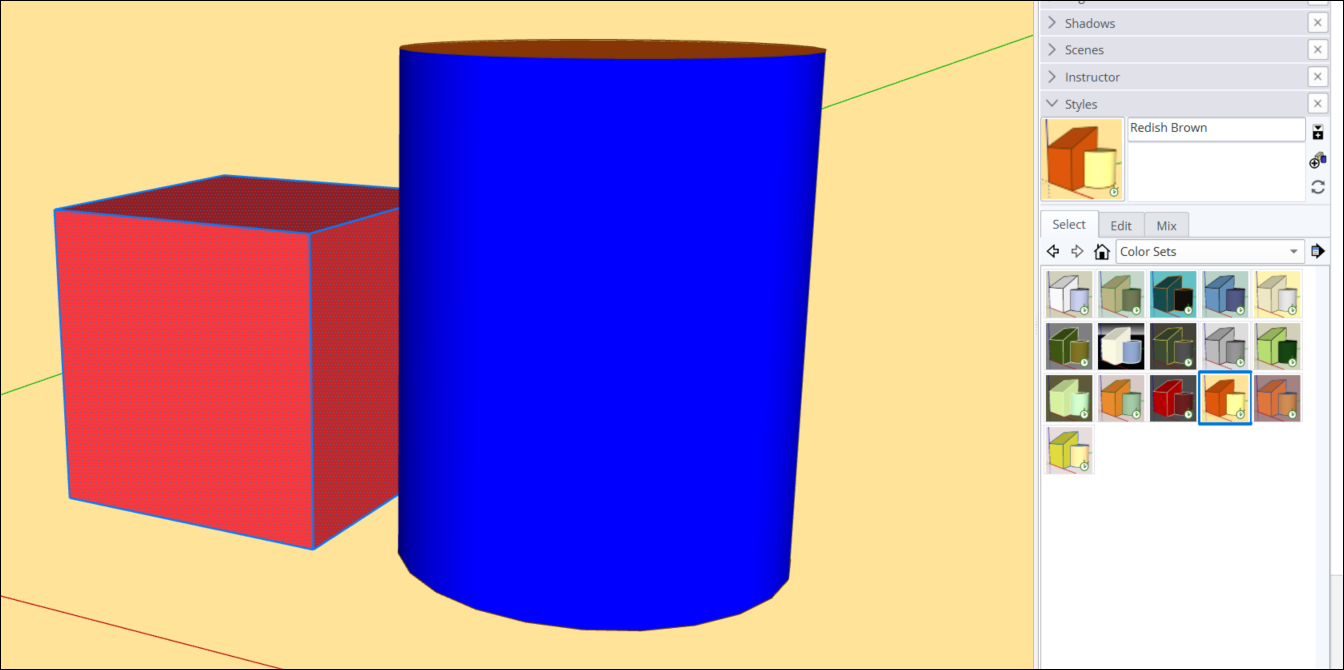
SketchUp Styles panel with Redish Brown selected under Color Sets, showing a red cube and blue cylinder.
  • Default Styles have clean edges and faces, like those in a new SketchUp model.
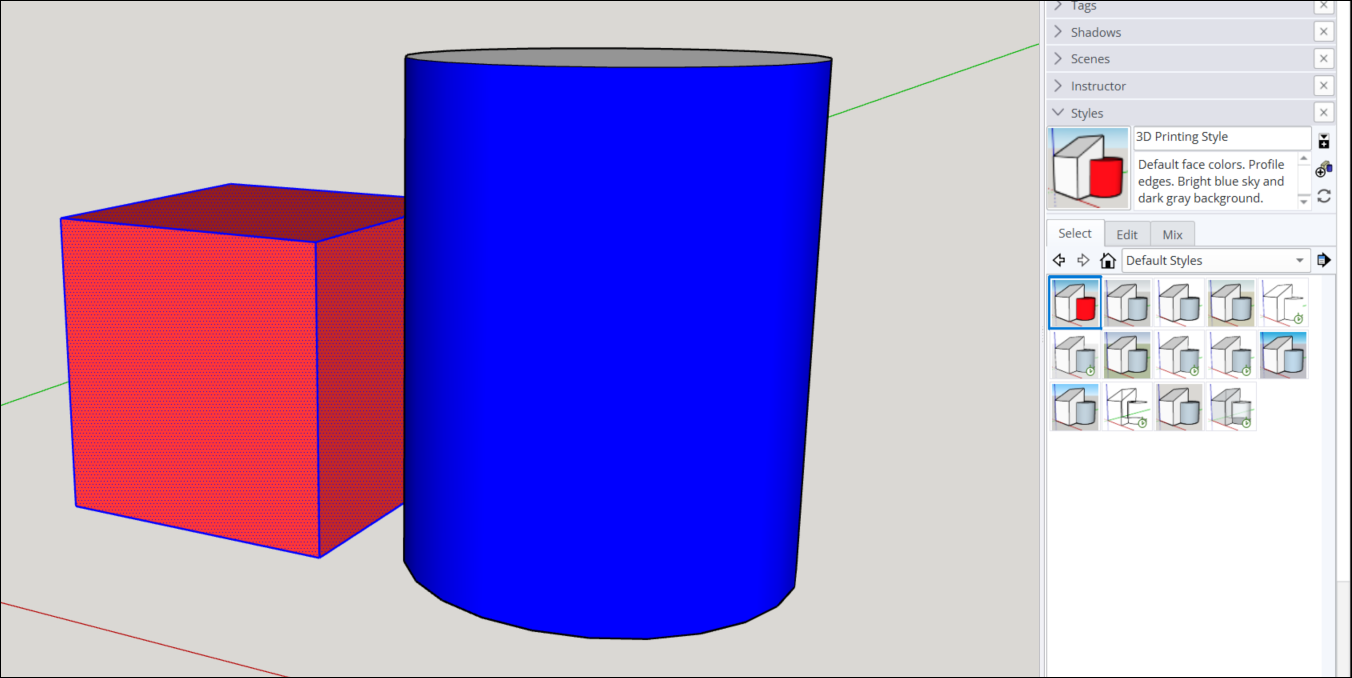
SketchUp Styles panel with 3D Printing Style selected under Default Styles, showing clean edges and coloured faces.
  • Photo Modeling styles are designed for photo textures and materials.
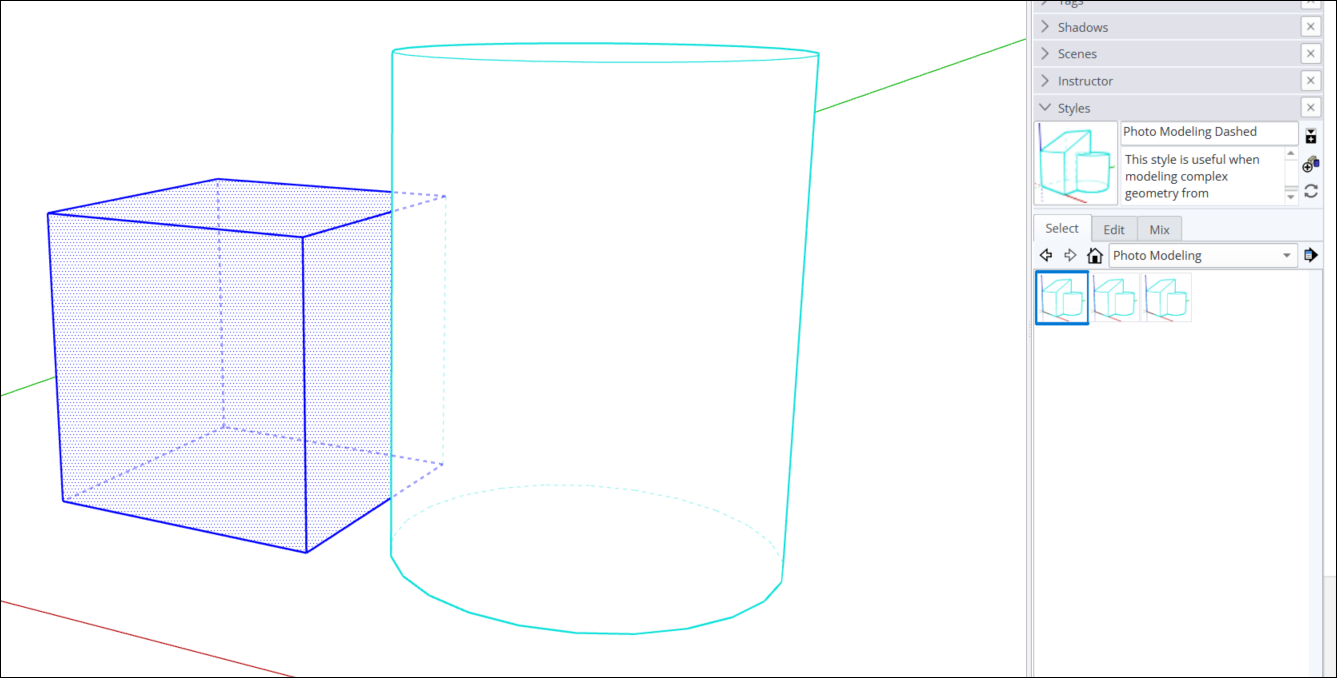
SketchUp Styles panel with Photo Modeling Dashed selected under Photo Modeling, showing dashed hidden edges.
  • Sketchy Edges styles make your model look like a hand-drawn sketch.
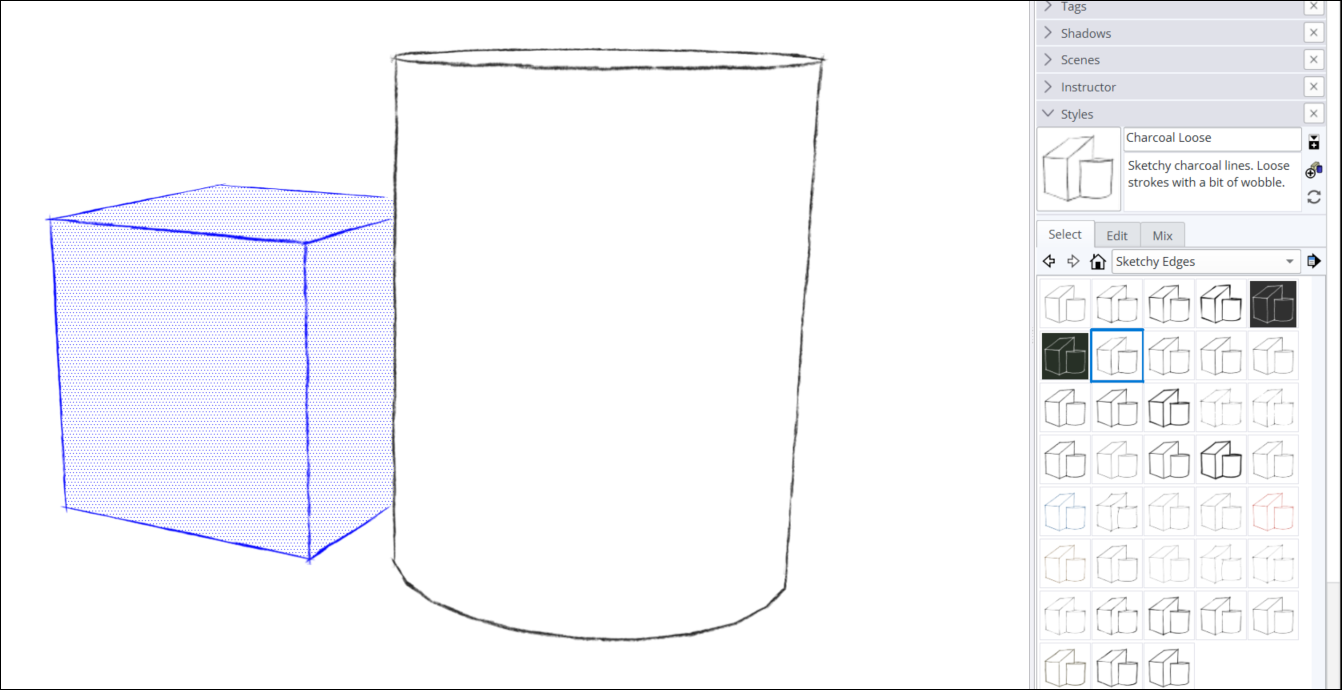
SketchUp Styles panel with Charcoal Loose selected under Sketchy Edges, showing hand-drawn outlines.
  • Straight Lines styles emphasise edges and line width.
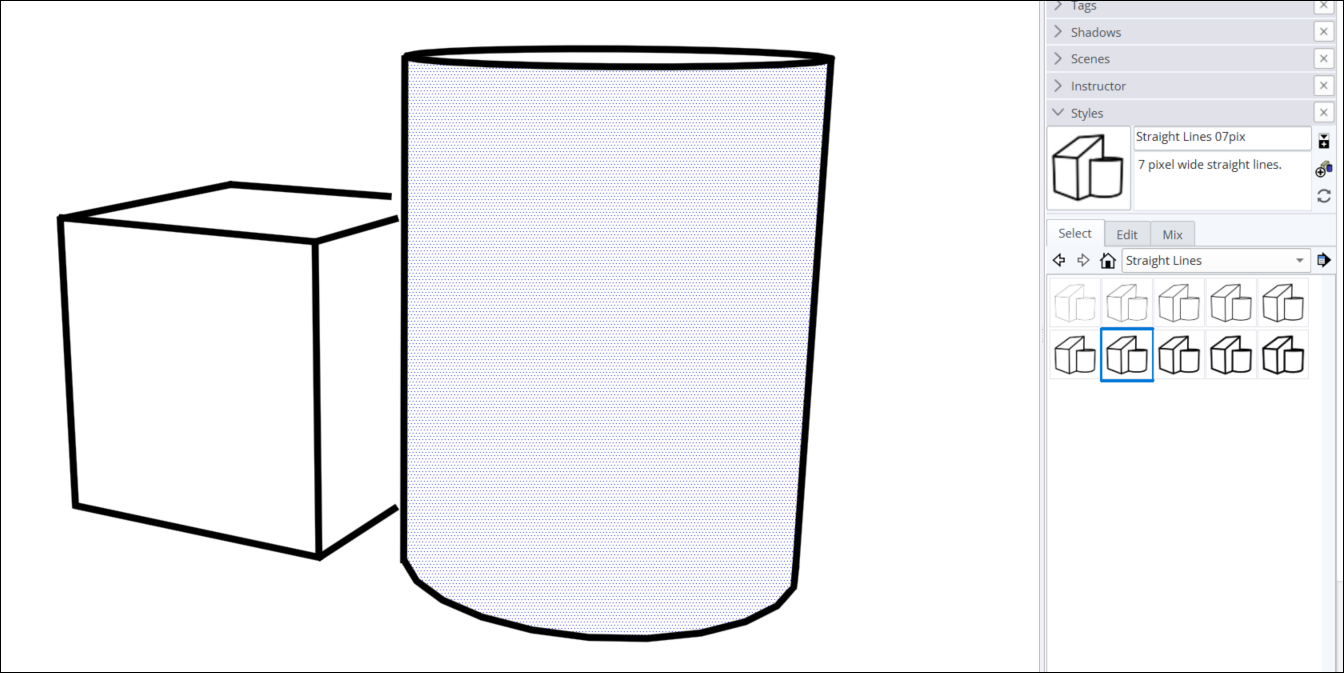
SketchUp's Styles panel shows 'Straight Lines 07pix' selected, with thick black edges on the model.
  • Style Builder Competition Winners are styles created by SketchUp users.
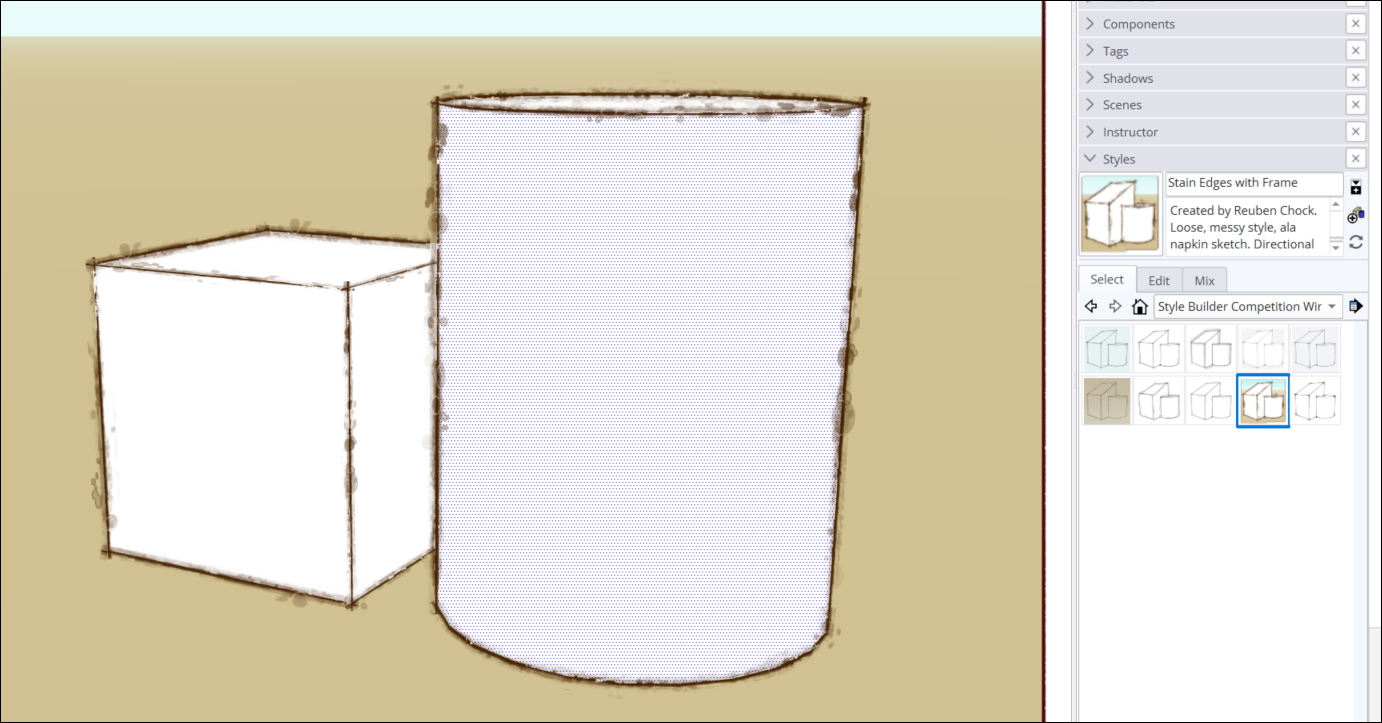
SketchUp's Styles panel shows 'Stain Edges with Frame' selected, with loose sketch edges and a tan background.
Adapted from SketchUp Help Center documentation: Predefined styles. © 2026 Trimble Inc.

Procadsys customer support

Still need help?

Licences, renewals and billing

Our New Zealand team looks after your SketchUp licences, renewals and invoices.

Monday to Friday, 9:00 am to 4:30 pm NZ time, excluding New Zealand public holidays.

Technical problems

Technical support from our New Zealand team is available with a current Procadsys SketchUp Plus subscription: Pro Plus, Pro Scan Plus, Pro Civil Contractor Plus, Pro Advanced Workflows Plus or Studio Plus.

Initial response within one business day.

On another SketchUp plan? Technical problems go to Trimble support.