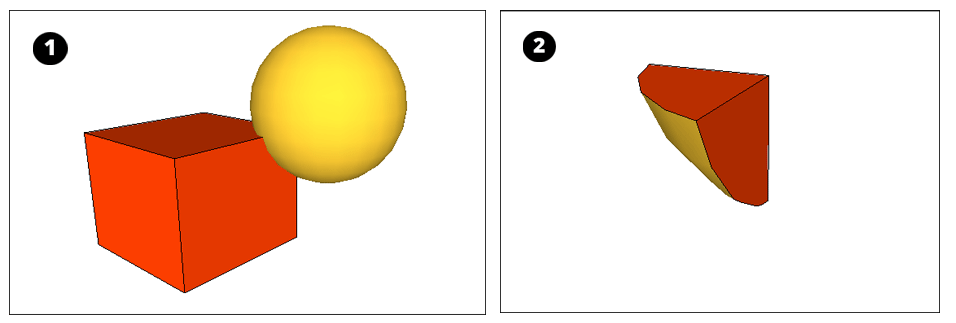
Use the Intersect tool (  ) in SketchUp for iPad to keep only the geometry shared by two or more overlapping solid entities. The tool has no optional tool modes.
iPad input methods for the Intersect tool
You can use the Intersect tool with any SketchUp for iPad input method in either Just Draw or Click-Move-Click mode.
Click-Move-Click mode or Just Draw mode
With a Mouse or Trackpad, select the Intersect tool and click your first solid. Click another solid to remove all geometry except where the solids intersect. Repeat for each additional solid you want to include.
With Pencil or Multitouch, select the Intersect tool and tap your first solid. Tap another solid to remove all geometry except where the solids intersect. Repeat for each additional solid you want to include.
For more help using the Outer Shell tool, see Leaving only the intersection geometry in Modeling Complex 3D Shapes with the Solid Tools.