Exporting a SketchUp Model to LayOut
SketchUp and LayOut are designed to work together. In SketchUp, the easiest way to send your models over to LayOut is Send to LayOut (). You can find this option in the following locations:
Last updated 17 July 2026
SketchUp and LayOut are designed to work together. In SketchUp, the easiest way to send your models over to LayOut is Send to LayOut (  ). You can find this option in the following locations:
- The Getting Started toolbar
- The Large Tool Set
- The File menu
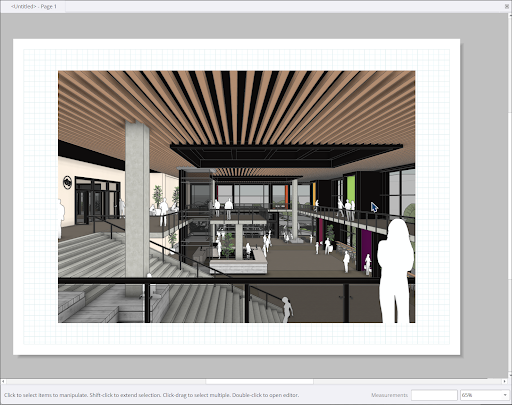
When you choose to send your model to LayOut, a notification will appear prompting you to save your model. LayOut will open and ask you what type of document you would like to create. A viewport containing your model will appear in the new LayOut document.
For more information on how LayOut and SketchUp compliment each other, see SketchUp Models in LayOut .
Still need help?
Technical support from our New Zealand team is available to customers with a current Procadsys SketchUp Plus subscription: Pro Plus, Pro Scan Plus, Pro Civil Contractor Plus, Advanced Workflows Plus or Studio Plus. Self-help articles are public.
Contact SketchUp support