Use SketchUp models in your LayOut document and make changes without returning to SketchUp. Sync those changes between your LayOut document and SketchUp file.
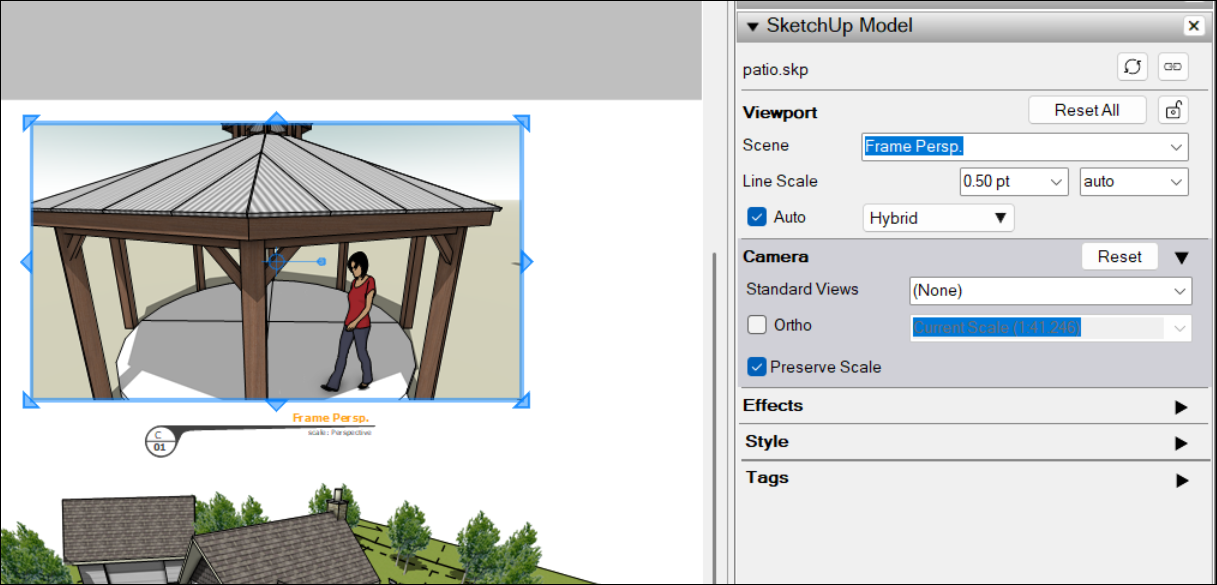
These articles explain how to use SketchUp models in LayOut and the options in the SketchUp Model panel:
- Importing a SketchUp Model explains how to import a SketchUp model into your document.
- Viewport Camera Tools explains how to access and use tools to change your SketchUp model's view in LayOut.
- Selecting Scenes explains how to switch between your model's saved scenes to change its view in LayOut.
- Perspective and Scale explains how different views can affect your model's scale.
- SketchUp Model Effects explains how to manage environments, shadows and ambient occlusion effects in models you've added to your document.
- Applying SketchUp Styles explains how to apply and change styles in SketchUp model viewports.
- Rendering Models explains how to check that your changes render correctly.
- Managing Changes and Updates to SketchUp Files explains what happens when you change a SketchUp model in LayOut and how to sync those changes between the applications.
- Working with Dashes in SketchUp Files explains how to work with styles and linework in your SketchUp model.