If changes to a SketchUp model do not appear in your LayOut document, you may need to render it. Use the Viewport section of the SketchUp Model panel to control how and when LayOut renders your models.
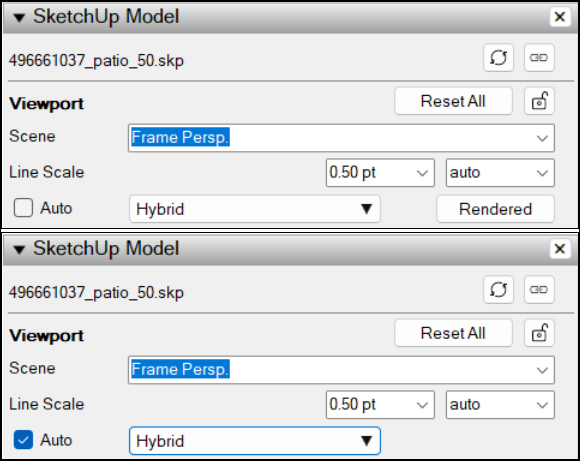
Select Auto to have LayOut render all model entities as you make changes. If Auto is not selected, Render appears. Click Render to update your SketchUp model. When all changes are rendered, the option reads Rendered.
Choose a rendering mode from the dropdown:
- Vector displays and outputs all lines, faces and text in vector format. It produces crisp, scalable linework, but some textures do not display. Complex models can take longer to render.
- Raster displays and outputs all lines, faces and text in a pixel-based format. Your model looks as it does in SketchUp, but this mode can slow down LayOut.
- Hybrid combines vector and raster modes for the benefits of both. Changes take longer to render.